We remain fully operational. Our teams are working around the clock to ensure your deliveries continue safely.

DOWNLOAD THE APP


Customer Services
Copyright © 2025 Desertcart Holdings Limited
DOWNLOAD THE APP
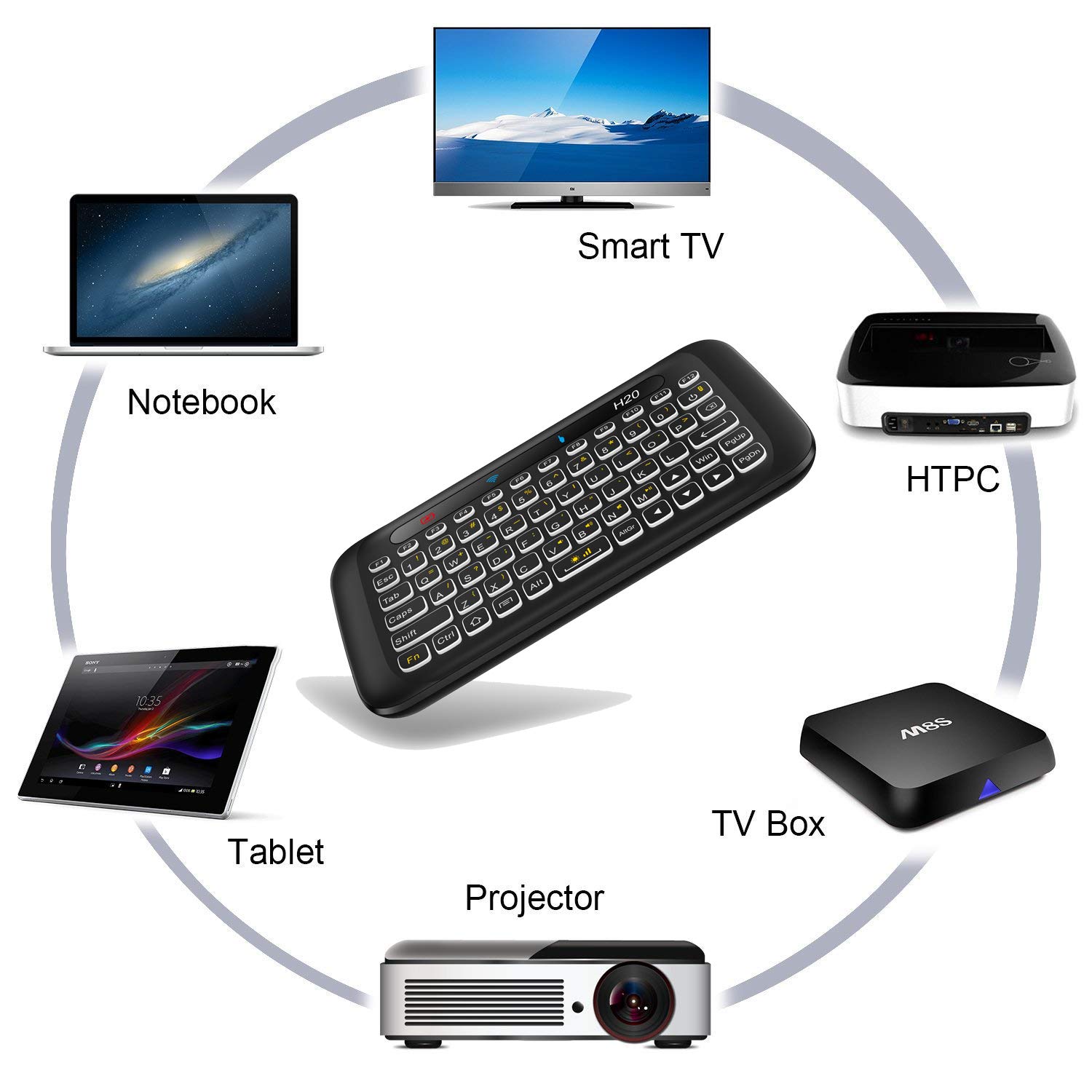


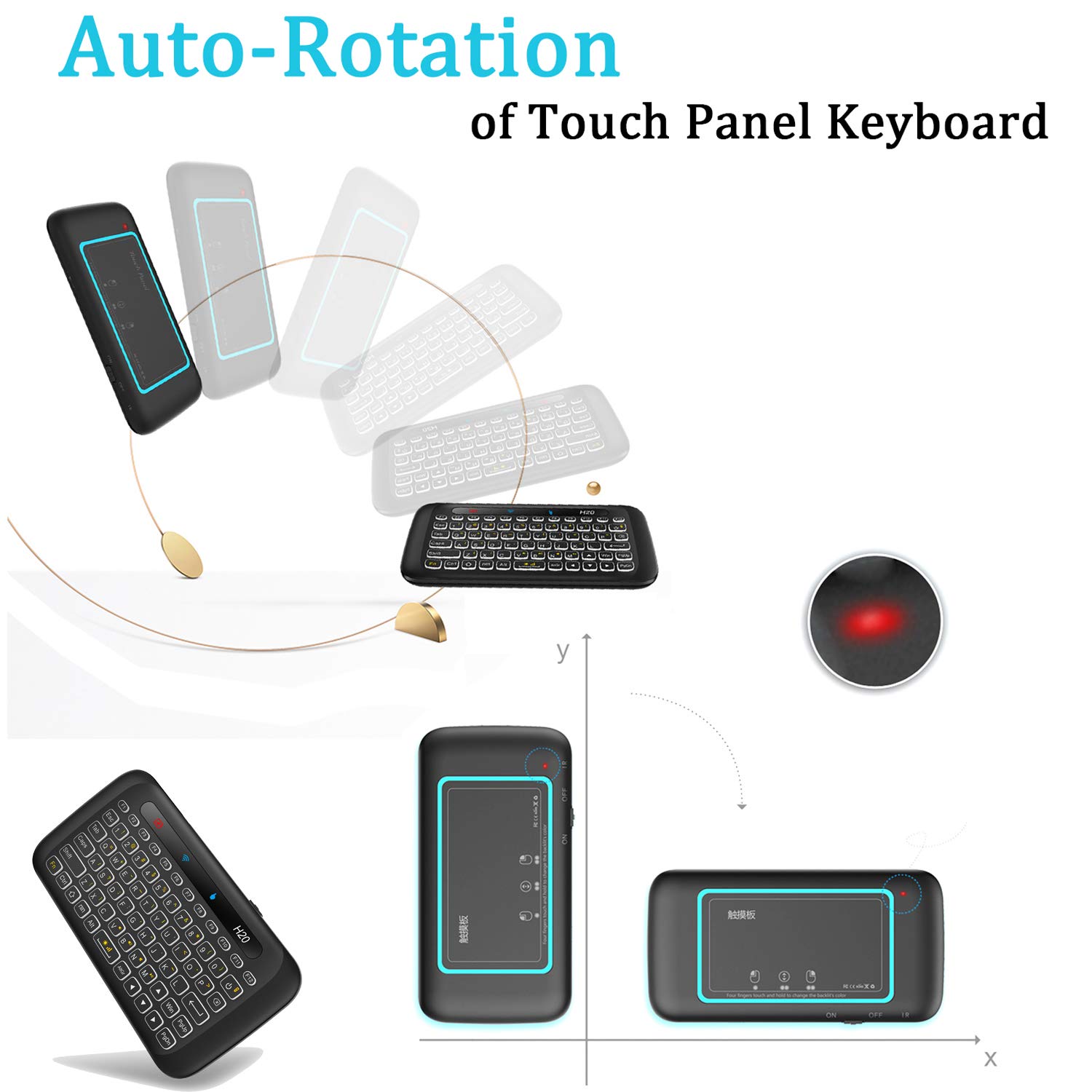

🎮 Control your digital domain with style and ease—never miss a beat!
The ILEBYGO 2.4GHz H20 Mini Wireless Keyboard and Touchpad Combo offers a compact, rechargeable solution with a 7-color adjustable backlit keyboard and an auto-rotating touch panel. Designed for seamless control of Android TV boxes, PCs, and HTPCs, it delivers reliable wireless connectivity and intuitive navigation in a sleek handheld form factor.










| ASIN | B07BQW37WX |
| Batteries | 1 AAA batteries required. (included) |
| Best Sellers Rank | #1,318 in Computer Keyboard & Mouse Combos |
| Customer Reviews | 4.1 4.1 out of 5 stars (2,251) |
| Date First Available | November 20, 2017 |
| Is Discontinued By Manufacturer | No |
| Item Weight | 3.28 ounces |
| Item model number | Computer Keyboard & Mouse Combos |
| Manufacturer | ILEBYGOShenzhen Haojiehua Technology Co., Ltd. |
| Product Dimensions | 5.71 x 2.95 x 0.53 inches |
M**K
Performs it's job well, without unneeded bells and whistles.
Exactly what I was looking for. I tend to switch my computer's display over to my TV when streaming shows, or playing certain games. In both situations, any need to switch between windows previously required getting up and heading over to my mouse and keyboard. This exactly fills that gap without being excessive. A few points; whether you consider them pros or come are up to you. Personally, there are very few gripes I have with this device 1: The materials used are clearly inexpensive. That is not to say that it feels cheap, as I don't think it does -- but every element is a plastic of some sort. It's light, without feeling fragile. The keyboard graphic is printed/etched into the interface. Whether it's above, or below, I'm uncertain. There is NOT a screen with any sort of display, here. 2: The backlight's three brightness settings are adequate. The dimmest setting is inoffensive but present in low-light, and the brightest setting (as is featured in the second attached image) is clearly bright enough to do its job in a bright room. 3: The "mouse" function has surprisingly precise tracking. My main worries with this product was going to be an inaccurate/fickle touchpad, but both the mouse and the keyboard have registered any input as it should, where it should. The only issue I take with the touchpad function is that the plastic "screen" is glass-smooth, so your fingertips will build up friction pretty quick, which can make heavy mouse use a little bothersome. I plan to get around this by finding an approximately-sized tempered glass overlay like one would use on their phone, and attempt to attach it. I'll update if that works, but it's just a thought. 3: It refers to the input "report" as a "buzzer." This is technically correct, but it isn't some obnoxious buzzing noise, much to my relief. It's a brief, concise tone, which can be silenced if needed. 4: The gestures function well, and are a great help when it comes to navigating a windows interface. 5: I have not experienced any issues with signal interference, but I am tech-savvy, and my home setup is purposefully optimized to negate that kind of thing in the first place. People with heavier signal saturation in their area of use will have better input on it's reliability, there. All in all, I am very pleased with this product. It's intuitive enough to use without needing to pore over the instructions - but if you do, said instructions are concise, sufficient, and legible. Any flawed writing within (in English -- I can't speak for any other contained translations) is at a minimum.
J**D
Great little remote for an HTPC!
I needed something to control a micro-PC* connected to a wall-mounted TV, and this fit the bill nicely. It's a 2-in-1 keyboard and trackpad, and even though you have to switch between the two with a button, it becomes second nature pretty quickly. Works perfect for bringing up a browser window and navigating Youtube, YoutubeTV, Netflix, etc. I haven't had any connectivity issues with the TV about 6 feet away and the PC mounted behind the screen. The only drawbacks are pretty minor — the whole thing is plastic, including the touchpad. After using glass touchscreens for so many years, this feels like a kids' toy. It's also really lightweight, which gives it a cheap, toy-like feeling. But like I said...very minor stuff. *(I prefer Windows PCs to Rokus, Chromecasts, etc because they're easier to navigate and you can block ads :)
O**2
Need a lit mini keyboard that doubles as a touckpad? I got you covered.
After using this item for a few months, I thought I would do a review of it. I do like the idea of having a keyboard/touchpad combo. In practice, there are some quibbles with it. 1. the touchpad can be a bit touchy.... If two fingers are close to the pad, it will register as a pinch, and decrease the size of the browser window. This could just be an issue with Chrome, I am not sure. 2. Sometimes it does not accept a double tap to the pad. Not really a big issue since it does have two mouse buttons. 3. Volume control buttons on the side of this unit is a nice touch, but I think it is a redundant fetcher. 4. Having a mic would be nice, but not a deal breaker 5. Not easy to use one handed, unless you are setting this on something, like your knee. The good 1. Button that switches between touchpad, and keyboard. 2. Keyboard is easy to read. 3. Has separate buttons for the mouse functions. Overall, this is a nice device for what I use it for which is a PC hooked to my tv for streaming videos.
P**A
Very small and charging backupis not good l buy it on august 23 and then l use it two days then it is not working
S**.
Excellent product! Works on Google tv connected via a usb hub
Trustpilot
1 month ago
2 months ago