Desert Online General Trading LLC
Dubai, United Arab Emirates
Desert Online General Trading LLC
Dubai, United Arab Emirates




🚀 Power Meets Precision: Own the Future of Work Today
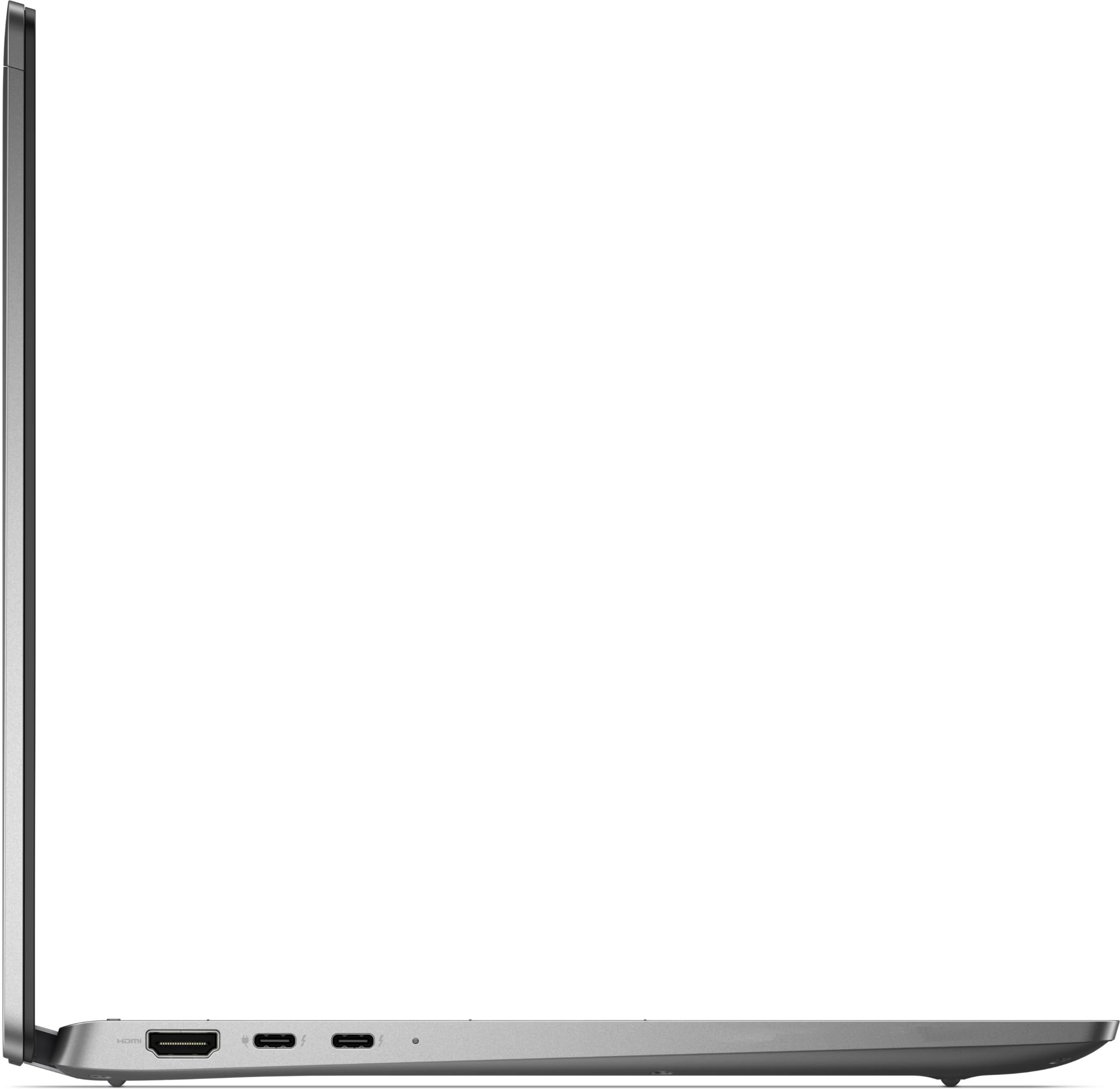
The Dell Latitude 7440 is a premium 14-inch touchscreen laptop featuring a 13th Gen Intel i7-1365U deca-core processor, 16GB LPDDR5 RAM, and a 512GB PCIe NVMe SSD for high-speed performance. It offers a sharp 1920x1200 IPS display, advanced connectivity with Wi-Fi 6E, Bluetooth 5.3, and dual Thunderbolt 4 ports, plus enhanced security via fingerprint authentication. Designed in sleek Titan Gray with a backlit keyboard, it runs Windows 11 Pro, making it an ideal choice for professionals demanding power, portability, and style.
| Standing screen display size | 14 Inches |
| Screen Resolution | 1920 x 1200 pixels |
| Max Screen Resolution | 1920 x 1200 pixels |
| Processor | 1.8 GHz core_i7 |
| RAM | 16 GB Onboard ONLY |
| Hard Drive | 512 GB 512GB NVMe SSD |
| Graphics Coprocessor | Intel Iris Xe Graphics |
| Chipset Brand | Intel |
| Card Description | Integrated |
| Wireless Type | Bluetooth |
| Brand | Dell |
| Series | Latitude 14 |
| Item model number | 7440 |
| Operating System | Windows 11 Pro |
| Product Dimensions | 8.77 x 12.32 x 0.67 inches |
| Item Dimensions LxWxH | 8.77 x 12.32 x 0.67 inches |
| Color | Titan Gray |
| Processor Brand | Intel |
| Computer Memory Type | SDRAM |
| Flash Memory Size | 512 GB |
| Hard Drive Interface | PCIe |
| Optical Drive Type | No Optical Drive |
R**R
Worst FAn NOise Ever. Like crushed glass gently rubbed into my ears all day long.
My employer provided me this brand new. core i7 fully loaded. I hate the fan noise, worst ergonomic sound ever. It's like have crushed glass rubbed into my ears all day. It's fine when I'm using it in an annoyingly loud office but in a quite house where you can really hear the fan harmonics it its infuriating!!! (I'm 54 years old, I can't imagine how awful this would have been 30 years ago when my ears were excellent) I've been fighting with this for over a year. I've installed all the BIOS updates and nothing has helped. I've taken to setting the min processor state to 10% or less.I Solved the problem by disabling the lap-top lid switch and just putting the lap-top under my desk. I use an external monitor so I just don't use the lap-top screen at all. Hiding under the desk attenuates the ghastly fan noise.
E**D
Very nice service and product
All very nice.
Trustpilot
1 month ago
2 months ago