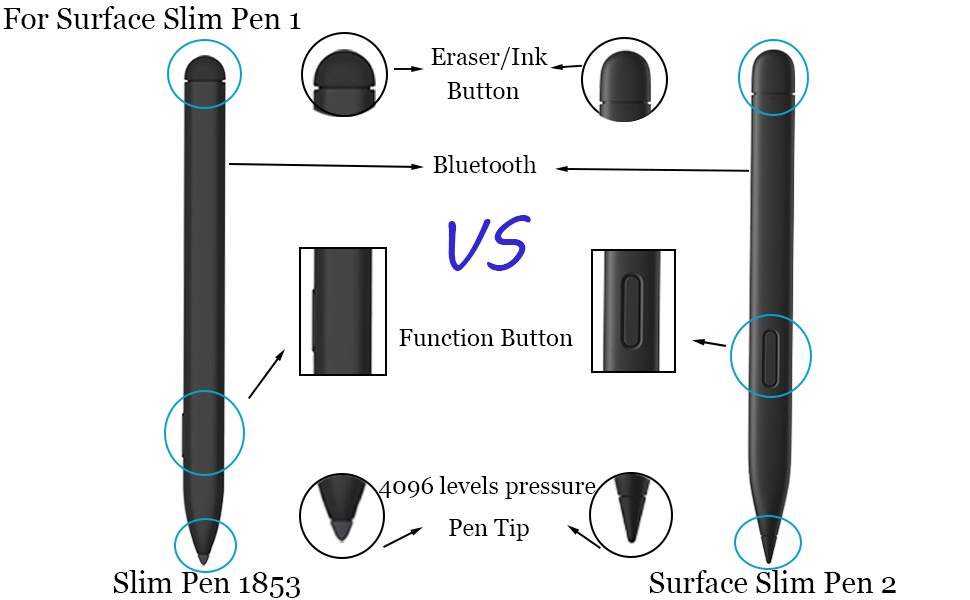
🖋️ Elevate your Surface experience—write, erase, and create like a pro!
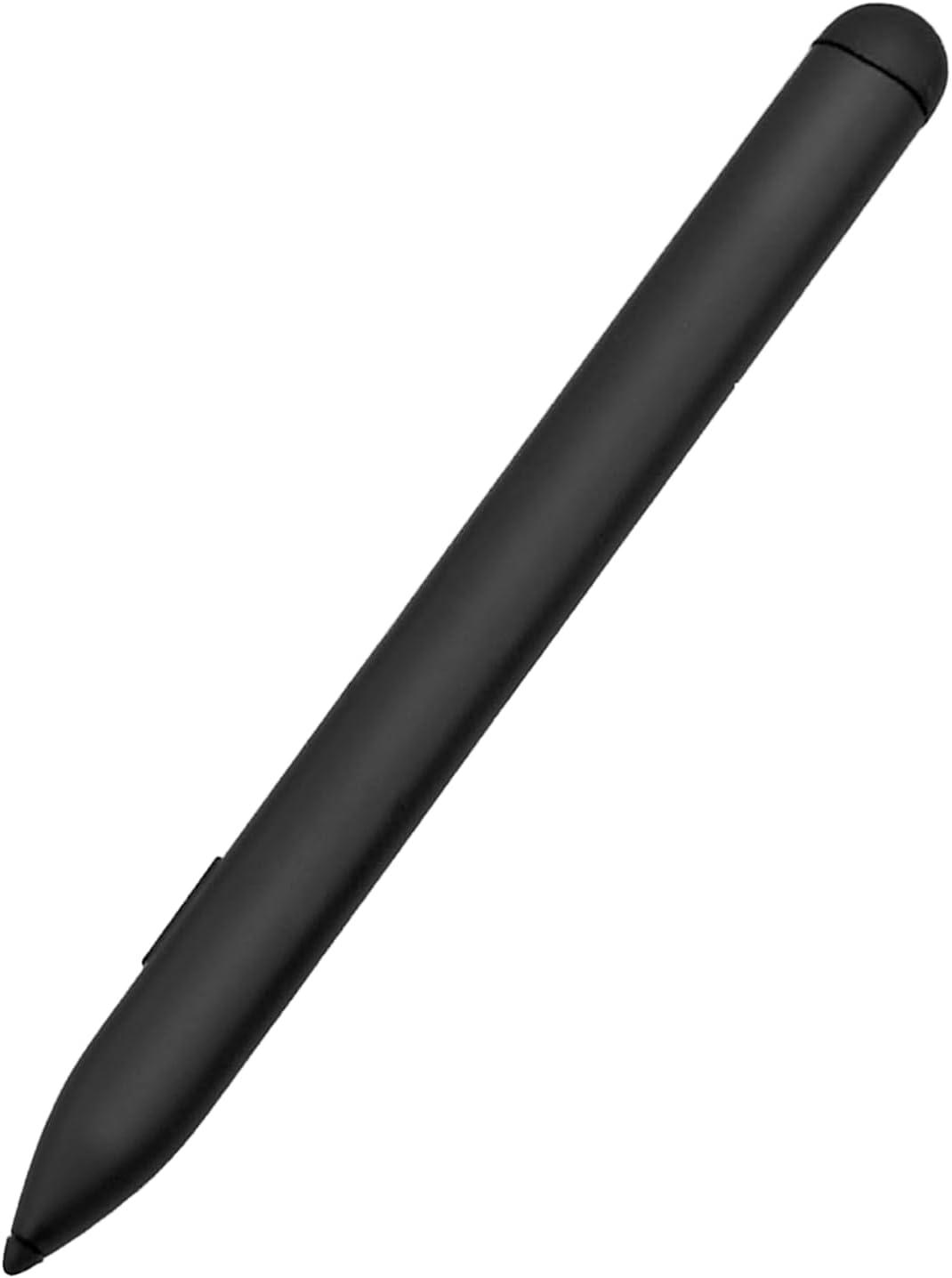
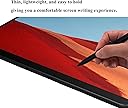
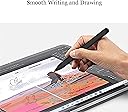
This Slim Pen with Tail Eraser is a lightweight, aluminum-alloy stylus compatible with a wide range of Microsoft Surface devices. Featuring 4096 pressure sensitivity levels, a fast 30-minute charge, and a 180-day standby battery life, it offers precise control and long-lasting performance. The Bluetooth shortcut button enhances productivity with customizable commands, while the ergonomic design and integrated eraser ensure seamless, professional-grade digital writing and drawing.


| ASIN | B0C69CM19F |
| Are Batteries Included | Yes |
| Are Batteries Required | Yes |
| Battery Average Life Standby | 180 days |
| Battery Description | Lithium-Ion |
| Best Sellers Rank | #680,117 in Cell Phones & Accessories ( See Top 100 in Cell Phones & Accessories ) #8,808 in Styluses |
| Brand | Mingxiong |
| Charging Time | 30 minutes |
| Color | Black |
| Compatible Devices | Microsoft Surface Duo/ Duo 2, Microsoft Surface Laptop Studio 1/2, Microsoft Surface Pro 10, Surface Pro 9, Surface Pro 8, Microsoft Surface Pro X |
| Compatible Tablet Computer Models | Microsoft Surface Duo, Microsoft Surface Go, Microsoft Surface Pro 10, Microsoft Surface Pro 3, Microsoft Surface Pro 4, Microsoft Surface Pro 5, Microsoft Surface Pro 6, Microsoft Surface Pro 7, Microsoft Surface Pro 7+, Microsoft Surface Pro 8, Microsoft Surface Pro 9, Microsoft Surface Pro X |
| Customer Reviews | 2.1 out of 5 stars 3 Reviews |
| Enclosure Material | Plastic |
| Item Weight | 55 Grams |
| Manufacturer | Mingxiong |
| Material | Plastic |
| Mfr Part Number | LLL-00001 |
| Model Number | 1853 LLL-00001 |
| Number of Batteries | 1 Lithium Metal batteries required. (included) |
| Unit Count | 1.0 Count |
| Warranty Description | 3 Months |
M**E
Did not work
Mine seems to not work out of the box. Would not pair with my Surface Pro 8. No LED light would come on. No documentation in box or online so used method to pair my Surface Pro 8 with a Microsoft slim pen. Still no luck. caveat emptor
E**W
**Sleek Pen, Slick Writing—But Not Without Some Bumps**
This slim pen is like a magic wand for Microsoft Surface users. At $40, it feels like a steal for something that writes so smoothly, you'll swear you're jotting down ideas on air. The compatibility is chef's kiss—Pro 10, Laptop Studio, Duo, you name it, this pen is game. And that tail eraser? A genius touch. It makes fixing mistakes feel fancy, not like you're back in third grade. But here's the tea: the pen’s slim design, while sleek, can be a bit slippery. If you’re prone to butterfingers like me, you might drop it as much as you use it. Plus, finding replacement tips feels like a side quest no one asked for. Still, it’s great for scribblers and note-takers. Just keep a steady grip—and maybe don’t lose the box it came in!
M**Y
Surface Duo 2 - out of box won't work
I have a Microsoft Surface Duo 2 device, nothing will happen with the pen out of the box with it, and there is no way to charge it with the basic Duo 2 (unless one has the very hard to find Pen Charging Cover) and then the other only way with just having that device in the Surface family is to get the separate slim pen 2 charging cradle. I don't have one right now, will get one eventually, maybe, but not sure if this slimpen 2 will work since out of the box it doesn't do a thing for me. 1 Star rating since I can't do a thing to verify it works without spending (at this time) $31.99 which seems a bit too risky for my situation. 1-Star - Slim Pen with Tail Easer Compatible with Microsoft Surface Slim Pen 2
Trustpilot
2 months ago
5 days ago