


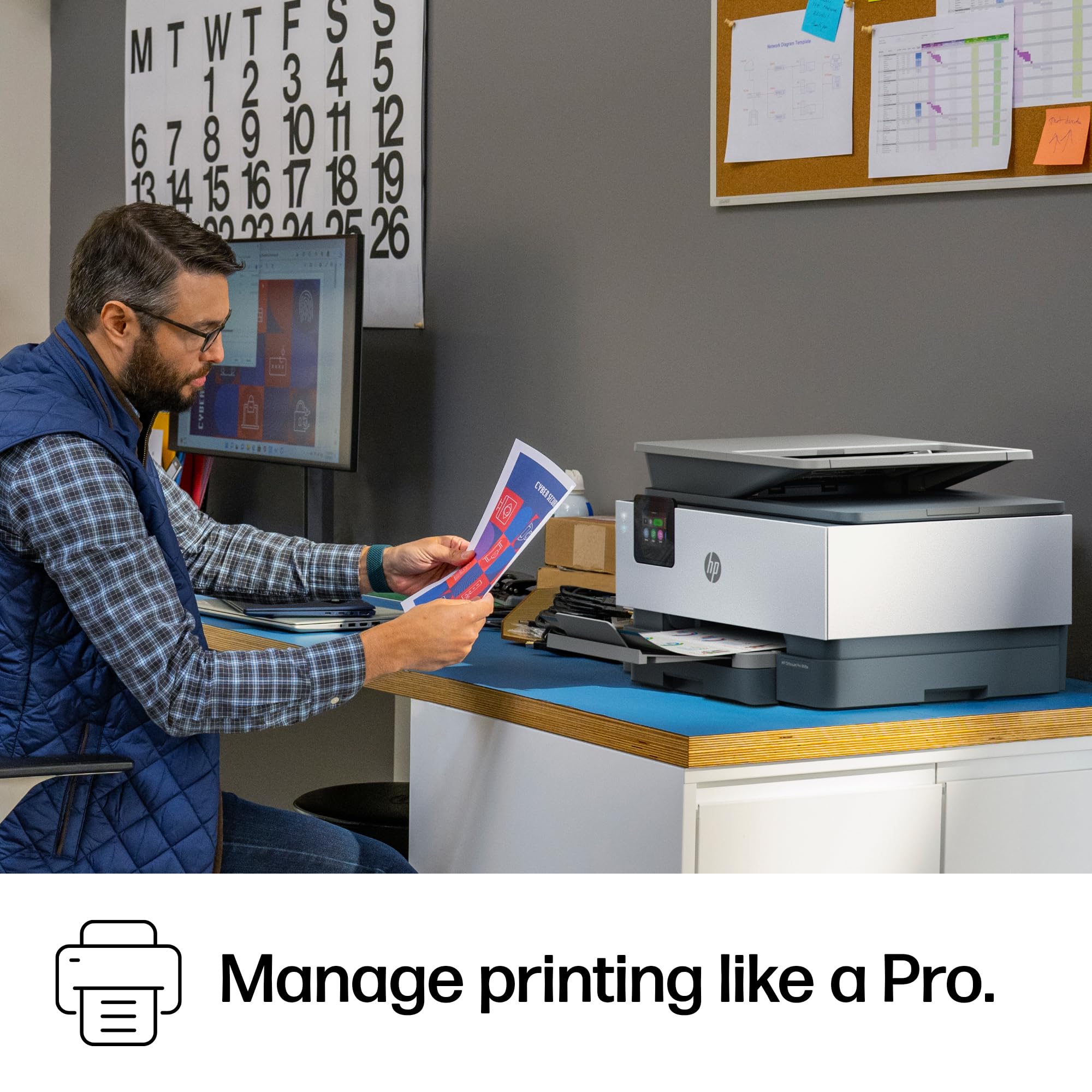

🚀 Elevate your office game with smart, secure, and speedy printing!
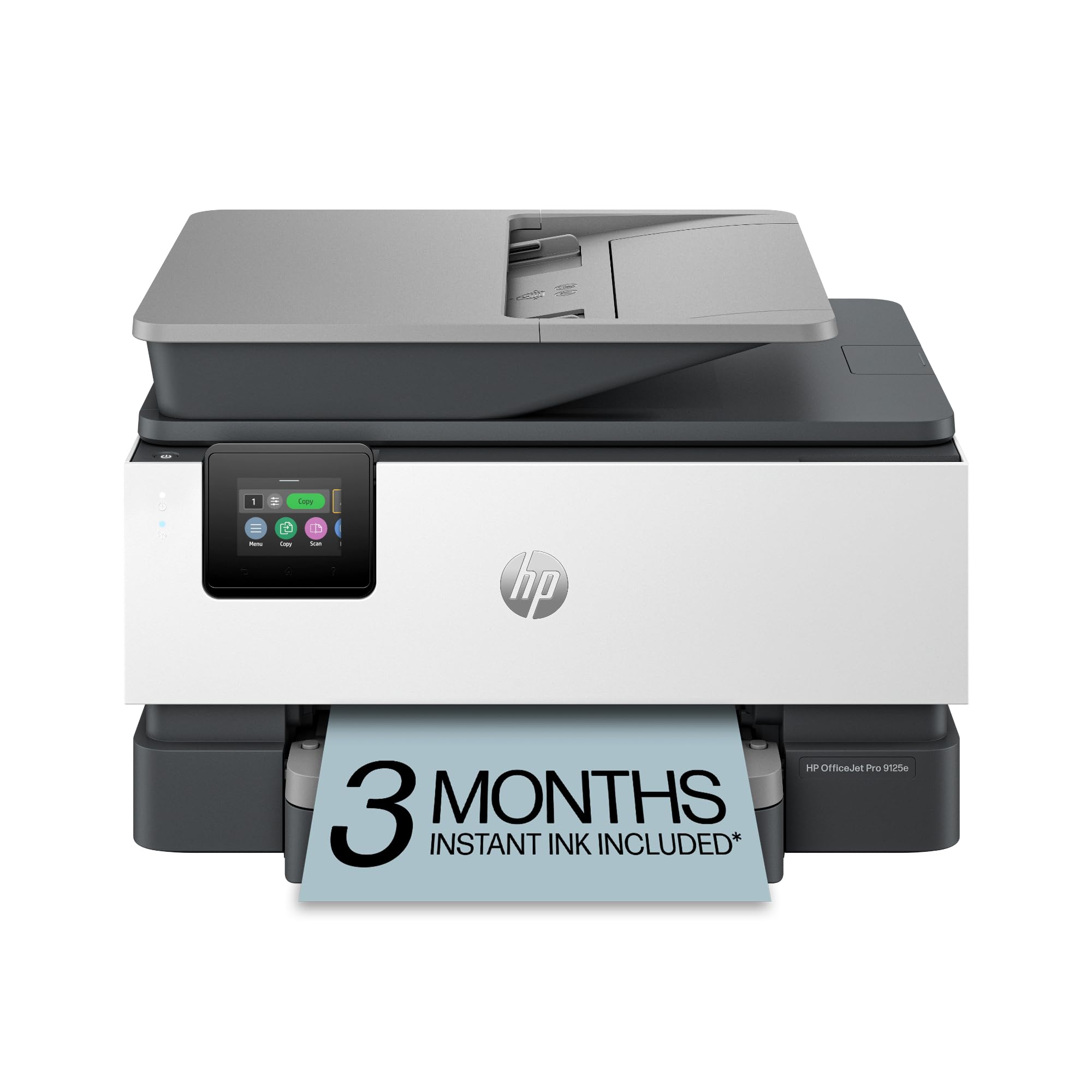
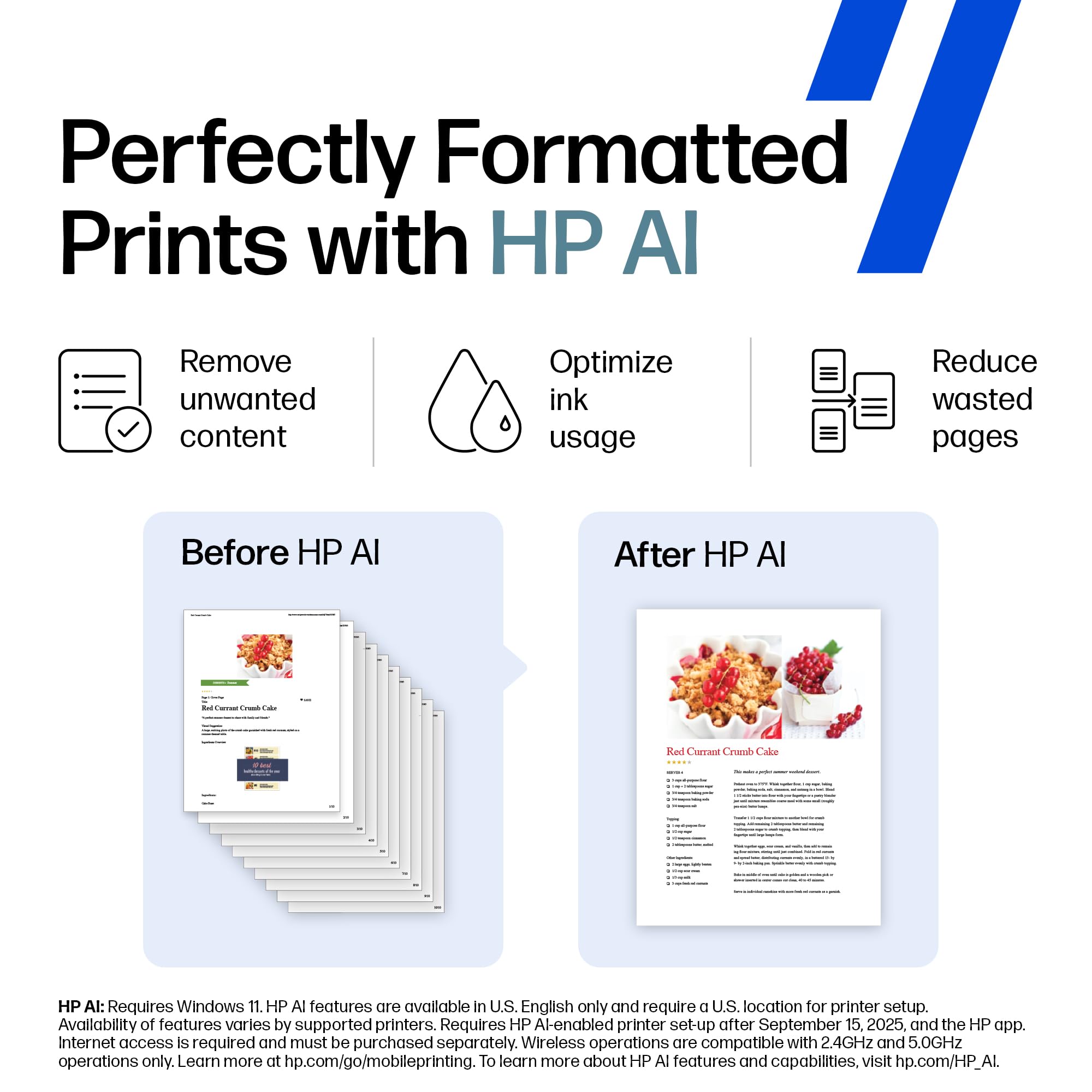
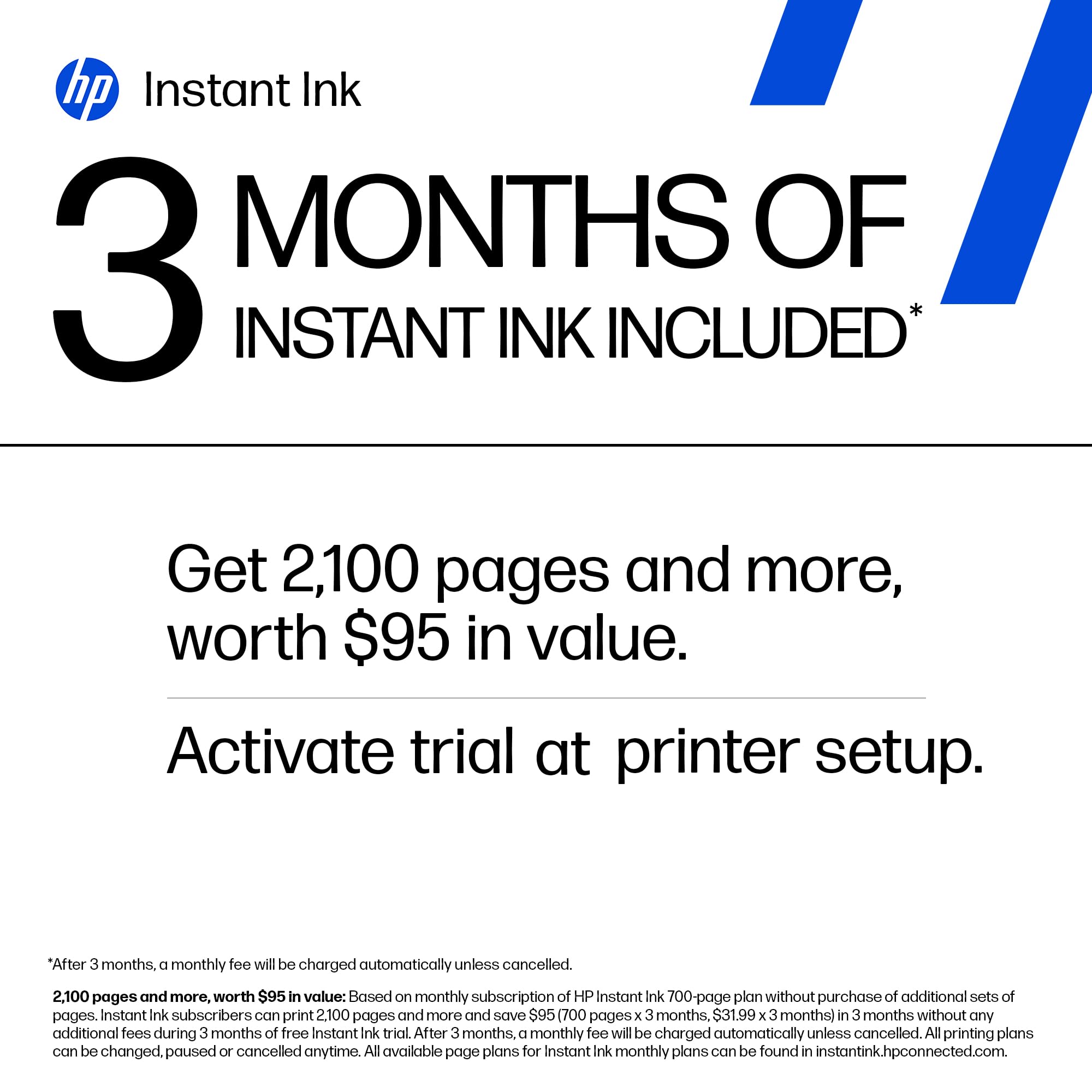
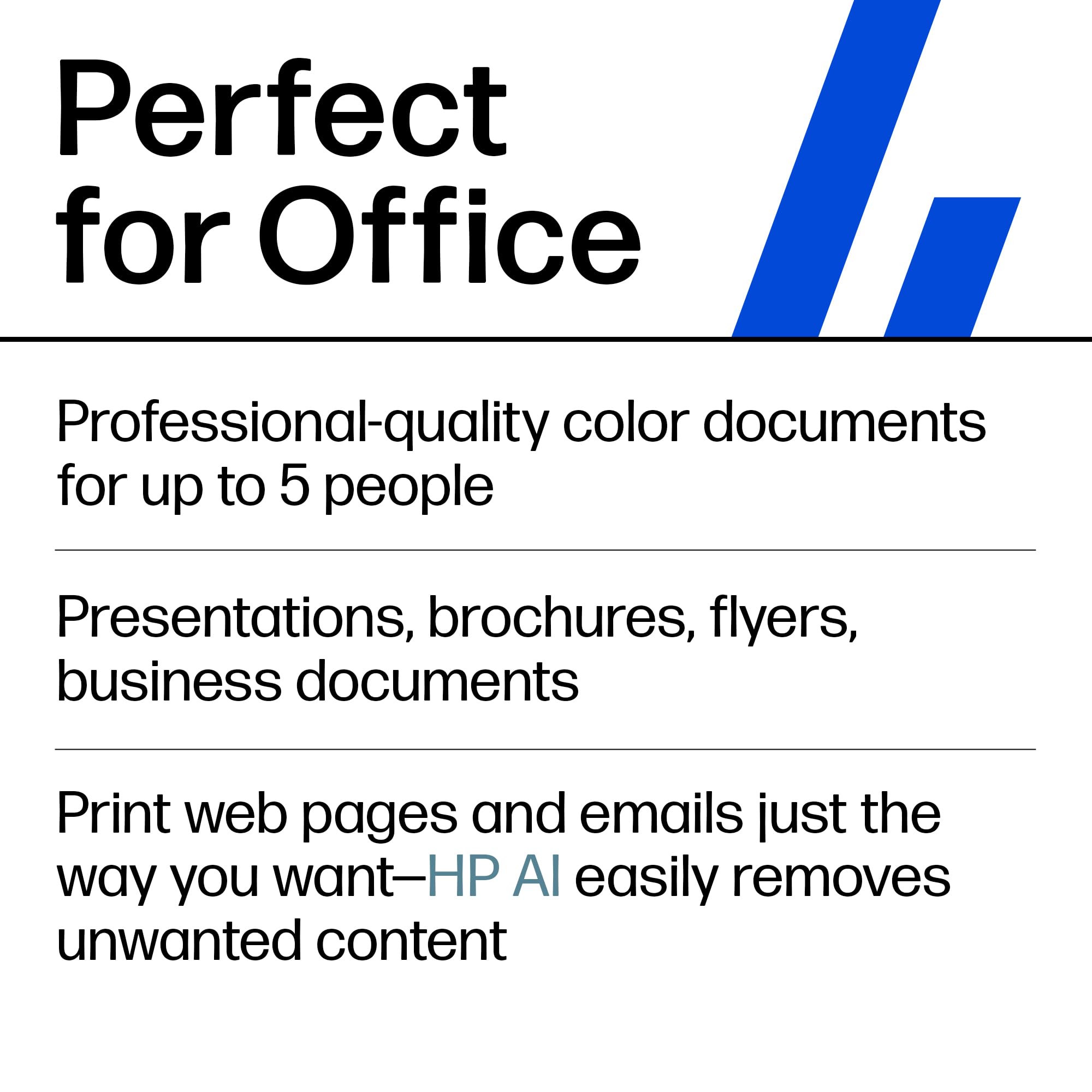
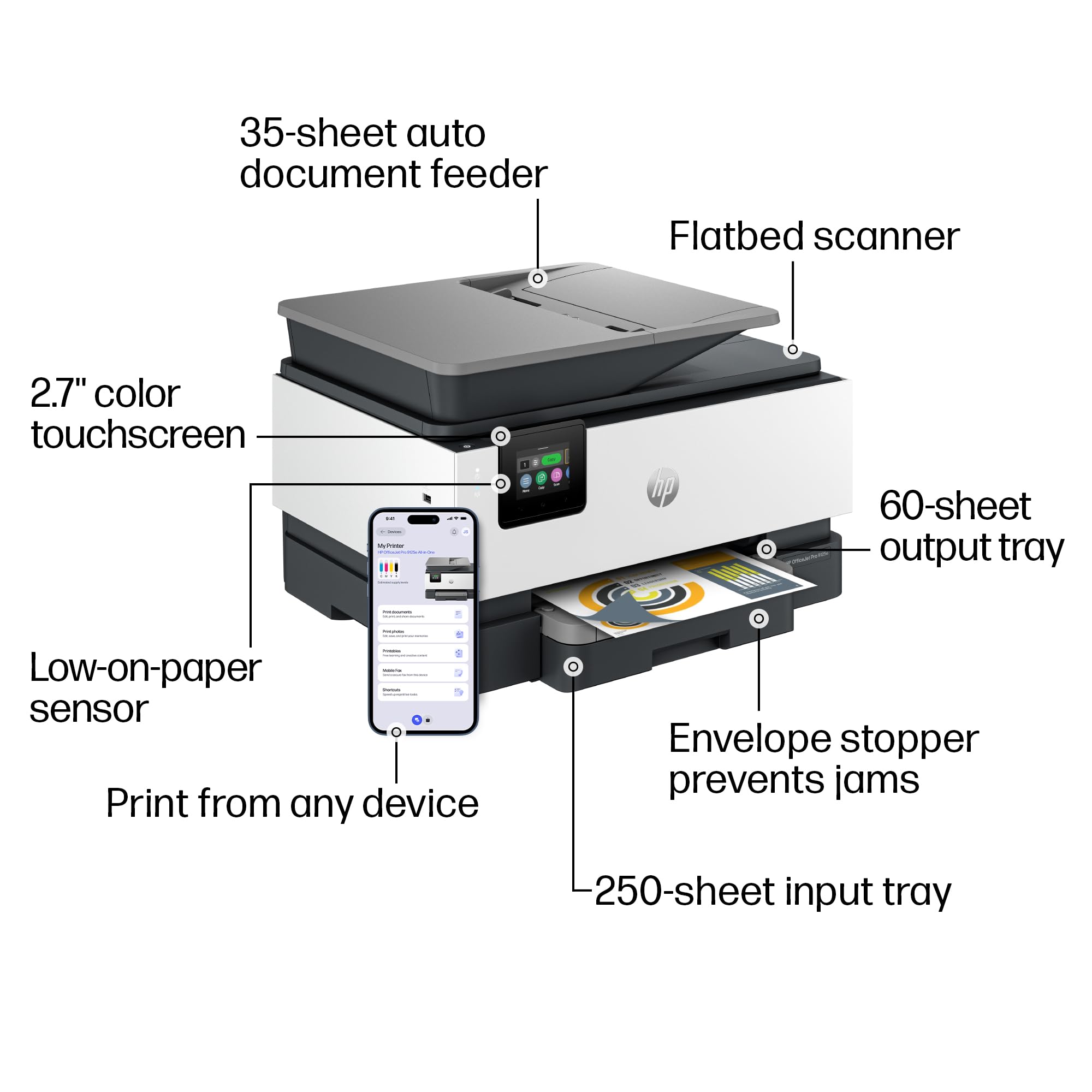
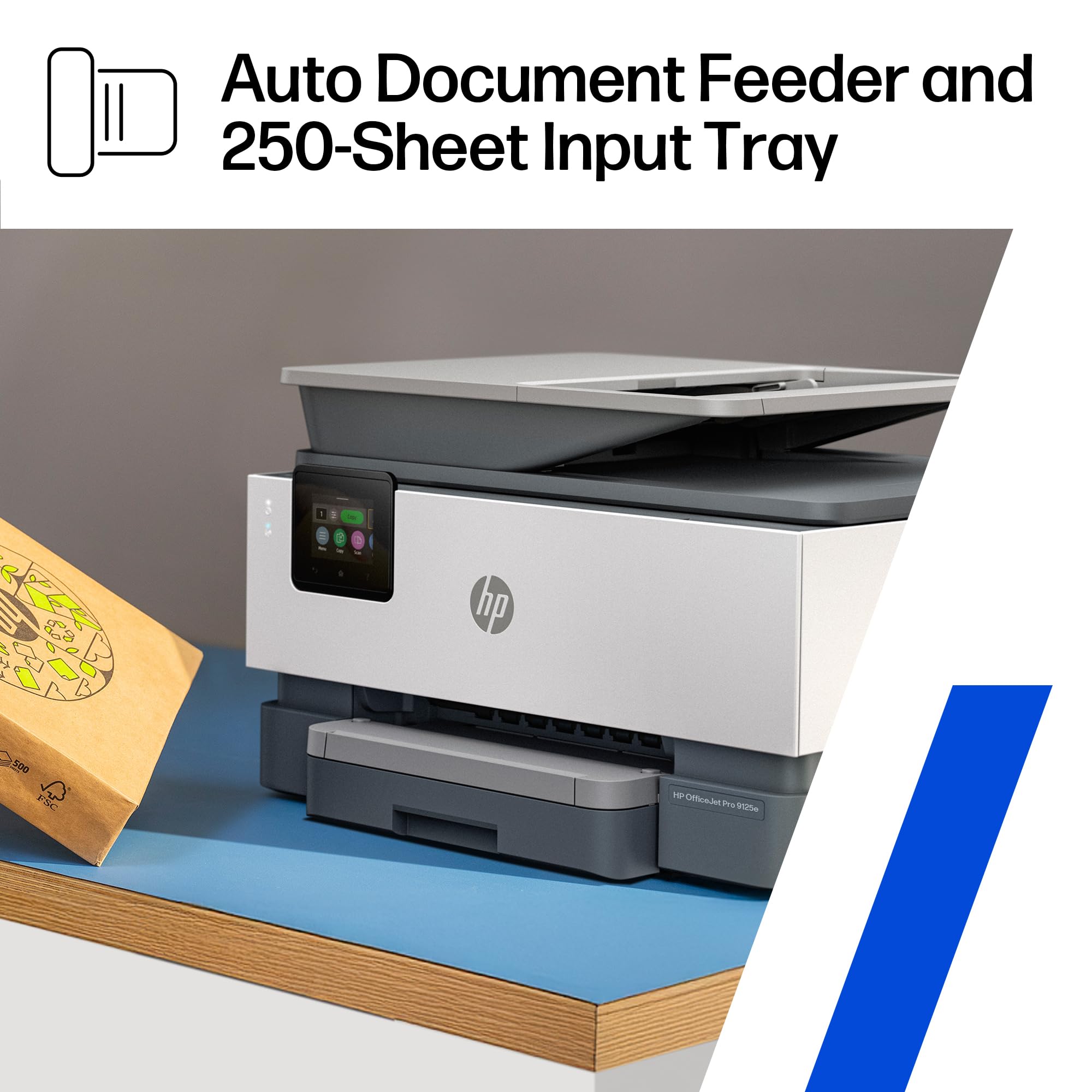
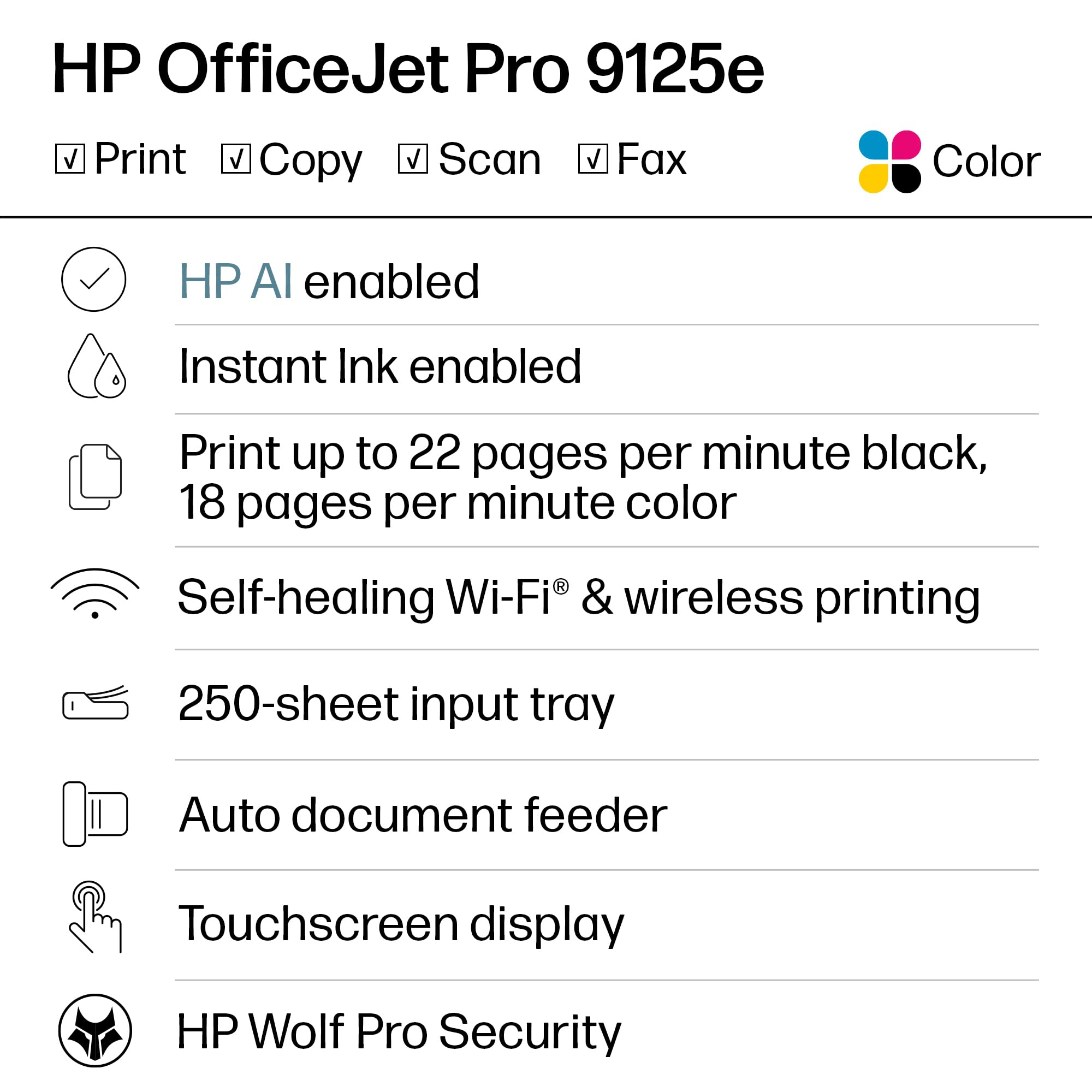
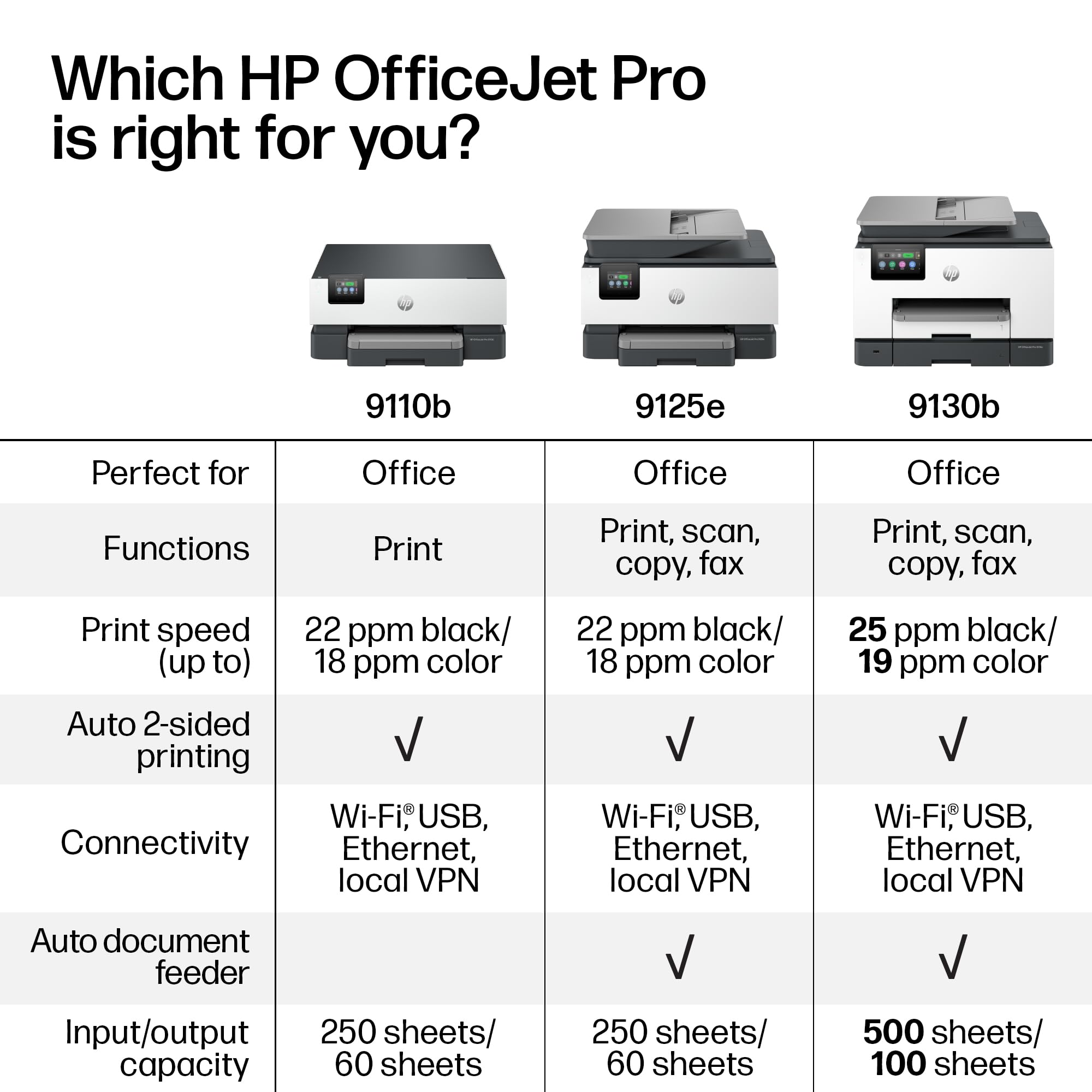
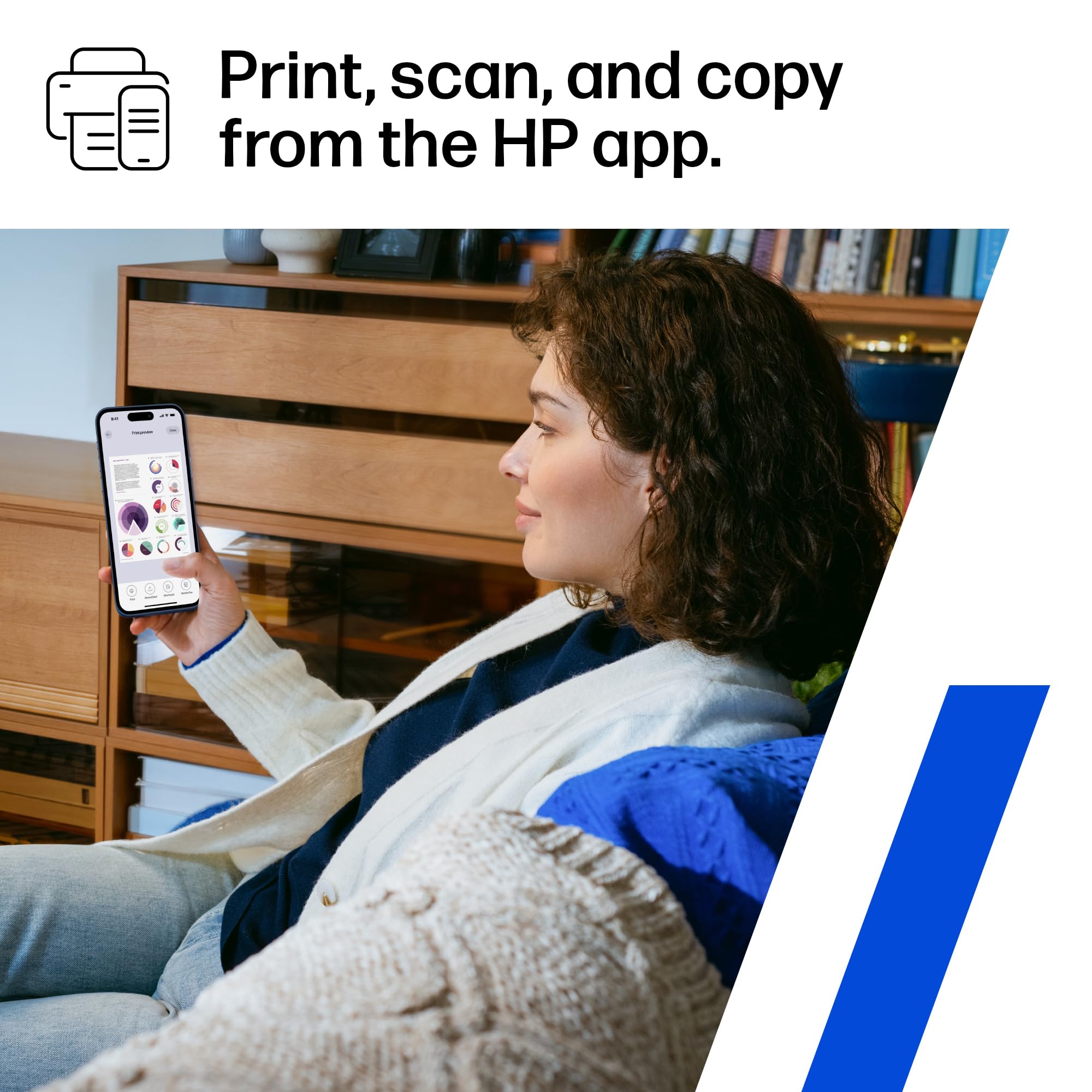
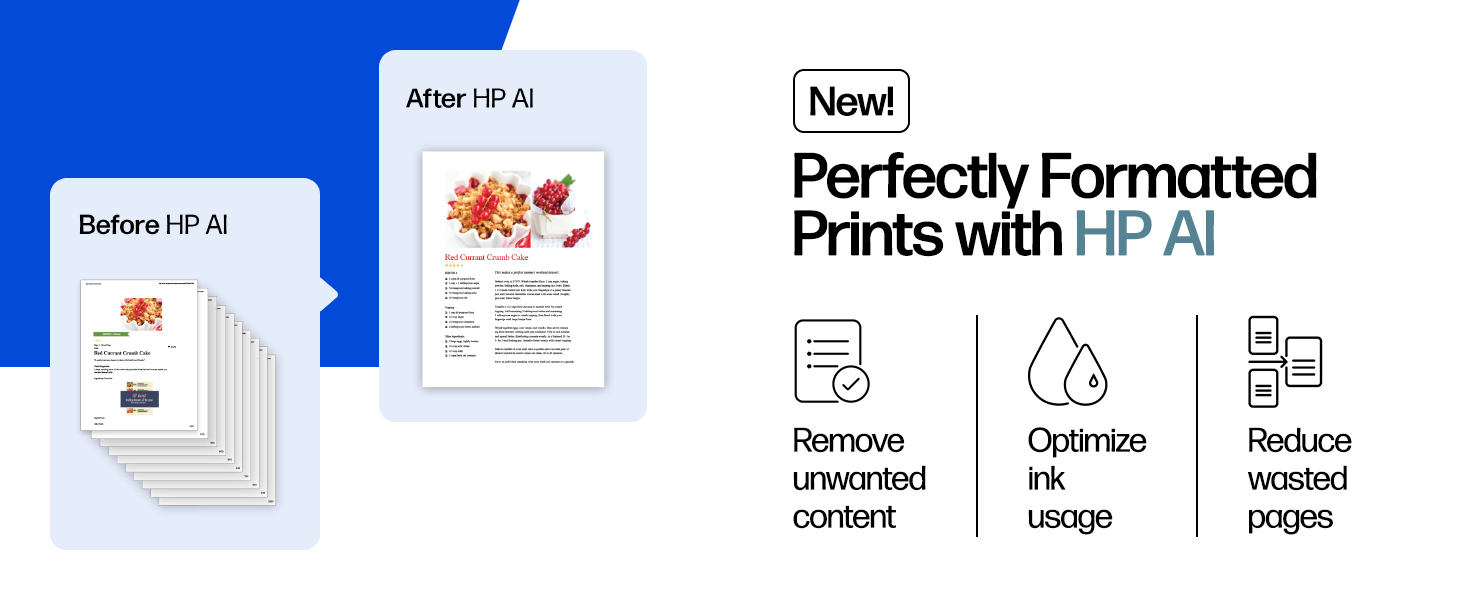
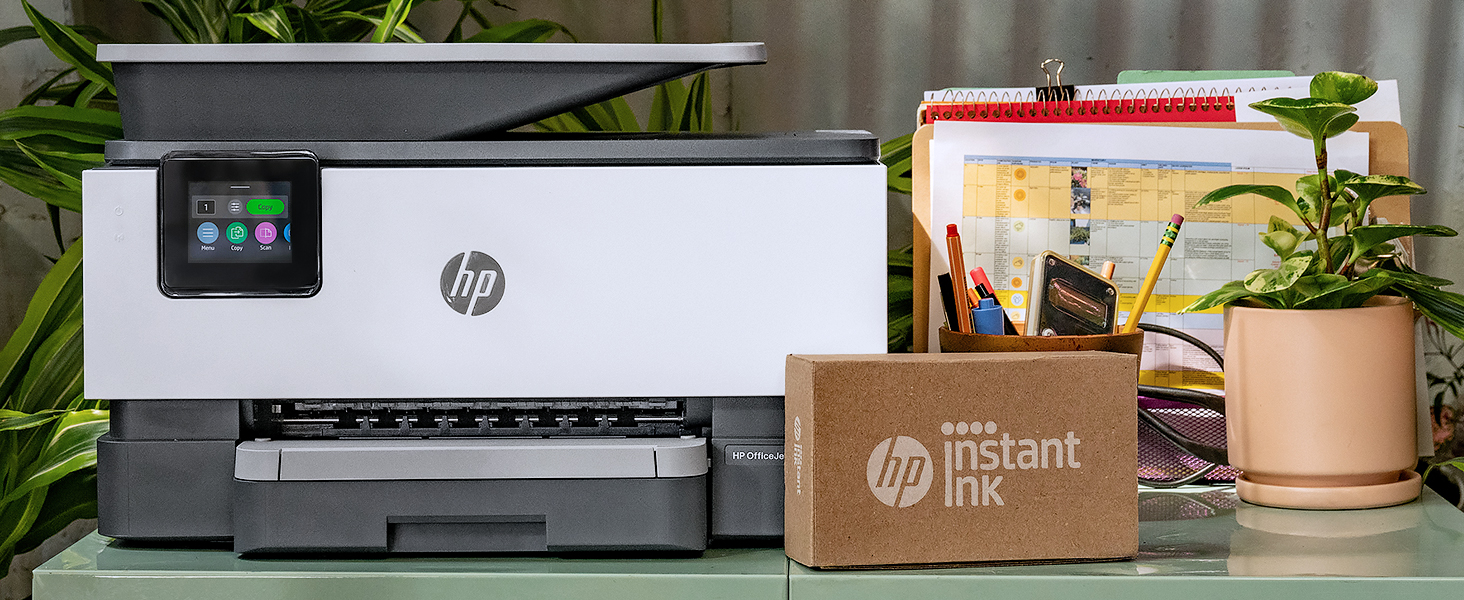
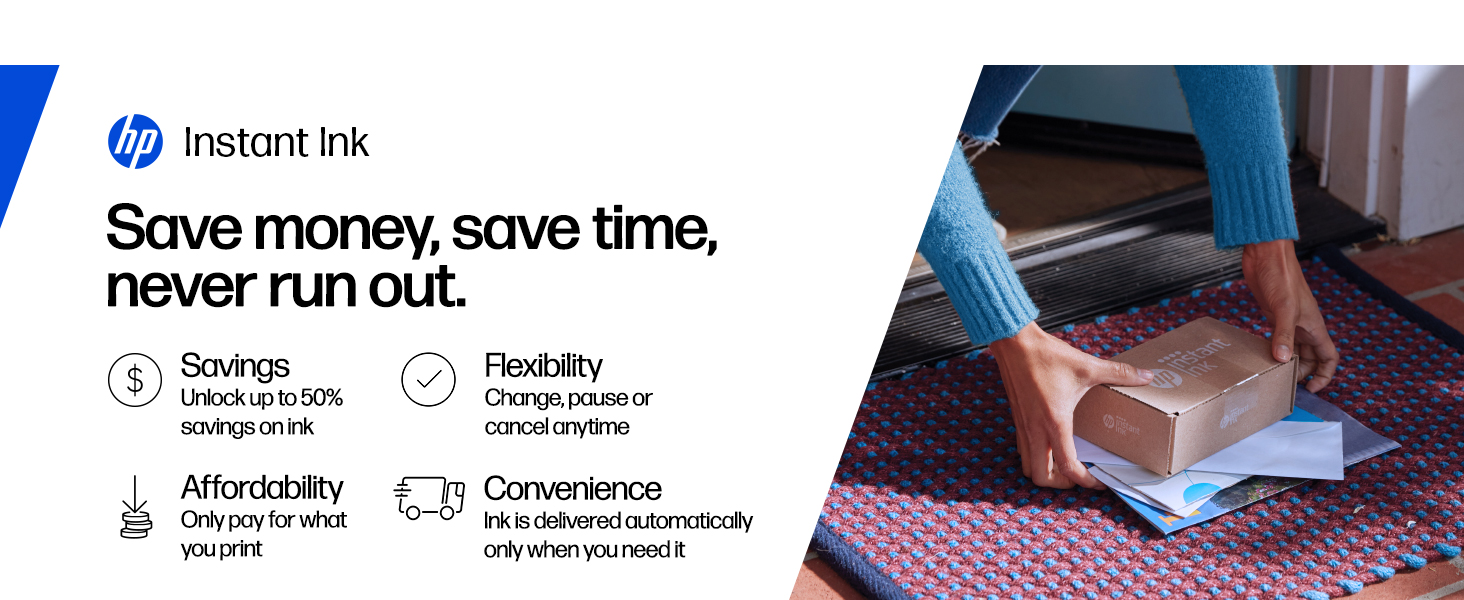
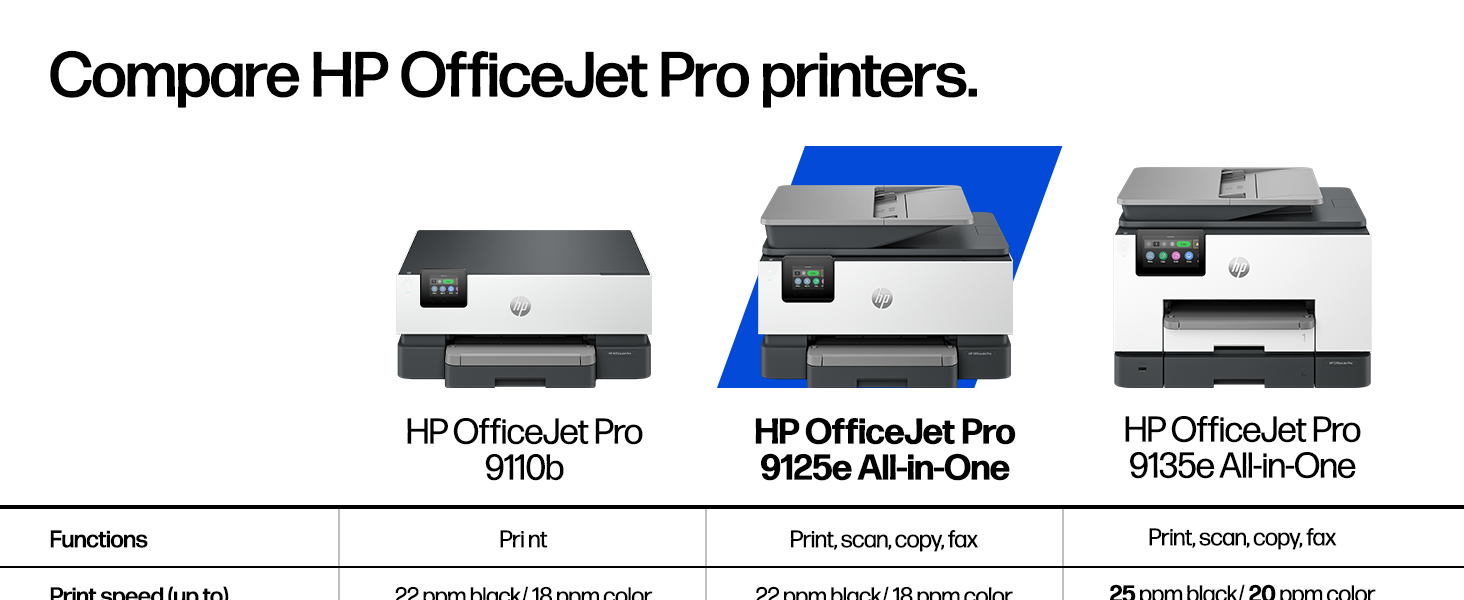
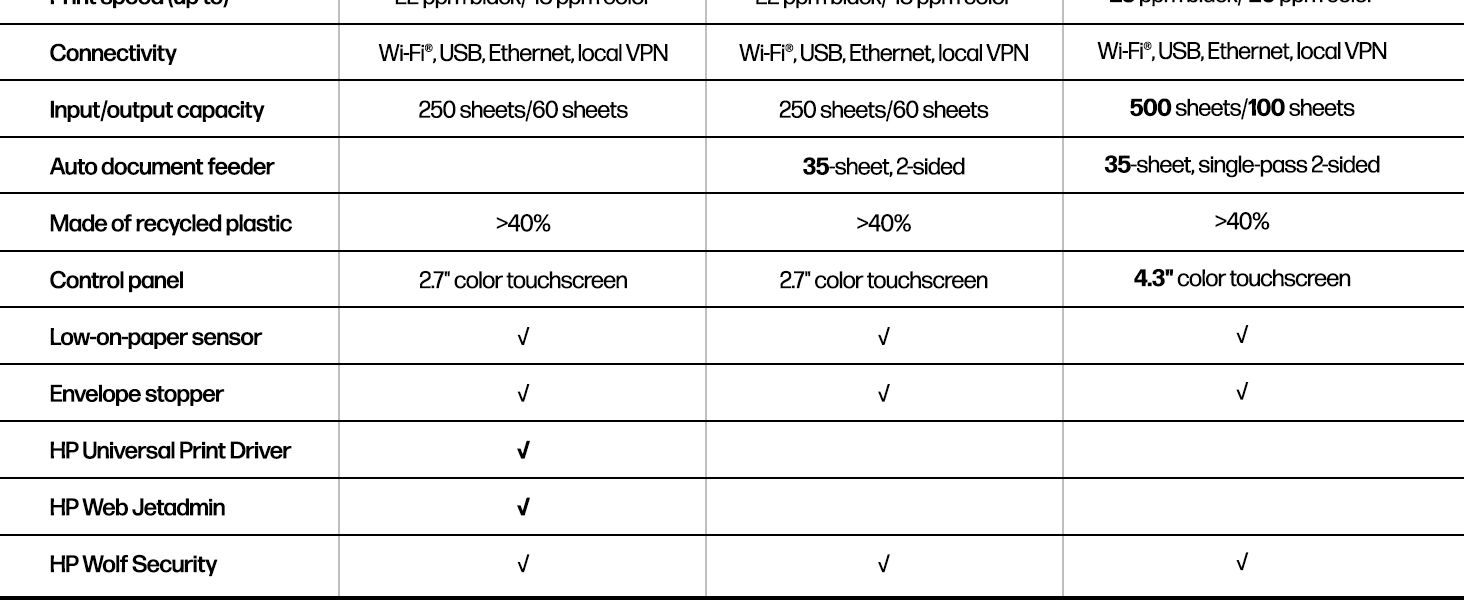
The OfficeJet Pro 9125e is a professional-grade wireless all-in-one inkjet printer designed for busy offices. It delivers sharp color and black-and-white prints at up to 18 and 22 pages per minute, respectively, with AI-enhanced formatting to reduce waste. Featuring duplex printing, a 250-sheet input tray, a 2.7-inch touchscreen, and seamless mobile app control, it ensures efficient multi-function use. Enhanced security with HP Wolf Pro protects your data, while a 3-month Instant Ink trial keeps you stocked effortlessly. Crafted with sustainability in mind, it contains over 40% recycled plastic.


| ASIN | B0CFM82NS2 |
| Additional Printer functions | All In One |
| Best Sellers Rank | #1,107 in Office Products ( See Top 100 in Office Products ) #9 in Inkjet Computer Printers |
| Color Depth | 24 Bits |
| Compatible Cartridge | HP Instant Ink Compatible Cartridges |
| Compatible Devices | Laptops, PC, Smartphones |
| Control Method | App |
| Controller Type | Android |
| Customer Reviews | 3.6 3.6 out of 5 stars (3,077) |
| Date First Available | January 12, 2024 |
| Dual-sided printing | Yes |
| Duplex | Automatic |
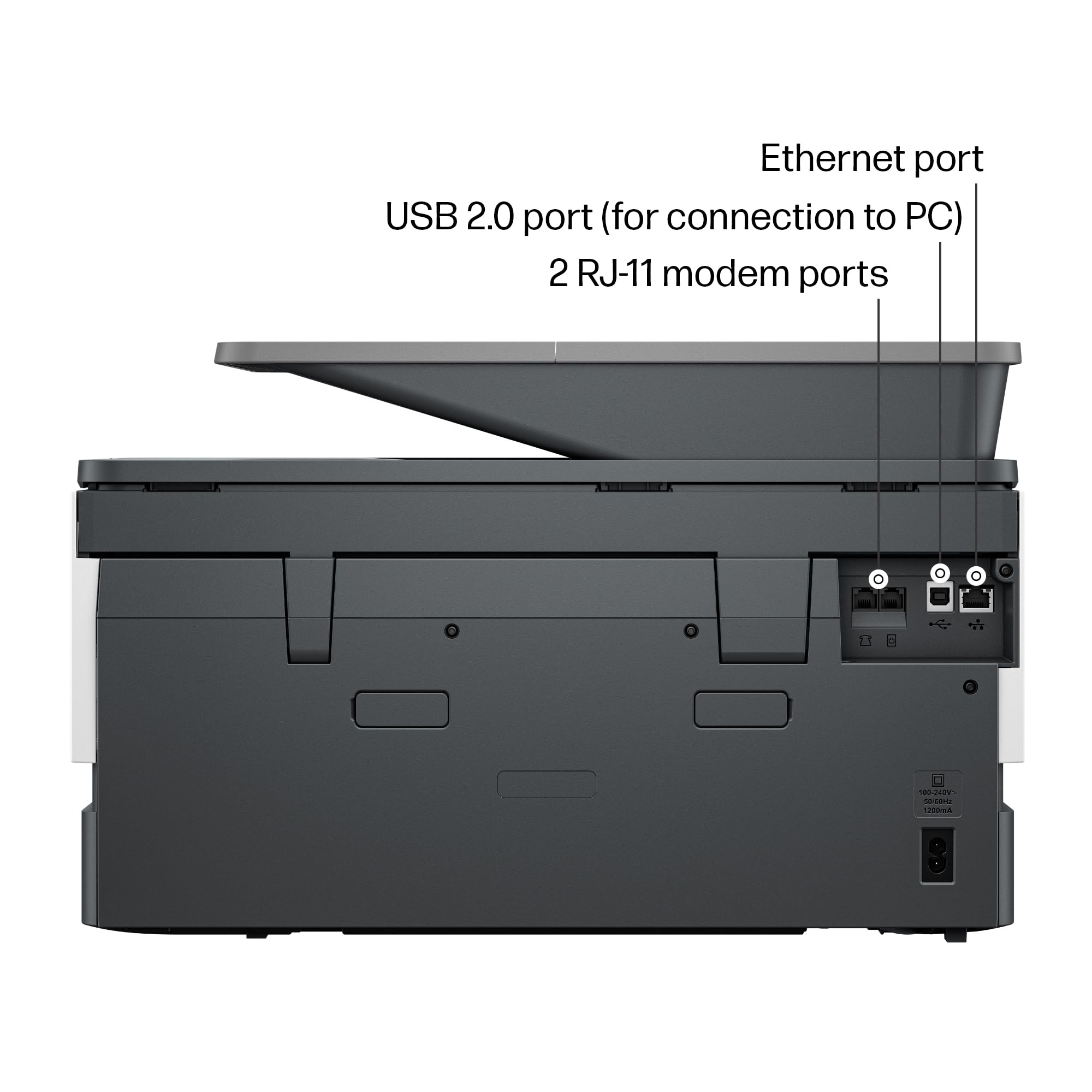
| Hardware Interface | Ethernet, USB |
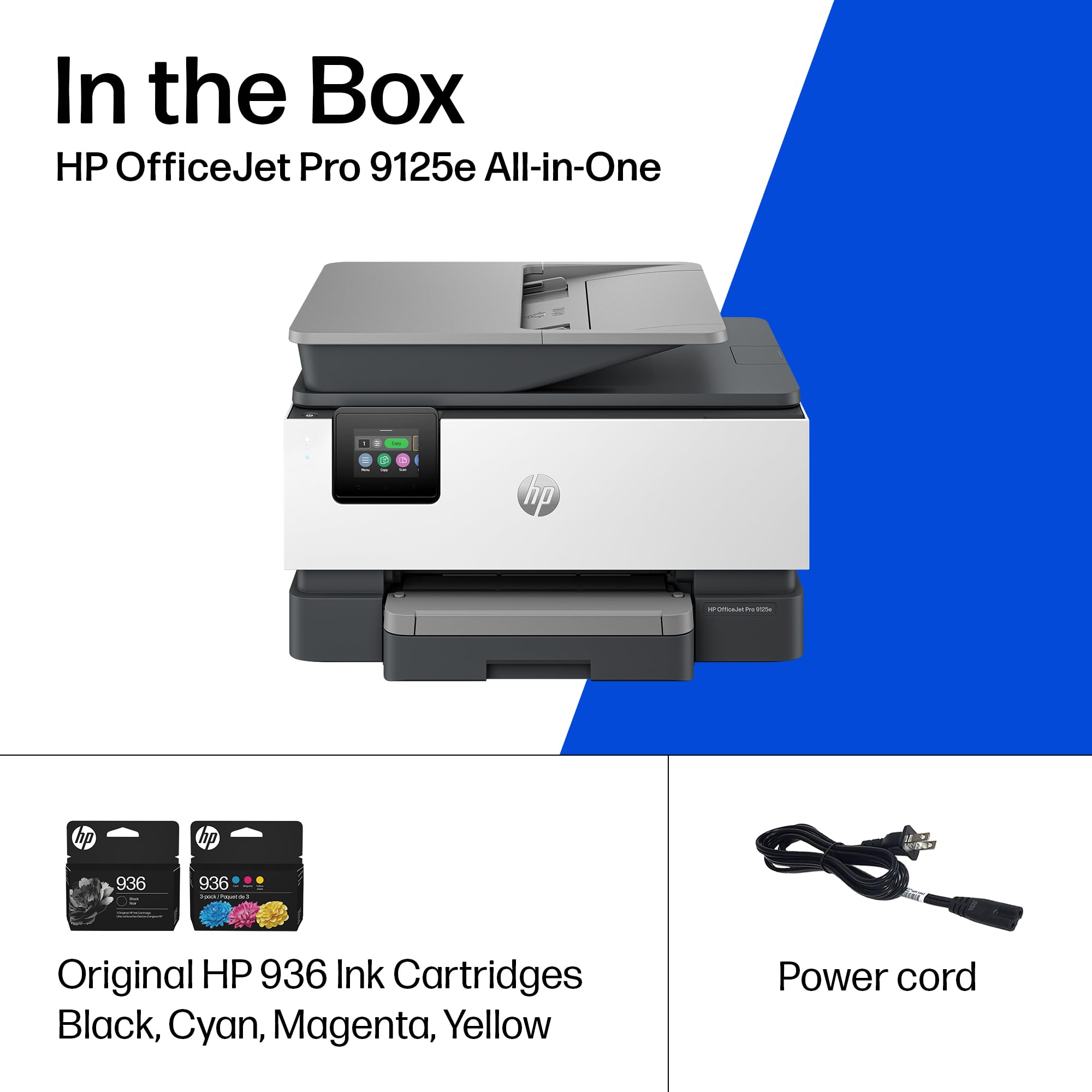
| Included Components | HP OfficeJet Pro 9125e AiO Printer; HP 936 Setup Black Ink Cartridge; HP 936 Setup Cyan Ink Cartridge; HP 936 Setup Magenta Ink Cartridge; HP 936 Setup Yellow Ink Cartridge; Regulatory Flyer; Ink Caution Flyer; Power Cord; Setup Poster; Reference Guide [For more information about fill and yield, see http://www.hp.com/go/learnaboutsupplies ] |
| Initial page print time | 11 Seconds |
| Ink Color | Black, cyan, magenta, yellow |
| Item Weight | 20.5 pounds |
| Item model number | 403X0A#B1H |
| Manufacturer | HP |
| Max Copy Speed (Black & White) | 21 ppm |
| Max Input Sheet Capacity | 250 |
| Max copy resolution black-white | Up to 600 dpi |
| Max copy resolution color | Up to 600 dpi |
| Maximum Black and White Print Resolution | 1200 x 1200 rendered dpi Dots Per Inch |
| Maximum Color Print Resolution | Up to 4800 x 1200 optimized dpi on HP Advance Photo Paper 1200 x 1200 dpi input Dots Per Inch |
| Maximum Media Size | 8.5 x 11.7 in |
| Maximum copies per run | Up to 99 copies |
| Memory Storage Capacity | 512 MB |
| Model Series | 9120 |
| Number of Trays | 1 |
| Number of USB 2 Ports | 1 |
| Output sheet capacity | 250 |
| Power Consumption | 5.06 Watts |
| Print media | Paper (plain) |
| Printer Ink Type | Four-color inkjet cartridges |
| Processor Count | 1 |
| Product Dimensions | 13.48"D x 17.3"W x 10.94"H |
| Scanner Type | Easy slide-off glass, dual pass 2-sided ADF |
| Series Number | 9120 |
| Sheet Size | 8.5 x 11;8.27 x 11.7;8.5 x 14;7.16 x 10.12; Inches |
| Specific Uses For Product | Office |
| Supported Media Sizes | A4, A5 |
| Total Ethernet Ports | 1 |
| Total USB Ports | 1 |
| UPC | 196337284807 |
| Warranty Type | One-Year limited hardware warranty with option to extend to two-years with acceptance of HP+ Offer. For more information, please visit us at support.hp.com |
| Wattage | 100 watts |
J**L
Fantastic Home Office System System- HP OfficeJet
The HP OfficeJet Pro 9120e Series is a fantastic option for home or small business. It is a durable printer that quickly produces quality documents. A unique item for this multi-device system, it has both a scanner and duplex document feeder. I can't wait to test that. A few key items during the setup. * The printer cartridges are in slots. The installation felt like it has to be more precise than other models. Once the cartridges are recognized, then the print heads were easy to align. * The HP Smart wizard was very simple and seemed straight forward to me. * Once the printer was on the Wi-Fi, it was very easy for all devices in our household to connect. * Unfortunately, I missed the time limit sign up for HP+ which, their service that includes 3 months of Instant Ink and an extra year warranty. You have to sign up within 7 days of setup. Usage: 1. On first activation, the printer takes a few moments to align the printer cartridges. This may seem loud in a very quiet room. After the first time, I expected the setup noise. 2. My power cord seems a bit touchy. A slight bump and the printer turns off. I'm going to try a cord replacement since it is a standard type. 3. The control panel has a fantastic pivot option. You can adjust it to better and operate the panel. No more neck strain from reading the panel. Overall, I'm enjoying the print speed and quality with the HP OfficeJet Pro 9120e Series. I can't wait to see what else it is capable of once I get comfortable with the machine.
O**H
UPDATE: The set-up was horrendous, but operating is virtually impossible.
Remember the days of plug and play? Well they are over if you purchase this printer. It is a direct line into your wallet if you want to do anything. You must pay to have wireless printing. You must pay per page if you use too much ink. You can ONLY use HP ink; so even if you want to take the risk you cannot. Every feature is a problem to enable. I've yet to find a solution to having faxes go to a file and NOT print. (I think that is a feature only available for more MONEY). This printer is noisier than the old dot matrix printers. The scan quality is significantly lacking (only 300dpi). Paper handling works occasionally - and stuck pages are easily destroyed and challenging at best to retrieve. The touch screen is so small you might need a child to make selections (otherwise you will find yourself trying multiple times to get what you intended). And if you just want to USB it to your desktop you are in big trouble. HP Big Brother NEEDS to be connected to this printer for almost any function to work. Seamless is a word that HP has removed from its vocabulary (as is plug-and-play, simple, cost effective, user friendly, customer oriented, etc.) HP should be embarassed by the greed it is displaying. A company that was once built on pride and quality had deteriorated to selling big-brother controlled junk. What I would give for my old HP OfficeJet Pros. They were hard working, reliable, high quality, and feature rich. Simple to set up, seamless integration, and handled most tasks with ease. In both cases, they were replaced because the paper handling deteriorated over time. Not an easy fix. SIMPLY DO NOT WASTE YOUR TIME OR RESOURCES ON THIS. ***ORIGINAL POST*** I've owned over 10 HP printers over the years and this is the first time I have ever had any challenge trying to set it up. This wouldn't even print or do anything until I jumped through hoops setting up an HP account, forced to promise never to use ink other than genuine HP, and having to log in just to scan a page. HP should be embarrassed making a product so insanely challenging to use out of the box. It's not like they don't charge a fortune for ink which I have always bought thinking it will be the best in the long run. What a terrible way to lose the confidence of a very, very long time loyal customer. My last HP printer. Goodbye.
J**H
Great all-in-one machine at an economical price
I wasn't expecting a lot from the OfficeJet Pro 9125e. I've had several other home printers in the past, including a laser printer (great because it uses dry toner which doesn't have the issues an inkjet printer typically has, but is only able to print black and white). I've had several inkjet printers, but they all end up having clogged print heads or something that renders them useless after a short amount of time. I thought I'd give this a try, as it could replace my other printers. It's meant for a small office, as it has pretty high duty cycles. I don't print a lot; usually recipes, legal documents, and coupons. I may start printing some newsletters for an organization I'm in, so this may work out well. It can print borderless pages, which would make some nice newsletters! Setting up the printer was fairly straight-forward. The printer was packaged nicely, in a bag with a handle that allows you to pull it from the box easily. The included quick-start guide tells you to plug it in, turn it on, select a language and country, and then go to a URL to set the printer up on your computer or phone wirelessly. The first step is to open the paper tray and load the paper. Adjusting the paper tray for letter-sized paper was a bit confusing, as there are little tabs you have to press to adjust the size of the paper tray. It wouldn't shrink down to the size of the paper, so I just pushed the paper all the way to the back and pushed the tray in. The printer then said it was checking the paper, and said it was successfully loaded. Installing the ink went fine. Then it wants to print an alignment page. Once printed, you put it on the scanner bed, and it scans. That went fine as well. Finally, install HP Smart Printing on the computer and scan for new printers. It didn't find it on the first try, but did on the second. Connecting was quick and easy. It even got the wifi password from the computer. Once connected it automatically updated the firmware. I didn't realize it, so I tried printing something and couldn't. Then the printer chimed and said the firmware was updated. Print quality is fantastic, as is the speed of printing. I enrolled in the HP+ and Instant Ink trial. I got an email saying my new ink cartridges were being shipped, even though I don't need them yet. I'll probably cancel the Instant Ink after the trial, as I don't print a lot, but it may be worthwhile for people/offices that do. Time will tell if the print heads last. Hopefully!
A**R
Very bad item
A**R
Works perfectly
R**E
Todo muy bien, excelente calidad de intensión. lo único que no me gusta es que aunque si imprime en tamaño oficio, solo escanea documentos en tamaño carta. Everything is fine, excellent quality of printing. The only thing I don't like is that although it does print in legal size, it only scans letter-sized documents.
Trustpilot
1 month ago
2 weeks ago


