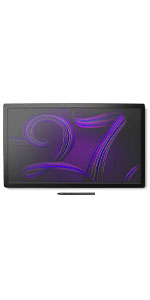
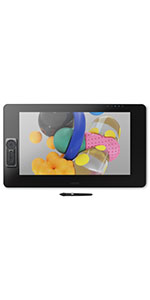
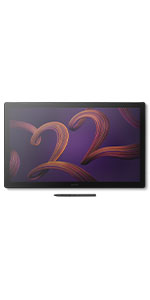
I have had this monitor for 3 months now. Before I got this, I had tried Huion and Xencelabs displays. Build Quality The build quality is excellent. The materials and fit and finish on my unit are top notch. The glass feels great underhand. Screen Out of the box color reproduction is within a few percent of what was advertised based on my test with an xrite color calibration sensor. There is a very slight backlight bleed on the right edge of the screen but this is only noticeable against a black background and will be covered up by the UI of any drawing program. The screen is very crisp despite the good anti-glare coating on it. Compared to other 4k drawing tablets with antiglare coatings, this one blows them out of the water in terms of clarity (looking at you, xencelabs 24). There is no point in buying a 4k monitor if the anti glare coating is blurry, and with this monitor you truly do get the benefits of 4k. The touch functions fine but I don't like using touch because I will occasionally accidentally trigger it. This is a problem for me regardless of device, even on iPads, so I wouldn't knock this unit for being overly sensitive. It's nice to have a physical switch to quickly disable touch on the back of the unit so I can use touch on occasion if I want to. The 120 hz is very nice but it is the sort of luxury you take for granted until you have to use a 60 hz screen again. The screen is plenty bright for me at default settings, but there are a multitude of different settings you can adjust for colorspaces, etc. I just leave it on default settings sRGB. Drawing Experience The pen is excellent. It is extremely accurate and all pressure levels are usable. I do not see any line wobble in an unstabilized pen on this display. Other Notes I don't use the trigger buttons but they are there if you want them and the buttons feel quality to press. I currently have the unit on the official Wacom stand for it and I think it is also excellent, very solid and easy to adjust. My particular unit has zero fan noise. The pen holder that comes with the unit sucks. Sorry Wacom, but this pen holder is practically designed to drop your pen at the slightest bump regardless of where you screw it in to the tablet. Just something to be aware of, you might want to store the pen somewhere else. The only true downside is this tablet is $3k and the stand is $500. This is certainly overpriced, but I believe the product is best in class for a 22" tablet. Time will tell what the lifetime of the product is but I expect it will last a long time, especially since the display does not use OLED technology.