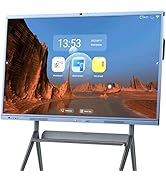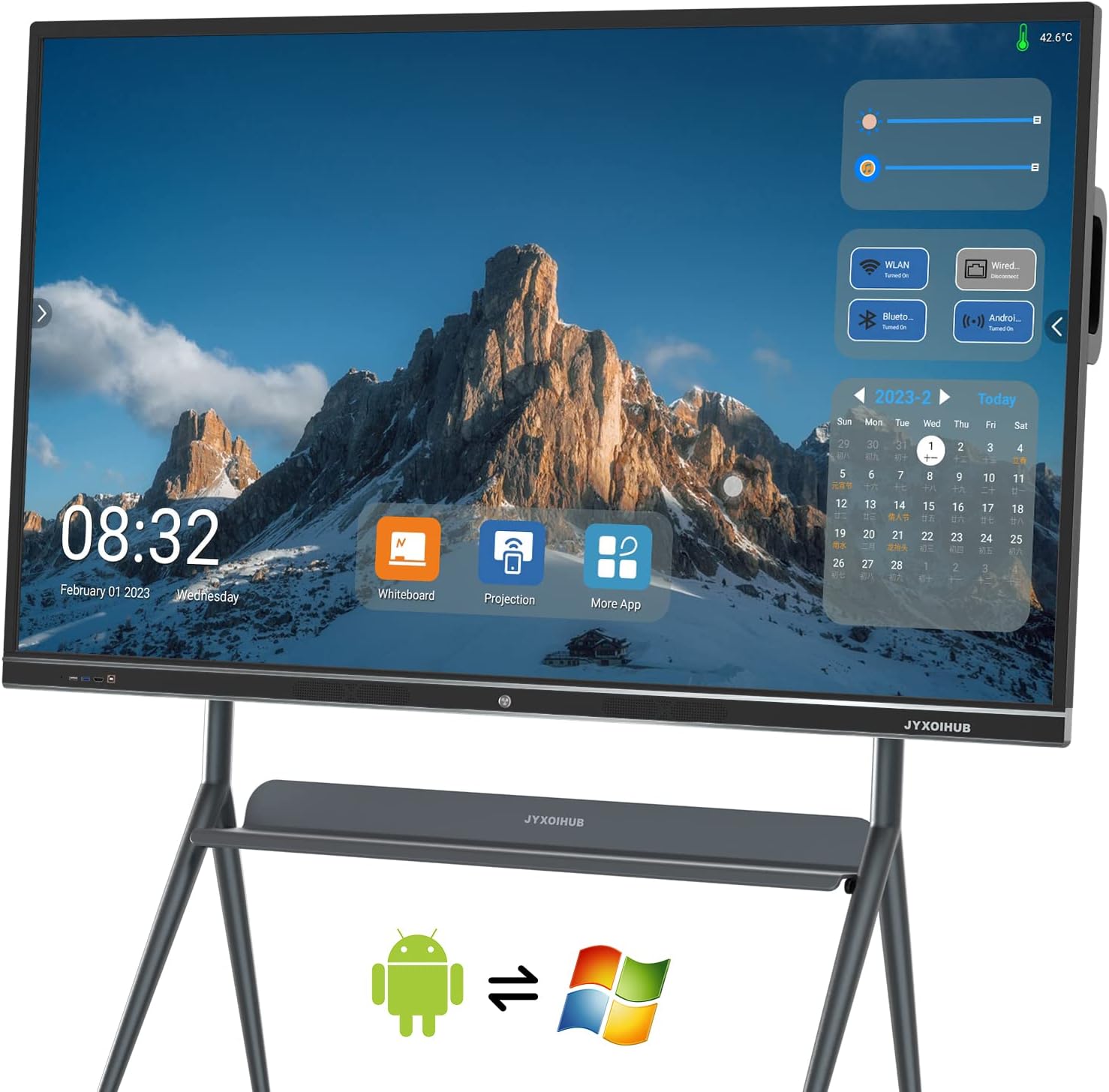


Need digital whiteboard? Then the HYXOIHUB digital smart board is your best choice. JYXOIHUB electronic whiteboard build in 8 array MICs and 2*20W speakers are best for Video Conference. So you don't need to buy microphones and speakers, JYXOIHUB all in one digital whiteboard can solve all your video conference problems as the 20-point touch screen makes it easy for multiple participants to use their fingers or the included styluses to simultaneously draw and annotate on the display. The 6ms response time makes writing and drawing feel very natural. You can share the record via email, third party apps like Slack and Teams, or by scanning a QR code to send to your phone. And up to four users can share their screen wirelessly at once, via Eshare, or by connecting in via HDMI. Windows10 Intel i5 CPU 4GB RAM + 128GB SSD 6th Generation 6300U I5 OPS Computer Android OS: Android 11.0 Android: 3GB RAM + 32GB ROM Android Four Themes: Classic, Technology, Education and Meeting Theme. Dual OS: Makes you feel like have two Smart Boards. Size: 75 Inches Screen Size: 1650 (H) * 928 (V) Material: Aluminum Alloy Glass Hardness: ≥ 7H Resolution (4K): 3840 (H) * 2160 (V) Visual Angle: 178 ° Recognition Principle: Infrared Touch Touch Mode: Touch Opaque Objects Such as Pen or Finger Glass Specification: 4mm Tempered Glass / ag Glass Response Time: 6ms Identification Accuracy: ± 2mm Touch: IR Touch with 20 Points


| Additional Features | Eco-Friendly |
| Asin | B0BN19YT8C |
| Brand Name | JYXOIHUB |
| Color | White |
| Customer Reviews | 2.3 2.3 out of 5 stars (2) 2.3 out of 5 stars |
| Frame Material | Aluminum |
| Included Components | Duster, Marker |
| Manufacturer | JYXOIHUB |
| Manufacturer Part Number | ld-125 |
| Material Type | Aluminum |
| Mounting Type | Tabletop Mount |
| Occasion | Birthday |
| Orientation | Horizontal |
| Target Audience | Adult, Business Professional |
| Upc | 755530349142 |
| Writing Board Type | Whiteboard |
User
After 1 hour of use, still can't get microphone or camera working for video conferencing
It's likely that you are looking at this product to use for video conferencing, online meetings, and sharing content in a conference room or class room. However, after an hour of playing with this thing, we can't get the "8 array MICs" or camera to work for any conference software. This is both with the Android and Windows OS running. At first we thought we needed to shut down the Windows PC to make them available to Android, but that didn't help. Next we went into Windows and checked the device manager and didn't see any microphones listed except "Realtek Microphone", which we think is just the 1/8" microphone jack on the side of the integrated small form-factor PC. We added an external Logitech webcam with microphone and then were able to get video and audio for conferencing working, but are a bit upset that this device designed for conferencing doesn't seem to include a camera, and the "build-in" microphone doesn't seem to exist either. We've written the manufacture for support, but their website doesn't even have manuals available to download.Otherwise... it seems that it is a large 4k resolution touchscreen that you can either use with the built-in PC (which is modular so can probably be upgraded in the future?), connect it to an external device with HDMI/USB or Screencast, or use the Android TV (which appears very limited).Certainly happy that we didn't pay full price for this unit and hoping that support is able to help us at least get the integrated microphones working and show us how to start the touchscreen calibration on it as well.
User
Too many glitches
For example, when you select to write in the color white, it frequently (every few seconds) reverts to red.
Trustpilot
2 weeks ago
5 days ago