🚀 Tiny NAS, Massive Potential — Own the smallest powerhouse in your network!
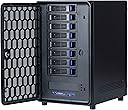
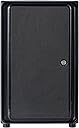
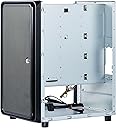
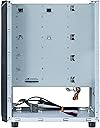
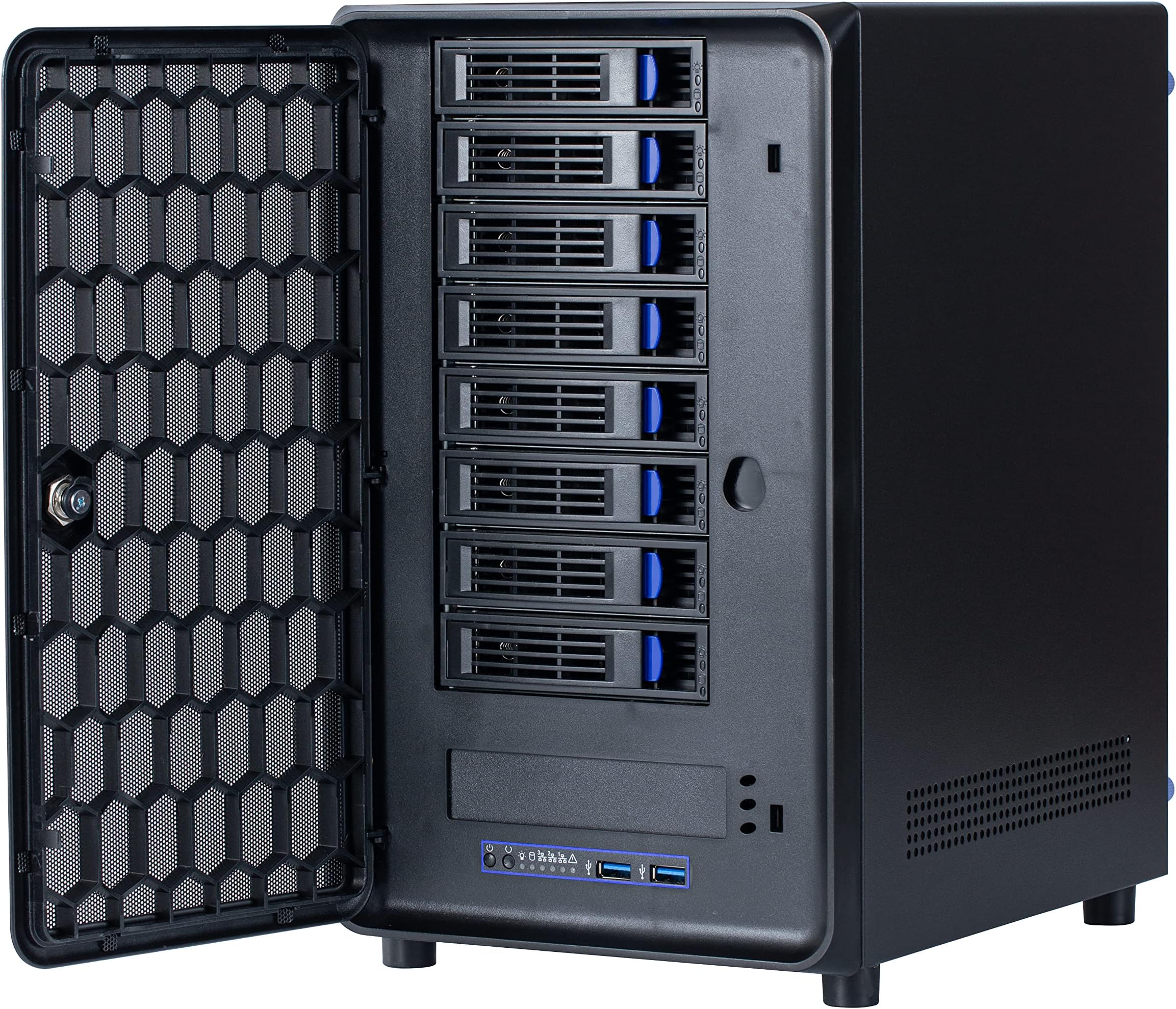
The KCMconmey 4 + 1 Bay DIY NAS Case is a compact, alloy steel enclosure designed for Mini ITX motherboards, supporting flexible PSU options and a single-slot PCI-e card. It features four external hot-swap 3.5" bays plus one internal 2.5" bay, dual front USB 3.0 ports, and an 80mm replaceable chassis fan. Ideal for professionals seeking a space-saving, customizable private cloud storage solution with efficient airflow and easy data access.


| ASIN | B0BXKSS8YY |
| Best Sellers Rank | #678 in Computer Cases |
| Brand | KCMconmey |
| Color | Black |
| Compatible Devices | CPU |
| Customer Reviews | 3.6 out of 5 stars 20 Reviews |
| Enclosure Material | Alloy Steel |
| Is Assembly Required | Yes |
| Item Dimensions D x W x H | 0.98"D x 1.18"W x 3.15"H |
| Item Weight | 6.6 Kilograms |
| Manufacturer | KCMconmey |
| Material | Alloy Steel |
| Mounting Type | Floor Mount |
| Product Dimensions | 0.98"D x 1.18"W x 3.15"H |
| Size | 8 + 2 Bay |
| UPC | 799787166619 |
| Warranty Description | 1 year manufacturer |
A**Y
Perfect size for ITX, but has major heat and airflow issues.
I have the 8+2 bay version of this. This is basically the smallest ITX 8-bay hot-swap case you can find. At first I thought working in it would be cramped, and while it is challenging, it was a lot easier than I thought. Pros: - Very easy setup. This was a migration of previous hardware, so I already had a very low profile CPU cooler. - Some reviewers report issues installing the Flex PSU. I didn't find this super complicated. You just remove whatever mounting bracket is already on the PSU, attach the little L clip however you want, and find a way to connect it to the 2 or 3 screw points provided. The included instructions aren't super clear so just wing it. - 8 bays! This case is a couple inches shorter than a PS5 and has a full 8 bays, plus two very easy use SSD mount points. - Tons of included hardware! Lots of screws, tools, etc. Everything you need is included. They include a bunch of SATA cables but you might want to bring your own. - All of the metal components in the case are very good quality. From the side panels to the interior bracing and hard drive cage, I personally found the quality to be much higher than some other cases I have worked with. - Cable management was very Cons: - The hard drive chassis locks are cheap plastic and feel pretty flimsy. I'm worries that the little blue clips might break, so be very gentle with them. The case "lock" is flimsy and cheap as well, best to not even use it. - You need to make sure you have a low profile CPU cooler. Clearance height on this is minimal. I think you can get away without low profile RAM but you might want to make sure. - If you set up your HDD lights be prepared for a disco. Blue for installed and green for activity. If you are putting this somewhere dark, either disconnect this from your motherboard headers or put a little black tape over the lights in the front. - Weirdly small power and reset buttons on the front. It actually took me a minute to find them. They are about 2mm wide. - The double molex power to the hard drive is very clean but it's in a pretty tight space. If you have large hands, beware. - The hard drive cage is not easily removable, so this might be a huge negative to some people. I didn't have a lot of issues with it. - Because of where the motherboard sits and the unremovable HDD case, you need to make sure everything is connected to your mobo before you slide it underneath. You will absolutely not be working on this thing once it is installed. If you need to change anything out down there, you'll need to unscrew your mobo mounts and slide it out. - Here is the biggest one: THE HEAT. The case comes with two cheap 80mm fans on the back (exhaust). They are garbage and sound like a jet engine taking off. Order two Noctua (or your favorite brand) when you order this case. Temps in this case are crazy high because there is no front intake at all. The biggest offender is that the motherboard sits directly underneath the HDD cage, so the hot air from the CPU blows directly up into the cages. With no front intake it's basically a convection oven. Trying to do a full parity rewrite (which activates all of the hard drives for extended periods of time) raised the HDD temps to 50 C, which is not great. I had to complete this with the case off and large fan blowing directly into it. - In order to solve the heat issue (for normal operation), I picked up two 40x10 Noctua fans (thank you reviewers who suggested this) and installed them in the bottom of the right side panel, directly behind the vents. This involved drilling holes into the side of the case and it was about an hours worth of work (measure twice, drill once, plus the metal on the case is sturdy). If you really wanted to get out the dremel, there is room for another 80mm fan there, which would cut down on noise. Final Thoughts: Overall, as long as the temperatures remain acceptable under normal operations, I am super happy with this purchase. The biggest problem is the heat, and I feel like for the price the manufacturer could have included more than some crappy $2 fans. They really need to revisit this design and include an intake fan somewhere. For the more adventurous, there is definitely room at the top for maybe a 120mm exhaust. P.S. Please excuse the crappy work on the case side. I am not a mod guy and was crunched for time.
K**9
I'm very happy with this case
I was looking for a small, eight, 3.5", hot-swap bay case to build out a custom NAS. This was the only case I could find that met all of my criteria. I wish it could handle an mATX motherboard, but alas it is ITX only. I was worried that it would be difficult to manage cables, or to find a cooler that would fit the case (based on some other reviews), but I decided to give it a shot anyway. To my surprise, I feel like this case provides plenty of interior space, and I didn't run into any issues with cable management at all. My only complaint so far is that the dual fans that the case ships with are quiet LOUD. So loud in fact that they completely overwhelmed the other two servers this case lives next to. I decided to bite-the-bullet and purchased two Nocturna fans to replace the case fans and now this machine is the quietest of my servers (the sound of the HDD heads is far louder than the case fans now). Overall I'm very pleased with this case (although I still wish it were smaller) and would definitely recommend it for a NAS build.
T**S
DOA backplane that causes drive faults (conveniently outside of return window)
This case's backplane is ridiculously defective on arrival. It was working for an okay amount of time but the first time I had to actually load it up with some copying, nearly every drive I put into it will fault even brand new. The sata connectors on the back clearly aren't working at all. If I connect my drives using 3d printed mounts directly into the motherboard and HBA without going through the backplane, there are no faults at all. I would highly recommend investing in something higher quality for reliable use. Precious data is at stake here and a defective backplane on arrival (common issue according to other reviewers) is unacceptable.
N**Z
8-bay version runs quite hot
I really wanted to love this thing. I worked with it for several weeks before returning it. The main problem I had with it was drive temperatures pushing, even exceeding 50º C, which is just too darn hot. Ambient was right about 21º C (70ºF, pretty typical room temperature). I even upgraded the fans to high quality premium (and much quieter) Noctua 80MM fans, but it just didn't make enough difference. I am using 7200RPM SAS drives for my project, which do run warm. 5400RPM drives might be OK, but my SAS drives were cooking. I experimented with crudely moutning a pair of fans on the front door, which did help some. Still, temperatures were really higher than they needed to be. The air flow of the chassis was insufficent for my application. I had no choice other than to return this case so I could try something else.
J**J
Nice case
Perfect case for a DYI NAS. Beware ITX motherboards can be hard to source correctly, but not knock for that. My only complaint is the 8x drive bay requires 2x Molex power connectors. WHY MOLEX?
S**N
Great item with sad instructions
If you know what you are doing you will likely figure things out without instructions and if you don’t I suggest you look elsewhere. Great product but I could have penciled better instructions with my left foot.
L**L
great case
Great case a little tight with cable management but it works
R**R
Bottom 4 bays do not recognize drives
The bottom 4 bays on the unit received power and power up the drives but the drives are not being recognized. I've swapped drives, SATA cables, and controllers. I've even moved known working SATA plugs into the bottom drives on the backplanebut they don't communicate. I'd like to keep the case but obviously I need all 8 bays to work. Any thoughts, seller?
M**D
Just ok
Ok build.. but hinges on front panel pretty week. Broke off on the first day.
E**N
Overheat and noisy
The general design is good but the fans are noisy the airflow is poor. I installed 6 disks and after an hour they were overheating.
Trustpilot
1 week ago
1 month ago