We remain fully operational. Our teams are working around the clock to ensure your deliveries continue safely.

DOWNLOAD THE APP


Customer Services
Copyright © 2025 Desertcart Holdings Limited
DOWNLOAD THE APP




🚀 Elevate your SMB storage game with speed, capacity & style!
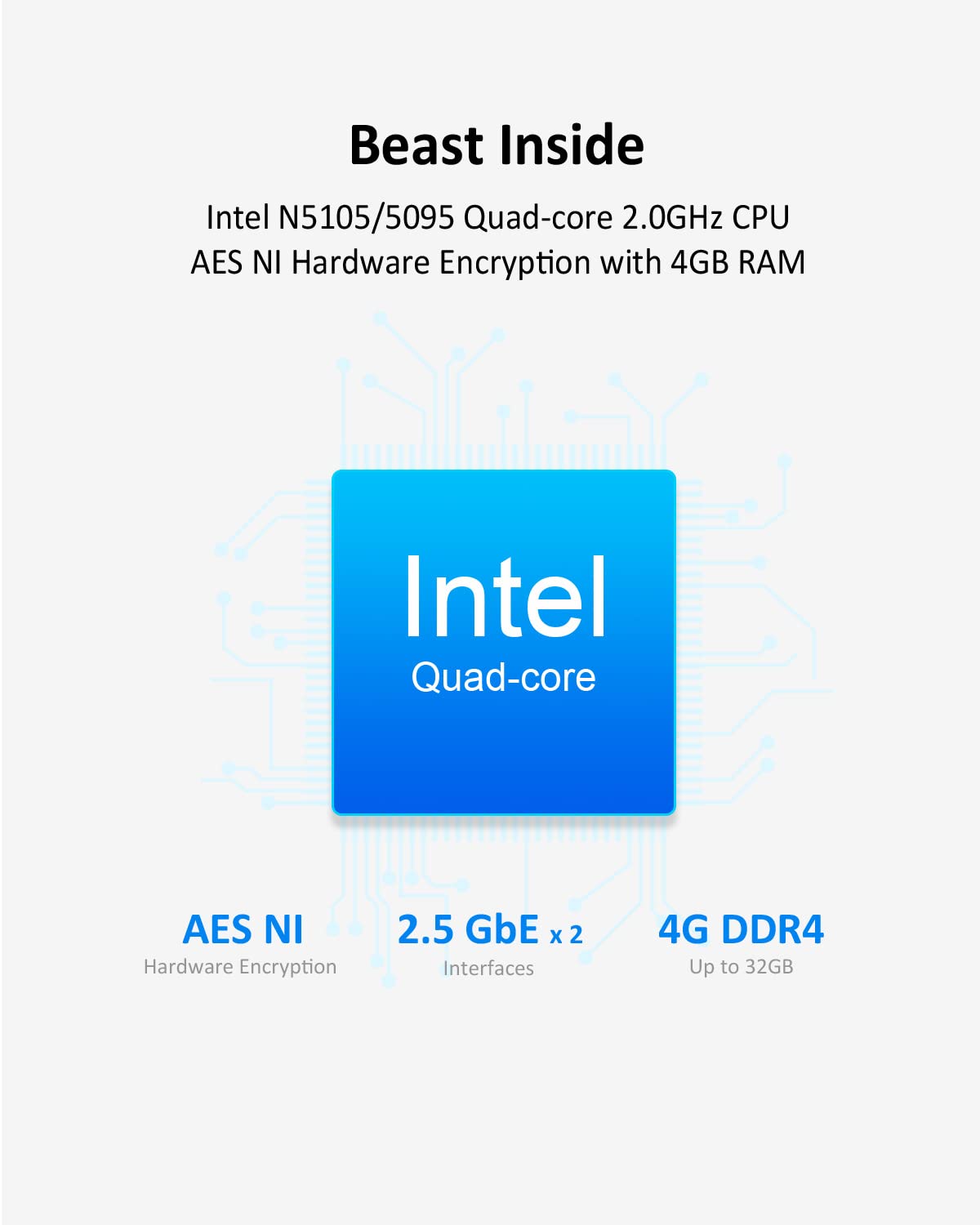
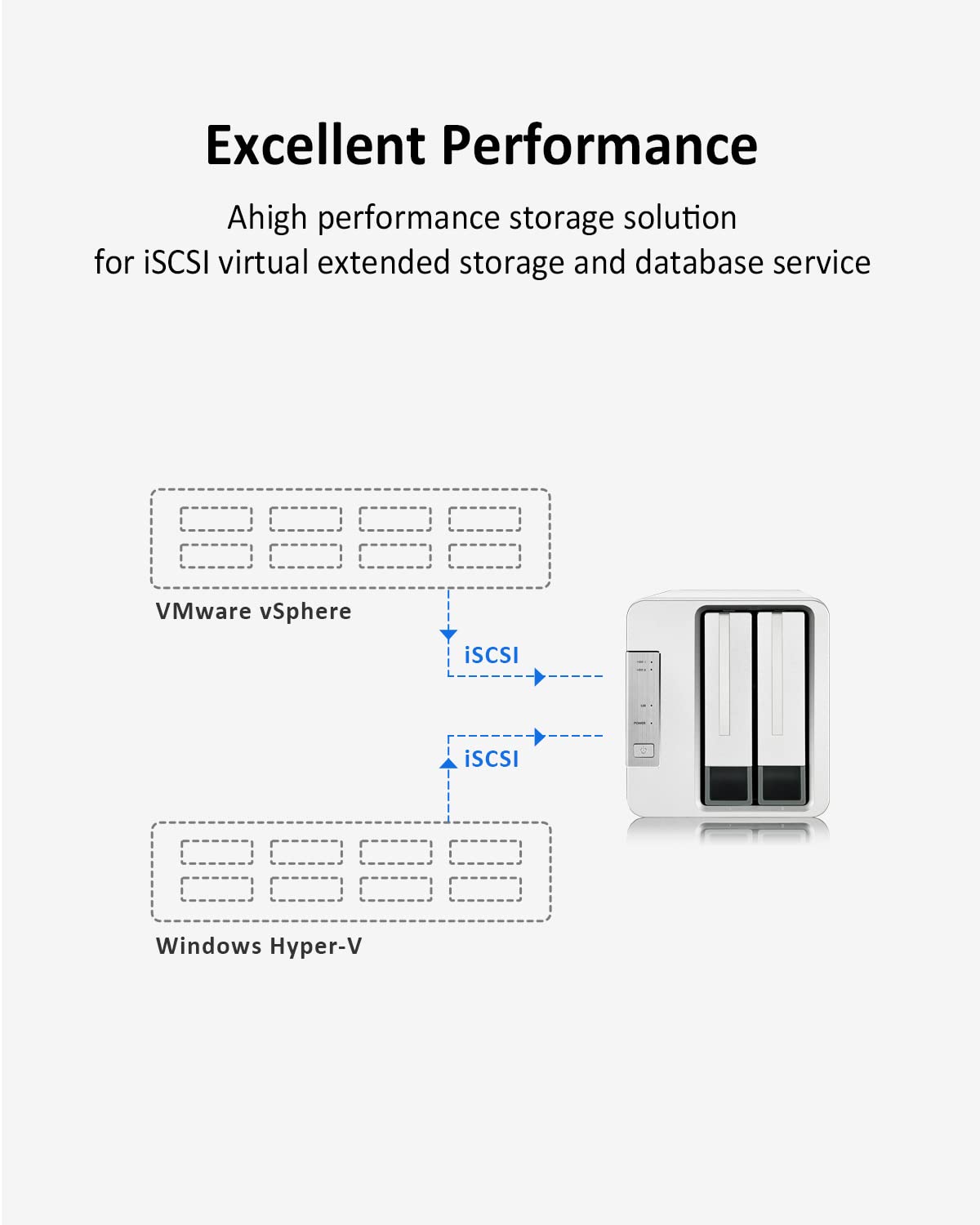
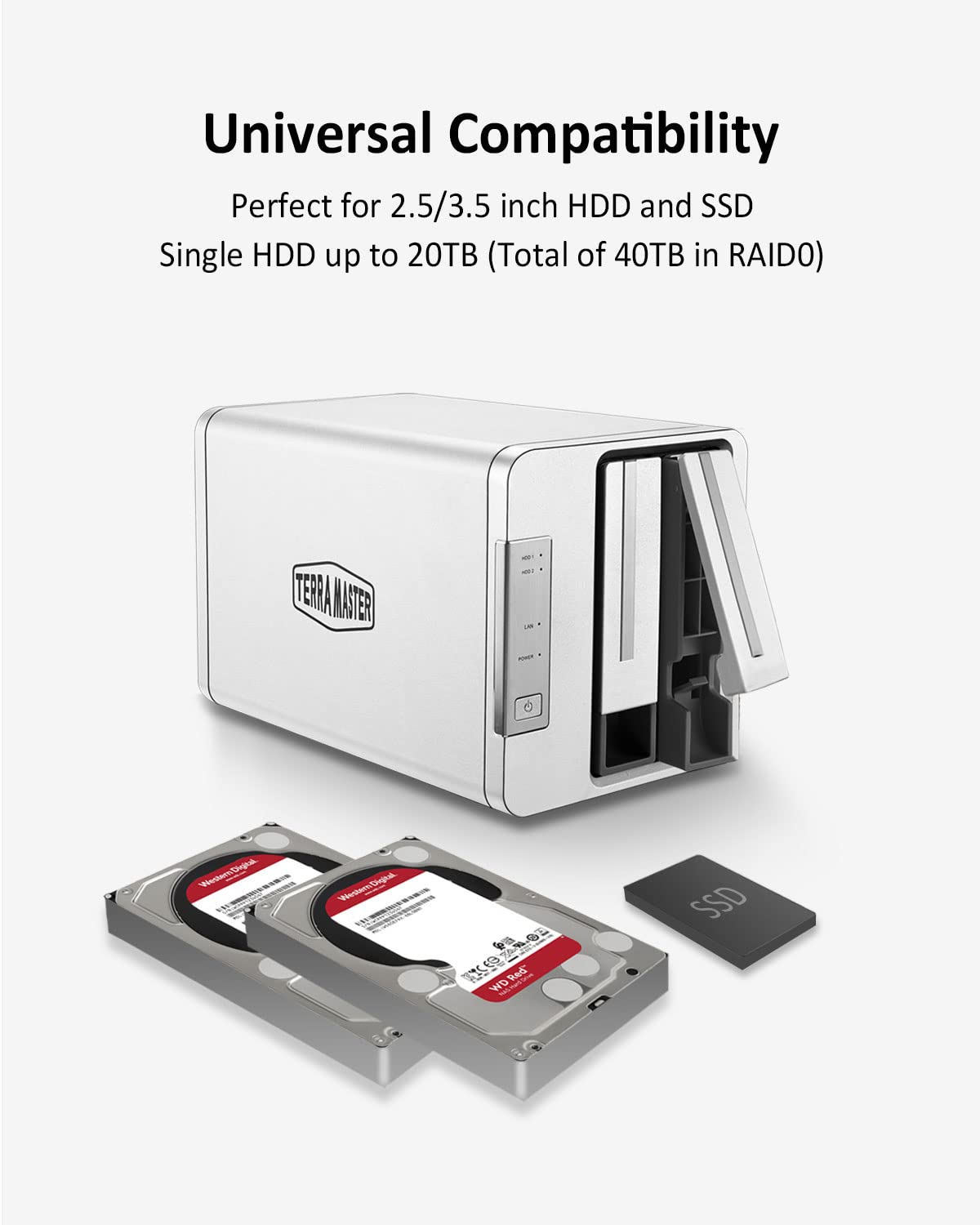
The TERRAMASTER F2-423 is a high-performance 2-bay NAS tailored for small and medium businesses, featuring a powerful quad-core N5095 CPU, 4GB DDR4 RAM (expandable to 32GB), dual 2.5GbE ports supporting up to 5Gbps speeds, and up to 40TB raw storage capacity. Its M.2 NVMe SSD slot enables cache acceleration for enhanced performance, while RAID support and multiple backup solutions ensure data safety. The compact, aluminum-alloy design offers efficient heat dissipation and quiet operation, making it an ideal, reliable storage server for professional environments.


| ASIN | B09VNR467T |
| Are Batteries Included | No |
| Best Sellers Rank | 57,978 in Computers & Accessories ( See Top 100 in Computers & Accessories ) 63 in Network Attached Storage (NAS) Enclosures |
| Brand | TERRAMASTER |
| Colour | Brushed Aluminum |
| Customer Reviews | 4.4 4.4 out of 5 stars (147) |
| Date First Available | 16 Mar. 2022 |
| Form Factor | PCIe/104 |
| Guaranteed software updates until | unknown |
| Item Weight | 2.45 kg |
| Manufacturer | TERRAMASTER |
| Product Dimensions | 23 x 12 x 13 cm; 2.45 kg |
A**.
TerraMaster F2-423 NAS: A Great choice for home users
After considering the competitors, watching the videos, reading reviews and factoring in the price to build a similar spec machine, I took the plunge and purchased the TerraMaster F2-423 NAS. This is a replacement for my tired WD MyCloud (hard drive started to click and performance is sub par with today's demands - no surprise considering it only has a dual core 650Mhz CPU & 256MB RAM) and I am very happy with it, the difference is night and day. It is a great choice for home users who need a reliable and affordable way to store and share files. The F2-423 is a 2-bay NAS that comes with a quad-core Celeron N5105 processor, 4GB of DDR4 RAM, and two 2.5GbE ports. It also has two M.2 NVMe SSD slots for caching, I've populated one with a 250GB SSD which has improved caching performance. I installed two Toshiba N300 4TB hard drives and configured them in RAID 1 for redundancy. This means that my data is safe even if one of the hard drives fails. These Toshiba drives are not as quiet as I was led to believe, choose wisely! The TerraMaster operating system is intuitive and user-friendly but could do with a bit more polish. I was able to set up the NAS and get it running in just a few minutes although this is not factoring in the time it took to synchronise the RAID 1 array, this took around 6 hours. I'm very happy with the performance of the F2-423. It is fast and reliable. I would definitely recommend it to anyone looking for a NAS for the home. Here are some of the things I like about the TerraMaster F2-423: Aluminium housing (except the front and back panels). Energy efficient design. Powerful quad-core processor. 2.5GbE ports for fast file transfers. Two M.2 NVMe SSD slots for caching. Easy to use TerraMaster operating system. What I don't like: Hibernation is a bit hit and miss. More detailed logging is required. Front and back panels are plastic (I thought they were aluminium). I hope this helps!
W**Y
Works well but not great if moving between networks.
Out of the box, this 4-Bay NAS is pretty simple to setup, although to get full functionality can take a long time. I've installed it with 4 x 4TB Seagate NAS HDD drive in a RAID5 configuration, and to get the drives fully synced took 13 hours, so bare that in mind. The setup allows you to register an email address so in the event of an issue, the system will send you an email. I'm using it for archive data, so it's going to hold around 4TB initially and with the RAID5 the total capacity is are 11TB. I've added folder, user accounts and blocked internet access to it, which all works fine. The only issue I encountered was moving it to it's final destination, as the IP range it was setup on is different to the final network. After plugging in, the device failed to pickup a new DHCP address. Eventually I had to remove all the hard drives and reboot it, the force the ethernet adaptor to search for a new address. Once it managed to get one, shutdown, plug the drives back in and when it came back up the IP address stuck. I work in IT and needed Linux command line to do this, so if you plan to install this on a different end network, you will need some Linux knowledge to get it working again. In terms of stability, now it's on the network it works fine. I can access via mapped drive or via the web-console. It's nice and small despite having 4 x 3.5" drives installed and it's very quiet. Works well, decent price with loads more functionality than I will ever use, but is a pain if moving between networks.
G**Y
Just the job!
When our old TerraMaster NAS finally died, I chose this one as a replacement. TerraMaster offers good value and dependable devices though their software can be a bit awkward - but that's something I have gotten used to over the years (and their support usually responds to an email overnight when necessary). This F2-423 device was relatively easy to install. I added 16GB more memory (Corsair Vengeance DDR4 16gb SODIMM), an Ediloca EN600 256gb NVMe SSD (as hyper-cache) and 2x 6TB Seagate Ironwolf HDDs (in a Raid 1 configuration). I initialised the device and by default it installed TOS 5. As per the TerraMaster User Forums, I upgraded this to TOS 6 (6.0.530) which it immediately upgraded again to TOS 6.0.640 (only released a few days ago). This went smoothly, so I enabled the hyper-cache, went through the inbuilt Security Advisor and set up users and shared folders etc etc. TOS 6 is better than TOS 5 but not that dissimilar - the usual menus are there - but in different places! There are also a couple of new security features. I then reinstalled my apps including Duplo Backup, Clam antivirus, USB Copy, and PLEX Media Server (PLEX being our most important app on a NAS with home multimedia and family documents etc). Finally, I recovered our data from a separate NAS (Terramaster F2-212) we use solely for backups. Hey-Presto, everything worked! This is not the cheapest NAS but the performance is excellent (I hadn't realised how slow the old device was). It's relatively quiet and heat dissipation seems to be good. NOTE. The F2-423 is the first generation of TerraMaster NAS where one can use memory from manufacturers other than TerraMaster themselves. I looked on the user forums and saw that others have used Corsair Vengeance SODIMMs successfully (and saved A LOT of money). Likewise with the Ediloca EN600 NVMe SSD. With quick next day Prime delivery, I am rather chuffed 😀😊
S**I
I recently invested in the TERRAMASTER F2-423 2-Bay NAS, and it's nothing short of a high-end powerhouse. The hardware capabilities are impressive, offering a solid foundation for storage and server needs. However, my experience with the TOS (TerraMaster Operating System) left much to be desired. The TOS interface felt somewhat limiting, lacking the flexibility I desired for running various applications and services. Undeterred, I decided to take matters into my own hands. I replaced TOS with Proxmox, a decision that transformed my TERRAMASTER F2-423 into an immensely versatile server. To supercharge its performance, I upgraded the RAM to a whopping 32 GB and added dual M.2 drives, each boasting 1TB of storage. Additionally, I installed two 20TB HDDs, creating a robust storage backbone. This customization opened up a world of possibilities for running diverse applications and services simultaneously. The TERRAMASTER F2-423, now equipped with Proxmox, operates like a well-oiled submarine. The LXC containers and Docker containers provide a seamless environment for running multiple applications, each in its isolated space. The efficiency and stability of this setup have surpassed my expectations, making it the ideal home server for enthusiasts and professionals alike. With 4 LXC containers and 7 Docker containers coexisting harmoniously, this NAS has become the nerve center of my home network. Whether it's media streaming, file hosting, or running development environments, the TERRAMASTER F2-423 handles it all with finesse. In conclusion, while the TOS may not have met my expectations, the hardware potential of the TERRAMASTER F2-423 is truly outstanding. With a customized setup, Proxmox, and a substantial memory and storage upgrade, this NAS has become the best home server in my arsenal. It's a testament to the device's adaptability and reliability, showcasing its capabilities as a versatile and powerful solution for running a multitude of applications seamlessly.
Trustpilot
2 days ago
2 weeks ago