
DOWNLOAD THE APP


Customer Services
Copyright © 2025 Desertcart Holdings Limited
DOWNLOAD THE APP
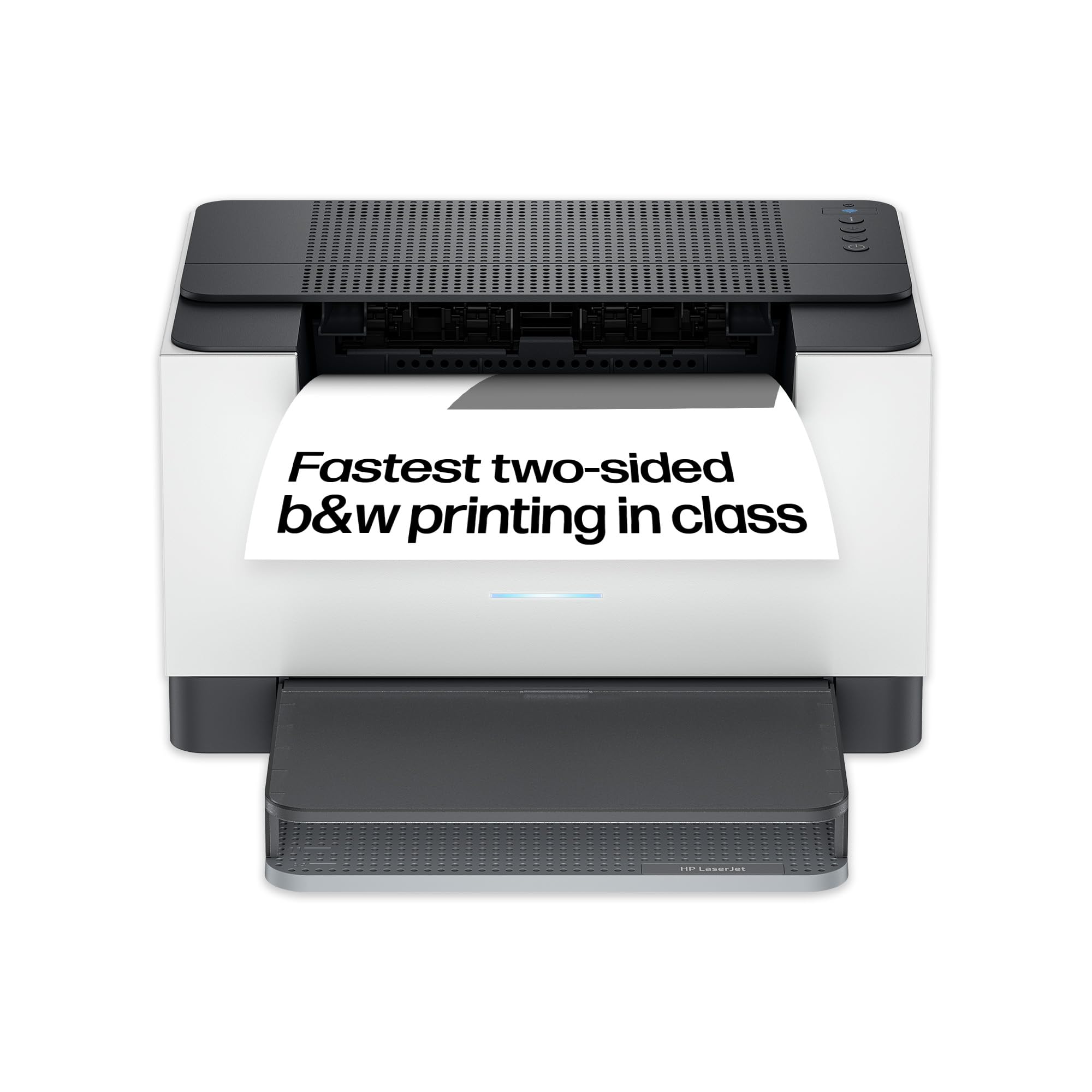
🖨️ Print smarter, faster, greener — your office’s new MVP!
The HP LaserJet M209dw is a compact, wireless black & white laser printer designed for small businesses and home offices. It delivers fast two-sided printing at up to 30 ppm, features dual-band Wi-Fi with automatic connectivity recovery, and incorporates energy-saving Auto-On/Off technology. With a 150-sheet input tray and mobile printing via the HP Smart app, it combines professional-grade print quality with eco-conscious efficiency in a sleek, space-saving design.


| ASIN | B08WLSY38Q |
| Are Batteries Included | No |
| Batteries | 1 A batteries required. |
| Best Sellers Rank | 5,582 in Computers & Accessories ( See Top 100 in Computers & Accessories ) 11 in Laser Printers 4,285 in Climate Pledge Friendly: Shop All |
| Colour depth | 24 |
| Compatible devices | Laptops, PC, Smartphones, Tablets |
| Computer Memory Type | DIMM |
| Connectivity Type | Wi-Fi |
| Controller type | Google Assistant |
| Customer Reviews | 4.4 4.4 out of 5 stars (1,106) |
| Date First Available | 15 Feb. 2021 |
| Dual-sided printing | Yes |
| EU Spare Part Availability Duration | 2 Years |
| Form Factor | Printer |
| Guaranteed software updates until | unknown |
| Included components | HP LaserJet M209dw; cartridge(s); Including cartridge capacity (black): 1 pages |
| Item Weight | 5.6 kg |
| Item model number | 6GW62F |
| Lithium Battery Energy Content | 2.6 Watt Hours |
| Lithium Battery Packaging | Batteries contained in equipment |
| Lithium Battery Weight | 0.5 Milligrams |
| Manufacturer | HP |
| Max copy speed (black and white) | 30 ppm |
| Max input sheet capacity | 150 |
| Maximum Supported Paper Size | A4 |
| Maximum black and white print resolution | 600 x dpi |
| Maximum colour print resolution | 1200 x 4800 dpi |
| Number Of Lithium Ion Cells | 7 |
| Number of Lithium Metal Cells | 7 |
| Number of USB 2.0 Ports | 4 |
| Operating System | Windows & Mac |
| Power consumption | 10 |
| Print media | Card stock |
| Processor Count | 1 |
| Product Dimensions | 43 x 33 x 27 cm; 5.6 kg |
| Scanner type | Sheetfed |
| Sheet size | A4 centimeters |
| Standing screen display size | 2.7 Inches |
| Voltage | 28 Volts |
| Warranty type | limited warranty |
| Wattage | 420 watts |
M**N
Don't miss out, get one and save money o printing.
A bit of a bugger to set up but, once you get there well worth your while. Top Tip, set up your account with HP first, then they help you. Printer is spot on, great print quality and extremely quick. Unlike an ink jet printer, it doesnt cost you a fortune to use. It seems as soon as I press print, my copy is out, great and WiFi. No trailing leads to trip over, just a signal in the air. Take my advice and get one. It has a nice small footprint as well, about the same as an inkjet. Just it costs you basically nothing to print whatever you want. I've been running an injet which seems to love having cartridges replaced. Well no more for me, so glad I bought this and it runs so well and very quiet.
M**.
Happy over 70 yr old.
I was worried when I read reviews saying it can be difficult to set up. Not at all for an over 70 yr old, really easy, instructions are not long & drawn out. The printer itself is brilliant lovely compact size, very quick & clear print it soon connected to WiFi. Can print off phone, tablet & Chromebook. Got it at a good price so really happy.
P**L
Good printer for price
Had to order a new printer as my old 18 year old Epson printer/scanner/copier started printing blank pages. This HP printer is ok but not a patch on my Epson printer which in fact I got working again after I had received the HP! The HP is good value for money though and is ideal as a spare printer!
M**7
How did I manage without it before now?
Brilliant printer; turned it on and it worked. Linked to my wifi first time. Don't use the app with a Mac though; just add a printer and Mac OS recognised it The app didn't work properly and the website to download it from isn't https so Chrome and Safari wouldn't let me access it. I did use Edge and after lots of prompts to not access the site I did get into it. It is very fast, clear printing, and I don't know how I managed without it before. I thoroughly recommend it and it really is worth 5 stars.
A**I
Prints Very Well
Very good printer, prints very well and double sided quite fast. Works with third party ink and had no troubles at all setting it up. If you want a printer then I highly recommend this.
B**L
If I could give 0 stars, I would
I will never again buy an HP printer. From day 1, this printer has been nothing but trouble. It took me ages to even get Windows to recognize the printer, and every single time I reboot Windows or lose the WiFi connection, the printer isn't recognized. I have re-installed the driver dozens of times. Today, I didn't even re-start the computer, and yet, the printer lost the connection. The WiFi is working fine, I have been downloading and been online, not one single problem. And yet, the printer is "offline" again. I have tried using USB - what an easy solution, simply attaching the printer with a USB cable, problem solved - not so with this one! It makes it nearly impossible to use USB. I have used dozens of printers over the last 40 years or so, and *not one* has been as much trouble as this one. Stay far, far away from this printer! DON'T BUY!
K**H
HP M209W laserjet printer straightforward setup
This HP M209W laserjet printer is very good. Straightforward to setup with Mac or PC. Good to have choice of connections (ethernet, USB, wireless, Airprint, etc).
H**.
Quick and efficient, no issues
I love this printer, it has an app but doesn't require you to be connected in order to use it. Once it's turned on, I'm able to print almost immediately and never have any problems with the ink. It works very quickly with my computer and for the price looks very good. I did a lot of research before buying this one which has paid off. It isn't particularly noisy and doesn't have loads of beeps or warm up noises, it just works. I can't ask for more than that!
P**O
PRO ✅ CONFIGURAZIONE VELOCE: tramite l’app HP Smart, disponibile sia per dispositivi Android che iOS, si impiegano non più di 10-15 minuti per configurare la stampante. Una volta terminata la configurazione, è possibile stampare da un qualsiasi altro dispositivo (smartphone/PC/tablet) connesso alla stessa rete internet della stampante anche se su di esso non è installata l'app HP Smart; ✅ PREZZO: può sembrare elevato se confrontato con i prezzi delle stampanti ad inchiostro, ma nel lungo termine, i costi vengono abbattuti dai bassissimi costi di stampa delle stampanti laser; ✅ ELEVATA VELOCITÀ DI STAMPA: una pagina viene stampata in circa 2 secondi, per un totale di circa 30 pagine a minuto; ✅ STAMPA FRONTE/RETRO; ✅ INGOMBRO: ridottissimo per una stampante laser; 20.5x35.5x42.7cm con vassoio di alimentazione fogli aperto. Quest’ultimo, se vuoto e se senza copertura dei fogli è richiudibile, in questo caso le dimensioni sono 20.5x35.5x28.0 cm; ✅ 6 MESI DI STAMPA GRATUITA se si sottoscrive uno dei tanti piani di abbonamento (da 50 a 1500 pagine stampate/mese) con HP Instant Ink a seconda delle proprie esigenze. In questo caso la stampante deve essere sempre collegata alla rete internet e quando il toner sta per esaurirsi viene automaticamente spedito uno nuovo a domicilio. Non è obbligatorio abbonarsi e soprattutto la stampante non va in blocco se non si sottoscrive nessun piano di abbonamento. CONTRO ❌ ASSENZA DI SCANNER: risolvibile attraverso la scannerizzazione inclusa nell’app HP Smart che utilizza la fotocamera dello smartphone; ❌ ASSENZA DISPLAY: non è presente un display fisico sulla stampante ma con l’app HP Smart il display è lo smartphone. Dalle impostazioni dell’app si puó risalire a tutte le informazioni fondamentali (livello toner, connessione della stampante alla rete, pagine stampate dalla prima installazione, pagine rimanenti ecc.); CONCLUSIONI Consiglio questa stampante sia a chi stampa con un’elevata frequenza documenti di testo (tenendo comunque conto che ha un vassoio di alimentazione da 150 fogli) sia a chi stampa occasionalmente. In quest’ultimo caso le stampanti laser sono ideali perché a differenza delle stampanti a getto di inchiostro, non presentano il problema di essiccamento delle testine di stampa se non utilizzate per lunghi periodi. Sconsiglio questo modello a chi ha necessità di scannerizzare/fotocopiare continuamente quantità elevate di fogli e la sconsiglio inoltre, così come una qualsiasi stampante laser, a chi necessita di stampe fotografiche o documenti con molte immagini, in questo caso bianche e nere.
B**H
En tant que professionnel exigeant à la recherche d'une imprimante monochrome performante, j'ai récemment investi dans la HP LaserJet M209dwe, et je ne pourrais être plus satisfait de mon choix. La rapidité d'impression de cette imprimante est remarquable. Les documents sortent en un éclair, ce qui est essentiel pour optimiser ma productivité au bureau. La qualité d'impression est également excellente, avec des textes nets et des détails bien définis, parfait pour mes besoins professionnels. L'installation a été un jeu d'enfant, et la connectivité sans fil est un atout majeur. Je peux facilement imprimer des documents depuis n'importe quel appareil connecté à mon réseau, que ce soit mon ordinateur de bureau, mon ordinateur portable ou même mon smartphone. Cela rend l'impression de documents à partir de différents appareils extrêmement pratique. La compacité de l'imprimante est un autre point fort. Elle ne prend pas beaucoup de place sur mon bureau, tout en offrant une capacité de traitement de papier suffisamment grande pour répondre à mes besoins quotidiens. De plus, la fonction recto-verso automatique est un vrai plus pour économiser du papier, tout en étant respectueux de l'environnement. La HP LaserJet M209dwe offre également une gestion efficace de l'énergie, se mettant en veille automatiquement lorsque l'imprimante n'est pas utilisée. En résumé, si vous recherchez une imprimante monofonction monochrome performante, rapide et fiable, la HP LaserJet M209dwe est un excellent choix. Elle répond parfaitement à mes attentes professionnelles, et je la recommande vivement à tous ceux qui recherchent une solution d'impression efficace.
W**️
Magnifica impresión a doble cara, gran calidad del producto. La aplicación es muy fácil de instalar te viene un QR en la guía. Automáticamente detecta tu red wifi y configura sola la impresora conectándola a la red wifi. En la aplicación te sale una barra que te indica el nivel de tinta que tiene la impresora lo cual es muy práctico. Los folios aparecen cubiertos dentro de la bandeja lo que resulta muy útil para que no se estropeen. La impresión a doble cara es super rápida lo que hace muy útil para la impresión de muchos documentos. Si quieres instalar la app desde tu teléfono o tablet solo tienes que meterte en PlayStore o en la página de descargas de Apple y poner 123.hp.com y ya descargas la app y simplemente al estar todos tus aparatos en la misma red wifi solo tienes que darle a imprimir al documento que quieras. Está opción te permite tener tú impresora sin necesidad de que esté conectada directamente al ordenador, puedes tenerla en cualquier sala de tu casa donde llegue wifi lo que ahorra espacio en tu mesa de trabajo. Encantada con el producto y la facilidad de instalación. Lo recomiendo!!
S**N
8 günde teslim. Satıcı çok başarılı ve ürün çok uygun. Hp kalitesi.
A**O
Impossible d'installer sous windows 11 car "driver is not available", et le support HP est null
Trustpilot
2 days ago
2 months ago