Some deliveries may take a little longer than usual due to regional shipping conditions.

DOWNLOAD THE APP


Customer Services
Copyright © 2025 Desertcart Holdings Limited
DOWNLOAD THE APP
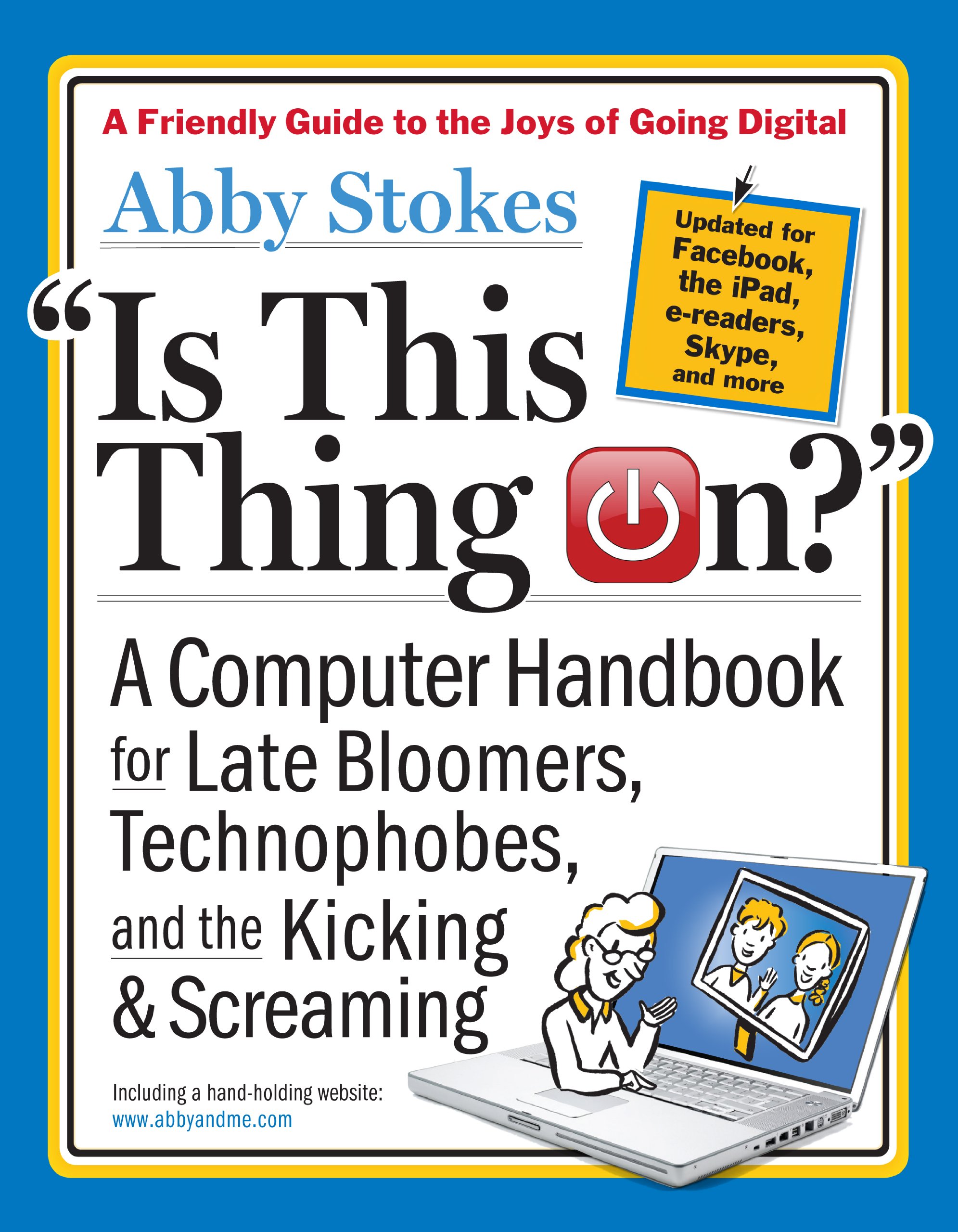
Is This Thing On?: A Computer Handbook for Late Bloomers, Technophobes, and the Kicking & Screaming [Stokes, Abby, Sloan, Michael, Yule, Susan Hunt] on desertcart.com. *FREE* shipping on qualifying offers. Is This Thing On?: A Computer Handbook for Late Bloomers, Technophobes, and the Kicking & Screaming Review: Clear instruction and well written - This book was suggested to me by our computer club's President. In our computer club, I assist and have taught a class titled Computer Kindergarten in Green Valley, AZ, a 55 or older community. Most of our fellow "late bloomers" who have not acquired basic computer skills are being forced to do so if they want to communicate with the children and grandchildren. What is great about Stokes approach is that she recognizes the fear and the feeling that computers are just too complex and overwhelming. With humor and clear writing, she brings the computer into focus with the basics. Her approach is wonderful bringing people along a simple step at a time but beyond that her presentation of the basics is gift to all who want to understand or a review of beginning computer knowledge. I pick up some points and will follow her approach in future classes and will strongly recommend this book. My only criticism, and it is not the core of the book, is the advice on what computer to purchase. This advice is too complete, which can be overwhelming. Most people who have not acquired computer skills will find almost any entry-level brand name laptop or desktop more than enough to meet their needs. Also, many seniors receive computers of all types from their children who want more communication. Those gifts then often require more basic instruction. Also, many used computers are more than adequate. In Green Valley, as is the case in other communities, we provide refurbished computers, most with Windows 7, for a small donation of $30 - $45. The point is not to spend a lot at the beginning. Abby Stokes has given a gift to all who want to use computers but for whatever reason have not done so. Her book rates more than five stars. Review: CLEARLY THE BEST COMPUTER HANDBOOK WRITTEN! - If I would just take the time to read all of this book, I know I would be MUCH more technologically prepared to use my computer. Although this is written for PC users, the author DOES add information for those of who are iMAC users. She writes so that any new and nervous computer owner can understand. Some handbooks are written with unnecessary difficulty and too much "computerese"; this one is more comprehensible in its use of down-to-earth language. The author originally began writing this handbook to impart information for her mother's use, and the rest of us benefit from her kind explanations. (It's a good idea to read ahead--before you get yourself into a cyberspace mess!)
| Best Sellers Rank | #1,875,208 in Books ( See Top 100 in Books ) #133 in PC Hardware #10,928 in How-to & Home Improvements #122,328 in Reference (Books) |
| Customer Reviews | 4.3 4.3 out of 5 stars (176) |
| Dimensions | 7.25 x 1.25 x 9.25 inches |
| Edition | Revised |
| ISBN-10 | 0761168826 |
| ISBN-13 | 978-0761168829 |
| Item Weight | 1.5 pounds |
| Language | English |
| Print length | 438 pages |
| Publication date | January 3, 2012 |
| Publisher | Workman Pub Co |
E**R
Clear instruction and well written
This book was suggested to me by our computer club's President. In our computer club, I assist and have taught a class titled Computer Kindergarten in Green Valley, AZ, a 55 or older community. Most of our fellow "late bloomers" who have not acquired basic computer skills are being forced to do so if they want to communicate with the children and grandchildren. What is great about Stokes approach is that she recognizes the fear and the feeling that computers are just too complex and overwhelming. With humor and clear writing, she brings the computer into focus with the basics. Her approach is wonderful bringing people along a simple step at a time but beyond that her presentation of the basics is gift to all who want to understand or a review of beginning computer knowledge. I pick up some points and will follow her approach in future classes and will strongly recommend this book. My only criticism, and it is not the core of the book, is the advice on what computer to purchase. This advice is too complete, which can be overwhelming. Most people who have not acquired computer skills will find almost any entry-level brand name laptop or desktop more than enough to meet their needs. Also, many seniors receive computers of all types from their children who want more communication. Those gifts then often require more basic instruction. Also, many used computers are more than adequate. In Green Valley, as is the case in other communities, we provide refurbished computers, most with Windows 7, for a small donation of $30 - $45. The point is not to spend a lot at the beginning. Abby Stokes has given a gift to all who want to use computers but for whatever reason have not done so. Her book rates more than five stars.
C**.
CLEARLY THE BEST COMPUTER HANDBOOK WRITTEN!
If I would just take the time to read all of this book, I know I would be MUCH more technologically prepared to use my computer. Although this is written for PC users, the author DOES add information for those of who are iMAC users. She writes so that any new and nervous computer owner can understand. Some handbooks are written with unnecessary difficulty and too much "computerese"; this one is more comprehensible in its use of down-to-earth language. The author originally began writing this handbook to impart information for her mother's use, and the rest of us benefit from her kind explanations. (It's a good idea to read ahead--before you get yourself into a cyberspace mess!)
S**N
IS THIS THING ON - Handbook for Beginners
This book has been a big help to me since I had used computers at work for over 30 years but only knew what I did on a particular program. Now I have a computer at home for the first time and must be my own IT person. I was clueless but this book gives easy to read and understand directions. I would recommend it to all beginners no mater what age group.
E**.
Is This Thing On? Book
I bought this book for my 81 year old mother who is a computer novice. When I saw the page on chain e-mails and hoaxes, I knew it was the book for her. In the past, I was a recipient of a chain e-mail from her professing good fortune of money. Also, the book prompted me to do a Disk Cleanup and Defragmenting which I had never bothered to do until now. There's a chapter on Online Shopping which is dear to my mother, and another on Smartphones, e-Readers and iPads. The book is written with humor and simplicity which is perfect for the target audience.
S**Y
Good for basics but doesn't cover recent versions of Windows, and info about smartphones and tablets is sparse and outdated
My major issue with the book is that it absolutely needs updating to cover Windows 8. Like it or hate it, 8 is a major departure from earlier versions of Windows and it's all you're going to find on a new computer these days (2014) unless you get a Mac. But the book seems to end around Windows Vista which is 2 versions and 5+ years ago (which is eons in the tech world). Also, if you're looking for help with choosing or using smartphones, tablets, etc. you'll find that the book is lacking in details - and here too is also somewhat out of date. There's only one sentence about Android even though it's the most popular OS for all non-Apple mobile devices, and the only tablet mentioned is the iPad even though there are many non-Apple tablets on the market now. Still, overall I wouldn't hesitate to recommend this book to anyone who isn't experienced with computers and wants to learn how to use their Mac, or their *not* brand-new Windows PC (or if a knowledgable friend/family member first reconfigured their Windows 8 or 8.1 system to be more like old Windows, which isn't hard to do). But if they have a new Windows 8 (or Windows 8.1) PC they'll be scratching their heads - and if they're looking for buying advice on things like smartphones and tablets, they will not get an accurate picture of what's currently available and most suitable for their needs. -------------- 2015 UPDATE: Microsoft has learned their lesson; a lot of the weirder features of Windows 8 have been removed from Windows 10, and the familiar "Start" menu is back. So if you know Windows 7 or Vista, using Windows 10 will be less of a shock than using Windows 8. That means that more of this book is applicable to Windows 10 compared to Windows 8 - but the book still needs updating.
R**E
SIX stars!!
In the late 50s my summer job was hole-punching cards for a huge IBM computer. In the early 60s, a fellow student showed me the U of Alaska's first computer: it took up a whole small room, and it could play chess! Wow! Nevertheless, the 80s still found me the last gal in the office to switch kicking and screaming from a typewriter to a--horrors!--computer! To make a long story mercifully short, I muddled along in computerdom (or rather computerdumb) till this year: I had finally become more or less expert at word processing (as long as it wasn't Word), I could do e-mail (though still baffled by attachments), and if not surfing the net I could at least dogpaddle. This book gets six stars cuz it comes with a consultant--Abby welcomes e-mails and she has what she calls a handholding website! The perfect resource for the electronically challenged like me! lol lol! (stands for little old lady laughing out loud!)
J**G
I bought this to show to my classes of seniors who are learning computers. It covers everything and does it well with lots of visuals to assist. The writer is clearly a good instructor and is often funny. Good value for the price. Be sure to get the "revised" edition which has been updated.
P**R
This book lived up to the review, just right for me exactly what I wanted, and, indeed ,needed. Brilliant. Just the ticket
A**R
Mostly very useful, but as with all techno things, some of it is not up to date by the time it is printed.
M**S
Seems to know us late bloomers very well.A very good book for newcomers and those needing a review. Hope she does something for Windows 8
Trustpilot
1 day ago
2 months ago