Some deliveries may take a little longer than usual due to regional shipping conditions.

DOWNLOAD THE APP


Customer Services
Copyright © 2025 Desertcart Holdings Limited
DOWNLOAD THE APP
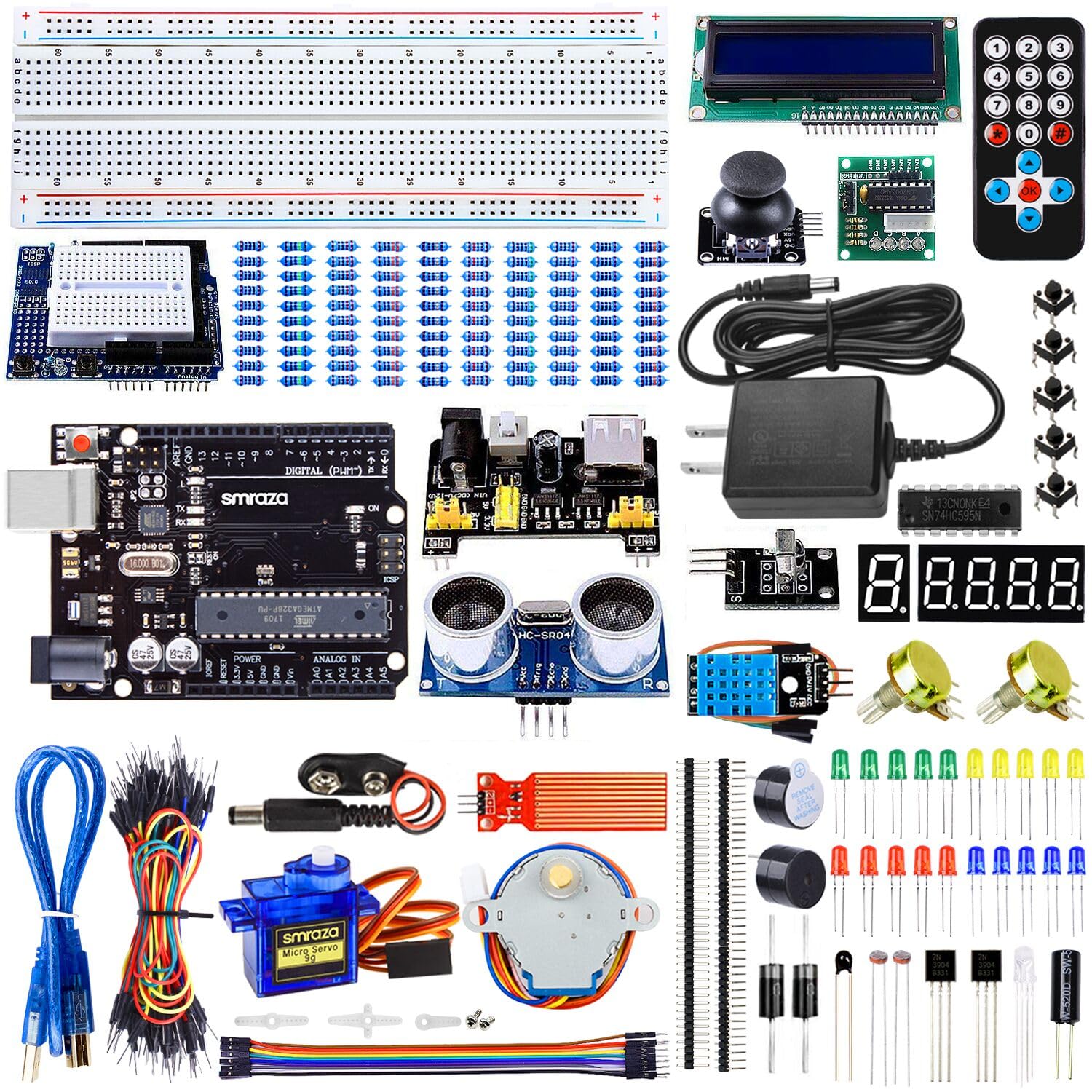


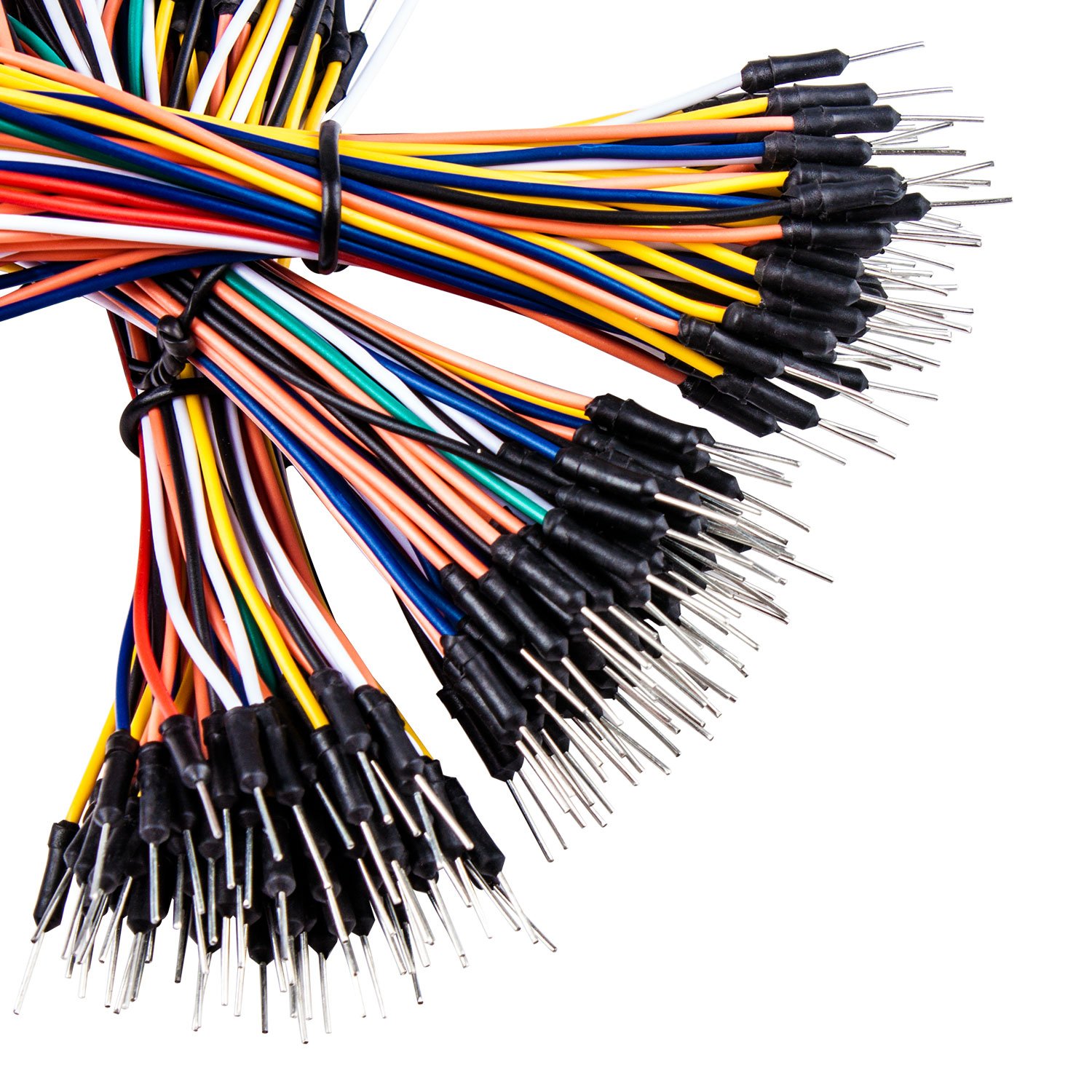
🚀 Ignite your maker journey with the ultimate Arduino starter kit!
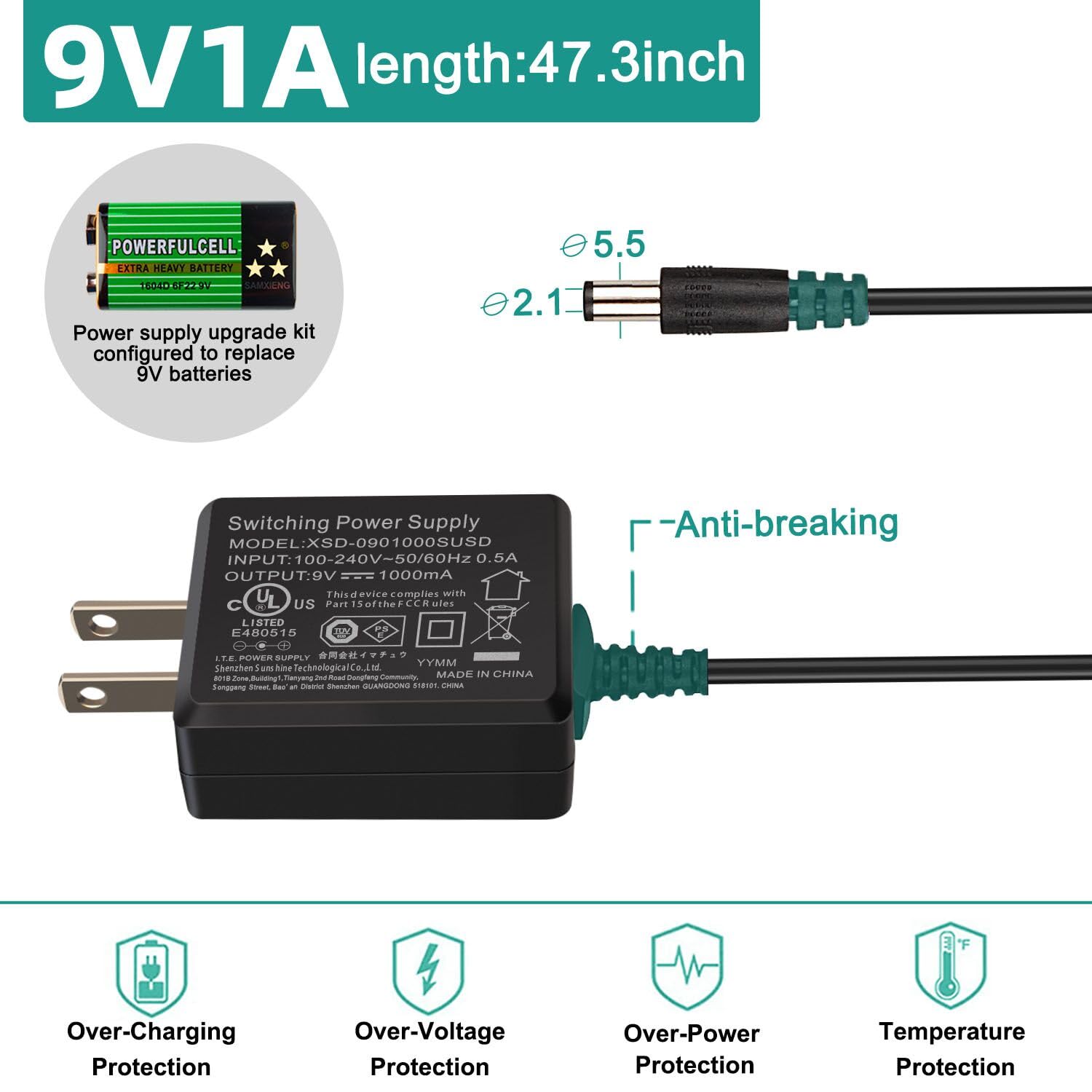
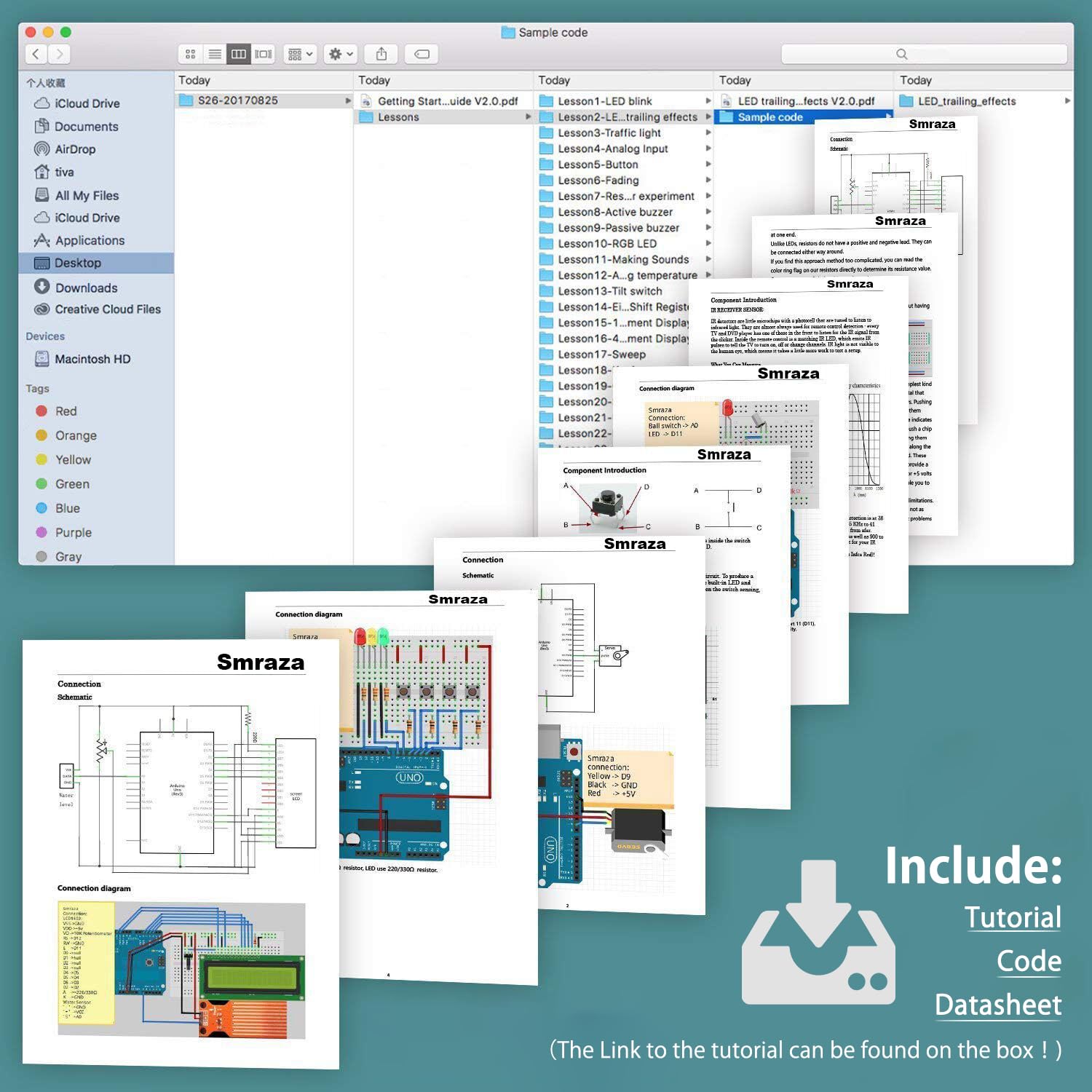
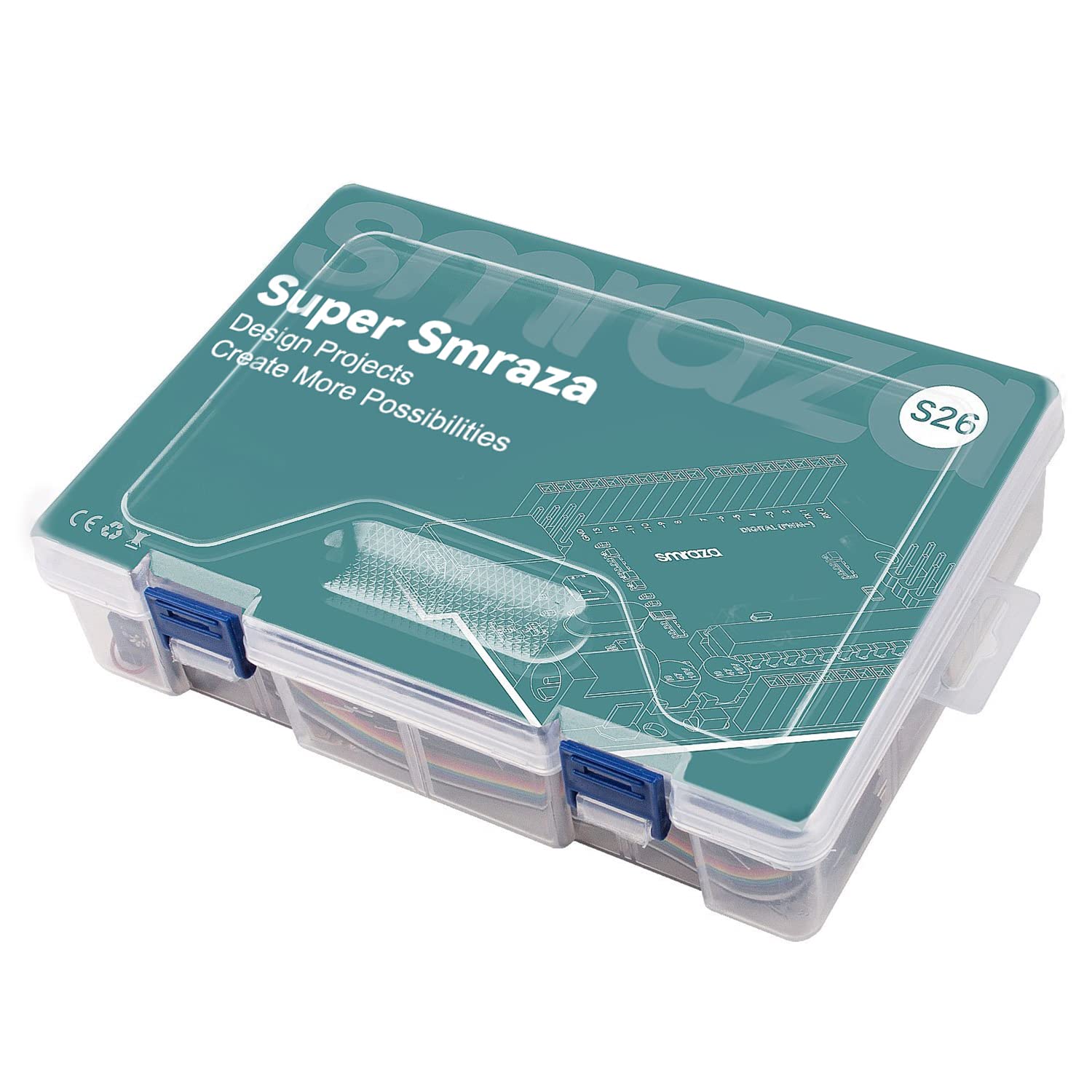
The Smraza Super Starter Kit is a comprehensive electronics project kit designed for beginners and hobbyists. It includes a breadboard, jumper wires, resistors, LEDs, an LCD1602 display, sensors, and a 9V 1A power adapter, all compatible with Arduino UNO R3 and other Arduino boards. With a detailed 28-lesson PDF tutorial and pre-coded examples, it offers a hands-on, no-soldering-required experience, neatly organized in a quality storage box to keep your components accessible and ready for creative experimentation.


| ASIN | B01L0ZL8N6 |
| Batteries | 1 9V batteries required. |
| Best Sellers Rank | #2,358 in Single Board Computers (Computers & Accessories) |
| Brand | Smraza |
| Color | Colorful |
| Computer Memory Type | DDR DRAM |
| Customer Reviews | 4.6 4.6 out of 5 stars (511) |
| Date First Available | August 26, 2016 |
| Is Discontinued By Manufacturer | No |
| Item Dimensions LxWxH | 9 x 6.3 x 2.4 inches |
| Item Weight | 1.41 pounds |
| Item model number | S26s |
| Manufacturer | Smraza |
| Number of Processors | 1 |
| Operating System | FreeRTOS |
| Processor | 2.00 8031 |
| Processor Brand | IBM |
| Product Dimensions | 9 x 6.3 x 2.4 inches |
| RAM | 500 MB |
| Series | S26 |
| Wireless Type | Infrared |
C**.
Long time Arduino lurker, finally went for a starter kit, glad I chose this!
I've seen others in person and countless videos on YouTube build many different things from beginner to advanced with Arduino and I've always wanted to try my hand at it. Very versatile system, lots of support online from various sites. I purchased this starter kit (due to its price, contents, & saw seller was actively answering questions) to play around with the capabilities of it, teach my young kiddo some cool electronics/coding, and to eventually build myself a home weather station (My ultimate goal down the road, and with a few additional parts not included in this kit, is to build myself a solar powered wireless weather station for my backyard). My kiddo has already given me a list of 20+ other things to build though first! Definitely worth getting a starter kit! Pros: Exactly what it's supposed to be. Great price for an all you need to get started kit, most pieces come in anti-static type bags, includes plenty of well organized pre-coded examples with PDF instruction sheets on cd to get you started, lot of different components to play around with, everything feels pretty solid. Cons: USB cord could be a little longer. The nature of the Arduino system means it's not instantly ready, you have to do a few steps to get started but it's not really a con, just a learning curve / first time setup for beginners like myself! Note: The box this kit came in was cracked and one of the hinges broke...I had ordered some light bulbs for the house and they arrived perfectly unharmed in the same shipping package so it must have cracked BEFORE shipping from Amazon. BUT not a single item inside was broken and nothing appeared affected whatsoever. Who needs a case though, I'll have it out to play with! Since this is my first time into this world here's what I did to get started in case others aren't sure what to do right after you open the box: 1. Verify all components there (has a card with pictures that list everything). My kit was complete. 2. Have a desk, etc where you can be on a computer and have space to lay the kit out. 3. You'll need your computer to be connected to the internet so you can download the free Arduino software that powers everything: https://www.arduino.cc/en/Main/Software - Under "Download the Arduino IDE" section look for the list on the right for links to install for either 'Windows installer', Mac, or Linux. (Alternately you can use their web based program on that page but remainder of my steps assume you downloaded the software). After selecting your computers operating system click "Just Download" on the optional Donate page. Once downloaded run the file (keep all settings it has and ok/yes to any Windows messages). You'll now have the Arduino program installed on your computer. The program lets you write your own code, copy and paste code from the internet or elsewhere, can check your code for some errors, and most importantly: uploads it to your UNO board from this kit so it can run/do something! 4. Use the kits provided USB cable and plug one end into the kits provided UNO board & other into a USB slot on your computer (short cord so if you have a longer one that fits that's fine too). The UNO board's light should come on now. 5. Find the Arduino program just installed and open it. 6. Tell the software WHAT you are using, in this case the board that says UNO on it from this starter kit: go to Tools, Board:, make sure "Arduino/Genuino UNO" selected. 7. Tell the software WHERE the UNO board is: go to Tools, Port:, make sure the item that has "(Arduino/Genuino UNO)" is selected. 8. You are now ready to write your code...alternatively you can just open up pre-written codes from the kits provided cd (or download from sellers website). Example: put cd in computer, select "S26" folder (this kit), "Lessons", you have plenty to choose from each containing a PDF with instructions and the sample code (when you open the sample code be sure to repeat steps 6 & 7 above). 9. With your/sample code ready click the check mark just above the code but just below the File button...this compiles it / checks for errors. 10. When it's finished (bottom area of program window tells you), click the arrow next to the check to send the code to your UNO board. Have fun experimenting! Tips: -Cd contains a getting started PDF that list most of the steps above. -When you power your UNO board back up (via USB cable or provided 9v battery pack (battery NOT included)) it will start running the last program you gave it. -If your code will display results back to your computer (such as temperature/humidity sensor readings) you'll only see the results if you open the results viewer: Tools, Serial Monitor. -When you write your own code / copy from the web you may get errors saying you need certain libraries to run it. To install go to "Sketch", Include Library, Manage Libraries, use filter to find what you need and select it or go on the web and find and download if not there (being sure to place any downloaded ones in your Arduino programs library folder).
E**W
Great for learning
This came with more than expected. They come with enough items to create and change configurations to try new setups. Very pleased with price point and quality of items.
K**R
Great Arduino Starter Kit
I received a Grove Beginner Kit for Christmas and immediately wanted to expand my Arduino collection, especially with breadboarding capabilities. I looked at several kits, since I'm new to the Arduino ecosystem, and found this one to be a great overall value. I've worked through almost all of the tutorial (recommended) and used almost everything in the kit. The components seem to be quality. For convenience I've mounted the Smraza MCU, the Grove kit, the Smraza breadboard and several Smraza components. I've loved the new hobby and I'm in the process of designing, building and programming an alarm system for two outdoor workshops. I had one component dead on arrival. The Smraza team were responsive friendly and prompt with replacing the part for my use. I recommend the kit for people wanting to get into Arduino MCU projects and programming. I don't recommend it for people without some prior understanding of electronic circuitry and programming. It does take some research to go beyond the tutorials, but well worth it. I recommend the kit and Smraza. In my photo, the Smraza kit components are on the left. The Grove kit is on the right (a single PCB). I liked the Smraza kit so much, I've already added other components for other projects.
O**N
It comes with everything you need, it's a great way to start out.
I bought this for my son who was interested in getting into programming. I figured this would be a much more hands on experience than coding on it's own. There are a ton of projects that ramp up the complexity level to do and he enjoyed going through many of them. After about a dozen he was able to start making his own projects with what he had learned.
J**T
No issue
Great kit
T**Y
Best kit for begginers
Includes almost all the necessary
W**.
Great kit for grownups and kids alike. endless possibilities!
Love it! Got this for me and my 9 year old as a Christmas present, and we are teaching ourselves some robotics and coding thanks to the excellent parts and material in this kit. For a guy like me who has some basic electronics background, it allows me to jump right in and leverage the lesson material to start creating my own control systems. For a kid like my son, it starts him all the way back at simple DC circuits, how a breadboard works, and resistor color codes, teaching new elements with each lesson. I can tell this will keep us learning and building all year. Incidentally; I was hesitant to buy this kit because the UNO in the kit isn't made in Italy by the original arduino.cc group. I've since learned that since the UNO design is open source, that's not a big deal. Funny thing is... I bought an original arduino UNO as a backup in case this one was a dud, and wouldn't you know, this one worked great out of the box, but the "original" arduino was a dud!. That's another story, but fortunately that seller is taking care of it. Long story short, this is a great kit, and don't be scared of the fact that the UNO is not an "original."
N**L
Love it, love it, love it. Whilst I am relatively familiar with the arduino, this was bought for my daughter who has seen me meddle with the components and wants to get involved. This kit seems ideal It contains a wide variety of sensors and components along with an Arduino Uno, breadboard, jumps etc (full list seen in the description above), essentially everything you need to get started in basic programming and microprocessor electronics. The price represents superb value. The kit also contains a CD with the necessary software (though i would recommend go to Arduinos website and download the software there to ensure you have the latest version. Also on the CD are plenty of tutorials in well written english with good images to show you how/what to program and how/where to connect the various components. You will be creating your first sketch very quickly. There are also some PDF books on the CD which go into a bit more detail on the arduino and example sketches. Furthermore there are a huge amount of free resources on the web/youtube to continue your experimentation. Would strongly recommend this kit, for this price to anyone interested in starting out with Arduinos.
N**L
So I was looking at getting into a new hobby with my eldest son and he is quite keen on circuits and stuff so I thought I would look down that avenue. The market has many kits and its all a bit of a blur really so I emailed a few sellers to ask for some information. The kit I ended up buying was down to the response of the seller. I asked maybe 5 or 6 questions and got answers to them all so I decided to go for Smraza kit No26 The Super UNO R3 starter kit. This is somewhat more than a starter kit but contained enough stuff that we wouldn’t get bored at stage 1. The kit arrived fairly quickly and was well packaged in its own plastic case, wrapped in bubble wrap and packaged via amazon. Upon opening it I was greeted with a whole host of gizmos and packages which made no sense. After my initial panic I popped the cd in and had a look through the instructions. There was loads of pdf tutorials on it and I soon realised that it was going to take us a while to use the kit in the box. Instructions are decent enough, with very basic tutorials to much more complicated ones. If you know what you are doing and want to rush ahead I am sure you could but for us it will be a slow process. I cant fault the kit so far, its huge and has provided some fun already. I have noticed they sell other kits as well which are slightly cheaper but I like this one as it comes with so much stuff. As it stands I would use them again as a seller and also keep an eye on their stuff to build up our collection of gizmos to use. I also like the fact it was done via amazon so i have some comeback on the product if there was any problems.
K**R
Item just arrived today with full set of components tightly packed in a neat plastic box. There is a picture diagram of all the included components and all were present and correct. The box seems a little on the small side and well packed but probably will be OK when all the components are taken out of there anti static bags. I have connected the Ultimate UNO board to the computer and it is working perfectly with the blink test program pre-loaded. Haven't started any of the projects yet but they are all well documented both in a download sent by the seller and on the included CD with clear to follow tutorials as well as all the individual component data sheets. I have no previous electronics experience, but have been learning a bit a programming both in the Arduino C++ code and Python so can't wait to get started with the projects. I have had a couple of communications from the company offering support with the product if needed. This is great customer services with a great product.
G**M
First off, this is a brilliant kit for the money. It comes well packaged in a small plastic case and includes just about anything someone wishing to learn programming might want. I was absolutely bowled over by exactly how many components were included and had to check the contents twice because I kept missing bits. When I started using the kit the software was easy to install and the uno worked without a hitch leaving me to enjoy tinkering. The only let down was the instruction manual. This is provided on CD which is inconvenient as i (like most people these days) don’t have a CD drive on my laptop. A small note inside the pack said that you can download the instruction manual from the manufacturers website but after scouring the site I was unable to find it. Once I did get the instructions off of the disc I found them very clunky and easy to missunderstand. It was more difficult working out what they wanted you to do that it was to do it and some of the instructions were misleading, while others had contradictory information in them. The instructions are the reason why I have only given 4 stars however the kit itself is definitely 5 stars and you can easily find tutorials on the internet.
H**L
This kit comes at a great price point for what you get. It is jam-packed full of things to get you stated and comes with a disc (or online PDF) full of projects. The product was neatly packages and there were no missing/damages items. All parts are working as they should be. And if anything wasn't working; there is help on the included support/service card and ways of contacting the company. Overall I am very happy with this product and I would happily recommend this to anyone first starting on arduino.
Trustpilot
2 weeks ago
2 months ago