We remain fully operational. Our teams are working around the clock to ensure your deliveries continue safely.

DOWNLOAD THE APP


Copyright © 2025 Desertcart Holdings Limited
DOWNLOAD THE APP


Buy anything from 5,000+ international stores. One checkout price. No surprise fees. Join 2M+ shoppers on Desertcart.
Desertcart purchases this item on your behalf and handles shipping, customs, and support to Morocco.
🚀 Upgrade your Mac’s heart with Sintech’s NVMe adapter — speed meets precision!
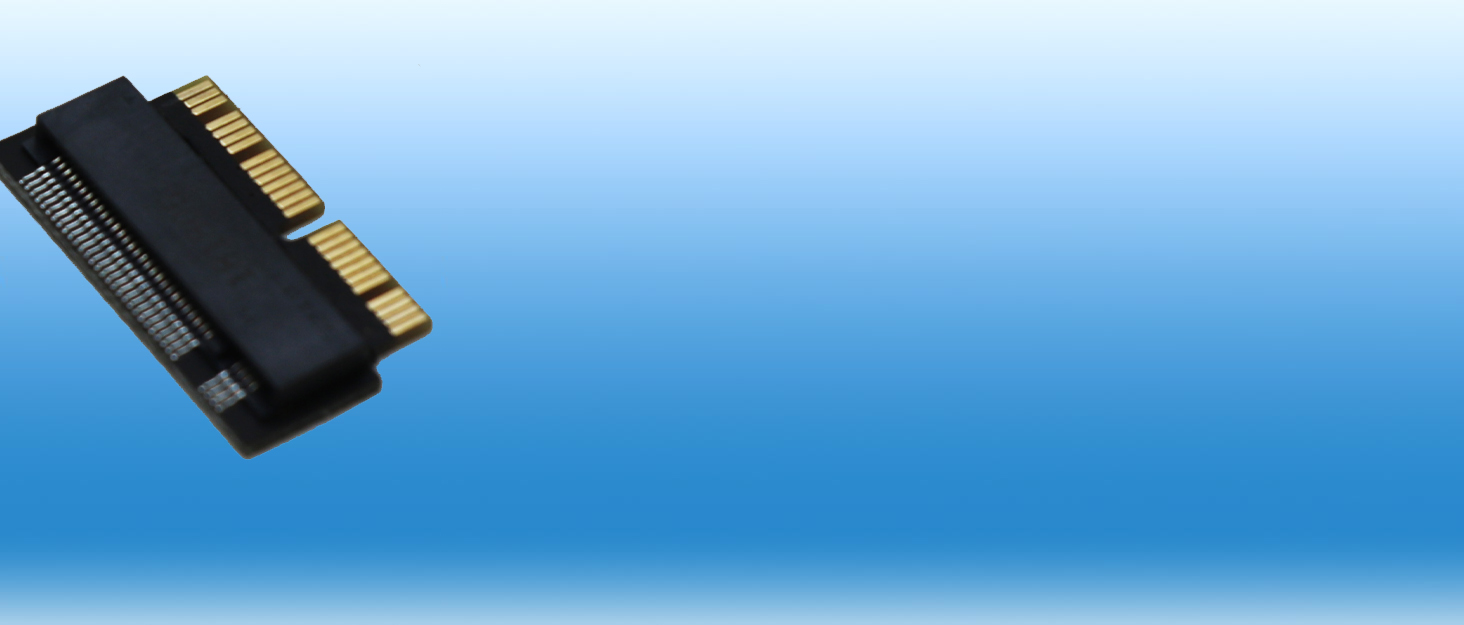
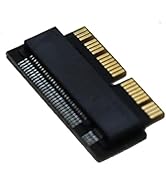
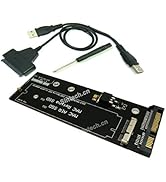
The Sintech NGFF M.2 NVMe SSD Adapter Card is designed specifically for 2013-2015 Macs (excluding early 2013 MacBook Pro), enabling users to upgrade to high-performance NVMe SSDs from leading brands. It supports PCIe 3.0 x4 speeds, includes essential installation accessories like a longer T5 screw and PE pad, and comes with comprehensive installation guidance. This adapter unlocks faster boot times and improved system responsiveness, backed by strong vendor support and compatibility with a wide range of SSD models.






| ASIN | B01CWWAENG |
| Best Sellers Rank | #45 in Computer Memory Card Adapters |
| Brand | Sintech |
| Color | Black |
| Compatible Devices | Laptop |
| Connector Type | M.2 NVME |
| Customer Reviews | 4.6 4.6 out of 5 stars (2,888) |
| Finish | Nvme |
| Item Weight | 0.01 Kilograms |
| Manufacturer | Sintech Electronic |
| Model Number | ST-NGFF2013 |
| Number of Items | 1 |
| Number of Ports | 1 |
| Package Quantity | 1 |
| Power Plug Type | No Plug |
| Specific Uses For Product | Laptop |
| UPC | 701017254409 701017254492 |
| Unit Count | 1.0 Count |
| Warranty Description | 6 months |
S**K
Works,.. even on 2017 iMacs, great Vendor support
Ordered two a while ago.. and Amazon didn't ship both. Vendor responded quickly to my complaint and shipped out missing adapter quickly. I couldn't ask for better service. I'm also pretty sure they've added more guidance to the product listing (this Amazon listing) about supported hardware and troubleshooting since my original purchase, so nice to see them continuing to add to their support documentation. I'll waste some of my plentiful shelter-at-home time with installation tips and my detailed experience with these adapters below.. but I'll wrap up the short-version of my review by saying... Bought two already and I'm ordering more to upgrade additional 'retired' iMacs that have come into my office (University IT Support). There's plenty of usefulness in a 2015 17" iMac after it's got a new NVMe drive in it. Long Version... Installation is not trivial, but that's because of how iMacs are designed and assembled. Read a tear-down webpage, take your time and don't force the screen. They're not that hard to crack (I've done it.. and I'm a professional ;-P ). I find, in addition to a plastic cards (old gift card or similar works well).. I like to use an Exacto Knife so carefully slice through the adhesive foam gasket (slowly slice down into gasket in increasingly deep passes, don't jam blade between glass and case). I also like using increasingly thick guitar picks as shims as I work around from top->down sides.. and look for pull-away tabs at outside of bottom gasket section on newer iMacs. Even thought you have to completely gut the iMac's insides to get to the SSD interface on the back of the board, the actual installation of this adapter is easy so I gave it 5-stars. Oh yea, if you don't want to buy a replacement gasket kit.. don't use double-sided tape instead. It's not thick enough to make contact with screen and case. just wrap some tape around outside edge of glass and case. As for how will it works... Pick a supported SSD, avoid the Samsung drives that they warn against using.. and it just works. You can't ask for more. My own results are mixed so far. .but I don't blame Sintech.. and I believe they recently posted a fix for the one issue I'm still having (I'll try today). - 2017 27" iMac: Even though this isn't listed as a supported Model, the adapter works fine in my 2017 iMac. Before upgrade, it was unstable and I noticed some serious errors with the Fusion Drive B-Tree structure, so I pulled both the disk & Apple SSD and upgraded to a FireCuda NVMe drive. Instability persisted but cleared up after I also pulled a pair of 3rd party SO-DIMMs. I suspect both Fusion Drive issues (which Crash Logs pointed to) and a bad pair of SODIMMs both contributed to original problems. iMac runs better than new now (though still short some RAM). - 2015 27" iMac: Again, I replaced a fusion set that was causing problems in this iMac. This iMac also seemed to be having problems with it's Fusion Drive setup prior to upgrading. Installation and clean-install on new drive went flawlessly and iMac worked great.. except it then started crashing when going to sleep. I've since seen new info here on a possible fix so I'll give that a try.. though it'll take me a while to confirm the issue is gone since it was an intermittent problem. No indication that there's a problem with the adapter/drive while the computer is in use though. One thing to note if you plan to replace a Fusion drive set with this... If you use CarbonCopy Cloner (or presumably Disk Utility too) to clone your Fusion drive Volume to a disk image or to your new NVMe drive, it clones the 2-drive Fusion formatting too. You'll end up with two partitions on your single NVMe.. with one staging new & frequently-used data.. and older data getting migrated to the 2nd partition. It'll look like one Drive from the Finder, but I have suspicions that Apple's data staging code is introducing corruption into Fusion Drive's directory B-Tree so best to not introduce this un-needed complexity. Better options... 1. If you've got.an up-to-date TimeMachine backup.. do a clean Mac OS install onto new drive and a data migration from your TimeMachine backup.. or... 2. Get an external USB NVMe adapter or NVMe USB case.. Do an internet recovery (boot w/ Command-R pressed) and install a clean version of MacOS onto the new NVMe drive (usb-connected).. Boot off the NVMe drive and update to latest OS if you need to (I've seen Internet recovery install latest Mac OS release on some Macs, and older versions on others).. Now, do a Data Migration from the Fusion Drive set to the new NVMe. When it's all setup.. then pull the iMac apart and swap the drives. Good luck.. Steve.
A**F
Great upgrade for 2013-2017 Macs
Works as designed. Got a WD Blue 2TB SN580 installed on my 2015 15” MacBook Pro. Runs at full speed of PCIe 3.0 x4 of what the drive can do. Easy to install, mounting screw lines up perfectly with screw post. No flex on the drive.
M**1
MACBOOK PRO 2013-15 SSD ADAPTER - 5 STARS!
This adapter fit and worked PERFECTLY! I used it in a “mid-2014” MacBook Pro 13” Retina, version “MacBookPro 11,1”, model number A1502. It was relatively easy. - at least compared to any later MacBook. Take the bottom plate off the computer (10 tiny proprietary pentalobe screws, IIRC). Take the old, slow, small capacity (in my case, a 128GB) out (one T5 screw). I placed a new 1TB Crucial P2 NVMe SSD in the adapter, firmly clicked the adapter in the slot in the computer, replaced the screw, and screwed the bottom plate back in place. Hardware upgrade complete! The trickier part in some ways is re-initializing the new drive and reinstalling a fresh new operating system. I had planned ahead. I booted from an external USB-3 SSD loaded with various macOS installers - in this case, macOS 11 “Big Sur” is the highest one can install on said machine (without hacks, but that’s another story). After correctly choosing the default (and required) APFS to format the drive, Big Sur installed without a hitch in a few minutes. A few security updates should install after rebooting. Set your preferences and Boom, done! Bottom line: Easy to install if you have patience, steady hands, and some experience working on computers with tiny tools; an external SSD; and basic knowledge of installing operating systems. HUGE savings over an Apple proprietary drive or questionable Chinese knockoff drives using the old interface. P.S. Note that there is at least one brand of competing adapter on Amazon for a couple bucks less. I bought one - it didn’t work and it was visibly poorer quality.
B**F
Crucial P310 compatible
Works with crucial p310 1tb on a 2017 Air
D**T
Fitment issues lead to bowing drive
The adapter seems to fit well once I reseated a few times to get the full screen hole exposed on the logic board. However, when I tighten the included new screw to secure both the new NVME drive and the adapter to the logic board, the adapter bows downward and the SSD starts bowing upward. I had to just barely screw down the provided screw to prevent the parts from bowing. Not sure how to have prevented this, other than the adapter may still be slightly too long? I believe it is inserted as far as possible. That said, I closed it up, booted to Internet Recover on my 13" MacBook Pro (Early 2015) successfully. Yes, Internet Recovery works fine (Command + Option + R) and went to Disk Utility, formatted / erased the drive (GUID Partition Map) and then migrated my time machine backup to the new drive without any trouble. Working great so far. Disk Magic shows ~1250 MBps Write and ~1475MBps Read speads with the new drive. (ADATA XPG 512GB XS8200 Pro)
C**N
Mi modelo de MacBooks del 2016, con una tarjeta samsung lo lee sin problemas
P**H
Worked as expected. Used Crucial P3 Plus 1TB PCIe 4.0 3D NAND NVMe M.2 SSD , which is not listed in compatible SSDs List but worked flawlessly. Read and write speed increased from earlier (doubled) but not reached maximum that the SSD offers (which is obvious).
T**E
Bought this and a Crucial P1 500gb hdd as Amazon indicated they were often bought together, and Crucial P1 was listed on one of the photos. However after spending half a day trying to various ideas to get it to work with the adapter I gave up. Next day bought a Samsung EVO 970 500gb hdd from a local store, as this was one used in a YouTube video demonstrating the setup of the adapter, and it worked immediately.
J**S
Aufrüsten meines MacBook Air 2017 hat super funktioniert. Das der Adapter zu dick aufträgt und die Unterseite sich nicht mehr verschließen lässt kann ich nicht bestätigen. Bei mir hat alles gepasst. Ebenso die Passgenauigkeit der Schraubenbohrung. Vielleicht wurde hier aufgrund der schlechteren Rezessionen nachgebessert. Verwendet wurde ein aktueller Crucial P3 1TB MacBook Air 2017 (MacOS Monterey) Boot Stick mit MacOS Mojave, erstellt mit Windows. Festplatte musste nach dem Bootvorgang über das Festplattendienstprogramm lediglich formatiert werden und war dann auch verwendbar für die Installation. Alles machbar für jemanden der sich mit so etwas eigentlich nicht auskennt.
A**R
this product is great for upgrading Mac. it definitely and Affordable option to upgrade my Mac.
Trustpilot
2 weeks ago
3 weeks ago