Some deliveries may take a little longer than usual due to regional shipping conditions.

DOWNLOAD THE APP


Customer Services
Copyright © 2025 Desertcart Holdings Limited
DOWNLOAD THE APP
![ArmorSuit MilitaryShield Screen Protector for Apple iPad Mini 1/2/3 - [Max Coverage] Anti-Bubble HD Clear Film](https://m.media-amazon.com/images/I/71yUPLPJP4L.jpg)

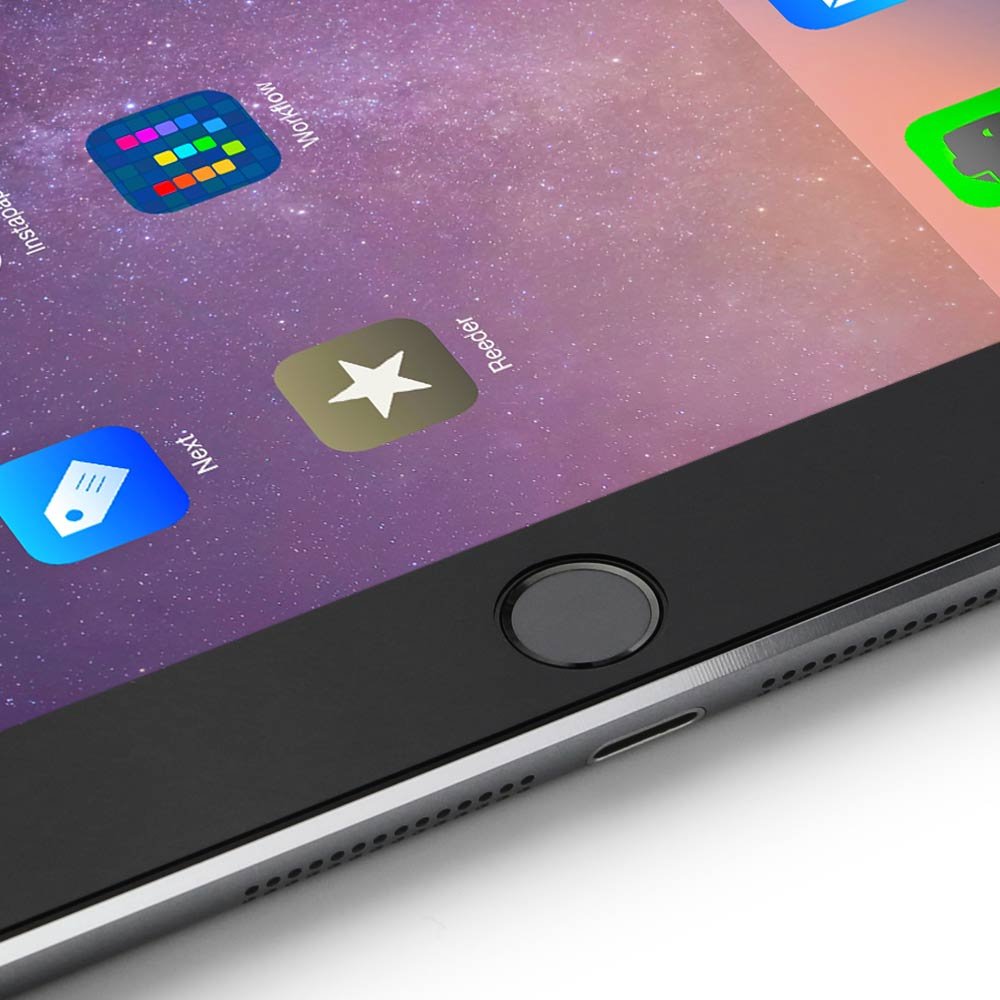
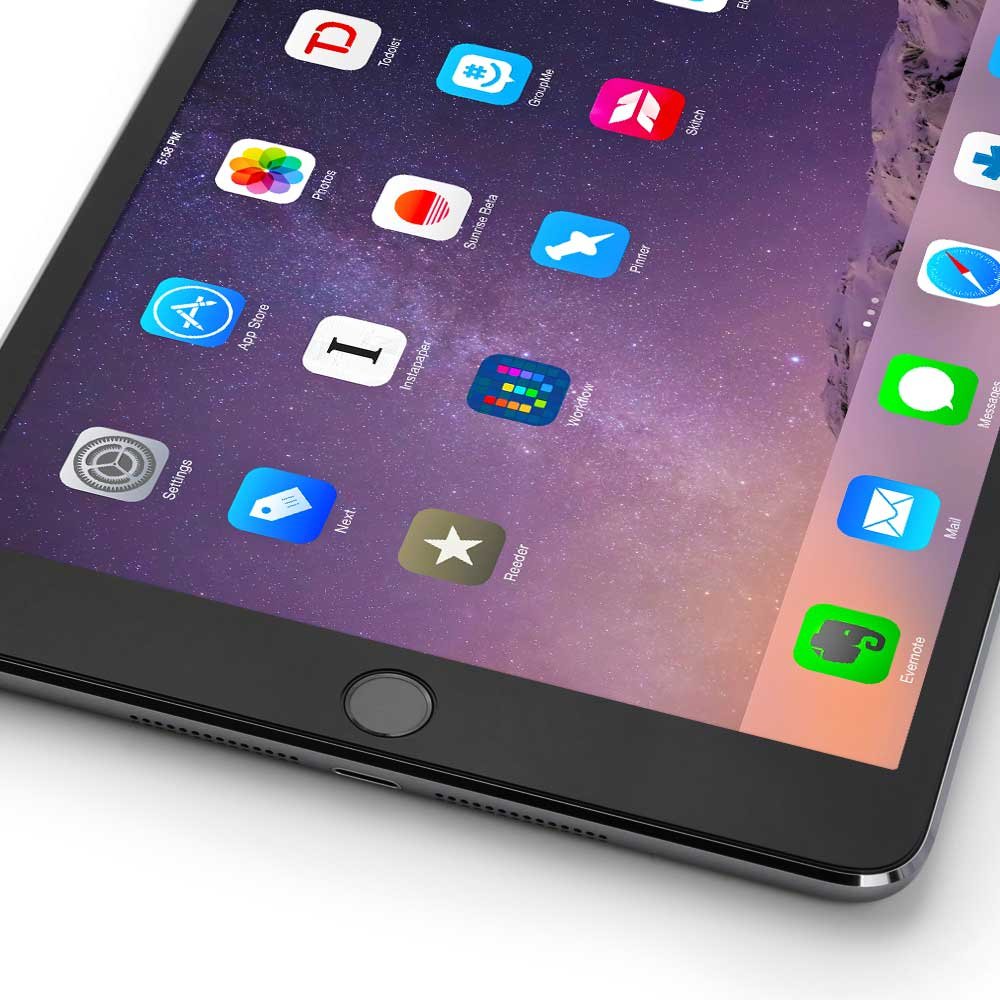

Protect your tech like a pro! 🛡️
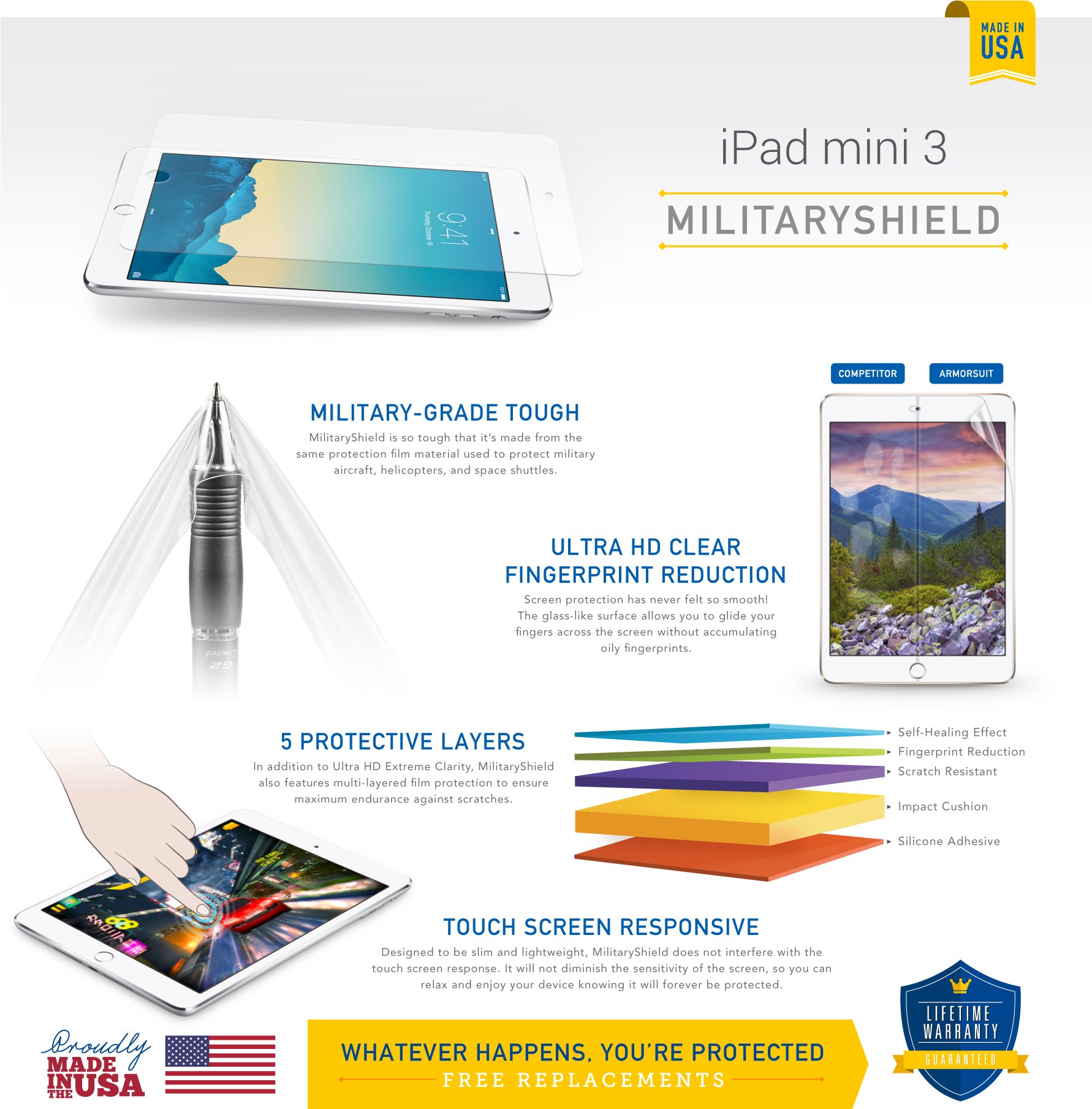
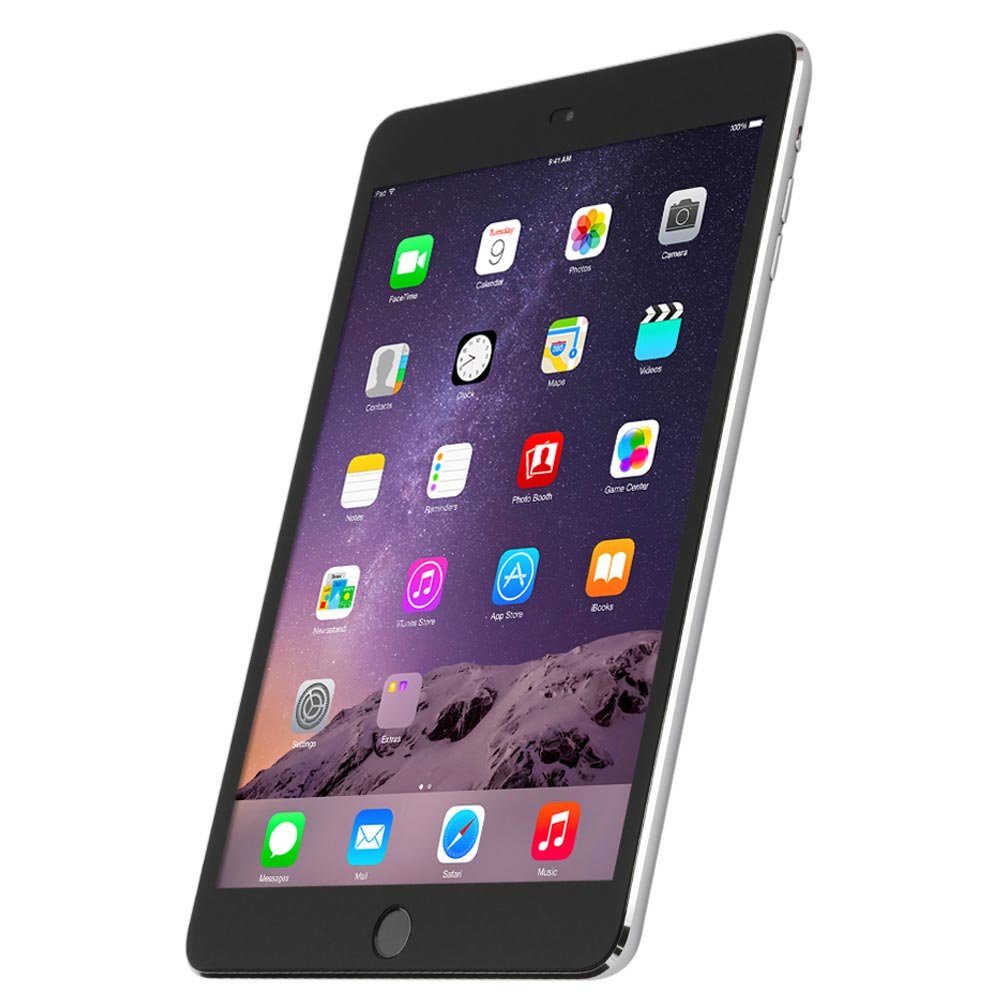
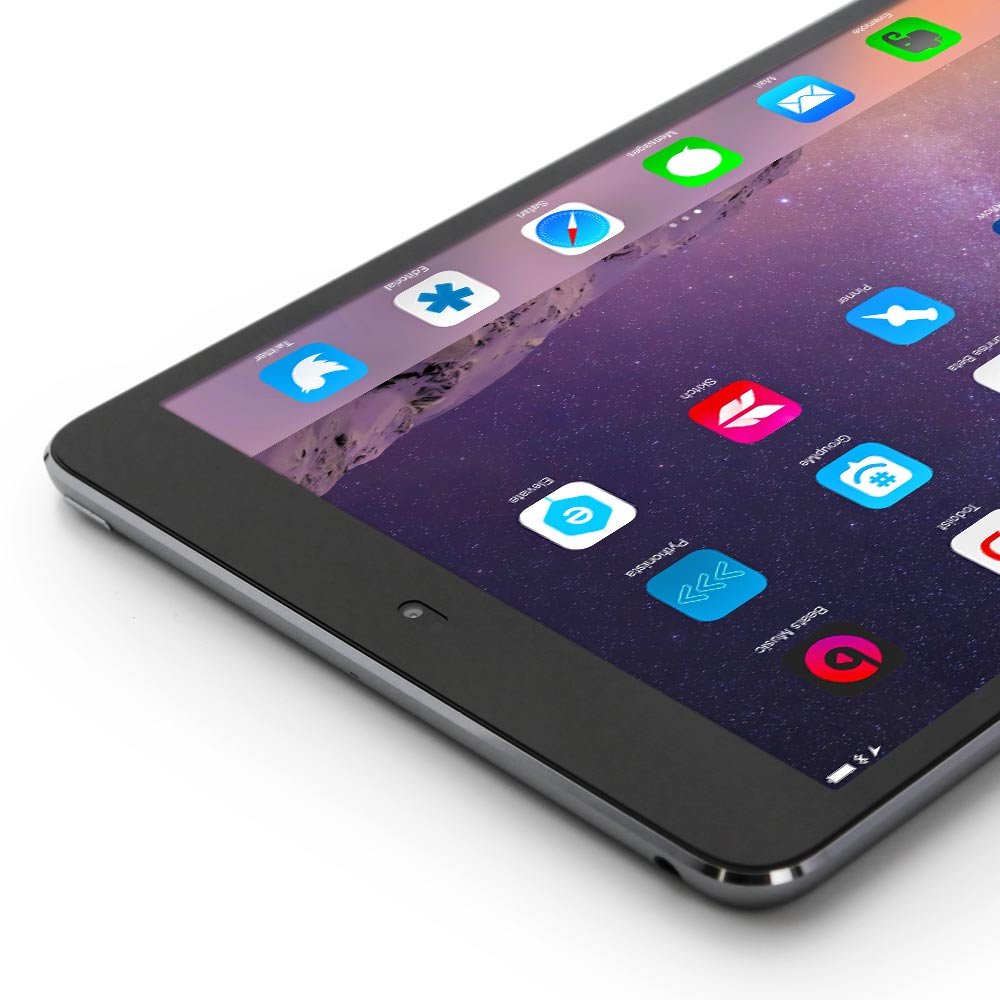
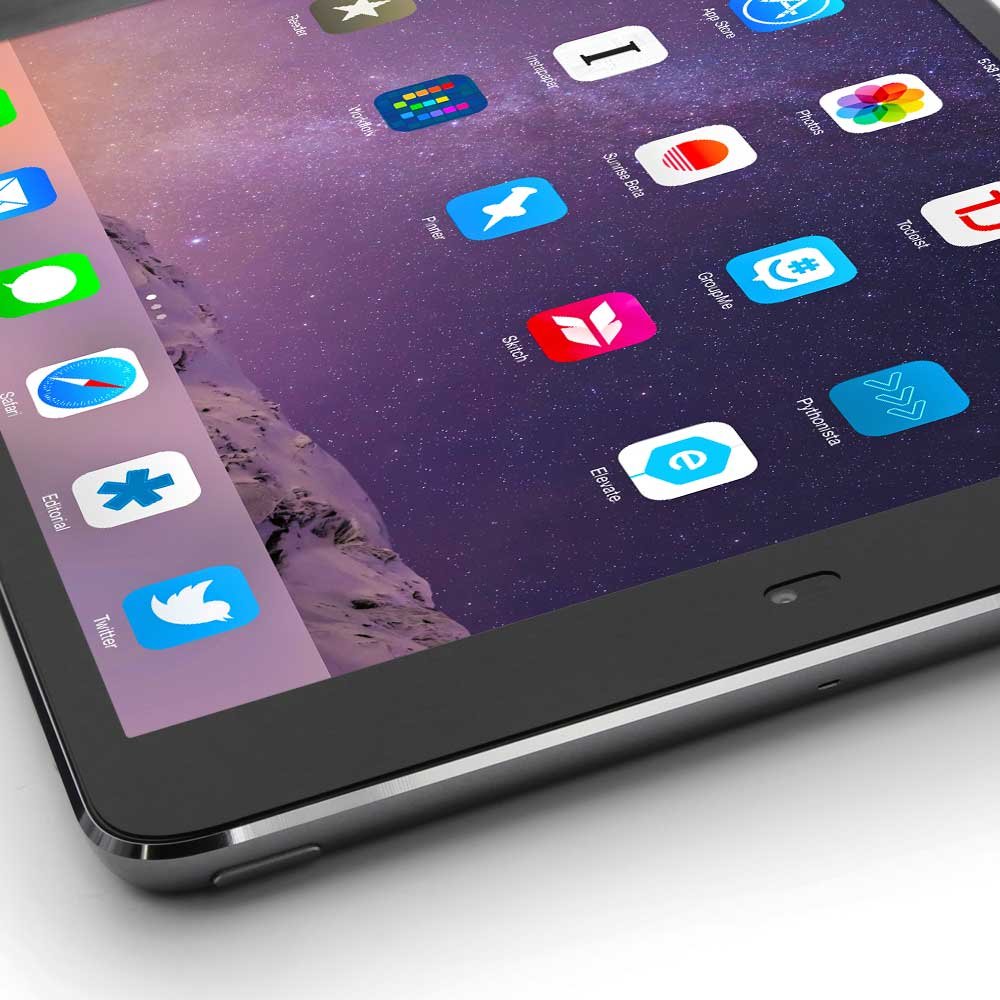
The ArmorSuit MilitaryShield Screen Protector for Apple iPad Mini 1/2/3 offers maximum coverage with its ultra-thin, military-grade material. Designed for easy application, it features self-healing technology to eliminate minor scratches and is resistant to dust and fingerprints. Backed by a lifetime replacement warranty, this product ensures your device remains in pristine condition while supporting American manufacturing.
S**R
Greatly Exceeded My Expectations!
First off, I read a lot of reviews on several different screen protectors before settling on this one - and I couldn't be more pleased! I have had several different screen protectors on a variety of gadgets. From Zagg to Power Support, cheaper films to the most expensive. ArmorSuit MilitaryShield is by far the best!//..The Packaging:When I received the package, I wasn't sure what it was and was mildly irritated that it was in some type of flimsy plastic packaging. However, when the carrier handed it to me, not only did I realize what it was and that I had received it early but it was also thoughtfully placed in a cardboard tube to protect it. I was immediately impressed and couldn't wait to open it and apply it to my new iPad Mini!//..Unboxing:Due to the tube, the box was completely intact. Taking a gander at the contents of the box, it comes with; A set of instructions on what looks like a certificate (but was transparent like wax paper). A pamphlet with site information. The lovely screen protector on thick, crisp white backing. A bottle of application spray (not to be used with the carbon fiber skin you can also purchase by ArmorSuit) and a rubber application card to smooth out bubbles and the left over application spray. It was all very nice looking and I love the feel of the screen protector and the box!//..Application:At first I was terrified! After spraying my fingers with the solution, spraying the screen (front) and pealing it off the backing paper to spray the adhesive side - it was soaked! I didn't want it anywhere near my iPad! But my device was off (as per the instructions) and so I took a leap of faith and began with the installation. It was very difficult to place evenly. I used the home button as a starting point to center the shield and as I adjust the top, the bottom was off set!After much trial and error, a little patience and a little more solution spray on the adhesive side - I finally aligned the home button cut out, the camera and sensor cut out and the edges were perfectly even. I began to use the applicator card to smooth out the solution spray and used the microfiber cloth to soak up the excess solution.I was VERY displeased with the initial look of the screen, scratches everywhere! But the reviews and instructions said that any imperfections would go away after a few days and also to leave the device off for the recommended 12 hours to ensure proper drying.//..Next Day / Final Results:All traces of scratches, left over air bubbles and tacky feel of the screen are no more and I am 110% satisfied with my purchase! It seems to in fact have some "self-healing" properties with light abrasions (as listed) and it works where so many other screen protector brands have failed! Though, if the screen was ever sliced somehow, obviously you would be out a screen protector. As far as everyday scrapes and scratches, they should "heal" as they did after the application card was used. It simply takes time.//..Case Compatibility:The Screen Protector seems like it will be compatible with many cases, even ones with a lip over the ridged part as long as it doesn't continue over the bezel too far (the solid colored area around the screen). I have the Hardback Case from Poetic and it works lovely with the screen protector. VERY HAPPY!//..Complaints:My ONLY complaint is that I wasn't able to get the home button protector to adhere and I ended up ruining it and having to trash it... Such a shame. I was very excited that it had come with the kit.
H**N
Good product. Comparison vs. Tech Armor
Edit: April 3ArmorSuit responded and sent a replacement very quickly. Good customer service.Full review and comparison below:Disclosure: I used to use ArmorSuit for my iPad and iPad mini, and Skinomi for my iPhoneNow: I use Tech Armor for my iPhone and iPad. I use ArmorSuit for my iPad mini.Review: both Tech Armor and ArmorSuite are good products in my mind.Look and feel:Tech Armor's screen protector gives you an exceptionally clear view of your screen. It almost feels like the screen protector does not exist. Also there's almost no friction when you swipe, giving you a smooth feel. ArmorSuit gives you a clear look too, but it doesn't feel like as clear as Tech Armor. As a matter of fact, the screen protector on my iPad using ArmorSuit looked coarse as if you could see threads of vertical lines when you look at the screen from certain angles and I also noticeed an oil/rainbow like color on white background when viewed from certain angles. The screen resolution so far looks ok on my iPad mini and I didn't notice oil/rainbow like color using ArmorSuit. So maybe I got a bad batch for the iPad version. Anyway, I replaced my screen protector on my iPad with Tech Armor, which is looking fantastic. Skinomi skin didn't last long on my iPhone and I can see wrinkles and circle marks on the screen. After a few months, the screen starts peeling off. So I changed to Tech Armor.Advantage: Tech ArmorInstallation:ArmorSuit is a breeze to install. I like wet application because it is very forgiving if you need to adjust the angle or the positioning of the screen protector. Reason being since it's wet, you can pretty much move around the screen protector as you try to fit it to the holes and buttons on the iPad. The only downside with wet application is that you need to wait 24 hours to let it dry. Tech Armor is more difficult to install since it's dry. So you have to stick it on and peel it back off and repeat until you are happy.Advantage: ArmorSuitBubbles:For those of you who demand perfection and bubble free installation, the best way to avoid bubbles and/or dust is to install the protector when you first unpackage the iPad. That being said, it is easier to have bubble free installation with ArmorSuit. Don't know why, but I have never had bubble problems using ArmorSuit. To get bubble free installation using Tech Armor requires a lot of patience and very sharp eyes, and I have neither. So my goal is really to keep the bubbles/dust to minimum and on the outer edge of the screen outside of the display. What I notice also is that even if you have dust/bubbles on the display, you can barely see them with Tech Armor, unless you are really focusing on finding one. I would also like to ding Tech Armor here for giving only 4 tiny bubble remover stickers. They are very handy to have especially to remove the dust from the sticky side of the screen protector.Advantage: ArmorSuitBottom line: Use Tech Armor for the best look and feel. Use ArmorSuit for ease of installation.++++++I had purchased a couple of these in the past and had good experience. Installation was easy. But for the iPad mini version, mine had imperfections as if the screen looked like it had wrinkles on it. I know it is not installation issue, because I never had this problem before. One other thing to consider is that once removed, it becomes unusable because the sticky side is a magnet for dirt and bubbles are impossible to remove. Still a fan of the product, but a cautious fan now. If the seller stands behind the product and honor the lifetime replacement policy, then I will up the stars and will strongly recommend.
M**E
Five Stars
This shield is Easy to install and very good
Trustpilot
1 day ago
1 week ago