
DOWNLOAD THE APP


Customer Services
Copyright © 2025 Desertcart Holdings Limited
DOWNLOAD THE APP



🚀 Upgrade your speed, storage, and style — don’t get left behind!
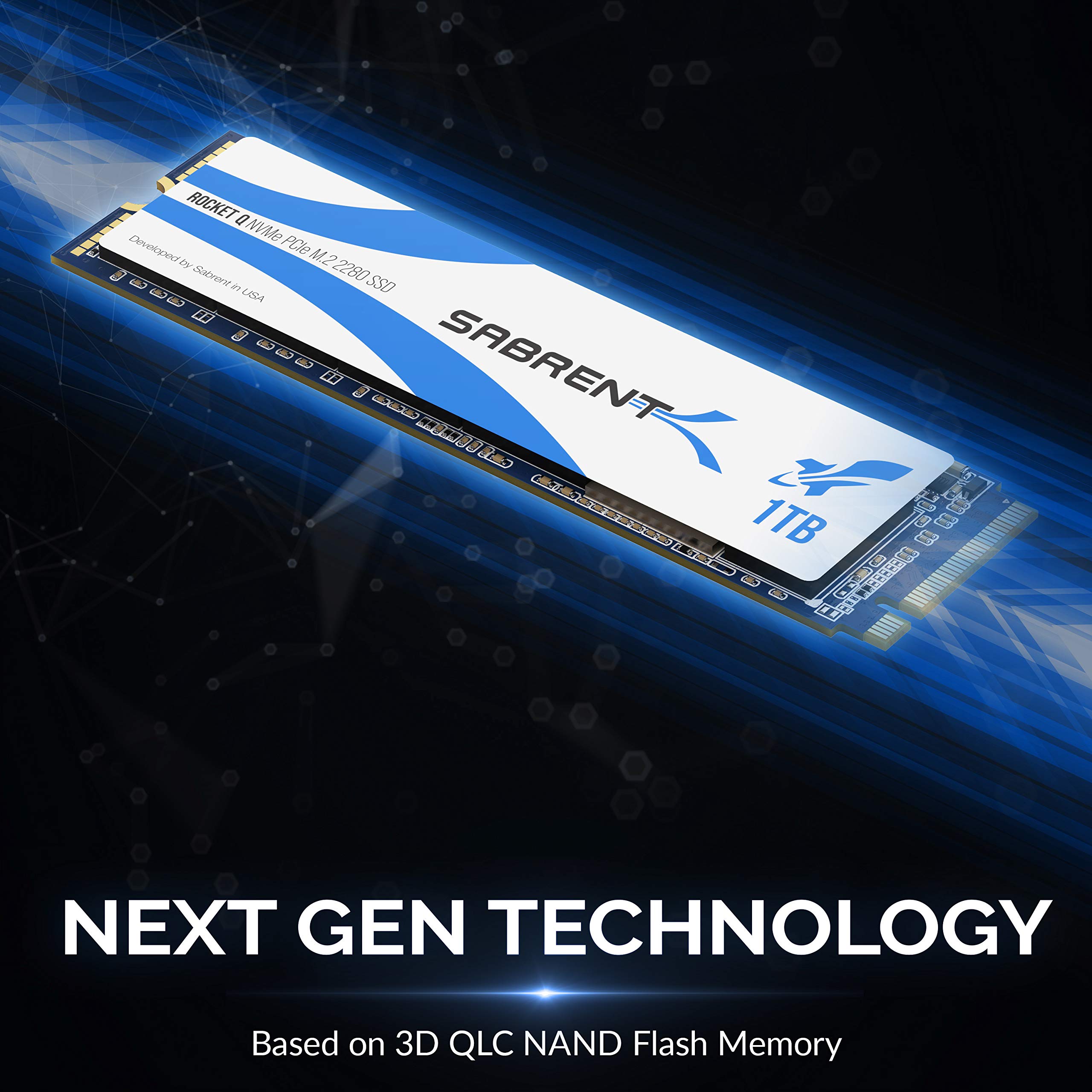
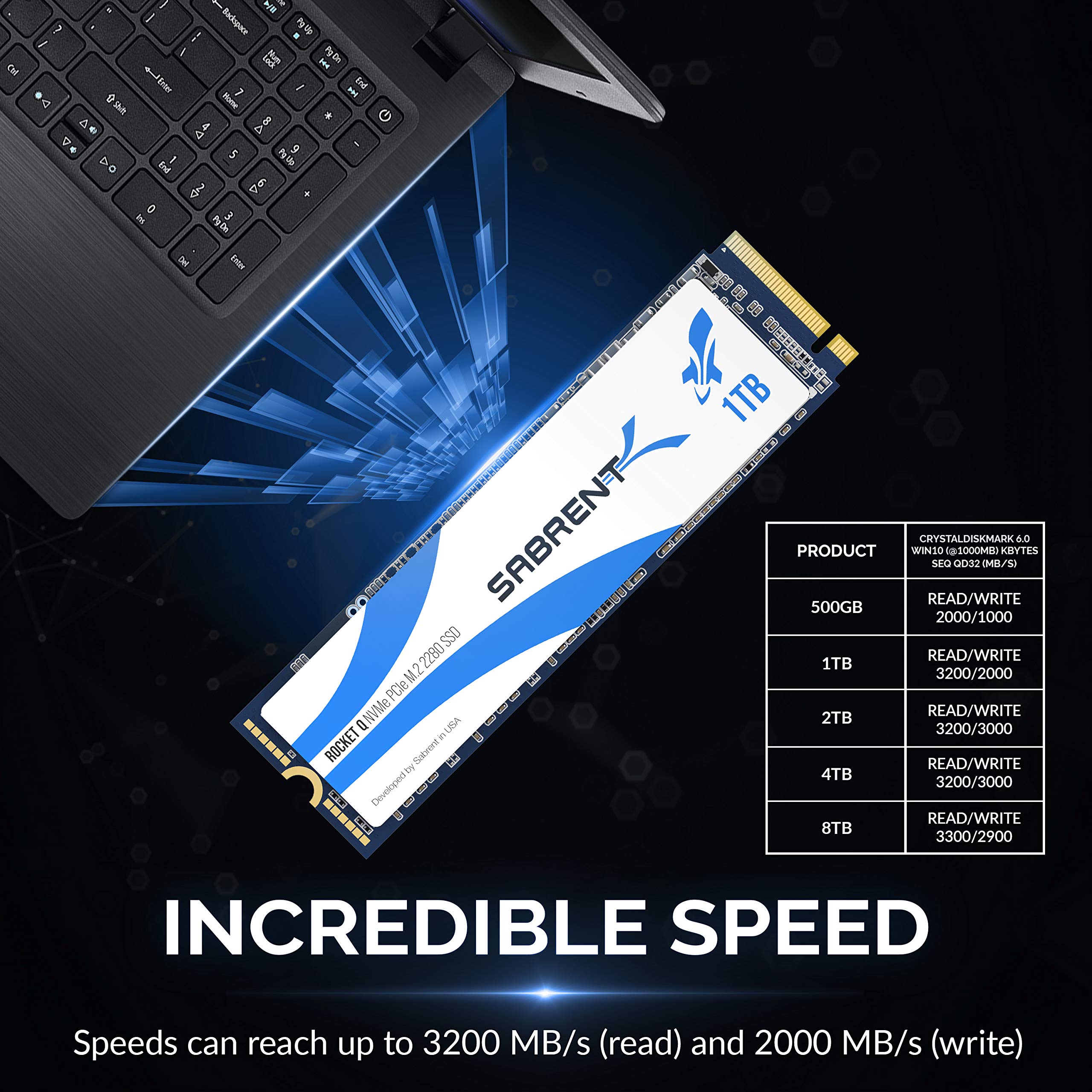
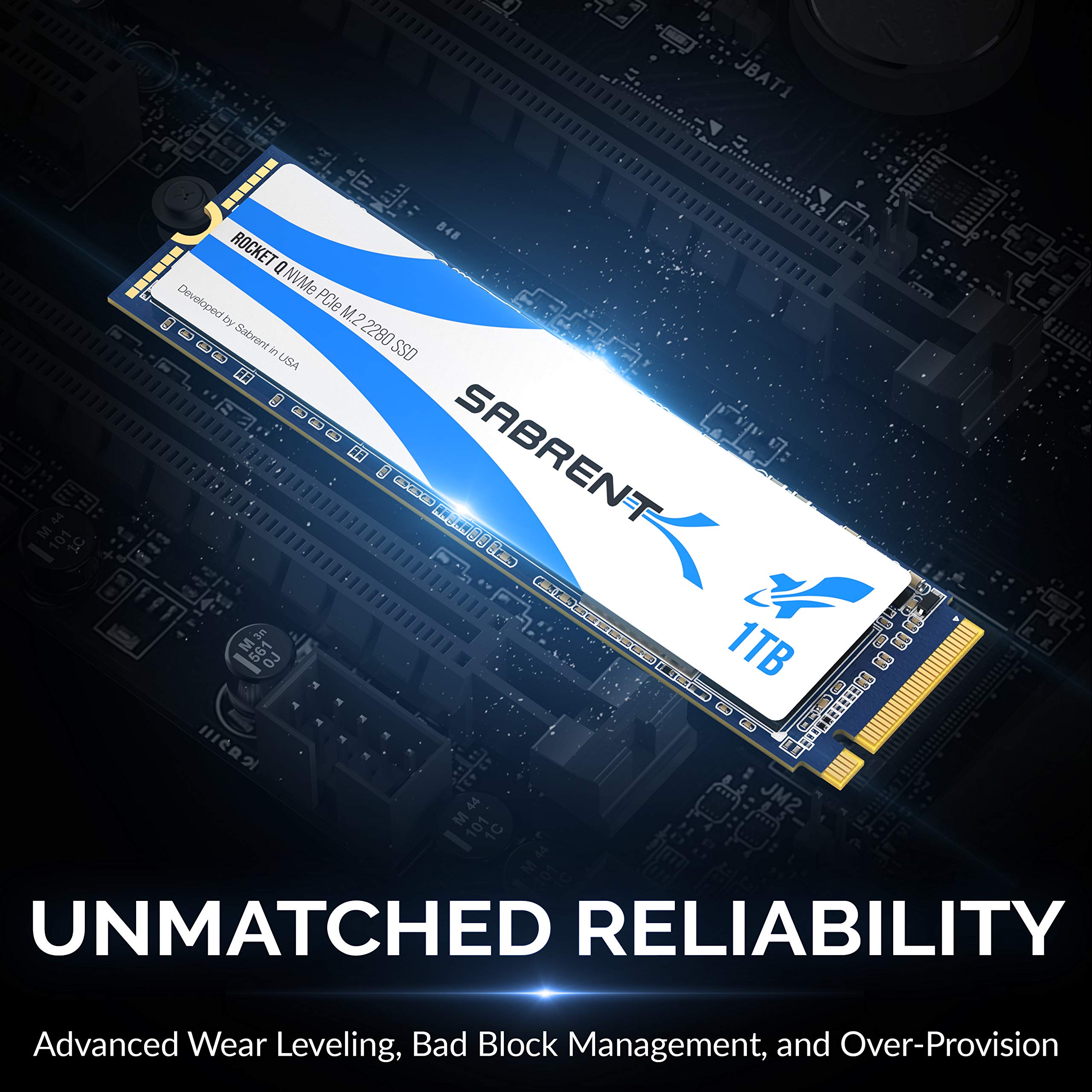
The Sabrent 1TB QLC Gen. 3 NVMe SSD delivers PCIe 3.0 x4 interface speeds up to 3200MB/s read and 2000MB/s write, housed in a compact M.2 2280 form factor. Featuring advanced power management and thermal control, it offers a premium, plug-and-play storage solution ideal for gamers, creatives, and professionals seeking affordable high-capacity NVMe performance. Includes free cloning software and a 1-year warranty with optional 5-year extension.


| ASIN | B07ZZYWTBP |
| Best Sellers Rank | #1,888 in Internal Solid State Drives |
| Brand | SABRENT |
| Built-In Media | 1TB NVMe Q PCIe M.2 2280 SSD., User Manual |
| Color | Blue |
| Compatible Devices | This drive is compatible with servers and arrays that accept M.2 2280 PCIe drives |
| Customer Reviews | 4.7 out of 5 stars 7,687 Reviews |
| Data Transfer Rate | 3200 Megabytes Per Second |
| Enclosure Material | Nand |
| Global Trade Identification Number | 00840025249578 |
| Hard Disk Form Factor | 2280 Inches |
| Hardware Interface | PCIE x 4 |
| Hardware Platform | Desktop/Laptop |
| Item Type Name | computer-internal-solid-state-drives |
| Item Weight | 2.4 Ounces |
| Manufacturer | SABRENT |
| Material | Nand |
| Memory Storage Capacity | 1 TB |
| Supported Devices Quantity | 1 |
| UPC | 840025249578 |
| Unit Count | 1.0 Count |
| Warranty Description | 1 Year Limited. Register your product at Sabrent.com for an extended 5 Year limited Warranty. |
R**N
Budget NVMe speed demon!
SABRENT Rocket Q 1TB (SB-RKTQ-1TB) unleashes PCIe 3.0 x4 NVMe performance with 3200MB/s reads and 2000MB/s writes through M.2 2280 form factor—perfect boot drive or game library upgrade that crushes SATA SSDs for faster app launches and 4K video editing. QLC 3D NAND delivers massive capacity affordably while Phison E12S controller maintains thermal throttling-free operation under load. Plug-and-play across desktops, laptops, and PS5 storage expansion.
Y**R
Amazing NVME for an Amazing Price!
I purchased this after doing some price to performance comparisons. I Purchased it for my 17 inch gaming laptop which came with a 512gb Samsung nvme Drive ,a 2.5 SATA storage space and a spare nvme slot. I download and play a lot of games from my steam library and needed more storage. It arrived with no issues, packaging and presentation was spot on. With the metal casing, I really felt like I received a premium product and performance backs that up! Super easy to install and had it installed and formatted in literally 3 minutes (most of which was just putting my laptop base back on). Once I rebooted, I needed to transfer a 40gb game onto it from my Samsung drive and it only took 30 seconds! I was blown away! Loads games up at lightning speed and also allows my steam game downloads to complete faster since the games download and install simultaneously. I have not had to use the cloning software since this was just being used for additional storage and still booting OS from Samsung nvme but it’s nice to know that I can use that if I get one for my other gameing desktop PC. This drive is high end and makes me feel comfortable about being ready for the next gen of PC games as PS5 and series x are touting use of nvme storage for games! Highly recommend you get one or more of these for your laptop or next pc build
K**E
Installs easily, works, good capacity
I purchased this for a Dell XPS 15 7590 to upgrade the included 256G NVME with this 1TB drive. Dell tacks on about $400 for this option so this ends up saving me about $300. It was a brand new laptop so I had created a recovery image from Windows beforehand. Installation was easy enough: remove a few screws and replace the drive. I booted from the recovery USB and let it run through the installation, which took about 30 minutes. Once done, I logged back and checked that space available. There is a custom version of Acronis cloning software available from the link on the box. Once booted, the only weird thing is that the Windows Device Manager still shows the drive as a KIOXIA 256M. I tried updating the driver but no change. It doesn't appear to affect anything though. Speed seems fine. I can't see much of a difference versus the original drive, but I didn't run any actual tests. Capacity is much better though. This is because, on that 256G drive, a large portion is taken up by the recovery partition, some Dell app partition, and a boot partition so usable space was less than 200G once Windows is installed. All said, I'm happy with this upgrade. I've purchsed other Sabrent drives and they've held up fine.
G**Y
Sabrent Rocket Q 1TB NVMe PCIe M.2 2280 Wow is it fast
I just brought the MSI GS66 2070 Max Q laptop with 1TB of storage. I wanted to add another 1TB due to my vast library of games from Steam, Epic, and Oculus. I was looking for a fast NVMe as well. The price on this NVMe was great and boy is this as fast as advertised. Item came wrapped in a nice small aluminum box and well package. Everything screamed quality. It's been inside my laptop now for 2 weeks and it is working perfectly. No issues with installation or formatting the drive. Well worth the price, which I thought was a great value. I would purchase from them again.
F**H
Fast, easy to install and worth the $$
Have an Asus n580vd laptop with a Micron 256Gb Sata m.2 SSD. After reading a lot on some other pages found out the n580vd supports NVME even though Asus says it does not. I was going to get the Samsung 970 Pro but with the extra cost of the Samsung drive and the age of this laptop I went with the Sabrent Rocket Q 1TB. In my pics you can see the performance of the old Micron drive vs the new Sabrent. Night and day now. Installation was easy. I used the Wanfocyu USB Type C M.2 NVMe SSD Enclosure Adapter from Amazon along with my EaseUS Partition manager software. PM noticed the new drive on startup and asked me if I wanted to clone. I adjusted the partitions to maximize the space and cloned right in Windows. Then swapped the drives and booted right back up. Temps are low and peak in the 50s under heavy test load. This was a perfect upgrade for this laptop!
A**Y
Quick, speedy and efficient
Moving to an SSD for booting in my gaming computer is something revolutionary. Booting from power on to desktop takes less than 20 seconds. Loading in competitive matches lets me beat my friends into the lobby by noticeable amounts. Installation was quick and easy. This drive is an amazing value for the money.
T**A
Good Gen 2 upgrade from Samsung
I bought this to replace an existing Samsung 950 Pro 512. Though nothing is wrong with the EVO, I just needed more room to run MSFS2020 as it ate up all my available space with updates and massive add-ons on the Samsung EVO. I've been reading some of the reviews here and it seems there is more complaining of the Free cloning software and less reviewing of the actual Drive. My thoughts are, if your not skilled enough to plug a drive in, configure/format if needed and install an OS, you should not be inside a PC...take it to someone who knows what they are doing. So Far, a clean install of Windows 10, my required applications, and of course FS2020...everything is functioning like a charm. Speed tests boasts a bit better than my old Samsung Pro 950. I didn't get rid of the Samsung, I bought a PCIe to M.2 (2280) adapter ($13) and plugged the drive in as a secondary storage. So that all worked out well. Aside from the ugly blue label on the drive, I don't have any negatives to provide at this time. This drive, IMO, is an excellent upgrade for my needs and performs stellar as of this writing. No Free cloning software used so you won't here me gripe about a free product that was included and dismiss the whole product as bad like many did here.
J**H
Good drive
After 4 and a halfish years of use this wonderful drive that I bought in college it has finally kicked the bucket 🫡 thank you sabrent for making a damn good drive that survived several moves, hundreds of steam games, and being thrown around and carried across the country from east to west coast
Trustpilot
2 days ago
3 days ago