We remain fully operational. Our teams are working around the clock to ensure your deliveries continue safely.

DOWNLOAD THE APP


Customer Services
Copyright © 2025 Desertcart Holdings Limited
DOWNLOAD THE APP

💼 Expand your workspace, not your worries.
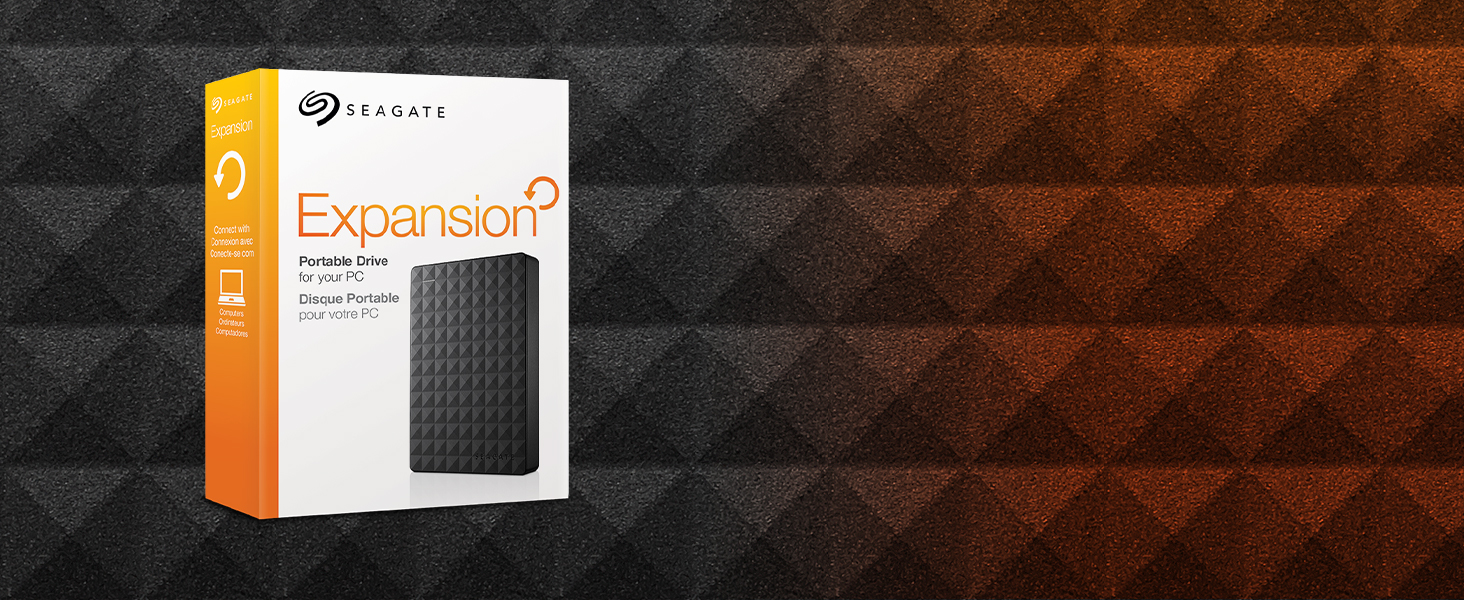
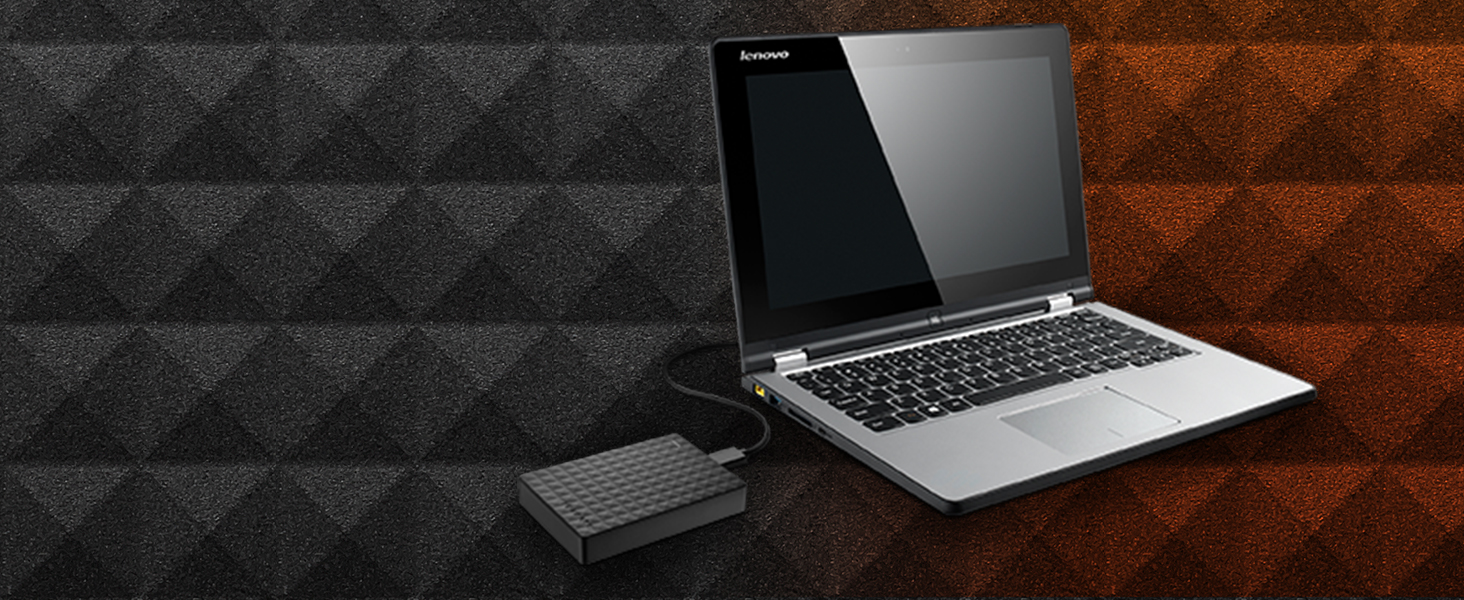
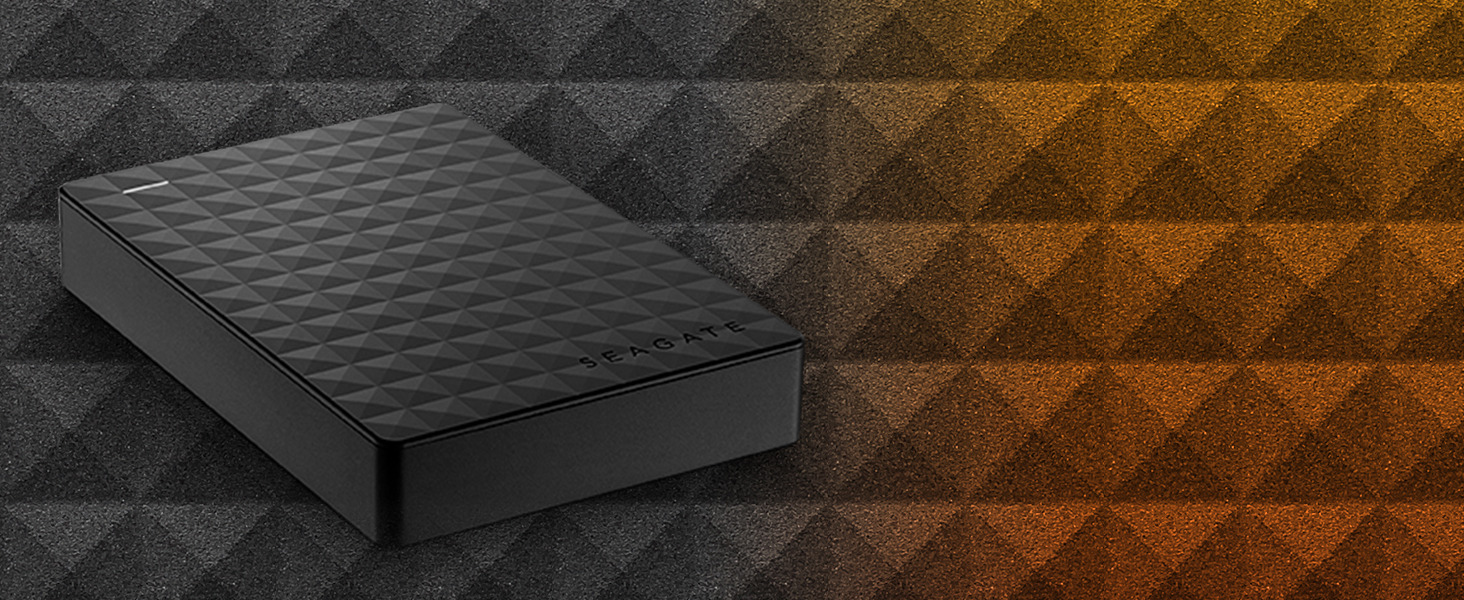
The Seagate Expansion Portable 1TB External Hard Drive offers a sleek, compact solution for professionals needing reliable, high-capacity storage. Featuring USB 3.0 for fast data transfer and effortless plug-and-play setup, it’s designed to seamlessly integrate with Windows PCs and laptops. Ideal for on-the-go backups, media libraries, and expanding your digital workspace with confidence backed by a one-year warranty.



| ASIN | B00TKFEEAS |
| Best Sellers Rank | #166 in External Hard Drives |
| Brand | Seagate |
| Color | Black |
| Customer Reviews | 4.6 4.6 out of 5 stars (129,782) |
| Date First Available | March 31, 2015 |
| Flash Memory Size | 1 TB |
| Hard Drive | 1 TB Drive |
| Hard Drive Interface | USB 3.0 |
| Hard Drive Rotational Speed | 5400 |
| Hardware Platform | PC, Mac |
| Is Discontinued By Manufacturer | No |
| Item Dimensions LxWxH | 5.83 x 4.09 x 1.34 inches |
| Item Weight | 6 ounces |
| Item model number | STEA1000400 |
| Manufacturer | SEAGATE |
| Operating System | Windows 10, Windows 8, Windows 7 operating system |
| Product Dimensions | 5.83 x 4.09 x 1.34 inches |
| RAM | 1 TB |
| Series | Expansion |
R**D
Yes even you can upgrade your PS4 HDD, no experience necessary!!
I had read on a couple of forums that this HDD is one of the most economical ways to upgrade space on the PS4. I purchased 2 of them, one to use in the PS4 and one for the backup and to load movies on for the car trips so this will be a review as well as a little step by step for those of you looking to use this unit for the same thing. DISCLAIMER: I have never opened a computer on purpose and am not trained in any way on how to do what I did, but it was super easy following the steps laid out by Sony. In order to use this drive for the PS4 backup I used my laptop to format the drive to FAT32. The default format is ntsf and will not work for the PS4 backup. Plus there is some install files that are not needed for this use. I then used this drive to back up the nearly 500GB of apps and player data following Sony's guide for this which is here: [...] It took about 3 hours using this drive because of the write speed. A solid state drive would have been faster and probably twice as expensive. Then I formatted the other drive keeping the ntsf format but ridding the drive of the unnecessary files. Removing the drive from the case is fairly simple using the smallest screw driver I had in my set from about a half inch away from a corner sliding it along the seam towards the corner until one of the clips pop. The lid then comes off easily under fingernail power. NOTE: this will void the warranty so make sure you have formatted and tested the drive prior to breaking the case seal. Be careful not to crack the case, we are going to use it later. The drive is held in the case by 4 rubber screw covers that keep it snug. Turn it over and with a gentle tap it falls loose. Take the covers off the screws and remove the screws. There is a foil cover protecting the usb adapter which you should remove carefully and set aside with the screws and rubber covers (I'll explain why in a bit). The adapter comes of easily with a little wiggle. Installing the drive is super easy thanks to Sony having the foresight to know 500GB just wouldn't be enough memory. Follow these simple directions to install the drive: [...] Make sure to download the reboot update file to a thumb drive prior to restarting your PS4. You will also need your PS4 controller cable to use the controller until the initialization is completed. DO NOT SIGN INTO PLAYSTATION NETWORK UNTIL YOU RESTORE YOUR PS4 FROM THE BACKUP DRIVE. It takes as much time to restore as it did to backup so be ready to do something else for a bit depending on how much data you have... oh wait, I have an idea, lets use the old PS4 drive to make another 500GB external drive! Put the drive back together using the removed USB adapter, screws, rubber covers, and aluminum sticker shield. DO NOT START THE FORMAT PROCESS UNTIL YOUR PS4 IS INITIALIZED, RESTORED, SIGNED INTO PSN AND YOU HAVE CHECKED FOR ALL OF YOUR DATA, APPS AND GAMES. YOU MAY REGRET NOT LISTENING TO THIS ADVICE IF THE DRIVE IS CORRUPTED. Unfortunately you are not able to initialize the PS4 drive the same way you can the other HDD. You have to manually delete each partition and format from Computer Management. I found the step by step on this here :[...] The hardest part was finding where to go to find the drive because the author of this post missed a step on how to get there. What I did was went to CONTROL PANEL> SYSTEM AND SECURITY> ADMINISTRATIVE TOOLS> COMPUTER MANAGEMENT and found the drive the same way you would on file explorer. The rest of the instructions are fairly straight forward. Now having used the PS4 for about a week I can tell you that it works great, has plenty of storage room, and is quiet during operation. I did a lot of research on solid state drives prior to picking this drive instead because for me the speed gained was not worth the extra money watching the side by side reviews like this one : [...] I feel like I made the best choice for my budget, experience, and needs. I have since also installed the second drive into the other PS4 we have and used the 500GB drive I made from the first PS4 upgrade for the backup.
V**Y
Quality No Frills Storage Expansion Drive, Fast USB 3.0 Connection
The 2TB Seagate Expansion Portable USB 3.0 hard drive is excellent expansion storage choice in an attractive package. This basic drive has a lot in common with other USB 3.0 compact drives including a similar price. This is the current model of the older and well received Seagate Expansion STBX2000401 still available on Amazon. I have used a number of Seagate and Western Digital external USB 3.0 hard drives. Over time the newer drives tends to operate a bit faster than my older ones. That is my sense with this Seagate 2TB USB 3.0 drive when used with USB 3.0. This drive has been used in a Windows environment and it plays very nice. Some older Seagate drives did NOT play nice on Linux systems unless the drive's sleep mode was disabled with the Seagate tools. If you plan to use the drive on Linux you may need to change the settings using Seagate tools on a Windows computer before use on Linux or sleep mode might cause loss of access until it is re-plugged. In my casual testing (copying a 9GB folder of updates, iso files, and many mixed large and small files) performance is on a par with other recent Seagate and WD drives I have for my own business and for clients. At this point I think the USB 3.0 external drive market is pretty much a commodity space. The drive fits easily in a pocket and as typical it uses a single cable for power and data making connections simple. The drive is compatible with USB 2.0, albeit at slower USB 2.0 speeds. The form factor for the drive is similar to the WD MyPassport Ultra and thicker than the WD My Passport Slim which are both more expensive. We are not talking about any big difference in size. The drive comes packaged with the drive itself, a shortish USB 3.0 cable, a quick start guide, and 1 year warranty. No fancy premium software is included. Just the basics. The Seagate Expansion 2TB is an economical commodity storage expansion. It clearly hits the target for the commodity USB storage market. Because it works quite well for a good price I'm giving this drive 5 stars. UPDATE Nov 6, 2017: In the just about 2 and a half years since getting this drive it still to works fine. First in it's role as a backup drive. Next as a carry along scratch drive in my kit for visiting clients. It has worked dependably as I was expecting for whenever purpose I've needed it. No problems. Since this drive was released as a top performer at the price in March 2015 this model has done. Now there are newer drives I would pick today. I see very few 2017 model drives from Seagate (or their subsidiary LaCie). I've had very good luck with recent WD My Passport drives though they seem to have uglyfied their cases... I think that while dated this Seagate Expansion drive has served me well and continues to do so. I still feel it deserves 5 stars.. Hope this helps someone.
Z**N
The product does what it is meant to. Been using it to store ps4 games from ps5 and it has been doing its job. Game Performance is still the same which is a plus.
C**️
El espacio que mi hermano tiene en su PS4 original es de 500 GB y como sabrán no es lo suficiente como para tener muchos juegos. Teniendo Red Dead Redemption 2, Star Wars Battlefront II, Uncharted 4 y otros juegos indie su espacio libre básicamente desapareció jaja. Le obsequié este disco duro externo para que pueda tener un poco más de espacio y después de haberme comentado de su experiencia creo que también adquiriré uno para uso propio jeje. A continuación escribo la opinión del producto basado en los comentarios de mi hermano después de haber tenido el producto por casi un mes. Lo que le fue más atractivo a mi hermano obvio fue el espacio adicional que tendría para descargar más juegos (le compré el de 1 TB) El hecho de que también lo pudo configurar por si solo fácil y rápidamente fue otro aspecto muy positivo para el. Básicamente solo tuvo que conectar el disco duro externo al puerto USB frontal #1 de su PS4 y lo detectó de inmediato. Realizó el proceso de formateo (requerido por el PS4) y le indicó a su PS4 que cualquier juego descargado o instalado se almacene en su nuevo disco duro. La única observación que se debe de hacer con respecto al uso del disco duro con un PS4 es que SOLAMENTE lo podrás utilizar con tu PS4 (desconozco si este es el caso con un Xbox) así que no podrás utilizar la mitad del disco para almacen de archivos en general y la otra mitad para juegos de tu play aún así le quieras hacer particiones. -En cuanto a su desempeño mi hermano me comenta que juega sus juegos sin ningún problema. La unidad no se sobrecalienta ni hace ruidos excesivos fuera de lo normal. Lo deja siempre enchufado a su PS4 sin tener que conectarlo y desconectarlo cada vez que la encienda y lo ha leido siempre sin problema alguno. Cumple con todos los requisitos para utilizarlo con un PS4, funciona al 100% y mi hermano está muy contento con la unidad. A mi me alegra que le haya gustado y por su parte lo puedo recomendar a todo aquel comprador que busque ampliar el espacio de almacenamiento de su PS4 :)
S**P
Good item. Easy to connect to laptop and transfter data fast. Seagate may think of easier adapters like C-type cable to connect with laptops
A**E
Ürün güzel. Amazon’un mng gibi rezil bir firmayla çalışması kötü. Kargo firmasını seçebilmeli satın alımda insanlar. Söz verilen teslim tarihinden 2 gün sonra kavga dövüş getirtebildim adresime.
ひ**し
良い商品でした
Trustpilot
2 days ago
4 days ago