We remain fully operational. Our teams are working around the clock to ensure your deliveries continue safely.
قم بتنزيل التطبيق


معلومات عنا
حقوق الطبع والنشر © 2024 Desertcart Holdings Limited
قم بتنزيل التطبيق
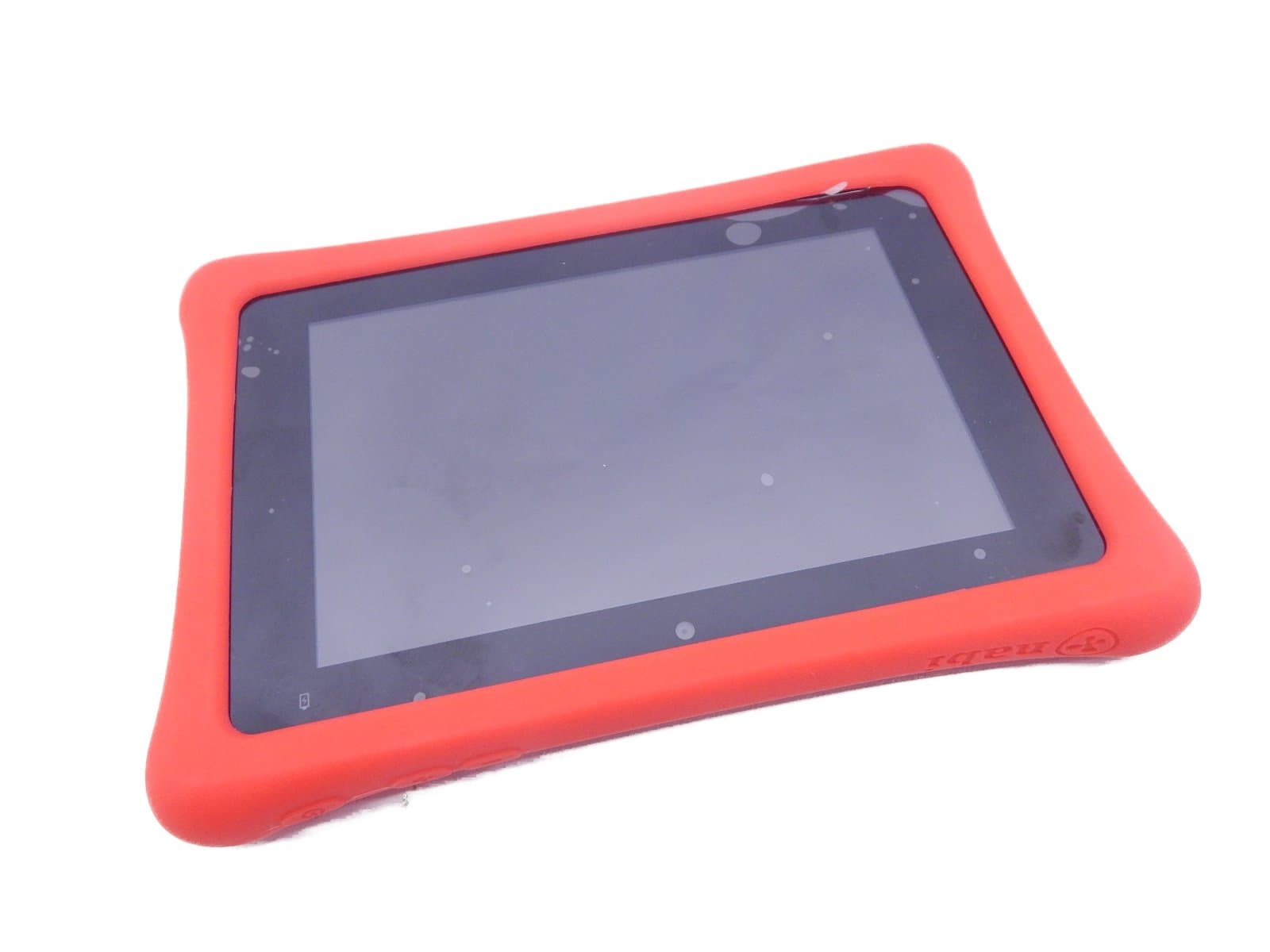
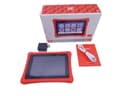
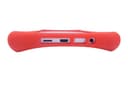
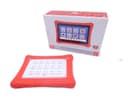
🚀 Empower your kid’s digital journey with nabi 2S — where learning meets next-level fun!
The nabi 2S Tablet is a 7-inch Android 4.4 device designed specifically for kids, featuring a sharp 1280x800 HD touchscreen, NVIDIA Tegra 3 quad-core processor with a battery-saving core, 16GB storage expandable via MicroSD, and a 2MP front camera. It comes preloaded with Wings™ Explorer, an adaptive learning system for Pre-K to 3rd grade, and a unique reward system using nabi Coins™ to encourage learning and responsibility through curated apps and games.
| Standing screen display size | 7 Inches |
| Screen Resolution | 1280 x 800 |
| Max Screen Resolution | 1280 x 800 |
| Hard Drive | 16 GB |
| Wireless Type | 802.11a, 802.11b, 802.11g, 802.11n |
| Brand | nabi |
| Item model number | SN02NV07AWH |
| Hardware Platform | Android |
| Operating System | Android 4.4 KitKat |
| Item Weight | 1.31 pounds |
| Product Dimensions | 8.69 x 1.14 x 6.05 inches |
| Item Dimensions LxWxH | 8.69 x 1.14 x 6.05 inches |
| Color | Red |
| Rear Webcam Resolution | 2 MP |
| Processor Brand | NVIDIA |
| Number of Processors | 4 |
| Computer Memory Type | Unknown |
| Flash Memory Size | 16 GB |
| Power Source | Battery Powered |
| Batteries | 1 Lithium Ion batteries required. |
C**E
In my opionion, it is not very user friendly
I bought the Nabi as a birthday gift for my 5 year old daughter. We had a leapfrog tablet prior and I felt that she was ready for an upgrade. The sound the quality and the graphics are great. Far better than that of the leappad where the content is very very grainy and pixilated. The screen of the Nabi is like any other tablet out there. It is a touch screen, which makes it very easy to navigate and also comes with the protective bumper shown which is a great asset for a tablet handled by children. Other than the quality of the graphics and the usability of the touchscreen, that's where my favoring of it ends. My daughter can easily navigate around and use the apps that are on it. The rest of the process is very confusing. There are absolutely no instructions on how to use the Nabi. You are able to lock it into parent mode so that the child is unable to make purchases or buy apps. You as a parent can buy coins and release them to your child to buy an app. I consider myself to be pretty tech savy but both my husband and myself have had a very hard time understanding how to add additional games and applications to it. I have paid to have one of the demo apps released to be the full game and it still will not allow you to play past the demo. Like I said previously, there are zero instructions on how to do this or any sort of trouble shooting guide. Overall, I wouldn't but it again. I'm not sure what I would buy in replace of it, I just don't think that the value is there in the product if its too complicated to use.
C**M
Awesome learning tool for toddlers
My wife and I decided to buy this for our son this past Christmas. After weeks of research between all the features the different tablets offered, this is the one we decided on. Our son is 2 years old and he loves this thing. there are so many educational apps available for it and it really does help out.You are able to control every aspect of what your little one does on this tablet as well as put time restraints on how long they can use it. You can also set time rewards, so if your child completes certain tasks they can gain extra time they can use on the tablet.This tablet also works as a regular android tablet for parents.I only have 2 complaints about this tablet:1. The charger is specific for Nabi. This may not be an issue for most, but we have a cat that likes to chew through power cords so we have to be careful where we charge it at.2. The rubber bumper around the edges is more like a case. It is not permanently attached to the tablet and our son like to put his finger under the bumper and carry it around that way. It has not stretched yet but anticipate it tooOverall, if you are looking for a great tool to promote early learning for your child this is a great product.
S**M
Love the parent controls!
We learned about the nabi from a friend and decided to purchase it for our son for Christmas. We have not been disappointed! I love the fact that I have complete control over what and when he has access. It is super easy to set up and to navigate. We use the chore list and he loves earning the coins to spend in the game store. All of the preinstalled apps and those found in the kid's game store are pre-screened and approved. It can even be used as a regular tablet in Mommy/Daddy mode. The age recommendations say 6+ years, but my son is 5 and is about 1 year developmentally delayed and picked it right up and has had no issue operating it. I also love the educational aspect. There is a learning section that will grow with the child, teaching everything to handwriting, math and reading. We are a family that limits screen time, so the timed access is fantastic! He knows that once it goes off, his time is up. I have not had to use the customer service, but the aforementioned friend had and she said they were phenomenal. I would recommend this tablet to any parent and child!
Y**N
Bloatwares, hard to customize, nothing stellar
This is a solid product for kids, the specs are decent but not great, software is okay but needs improvement and have some unremovable bloatwares and very limited customization. Got it for $95, and for that price range, not a bad deal but for the original price of $129, buy something else.Pros:- comes with kids proof case- has separate nabi mode ( for kids) and parent mode- could be good for older kids- 1GB RAM compare to most kids tablets, though for me is still not enough.Cons:- a little heavy especially for kids- not as fast as advertise (especially after system update, it becomes slower)- display is mediocre, poor contrast- the back cover where you are supposed to attach letters (which is overpriced) is not removable. without the letters, it looks horrible. it should be optional.- very hard to customize the nabi mode.- a lot of unremovable bloatwares, not only it cannot be uninstall, it cannot be move or place to a different tab to arrange apps.- no hard key for home or back button (remember this is for kids, it will be hard for younger kids to use the soft key home and back buttons especially when in fullscreen mode)- poor front camera, no rear camera
M**O
Nice quality, pretty heavy duty
Nice quality, pretty heavy duty, great parental options, But the only thing that bothers me, and it bothers me a lot, is that it is made for a child, but the home button is on the bottom of the screen where the child constantly bumps it and closes out the app he is in. So I thought I would be smart and turn the tablet over, so it would be at the top, but it is a virtual button that flips with the tablet, so I put tape over it, then the baby plays with the tape and puts pressure on it anyway and closes out the app. .... VERY FRUSTRATING ... I spend the whole time turning the app back on that my child is trying to play with. It because more frustrating than enjoyable and entertaining. I have a young child just learning, it may be better with an older child that knows to avoid the bottom left corner of the tablet
ترست بايلوت
منذ أسبوعين
منذ 4 أيام