Buy anything from 5,000+ international stores. One checkout price. No surprise fees. Join 2M+ shoppers on Desertcart.
Desertcart purchases this item on your behalf and handles shipping, customs, and support to Morocco.
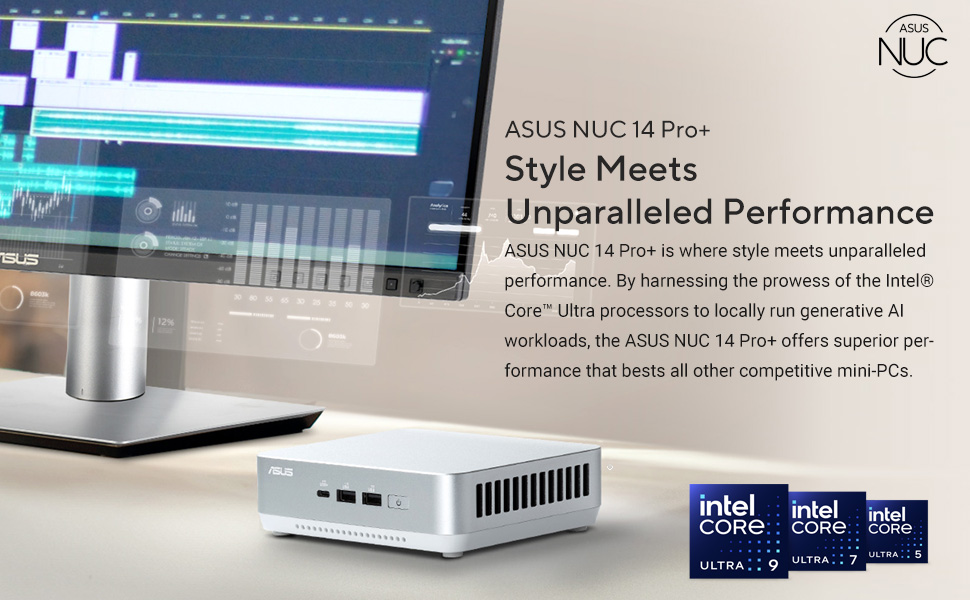
🚀 Mini PC, Mega Power: Elevate your workspace with ASUS NUC 14 Pro+
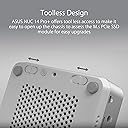
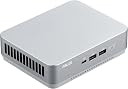
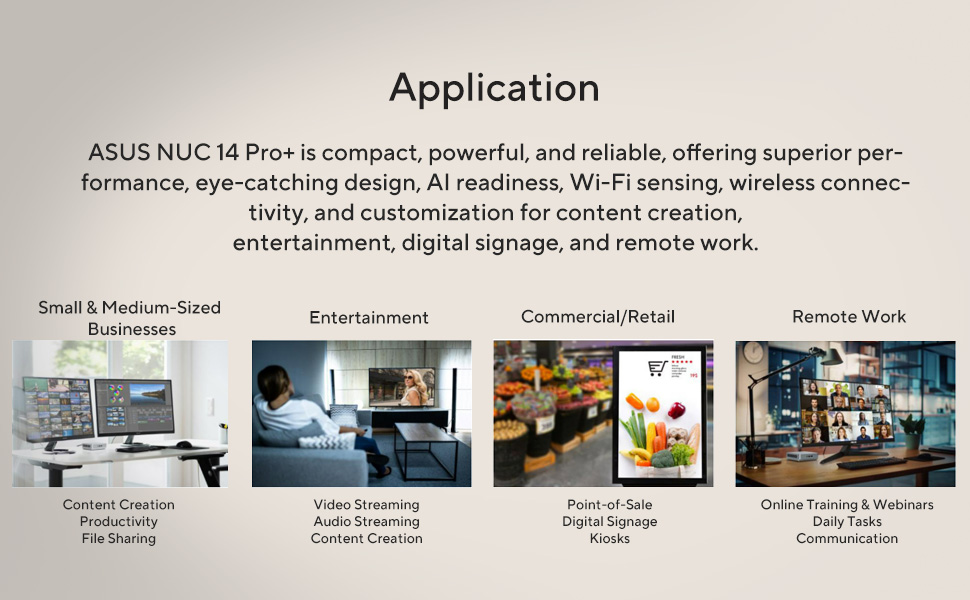
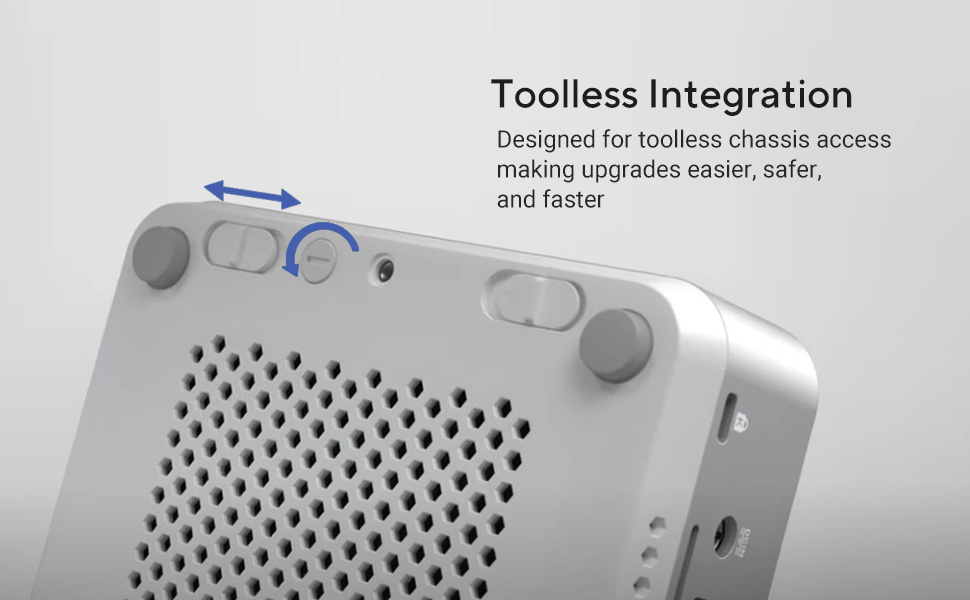
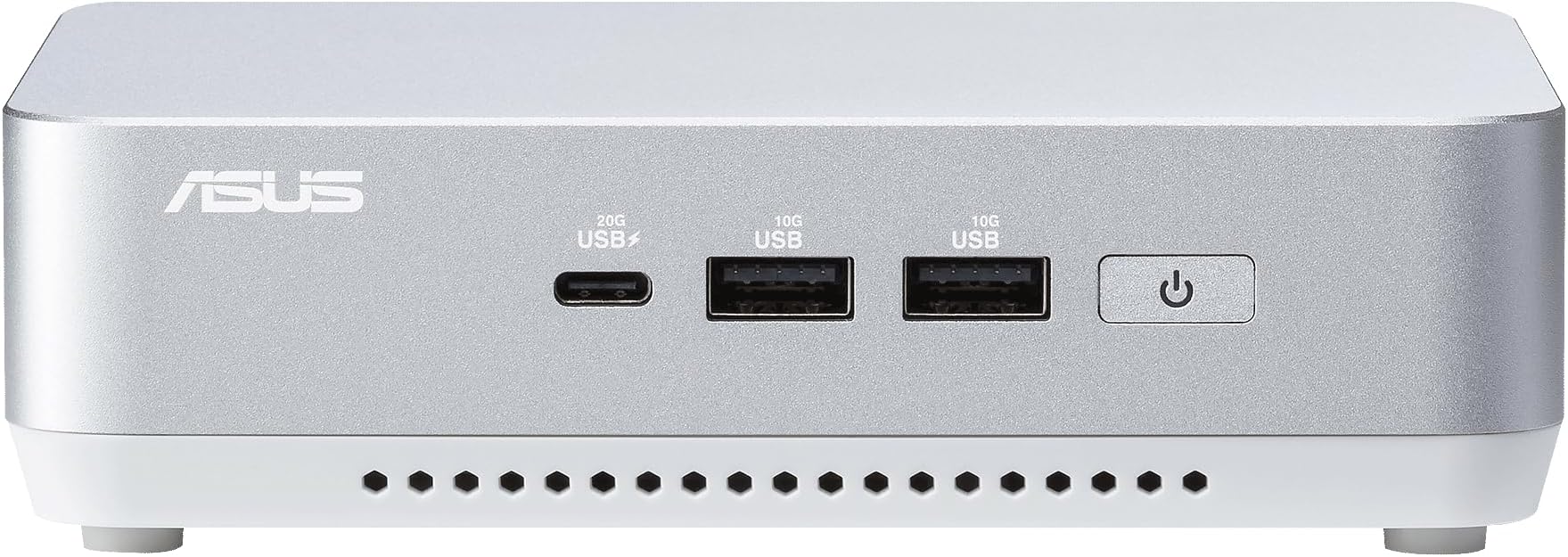
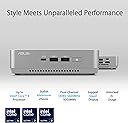
The ASUS NUC 14 Pro+ is a compact powerhouse mini PC featuring the latest 14th Gen Intel Core Ultra 9 185H processor, 32GB DDR5 RAM, and a 1TB PCIe Gen4x4 NVMe SSD. Designed for professionals who demand speed and efficiency, it supports AI workloads locally, offers tool-less chassis access for easy upgrades, and includes advanced connectivity options like Thunderbolt 4 and Wi-Fi 6E. Its sleek silver aluminum chassis fits seamlessly into any modern workspace, with VESA mount compatibility for versatile setups.


| ASIN | B0DBBDGD6J |
| Additional Features | 32GB RAM, Thunderbolt™ 4 |
| Aspect Ratio | 16:9 |
| Box Contents | AC Adapter, Power Cord, RNUC14RVSU9089AUI, User Manual, VESA Mount |
| Brand | ASUS |
| Brand Name | ASUS |
| CPU Model | Intel Core Ultra 9 |
| CPU Model Number | 185H |
| CPU Model Speed Maximum | 5.1 GHz |
| CPU Speed | 3.9 GHz |
| Cache Memory Installed Size | 32 GB |
| Cache Size | 32 GB |
| Colour | Silver |
| Compatible Devices | Keyboard, Mouse, Projector, Speaker, Television |
| Computer Wireless Type | 802.11ax, Bluetooth |
| Country of Origin | China |
| Customer Reviews | 3.8 out of 5 stars 24 Reviews |
| Display Type | LCD |
| DriveMemory Storage Capacity | 96 GB |
| Graphics Card Description | Dedicated |
| Graphics Card Interface | Integrated |
| Graphics Co Processor | Intel Arc Graphics |
| Graphics Description | Dedicated |
| Graphics Ram Type | Shared |
| Hard Disk Description | SSD |
| Hard Drive Interface | PCIE x 4 |
| Hardware Interface | HDMI, Thunderbolt 4, USB 2.0 Type A, USB 3.2 Gen 2 |
| Human Interface Types | Buttons |
| Item Dimensions | 14.4 x 11.2 x 4.1 Centimeters |
| Item Weight | 590 g |
| Manufacturer | ASUS |
| Maximum Display Resolution | 3840 x 2160 Pixels |
| Memory Slots Available | 2 |
| Memory Speed | 5600 MHz |
| Model Name | RNUC14RVSU9089AUI |
| Model Number | RNUC14RVSU9089AUI |
| Model Year | 2024 |
| Native Resolution | 3840 x 2160 |
| Network Connectivity Technology | Bluetooth, Ethernet, HDMI, Thunderbolt 4, Wi-Fi |
| Operating System | Windows 11 |
| Personal Computer Design Type | Mini PC |
| Power Consumption | 150 Watts |
| Processor Brand | Intel |
| Processor Count | 1 |
| Processor Speed | 3.9 GHz |
| Processor Type | Intel Core Ultra 9 |
| RAM Memory Installed | 32 GB |
| RAM Memory Technology | DDR5 |
| RAM Type | DDR5 RAM |
| Ram Memory Maximum Size | 48 GB |
| Scanner Resolution | 4K |
| Security Features | Kensington Lock Slot |
| Specific Uses For Product | Business, Everyday Use, Personal |
| Style Name | NUC 14 Pro+|Core Ultra 9 |
| Total Expansion Slots Quantity | 1 |
| Total HDMI Port | 2 |
| Total Thunderbolt Ports | 2 |
| Total USB Ports | 5 |
| Total Video Out Ports | 4 |
| UPC | 197105550759 |
| Unit Count | 1 Count |
| Video Output | Thunderbolt, HDMI |
| Video Output Interface | HDMI, Thunderbolt |
| Video Processor | Intel |
| Wireless Network Technology | Wi-Fi |
| Wireless Technology | Wi-Fi |
1**6
Requires 60 to 90 minutes of updates
I ONLY buy Asus monitors and motherboards and won't consider anything other brands, but this NUC is the first and last Asus computer I will ever buy. If I turn on a computer for the first time and it REQUIRES (not getting out of it) 60 to 90 minutes of mandatory updates before using, your computer was not ready to ship out the door in the first place. I bought my first computer in 1990, 35 years ago, and I have never had anything require so many updates prior to using. After about 45 minutes of updates, a message appeared on the screen that said "You're 100% there. Please keep your computer on." After 10 minutes of looking at that message, I'm wondering why it isn't rebooting or whatever it needs to do, but that message was on the screen for 30 minutes, I was 100% there for 30 minutes before it finally disappeared and I could use the device. At one point of looking at that message, I assumed something was wrong and came very close to putting it back in the box and returning it to Amazon or Asus. Do not buy this computer unless you are going on vacation and can wait 60 to 90 minutes to do its thing.
A**O
VALUE FOR MONEY
UNTIL NOW GOOD NUC TIME WILL SAY BUT SHIPSET AND MICRO ARE POWER ENOUGH NO OVER HEATING ISSUE RAM BIG AND DECENT GRAPHICS
D**D
Very happy With Unit But Noise Complaint in Reviews is Real
I have had this computer for about 6 weeks and am generally very pleased with it. I really like the compact size and the speed works for me. I got the Core Ultra 9 with 32 GB of Ram and have not done any modifications. I have the video hooked up to an LG 34 inch monitor via HDMI and it works great. For audio I bought an external DAC / AMP combo and some nice bookshelf speakers and connect to the computer via USB-C. The sound is great. My one complaint is the noise of the unit. I was aware of the complaint when I bought the computer, but it is real. The computer has an intermittent high pitched whine (a fan maybe, I'm really not sure). If you plan to do any recording (podcasting, music, etc.) the sound will likely impact it. When the whine is not happening the computer is perfectly silent, but it does happen quite often.
J**T
Never shuts up.
Works well, so I'll give it three stars, but I hate this computer because the fan is too loud, constantly huffing and puffing even during light tasks.
G**T
Easy to setup, a little loud, no 3.5 audio
This is a very nice computer, price is right. The only things that I would change is, it's a little loud and it does not have a 3.5mm jack for audio. I had to buy a USB speaker set. It seems fast enough for normal tasks, Excel, Word, Acrobat, Chrome browsing etc. Super simple to setup, everything is installed and ready to go. I think for the price its a good buy. I love the space saving.
Trustpilot
1 month ago
2 weeks ago