
قم بتنزيل التطبيق


معلومات عنا
حقوق الطبع والنشر © 2024 Desertcart Holdings Limited
قم بتنزيل التطبيق
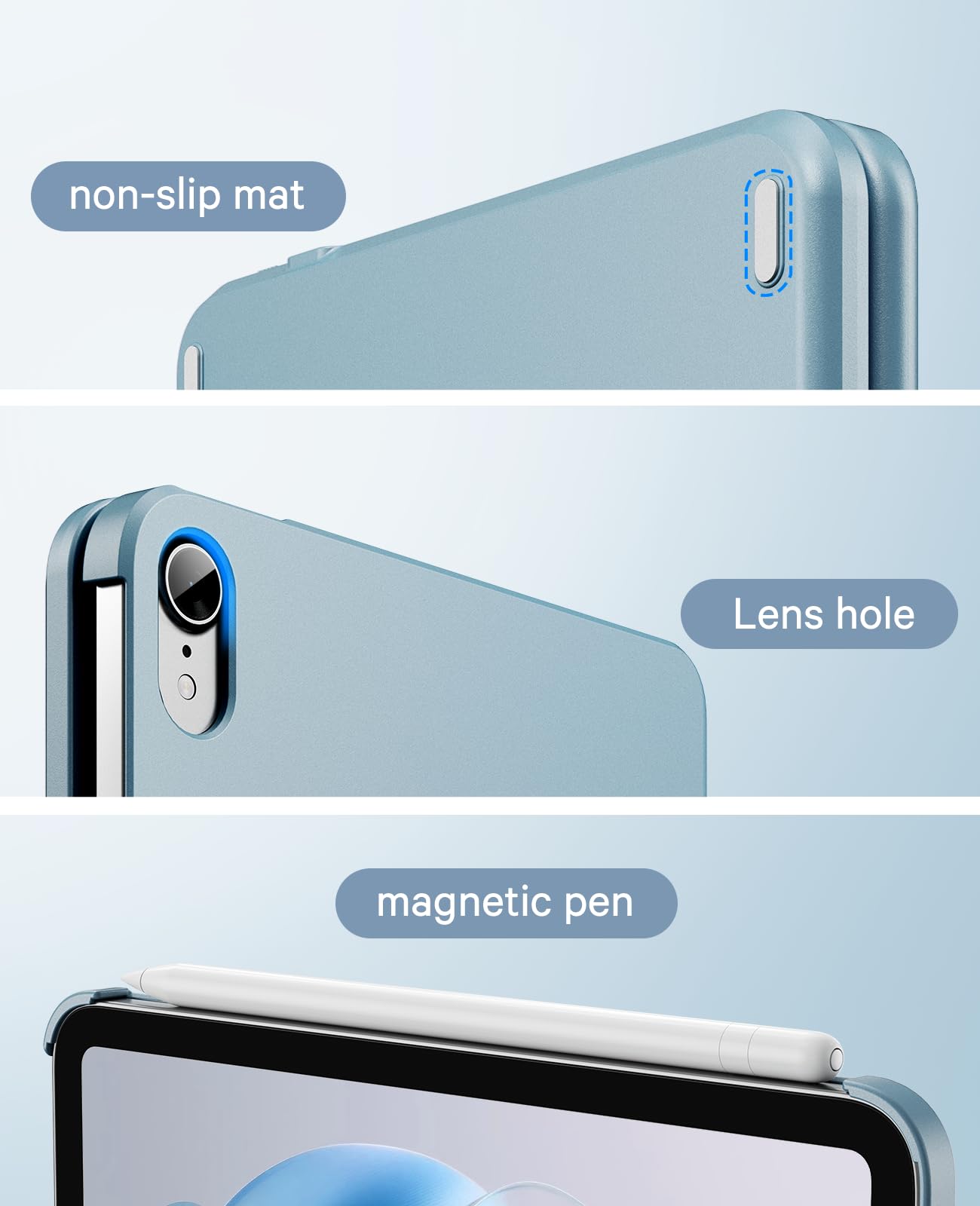
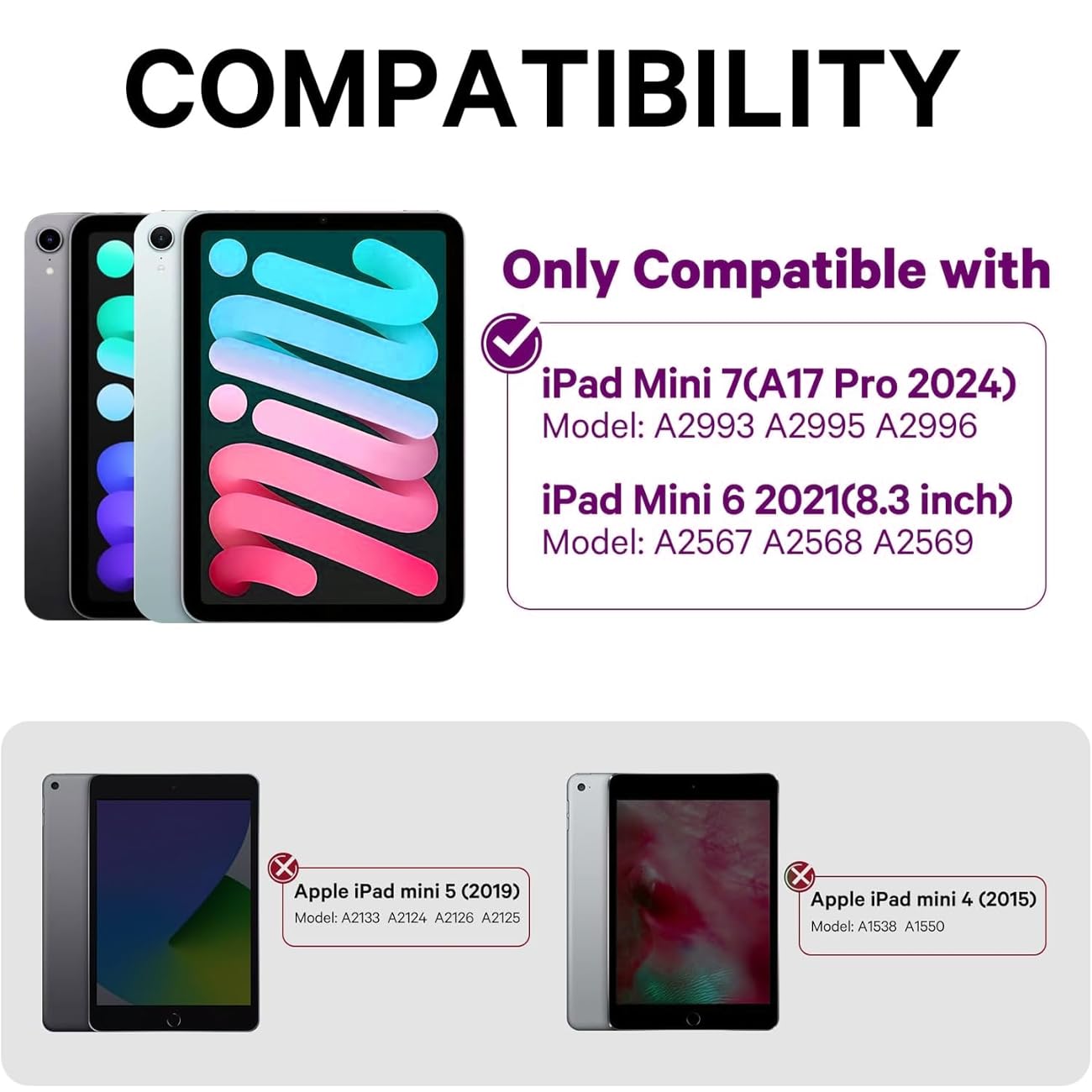
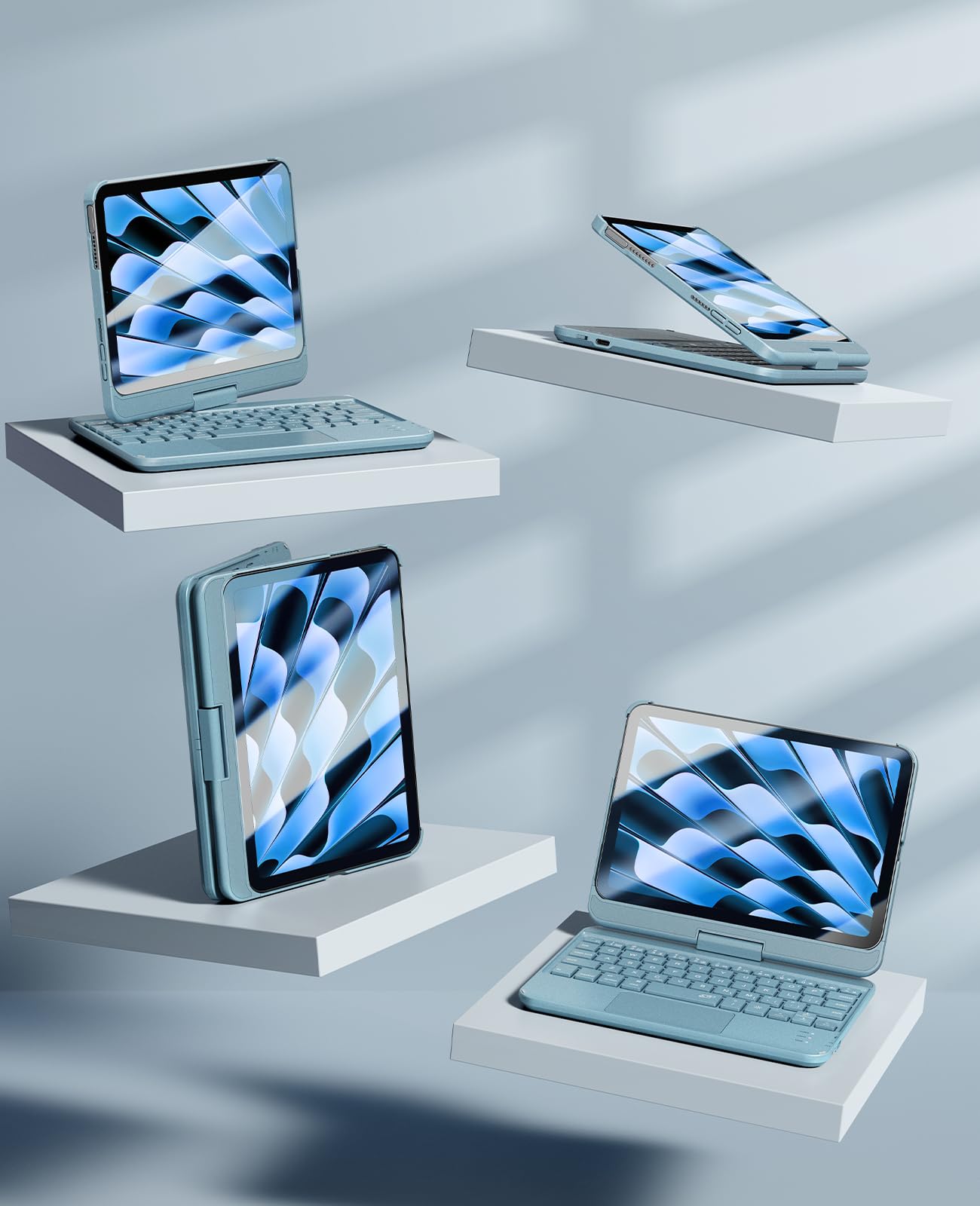

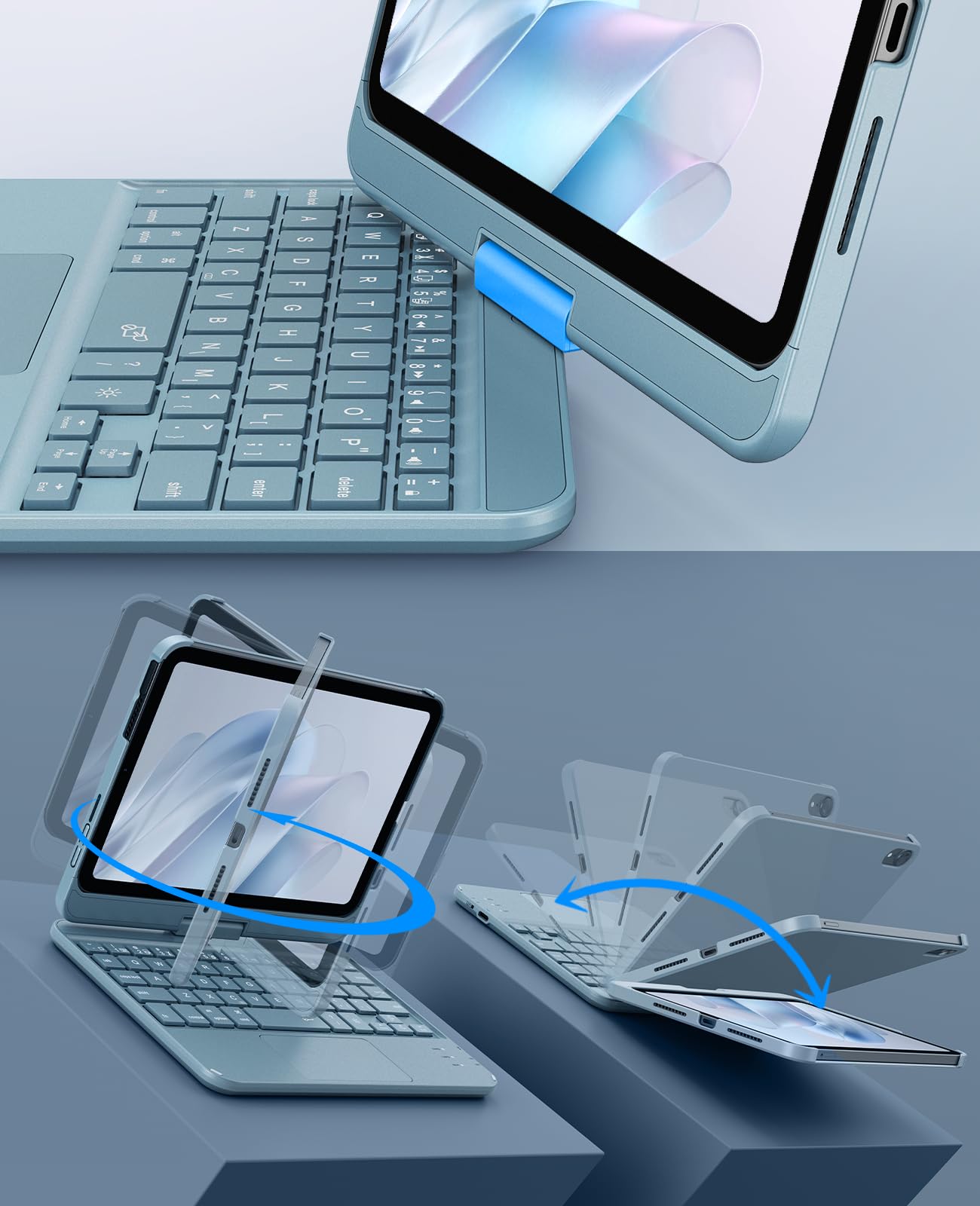
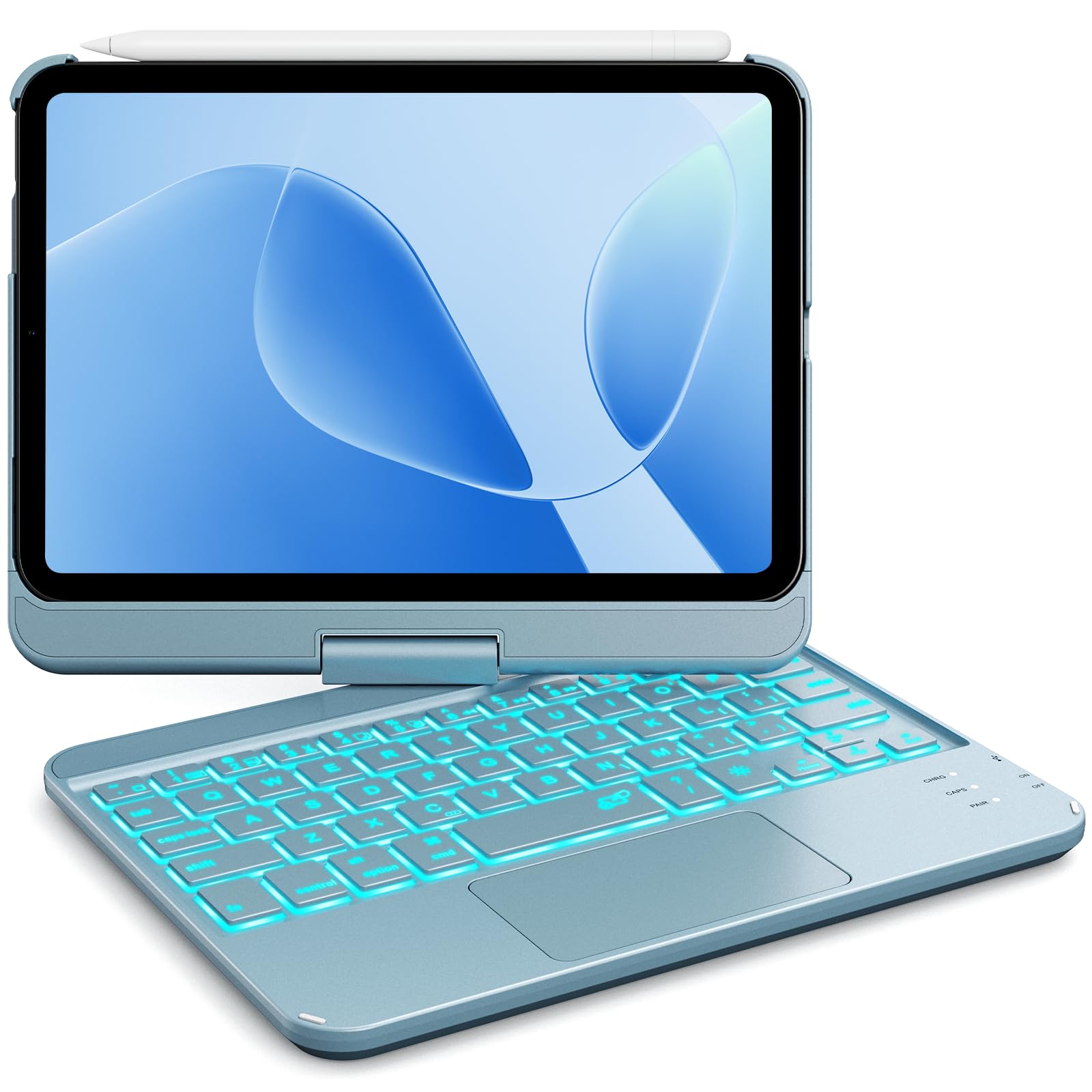
⌨️ Elevate your iPad mini game with style, speed, and swivel power!
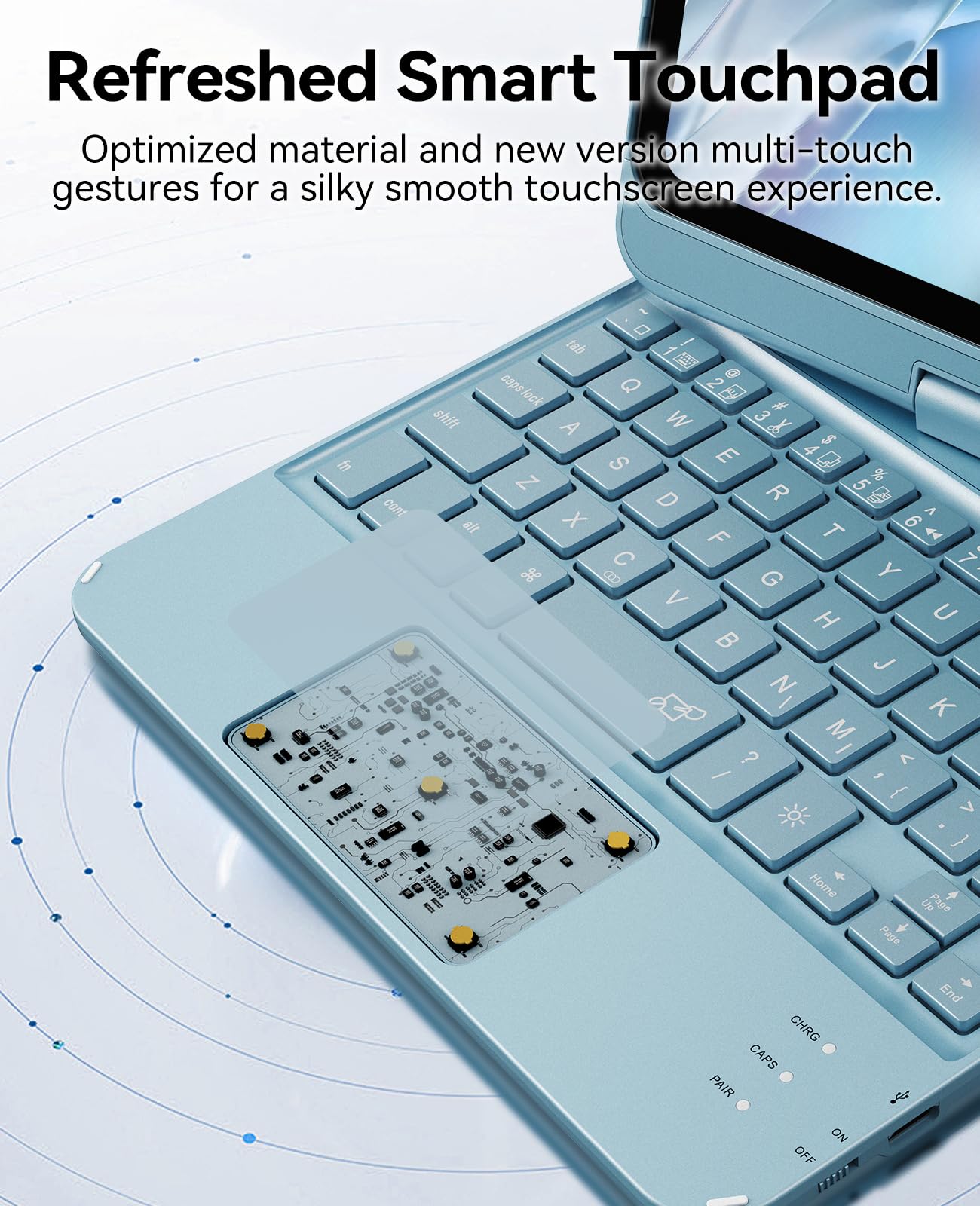
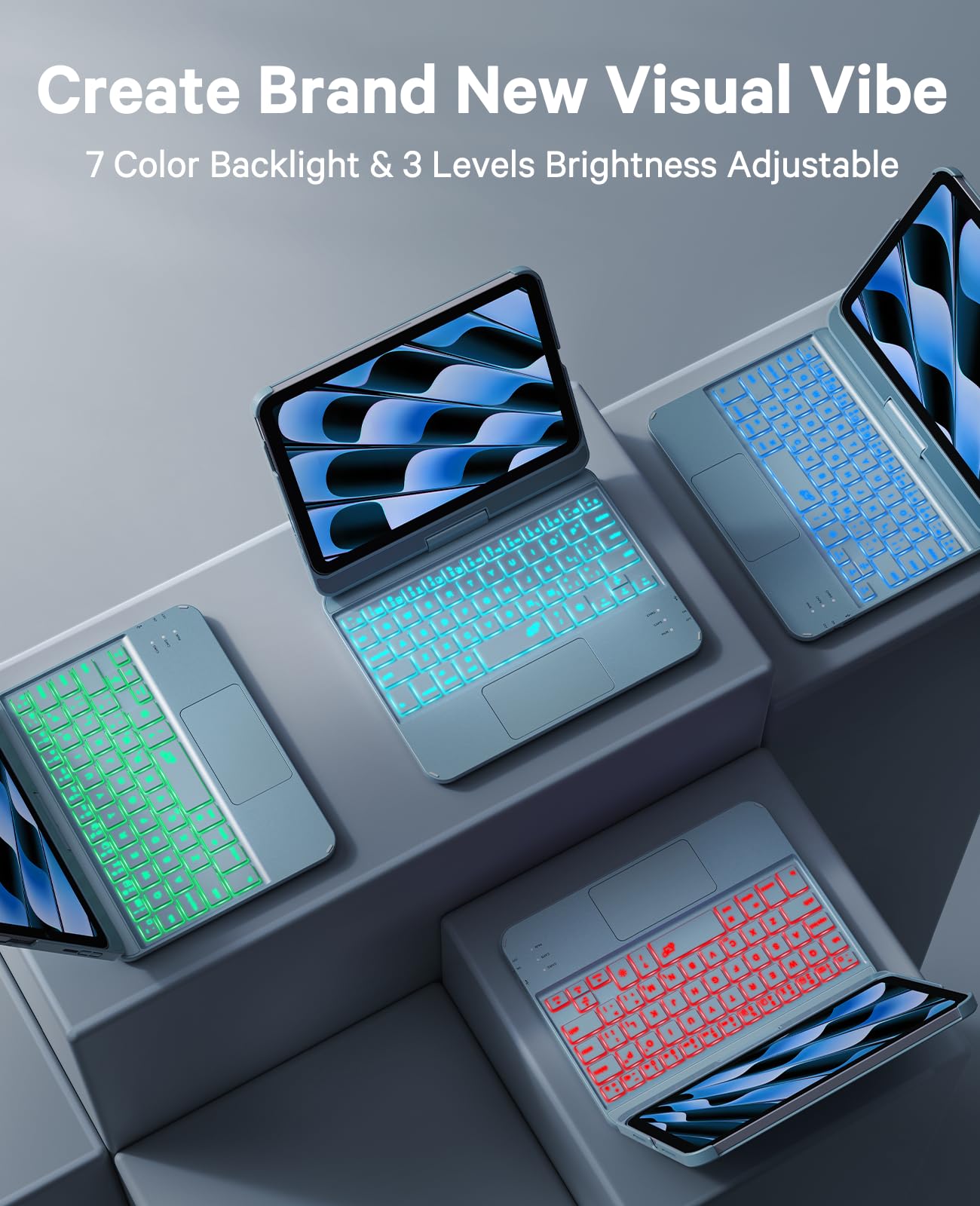
The GreenLaw Keyboard Case for iPad mini 7 (2024) & 6 (2021) combines a smart multi-gesture touchpad, customizable 7-color backlit keyboard, and a 360° rotating hinge for versatile use. Featuring Type-C fast charging with up to 60 hours battery life, this pearlescent blue case offers durable protection and laptop-like productivity tailored exclusively for the 8.3-inch iPad mini models.
| ASIN | B0FDQ1HD7Z |
| Are Batteries Included | Yes |
| Batteries | 1 A batteries required. (included) |
| Best Sellers Rank | 170,052 in Computers & Accessories ( See Top 100 in Computers & Accessories ) 3,486 in Tablet Keyboards |
| Brand | GreenLaw |
| Colour | Pearlescent Blue |
| Customer Reviews | 3.9 3.9 out of 5 stars (306) |
| Date First Available | 19 Nov. 2025 |
| Delivery information | We cannot deliver certain products outside mainland UK ( Details ). We will only be able to confirm if this product can be delivered to your chosen address when you enter your delivery address at checkout. |
| Guaranteed software updates until | unknown |
| Item Weight | 522 g |
| Item model number | T83 |
| Lithium Battery Energy Content | 0.25 Watt Hours |
| Lithium Battery Packaging | Batteries contained in equipment |
| Manufacturer | GreenLaw |
| Number Of Lithium Ion Cells | 1 |
| Number of Batteries | 1 |
| Package Dimensions | 21.31 x 16.69 x 3 cm; 522 g |
| Series | T83 |
A**R
Works amazing with my iPad mini! Hasn't gave out on me, and I've had it for over 6 months. I love how durable it is, and how the keyboard changes colors. I wish the actual apple Magic Keyboard did that for my iPad Air 13 inch. It feels like an actual laptop. I do like it more than apples keyboard. It stays charged for a long time. It is heavy, but I'm okay with that. The iPad is securely in the laptop case so you would have to tug to take iPad out. I wouldn't recommend taking iPad in and out of keyboard case. I leave it in full time.
M**N
First off, this keyboard is quite good! The touch is definite, ....BUT it is highly sensitive, and many of the keys are in different locations from the standard keyboards.......that said, once you get used to the key placements, it works! I notice sensitivity to random touches which seem to displace the cursor and must be very observant of what appears after a keystroke, or I must erase a long row of jibberish where the cursor popped up at random. I have yet to figure why I would need the screen to swivel at all. BUT it is the best neatest tidiest iPadMini case I have, and Ive purchased several so far. I have two iPadMinis, and this is the only case with a keyboard, which makes it quite convenient, even with the unstandard set of keys. I figure I will get used to the locations of the keys I normally use. In typing this, Ive made various corrections, may fail to correct others....but forgive me. Dont let your hand move too far off the keys, or the cursor will disappear unexpectedly. It is worth trying however. At the time I type this, I cannot locate the apostrophe key.....thus its absence where I use contractions.....but no time now to learn its location. THAT is an example of the issues you will encounter. My hands are not small, they are used to hard work, have some age related neuropathy affecting the sensitivity of my fingertips....but younger folks should fly through their typing. When the case is closed, it presents a solid protection for the tiny iPadMini. It does not fall open accidentally, and the white one I chose stays pristine even when I sweat. Since you WILL make typos, learn first where the DELETE key is on the keyboard.....and be ever mindful of that aggravating CURSOR which can jump without provocation!!!! As more apps allow dictation input, this keyboard issue shoould be less and less as we learn to dictate to the Mini. The case gives good protection to the Mini, and that is of primary importance. I slide it into my bag with no problem alongside my wallet, and even my car keys cannot scar the screen of the Mini. There is a learning curve to remembering where the keys are now found--like the apostrophe, which I seem to use a lot, but I just found it so will practice a bit to see how quickly my hands remember that particular motion.
J**S
I have an iPad Mini 7 in purple, so of course I had to find an iPad case in purple. I wanted a keyboard case. I spent a long time shopping around on Amazon to find one that I liked best. I’ve had this case now for exactly 3 months and I have to say that this is the best keyboard case I’ve had for an iPad. Pros: - its weight (not extremely light like other keyboard cases) - the deep and clicky keys (a MAJOR plus and a big reason I bought this) - the color options for backlight along with the brightness options for it - the trackpad works well and doesn’t lag - gestures on the trackpad work perfectly - the hinge works well overall Cons: - needing to press the function key for an apostrophe and other symbols - some oddly placed keys (minor issue) - the material of the back of the case (it rubs off) - can’t tilt back all the way or it topples over (can only tilt the iPad back about 90 degrees or slightly over that) - I wish there were a slot for the Apple Pencil instead of just relying on the magnets Overall, this is a great keyboard case and I would buy it again in a heartbeat! I think it’s fully worth the cost and it’s held up very well so far. If possible, maybe a newer version could be made where the material is fixed and maybe some of the key issues (especially the apostrophe problem).
C**C
Great for iPad mini
T**T
I get compliments on this every time I have it out. It’s a bit thicker than I prefer and it’s definitely a condensed/shrunken keyboard so your hands will need time to adjust to the more cramped surface area. Don’t get this expecting it’ll feel as ergonomic and similar to a full size keyboard because it’s not and it’s not meant to be.
ترست بايلوت
منذ شهر
منذ أسبوع