
قم بتنزيل التطبيق


معلومات عنا
حقوق الطبع والنشر © 2024 Desertcart Holdings Limited
قم بتنزيل التطبيق
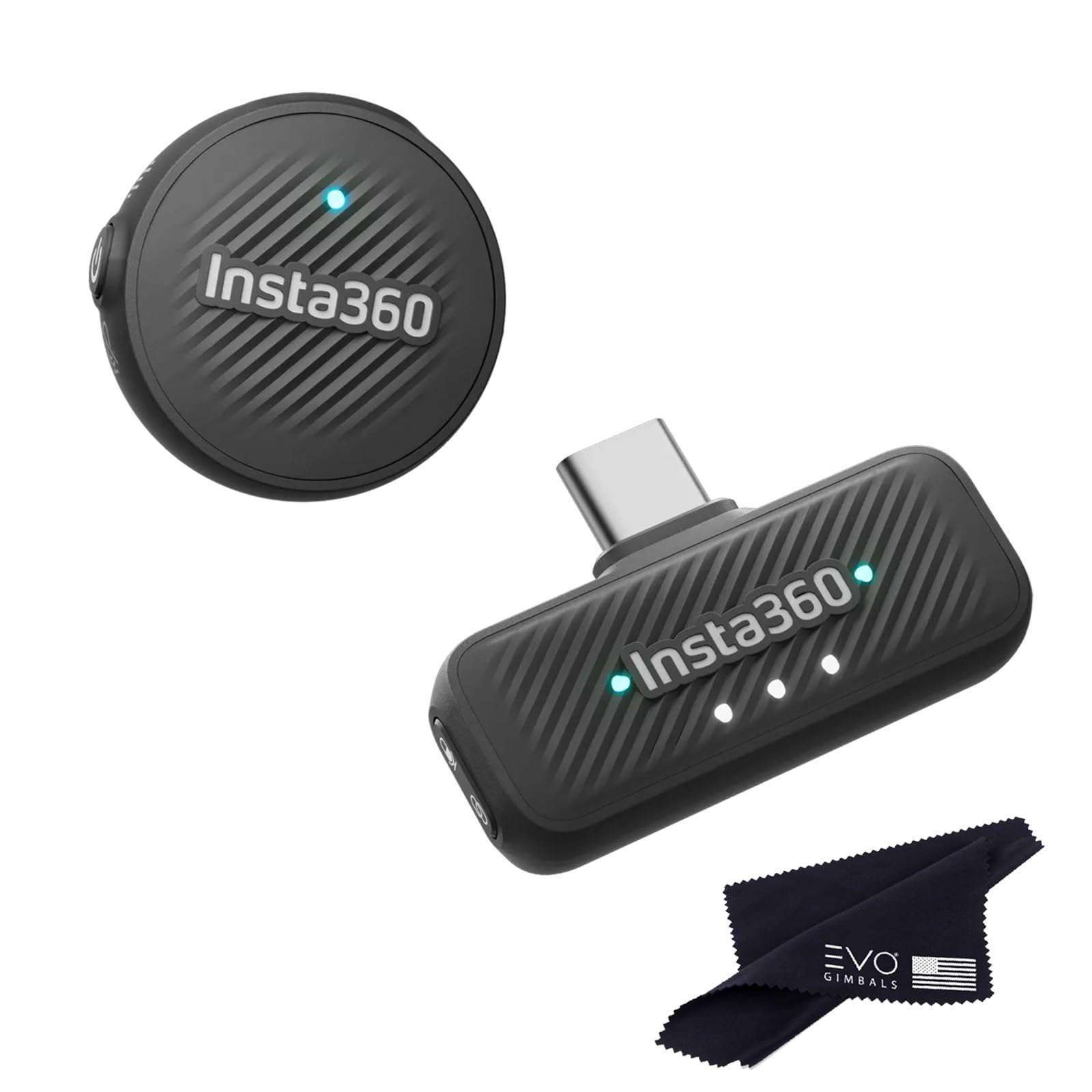
🎤 Elevate your voice, not your gear — mic magic in a coin-sized package!
The Insta360 Mic Air is an ultralight 7.9g wireless microphone transmitter designed for seamless integration with Insta360 cameras. It delivers professional-grade 48kHz audio with omnidirectional pickup and advanced noise cancellation, ensuring crystal-clear sound even in noisy environments. With a 10-hour battery life and a 300m wireless range, it offers creators freedom and reliability in a compact, coin-sized form factor.
| ASIN | B0FFW4KXR8 |
| Batteries | 1 9V batteries required. (included) |
| Battery type | Lithium Ion |
| Best Sellers Rank | #23,939 in Musical Instruments ( See Top 100 in Musical Instruments ) #124 in Professional Video Microphones #179 in Wireless Microphone Transmitters & Receivers #2,390 in Microphone Accessories |
| Customer Reviews | 4.5 4.5 out of 5 stars (12) |
| Date First Available | June 27, 2025 |
| Frequency Response | 48000 Hz |
| Item Weight | 5 ounces |
| Item dimensions L x W x H | 6 x 4 x 2 inches |
| Item model number | 1 TX + 1 RX |
| Manufacturer | Insta360 |
| Material | Plastic |
| Material Type | Plastic |
| Number of Batteries | 1 9V batteries required. (included) |
| Number of Channels | 2 |
| Power Source | Battery Powered |
| Product Dimensions | 6 x 4 x 2 inches |
| UPC | 810132546617 |
J**Y
Best mic out!
Excellent!
R**K
Great little microphone
I’ve been using the Insta360 Mic Air for about a week now, and I’m really impressed. Setup was literally plug-and-play — I connect it to my phone and my insta 360 X5. The sound is super clear, even in busier environments, and it does a nice job cutting out background noise. Connecting to Your Phone • The Mic Air has a USB-C receiver. • Plug the receiver directly into your phone’s port. • The mic pairs automatically — no Bluetooth setup required. • Once connected, your phone recognizes it as the main audio input, so any video or voice app will use it. To connect the Insta360 Mic Air to the X5 camera. *Press and hold the power button on the Mic Air for approximately 6 seconds until the blue light flashes rapidly, indicating pairing mode. *On the X5, swipe down to access the shortcut menu, tap "Bluetooth Headset/Microphone," and select "Insta360 Mic Air" from the list to establish the connection. *The camera will then connect to the microphone, and the AirPods icon will appear on the screen, showing that the mic is ready to use.
ترست بايلوت
منذ أسبوعين
منذ يومين