We remain fully operational. Our teams are working around the clock to ensure your deliveries continue safely.

قم بتنزيل التطبيق


معلومات عنا
حقوق الطبع والنشر © 2024 Desertcart Holdings Limited
قم بتنزيل التطبيق
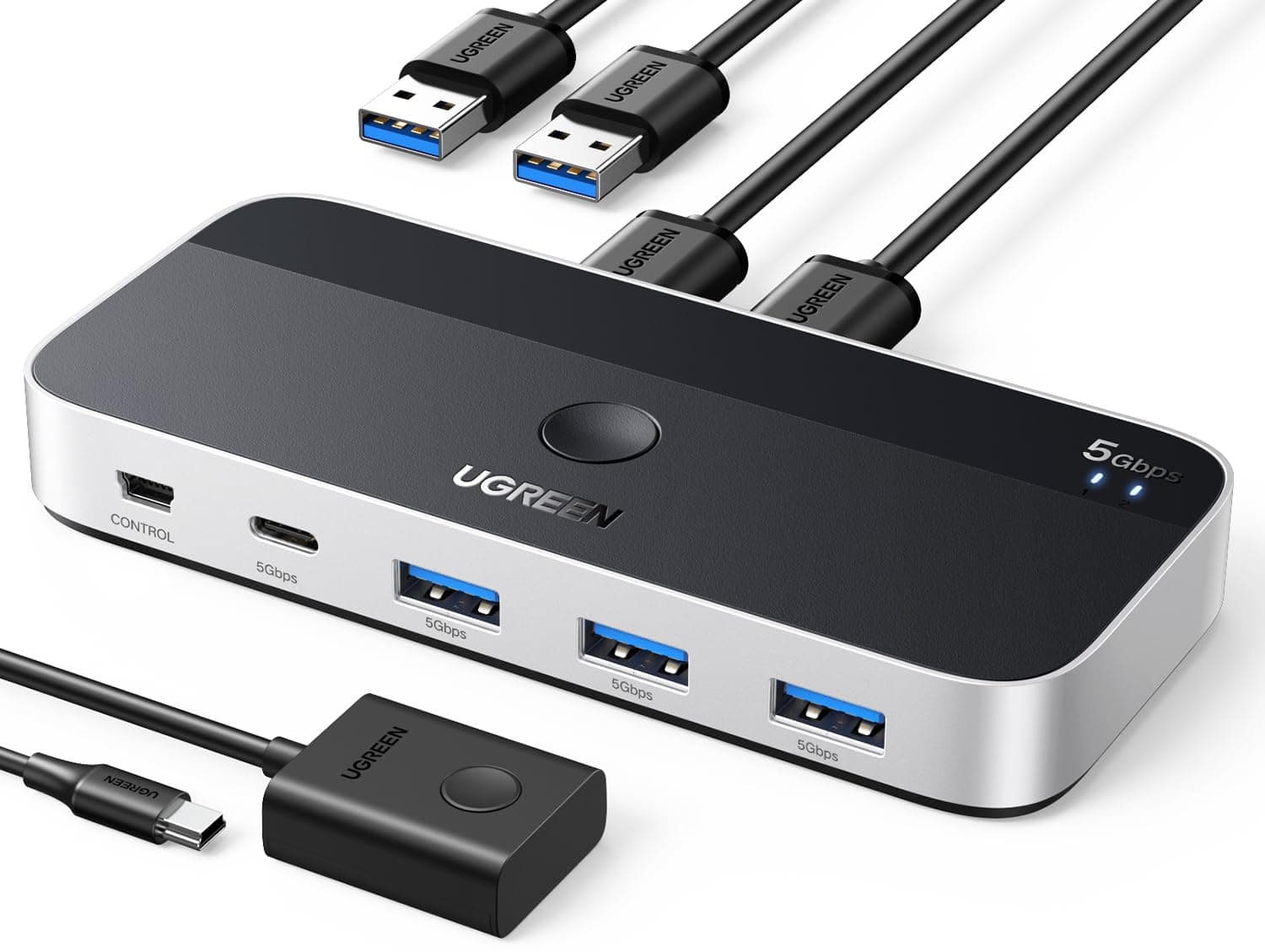
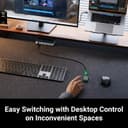
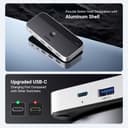
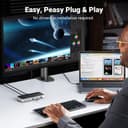
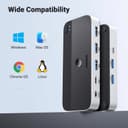
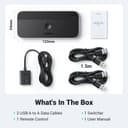
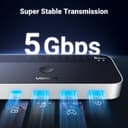
🔄 Switch Smarter, Work Faster — Your Desk’s New Power Duo
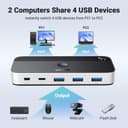
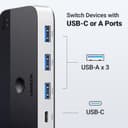
The UGREEN USB 3.0 Switch is a sleek 4-port USB hub that lets two computers share USB-C and USB-A devices seamlessly. Supporting up to 5Gbps data transfer and equipped with a USB-C power port, it ensures stable performance for peripherals like keyboards, mice, printers, and cameras. With remote and button switching modes, it’s designed to declutter your workspace and boost productivity for professionals juggling multiple systems.


| ASIN | B0CJM5HCK5 |
| Additional Features | Play, Plug |
| Best Sellers Rank | #3 in KVM Switches |
| Brand | UGREEN |
| Color | Silver |
| Compatible Devices | Card Readers, Keyboards, Mouse, Scanners |
| Customer Reviews | 4.1 4.1 out of 5 stars (2,629) |
| Data Transfer Rate | 5 Gigabits Per Second |
| Enclosure Material | Aluminum |
| Hardware Interface | USB, USB 2.0, USB 3.0, USB Type C |
| Item Dimensions L x W x H | 4.72"L x 2.16"W x 0.51"H |
| Manufacturer | Ugreen Group Limited |
| Mfr Part Number | 35147 |
| Minimum Required Operating System Version | Windows 10 |
| Model Number | 35147 |
| Number of Ports | 4 |
| Operating System | Chrome OS, Linux, Windows 10 |
| Total Usb Ports | 4 |
| Unit Count | 1.0 Count |
J**R
Great little USB switcher.
I have had the UGREEN 3.0 USB switch for several months and I am very happy with the easy of installation and the overall performance of the unit. I re-cabled under my desk and accidently reverse the input and output USB ports. Of course it did not work but upon reversing the cables it went back to normal operation. I think for the quality and performance the price is reasonable and I am very happy with my purchase.
Y**D
Great little switch so far but not perfect for everything
I purchased this switch as I got a new job working from home so I wanted to experiment with using the same set of perphirals for both my work & personal PC as I haven't decided on setting up an extra keyboard/getting a keyboard tray. This was a good time to buy since this is supposed to upgrade the very popular 4-USB3 switch Ugreen has been selling for a few years now and I feel like this is a warranted upgrade. Overall this switch has worked almost flawlessly in my week of use. I have plugged into it my Hyperx 60 keyboard and all the lights & effects/settings I set up still work when plugged in, a G703 mouse and my Logitech C920 camera outputting to my personal desktop and my work laptop. I have tried it both with and without the extra USB C power "boost" and while everything works I think my mouse drains a little quicker (maybe using more battery since the switch isn't meeting 100% power?? might have to test more) but the keyboard and webcam seem to have no issues, I generally do keep a usbc plugged in though just in case. Latency hasnt really been a problem, I tried a mouse latency site with my mouse plugged into my PC and the switch and they both were pretty much the same (and low) which is honestly important for me as I am a big gamer so making sure lag is minimzed is a priority. The only real issue I have had was that I tried using my headphones plugged into the Apple 3.5mm to USBC dongle inputting into the switch and about every 30-40 mins I would get absolutely AWFUL static and noise and it didnt matter how I oriented the dongle so Im guessing there mightve been some interference between the dongle and switch. Overall I'd recommend this as it's great for minimizing desk clutter without compromising performance and it's very affordable at around $35, which is in line with the previous model when it was the main one. It also comes with a little "remote" extension sol you can put the switch somewhere and then have the remote button in a more convenient spot if you're swapping a lot; I haven't used it but it is a nice addition. I wish there was a 3.5mm jack input even if it meant the model being a little larger but this is pretty much a solid buy for anyone WFH or using multiple computers.
D**A
Works much better then the USB 2.0 Version.
I work from home and need to be able to control both my work PC and my personal PC. I have the desk space for both systems, but no real place for 2 full sized keyboards and 2 mice, it's much easier to be able to use one set of peripherals to control both systems. I would normally do this with software like Mouse Without Borders or Synergy but I do not have the ability to install on the work system, so that's out. I had an older UGREEN Switcher, the previous model to this that was USB 2.0 and I was using that to switch between both systems. That one worked.. somewhat, but it was buggy and unreliable. I took a gamble and tried this one instead. I am happy to say that this version suffers none of the issues of it's predecessor. I am able to switch between systems without issue and use one set of Peripherals to control both machines. I was able to tuck it away someplace inconspicuous and I use the included remote so that I just have a single button on the top of my desk that switches between work PC and the Personal System. This is a far easier solution then having to type all my work stuff on the Laptop keyboard. This device works exactly as advertised and for what you get, the price is also incredibly fair. If you have two systems and want to use one keyboard/mouse for both.. go with this device. The older USB 2.0 device is slightly cheaper but not worth it, this one works MUCH better. This is the one to get.
G**S
Total fail on Mac Minis; even powered hardwired Apple keyboard
Useless on Mac Minis. Not until I used a power cord (one to exact specifications) with the box did the switch light up (the main one on the box, not the remote). But it didn't do anything. My HARD WIRED Apple keyboard was not recognized whether or not the box was connected to a power outlet (even when my trackpad was disconnected or off - as in without battery power, well out of range, or with Bluetooth turned off) My wireless Apple Magic Trackpad WAS recognized on one Mini but not the other. As an experiment, I tried plugging the trackpad's usbc charging cord into the power port on the box. I even tried this after turning the box around then using it backwards. The trackpad worked on both Minis simultaneously. Neither the remote nor the main switch - obviously, unlighted - had an effect. I did not try using a hardwired Windows keyboard and a hardwired Windows mouse. I'd rather stick to using two Apple keyboards and two Apple trackpads. (Both Minis have usba ports)
M**N
Working well
Working great except it’s not allowing all the functions of my keyboard to work between workstations. Keyboards back light cut out after first switch and has to be turned back on each time I switch, no settings to make a preference.
X**X
Cok fazla kabloya sahip sahsi sabit bilgisayar ve is laptopunu kullanan ara ara seyehat eden fakat genelde evde olan biri olarak artik zorunlu bir urun. Kvm switch ile oem urunlerini bir switch porta bagladim sonra bu switch portun bir ucunu ve enerji kablolarini huba aktardim. Is seyehatindsn gelicne artik sadece bir kabloyla is bilgisayarim ev duzeninde kullanmaya hazir hale geliyor. Thunderbolt cok degerli bir ozellik. Kesinlikle parasinin hakkini veriyor. Isinma problemi olmamasi icin goruntu aktarimi ozelligi olmayani almistim ama su an keske tek tusla onu da değiştirseydim diyorum. Monitorunuzun port cikisini degistirmek kolaysa bu urun yeterli aksi halde goruntu baglantisina sahipleri de tercih etmenizi oneririm. Hic bir bozulma olmadi. Switch controller boyu da gayet yeterli ve kullanisli
F**.
Utilizzo questo KVM per condividere mouse, tastiera, microfono e soundbar (collegata tramite AUX–USB-C) tra il mio desktop fisso e il dock del MacBook. Si configura in un attimo e permette di passare da una postazione all’altra semplicemente con un pulsante dedicato, separato dal corpo principale del KVM: una scelta davvero intelligente che consente di nascondere l’unità sotto la scrivania e tenere solo il controllo a portata di mano. Un piccolo dettaglio da tenere a mente: se entrambi i dispositivi collegati non forniscono alimentazione da spenti, il KVM non memorizza l’ultimo ingresso selezionato e, all’accensione, parte sempre dallo slot 1. Per aggirare la cosa, ho collegato a quella porta la postazione che uso più spesso, così non devo pensarci più di tanto. Dopo oltre sei mesi di utilizzo quotidiano, tutto funziona ancora alla perfezione. Ottimi anche i materiali: solido, ben costruito e con una scocca in metallo. Una rarità per prodotti di questo tipo!
J**N
Ik heb deze USB switch gekozen omdat de reviews doorgaans goed zijn. Ik was bang dat mijn toetsenbord aansluiten een probleem zou zijn vanwege de vele functies die deze heeft (Mountain Everest Max). Het switchen tussen PC en laptop gaat echter prima zonder verlies van functies. Het doet wat ik voor ogen had. 5 sterren van mij :)
L**A
El Hub funciona adecuadamente para perifericos de bajo consumo aun sin alimentacion adicional (Teclado, Mouse, Headset inalambrico), se pueden contectar otras cosas como discos duros e impresoras pero estos ya necesitan conectar un cable de alimentacion para funcionar correctamente. Se agradece que venga con un control con extension para poder cambiar rapidamente entre ambos equipos sin mayor problema. Un detalle que a veces pasa con los audifonos inalambricos es que cuando se hace el cambio de origen en ocasiones parece que no recupera de manera correcta el audio y tengo que cambiar de nuevo el origen un par de veces para que se arregle, pero me parece que esto es mas una limitacion de Windows que del HUB.
D**E
A very good device if you have 2 pc connecting to a monitor, had no issues with a Mac or windows. Thanks
ترست بايلوت
منذ شهر
منذ 4 أيام