🖨️ Elevate your workspace with speed, style, and smart tech — print like a pro, anywhere, anytime!
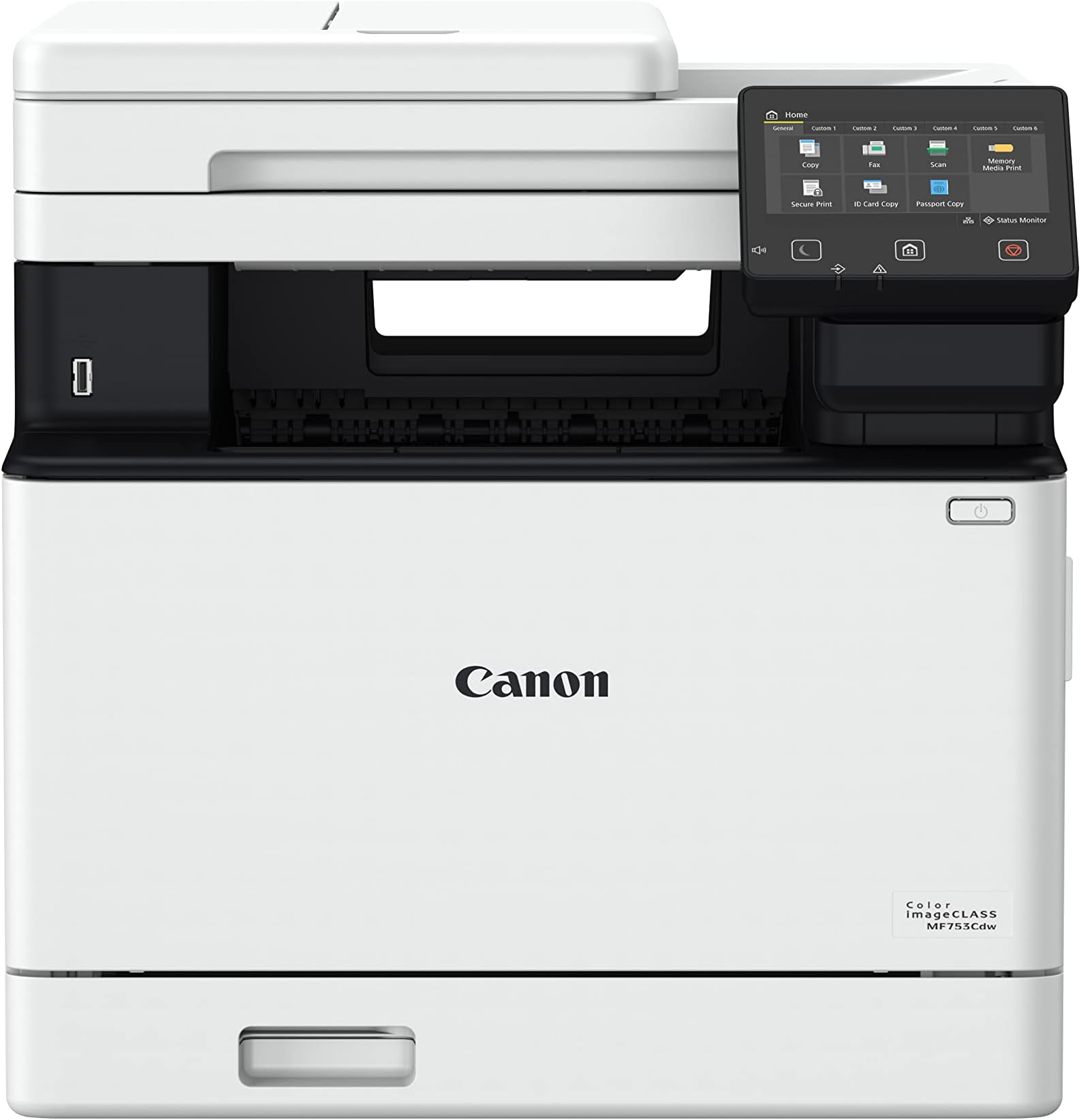
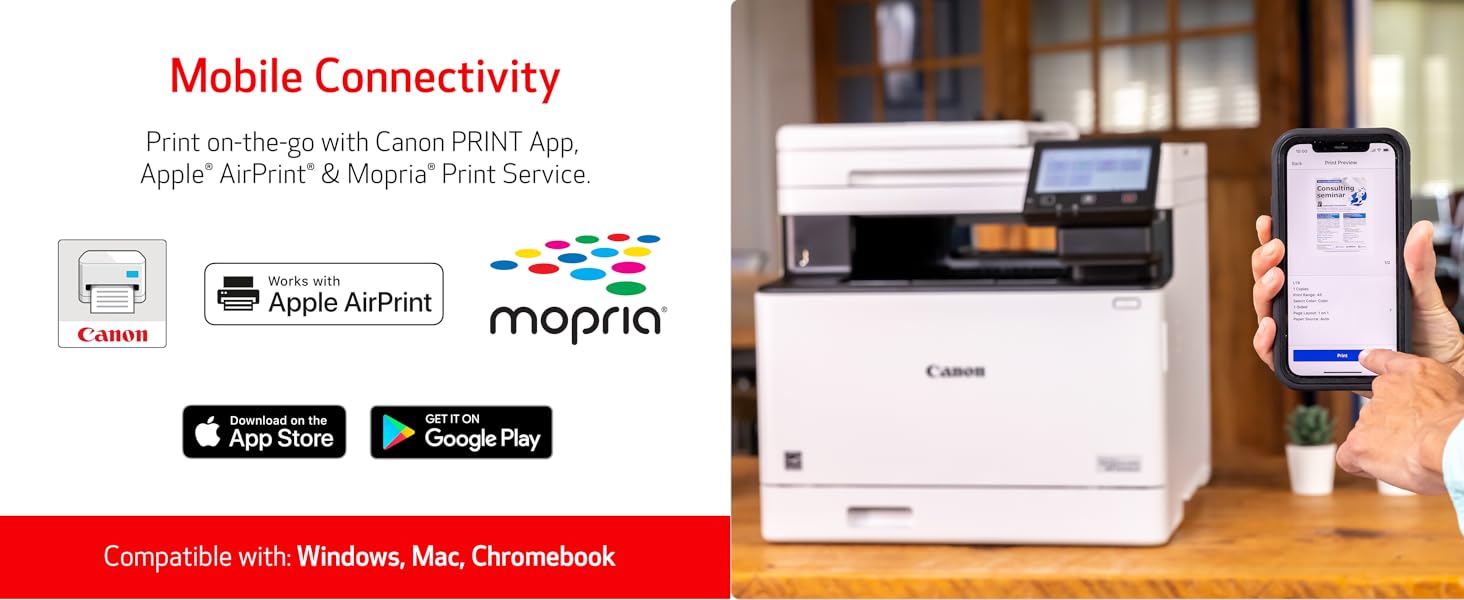
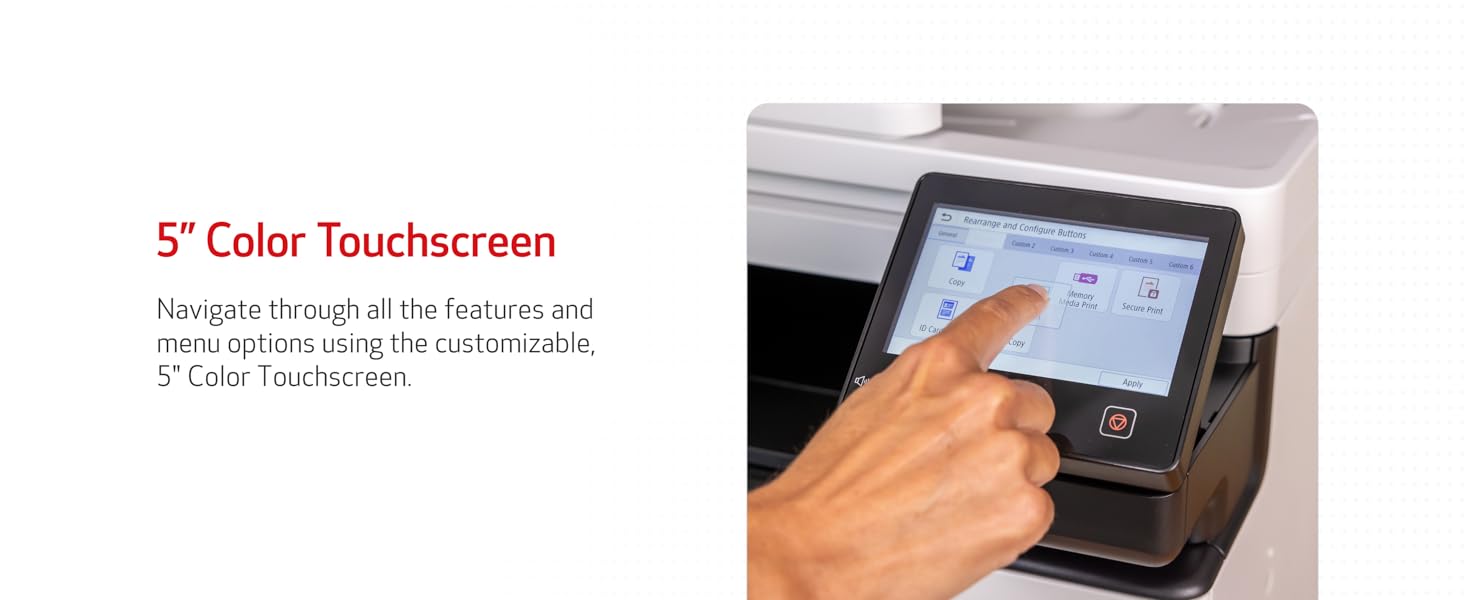
The Canon imageCLASS MF753Cdw is a wireless, all-in-one color laser printer designed for small to medium businesses. It delivers fast 35 ppm duplex printing, scanning, copying, and faxing with a user-friendly 5" touchscreen. Featuring mobile device compatibility, expandable paper capacity up to 850 sheets, and ENERGY STAR certification, it balances high performance with eco-conscious efficiency. Supported by a 3-year limited warranty, it’s built to keep your office productive and connected.


| ASIN | B0BSMQTVBW |
| Additional Printer functions | All In One |
| Best Sellers Rank | #5,193 in Office Products ( See Top 100 in Office Products ) #11 in Laser Computer Printers |
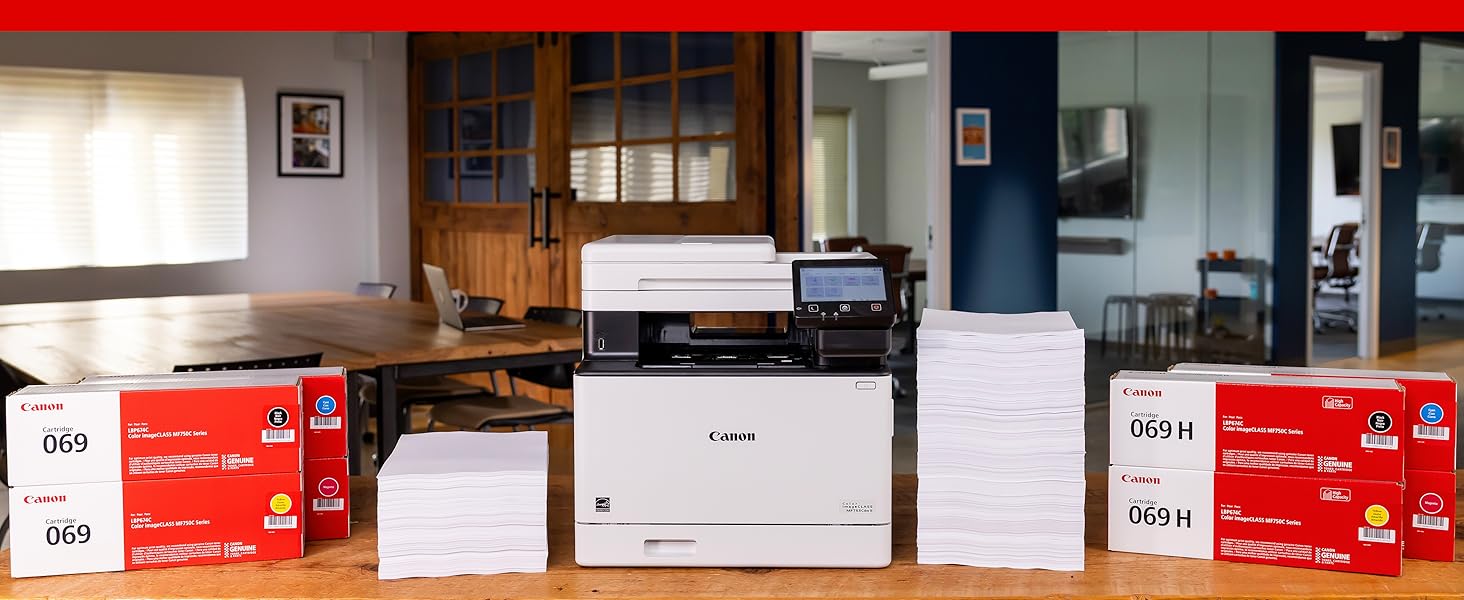
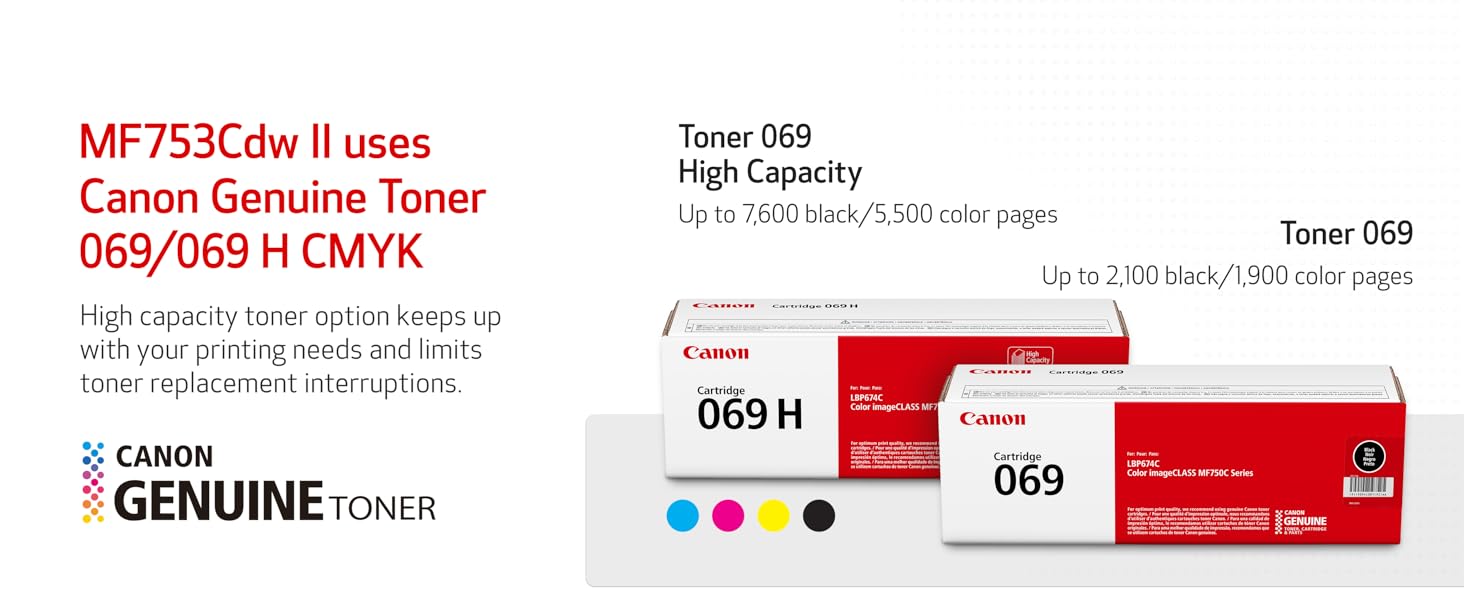
| Compatible Cartridge | Canon Genuine Toner 069 / 069 H |
| Compatible Devices | Smartphones |
| Control Method | Touch |
| Controller Type | Android |
| Customer Reviews | 4.2 4.2 out of 5 stars (638) |
| Date First Available | February 8, 2023 |
| Dual-sided printing | Yes |
| Duplex | Automatic |
| EU Spare Part Availability Duration | 3 Years |
| Global Trade Identification Number | 00013803345162 |
| Hardware Interface | Ethernet |
| Included Components | Cartridge 069 CMY: Starter 1,100 Yield / Black, Standard: 2,100 Yield, Documentation, Fax Cord, MF753Cdw Product, Power Cord |
| Initial page print time | 7 Seconds |
| Ink Color | color |
| Item Weight | 48.5 pounds |
| Item model number | 5455C010 |
| Manufacturer | Canon |
| Max Copy Speed (Black & White) | 35 ppm |
| Max Input Sheet Capacity | 250 |
| Max copy resolution black-white | 600 x 600 dpi |
| Max copy resolution color | 600 x 600 dpi |
| Maximum Black and White Print Resolution | 600 x 600 dpi |
| Maximum Color Print Resolution | 1200 x 1200 dpi Dots Per Inch |
| Maximum Media Size | 8.5 x 14 inch |
| Maximum copies per run | 99 |
| Memory Storage Capacity | 1 GB |
| Model Series | imageCLASS |
| Number of Trays | 2 |
| Power Consumption | 650 Watts |
| Print media | Paper (plain) |
| Printer Ink Type | MICR |
| Processor Count | 1 |
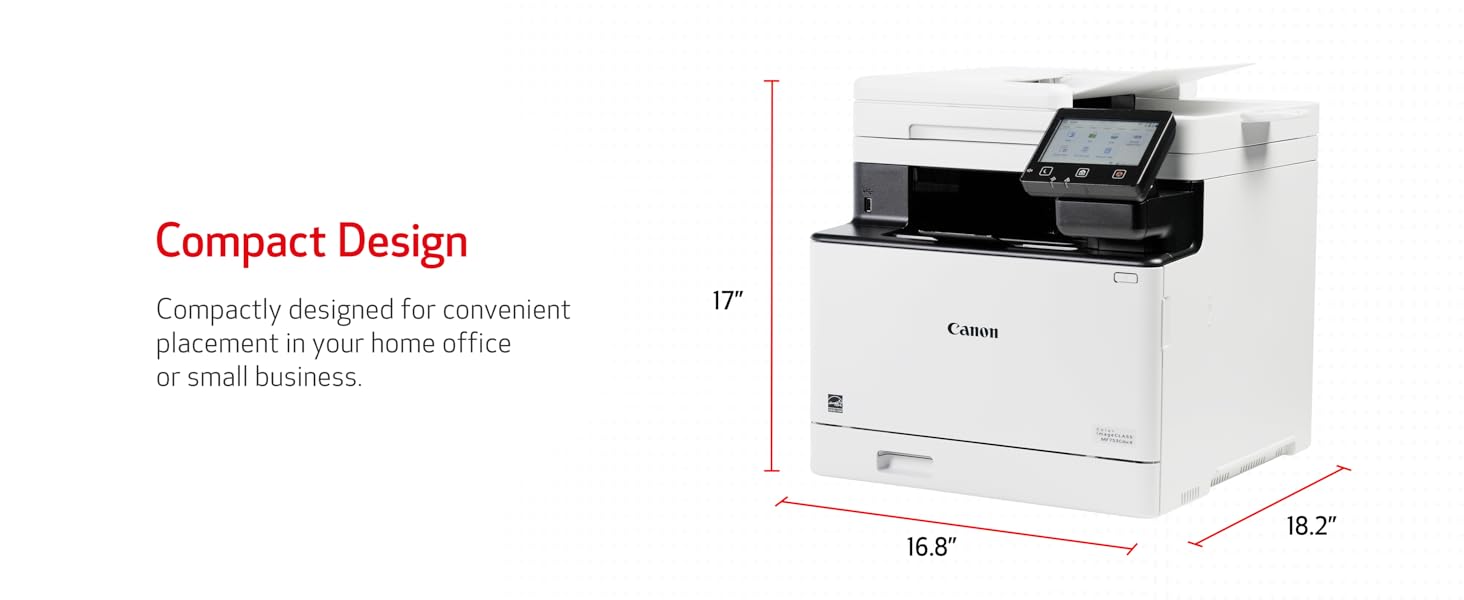
| Product Dimensions | 18.2"D x 16.8"W x 17"H |
| Scanner Type | Sheetfed |
| Sheet Size | Standard Cassette 3.9" x 5.8" to 8.5" x 14" / Multipurpose Tray: 3" x 5" to 8.5" x 14" Inches |
| Supported Media Sizes | 3 x 5 inches |
| UPC | 013803345162 |
| Warranty Type | Limited |
I**E
Excellent printer, but received gray‑market unit; Serial not eligible for Canon registration
The printer itself is fantastic, fast, quiet, and produces excellent print quality. It offers one-pass scan at rapid speed and all the functionalities that this printer offers. If I were rating only the product, it would absolutely be five stars. Hands down. ⚠️ I discovered something important that other buyers should know. ⚠️ The unit I received appears to be a gray‑market (non‑U.S.) model, even though it was sold through Amazon. The serial number cannot be registered with Canon USA, and Canon confirmed it is not a United States market unit, which means it is not eligible for US warranty or support. The System Manager ID also cannot be reset by Canon USA for this reason. The listing did not disclose that the product was sourced from outside Canon’s authorized US distribution channel. The printer works well, but buyers should BE AWARE of the warranty and support limitations that come with receiving an international model. Great product, but I strongly encourage the seller to ensure that only authorized US units are supplied, or clearly disclose when inventory is sourced from other regions. At this price point, consumers reasonably expect full manufacturer warranty support. Because the serial number on my unit cannot be registered with Canon USA, there is no valid U.S. warranty. Buyers should be aware of this before purchasing.
A**S
Great Product
I don’t normally write reviews for products, but I felt compelled to share my experience. I used to have an HP OfficeJet 8015e, and I constantly had issues with the Wi-Fi connection. Eventually, I couldn’t print at all, even when using a USB cable. On top of that, I was required to pay for a printing subscription, which I really disliked. Because of all this, I decided to look for a different printer. I found this one, and honestly, it’s been a great experience so far. Setup was super easy, the printer feels solid and well-built, and it’s a moderate size without being bulky. Printing is fast, and the print quality is great. You just connect (no app download required) and you’re ready to go. I think the value is absolutely worth it.
H**M
Durable hardware, nearly plug-and-play install, but anything else from Canon failed.
As we all know, buying, owning, and using most products these days requires us to work within an entire ecosystem of a company's services. Gone are the days of simply buying a device, plugging it in, and using it. That said, this sort of experience can actually be had with this Canon imagCLASS MF753Cdw II, depending on what you need out of this machine. My review will encompass 4 aspects of the Canon ecosystem. Canon web and internet services: 1-Star Every single time I tried to go to the Canon USA support site, I got a block error from CloudFlare. Not sure if it was just today or if there's an ongoing issue with their site management in the cloud and the associated content delivery network, but I got a 403 error on nearly any page that would have contained actual content I needed (drivers, software, etc.). I was actually able to download PDF versions of the Manual, and browse most of the online manual, though their utility and usefulness is very low. There are issues with the software that are seemingly also dependent on some of these internet services, and those also generated failures, blocking me from being able to fully set up my printer. Specifically, The Web Services Daemon aspect that would allow internet-based printing didn't work. It may be available later, but at the time of this writing, it's a no-go. Canon Hardware and device setup: 5-Star Understand that I had a previous model of Canon imageclass multi-function printer. The hardware was reliable and maintained it's function durably. The interface for using the printer both from the printer itself and from a built-in web server were abysmal. That has all changed in this new printer. They have greatly simplified setting up the various protocols, services, and profiles for this printer. The screen interface menu system is still a little weird, but it's much more intuitive than it used to be. The web interface and menu system is much improved, and they even launch a local web application that helps you set up things like Network Folder access and the Fax interface. Much better, and the gap between their competitors seems to be closing a lot here. Canon has a reputation for durability, and there were no issues with any of the printouts that I ultimately generated. Print quality is excellent, and the printer responds and executes its jobs quickly. Software: 1-Star This device refused to work with any of the Canon supplied software. While I was able to find places to download the software and drivers for this unit (not from Canon, sadly, see the above comments on their website), I wasn't successful in installing any of it. It seems that the software wasn't designed to work with the modern aspects of Windows 11 such as the firewall. Whether I ran through the easy connect setup where my computer is supposed to discover the printer over WiFi, or whether I manually set up the WiFi on the printer, and then tried to use the Canon software to find the printer by supplying the printer's IP address, the software couldn't do the job. I could ping the printer, and was even able to log in to the Web interface on the printer itself, but the Canon Master Setup software couldn't find the printer even if I led it by the nose to the device. Another complaint is that you have to have internet access to install the unit. In cases where you are trying to perform an offline install, I wish you the best of luck, and this may not be the device for you. Not all use cases allow for customers to be connected to the internet, and if that's your situation, think very, very carefully before buying this device. OS Integration (Windows only) 5-Star Given that I wasn't able to install the printer to Windows 11 using Canon's software, I was very nervous about this purchase. Ultimately, I was able to use the built-in Windows 11 printer installation interface to install the printer. In fact, it was nearly instantaneous to detect and install the printer from the Operating System. Test prints worked well, and whichever driver Windows decided to install for the printer was able to use all print-related features of the unit (duplexing, manual feed trays, etc.) I was able to set up scan-to-network share using the web interface to the printer, and scanning, PDF generation, JPG generation, and scan quality and resolution all seem to be excellent. I cannot vouch for other services, as I wasn't truly interested in them. I may try to get them working down the road, but scanning to network and printing are what I was looking for, and was able to find a way to get them working. All-in-all, the setup experience was much better on this unit compared with the older one, even though the Canon software failed in all ways. Summary: I gave this a 4 star rating because the device ultimately did everything I needed it to do, and it only took me about 25 minutes to get it set up. Keep in mind that I was not able to test print from mobile/internet printing, as Canon's site was broken. Similarly, if you're looking for applications on your laptop (as a windows 11 user) I wasn't able to get those working because the software just flat-out wouldn't discover the printer through broadcast or IP specific discovery. I was impressed that I could basically plug the device in, configure it for my WiFi network, and use Windows to install and access the unit. That took care of 80% of my needs. I could configure the other 20% using a web browser to access the printer. The lack of offline useage really wouldn't matter in this case because Canon's own software failed even with internet access. Those aspects led me to deduct a star in my overall rating. The ecosystem failed, but at least the device worked somewhat without it!
S**N
This printer is AMAZING!
This Canon color laser printer works flawlessly. Easy set up and prints colors vibrant and prints very quickly. The paper and several printing options are so helpful. The scanner sure is a help for time.
J**E
I was sick of going to print something after a month or two and finding the ink in my inkjet printer was dry. Then I either had to purchase brand name ink, or take the risk of the off-brand inks not being recognized by the printer, since they use chips on the cartridges and update the firmware on you, so that what you can get away with changes all time (a practice that should be illegal for consumables, but that's another discussion). I literally had cartridges in my old printer become 'unrecognizable' despite have been used before. I said I'm done with this garbage. Did some research, and found out that there are issue with the new 'well' format printers, where they waste your ink, or some even brick themselves when the waste storage fills up. Decided on a laser printer, so that I would never have to worry about not using it for a while and the ink drying up. It's also cheaper for toner in the long run. Then I read that this printer has a setting for 'use official Canon toner only' OFF BY DEFAULT. This is a major good-guy move for me, and sold me. The price is high, but I care about my prints, and I was wasting $20-40 on new ink any time I wanted to print a single page before with inkjet anyways. This comes with black and color toners, and I don't know how long they last in the long run, but I have been printing fairly often for around a year now (mostly black) and haven't run out yet. Letters are printing sharply. I was worried about printing color images, as people always say that inkjet is superior for that, but aside from trouble printing a very faint tan fade one time, the images have been fine. I think toner has come a long way. They also don't cause the paper to become warped and wrinkly like inkjet can. I also think that the slightly shiny look of toner looks more professional to me. The printer can handle quite thick paper/stock with no issue. I like to print cards, so this was important to me. Setup was super easy, and I got it connected to my wi-fi with no issue at all. Scans are good, and with the automatic feed tray, much easier than my previous home-level all-in-one printer/scanner (read the instructions, and do the scanner calibration print page like you are supposed to). Double-sided printing works perfectly. If you have a home-office, care about your prints, or are just sick of the money-grabs from the consumer-grade inkjet brands, then this is probably closer to what you want.
M**E
great printer / scanner / fax so far, requires a bit of tech hands to set it up properly to communicate with the other devices / computers in the network. First thing to do after you unpack and connect to power and local network, go to Canon website and install their drivers and utilities.
W**Y
Great printer and works like a charm. However the cost for the replacement cartridges costs as much as the printer. That is if you can find 069 in the local stores. I am not sure I would purchase this printer had I known about the cost of the replacement cartridges. My opinion only, I feel Canon can charge you whatever they want because you are now stuck with your printer.
N**N
Some amazing features but at least one brutal oversight. The color and B&W have been excellent so far (color in the context of laser color). Setup was pretty good until I found an undocumented limitation. There is a 4 yr old thread on this in the canon forums. The "Scan to Preset Destination" which allows you to put a button on the screen so that it is a one touch scan to either e-mail or a folder (great feature) is limited to 5 options. Not even enough for my household nevermind a small business. Brutal and should have been fixed via firmware 4 years ago. Hope it will and then I'd adjust my rating. It's too big to send back otherwise it would be in the mail...
ترست بايلوت
منذ أسبوع
منذ أسبوعين