🚀 Elevate Your Home Network to Pro-Level Speed & Coverage!
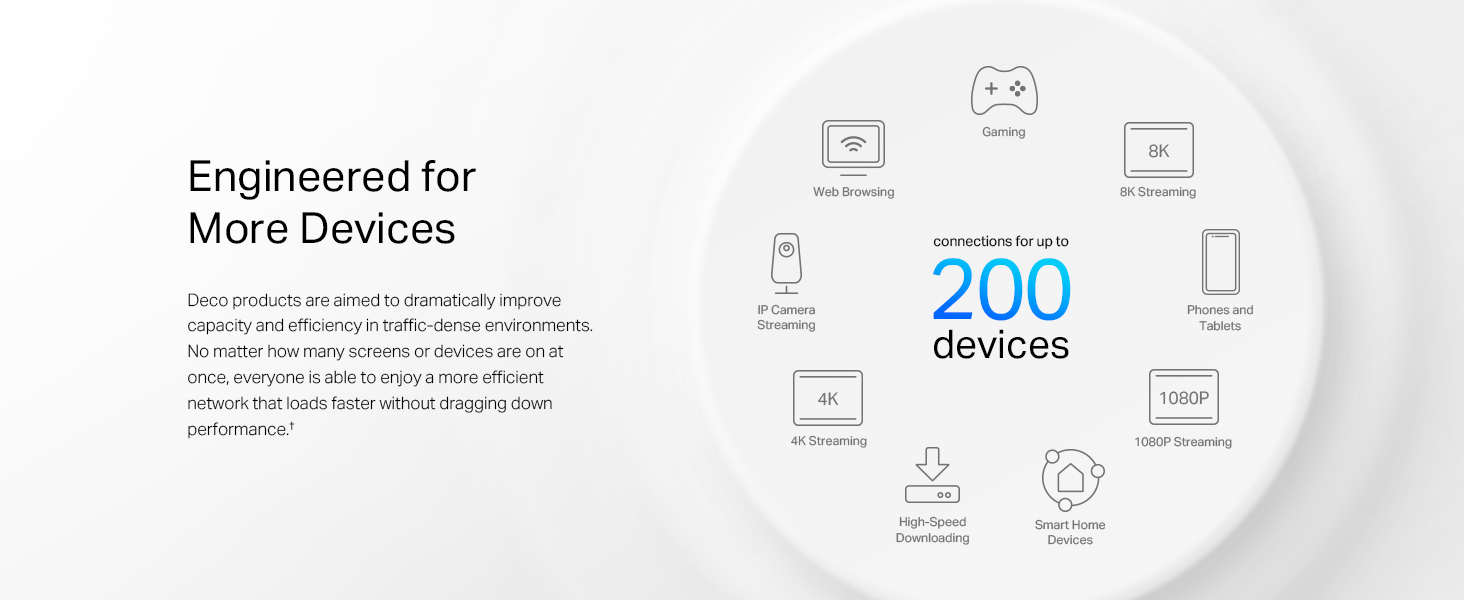
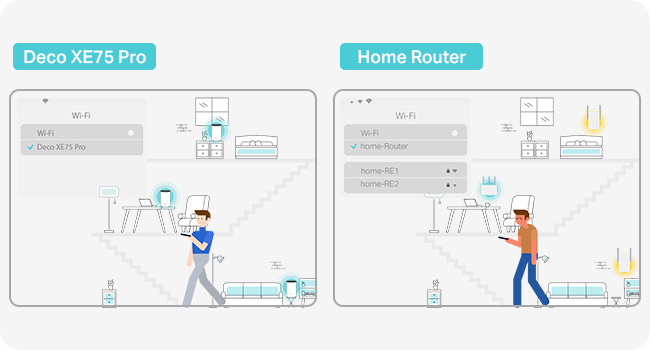
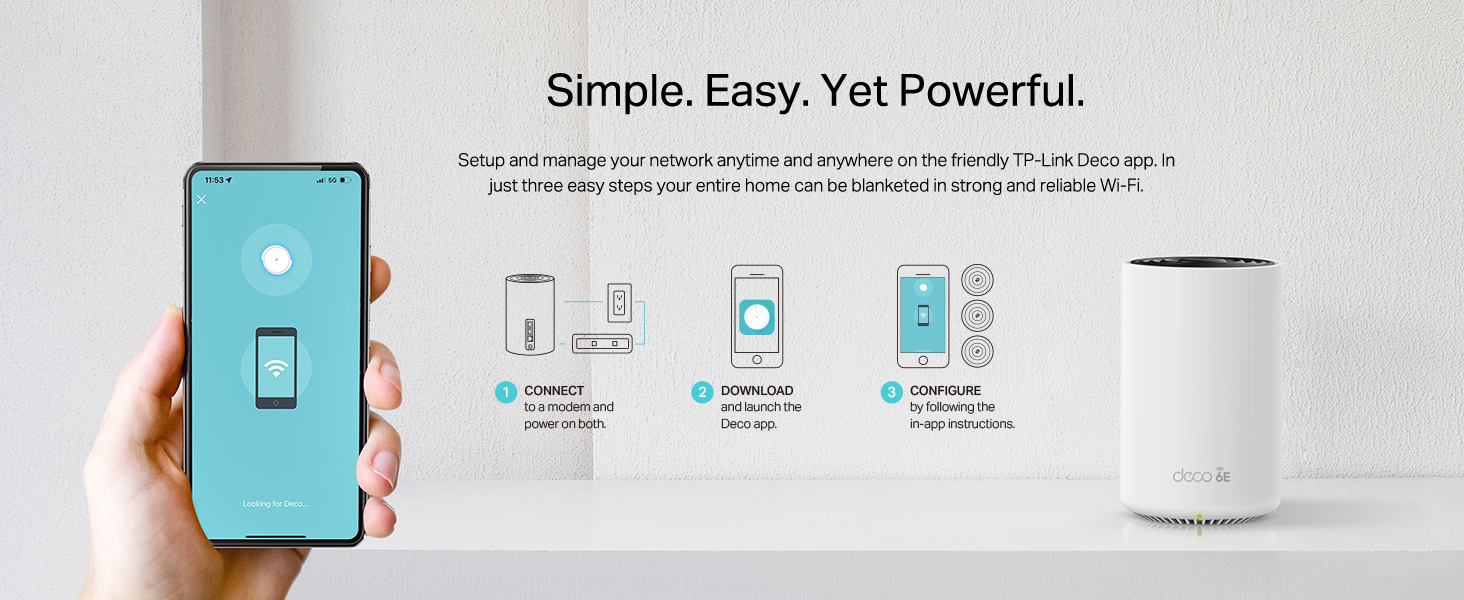
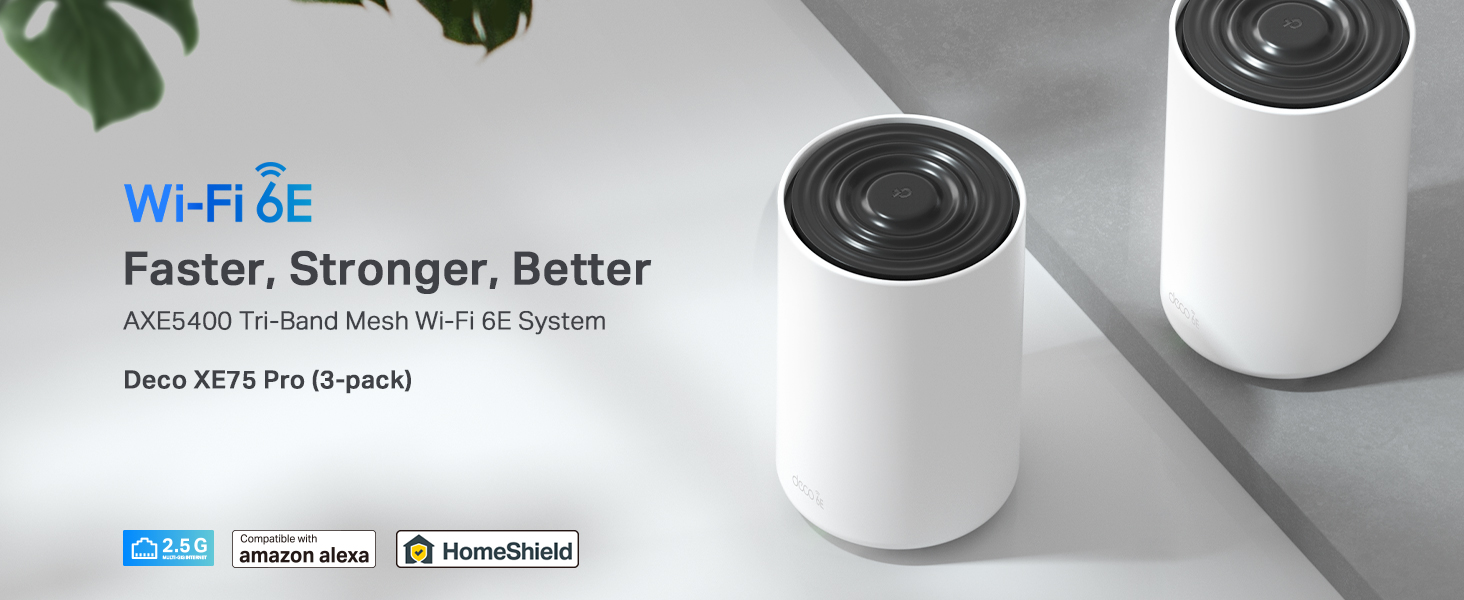
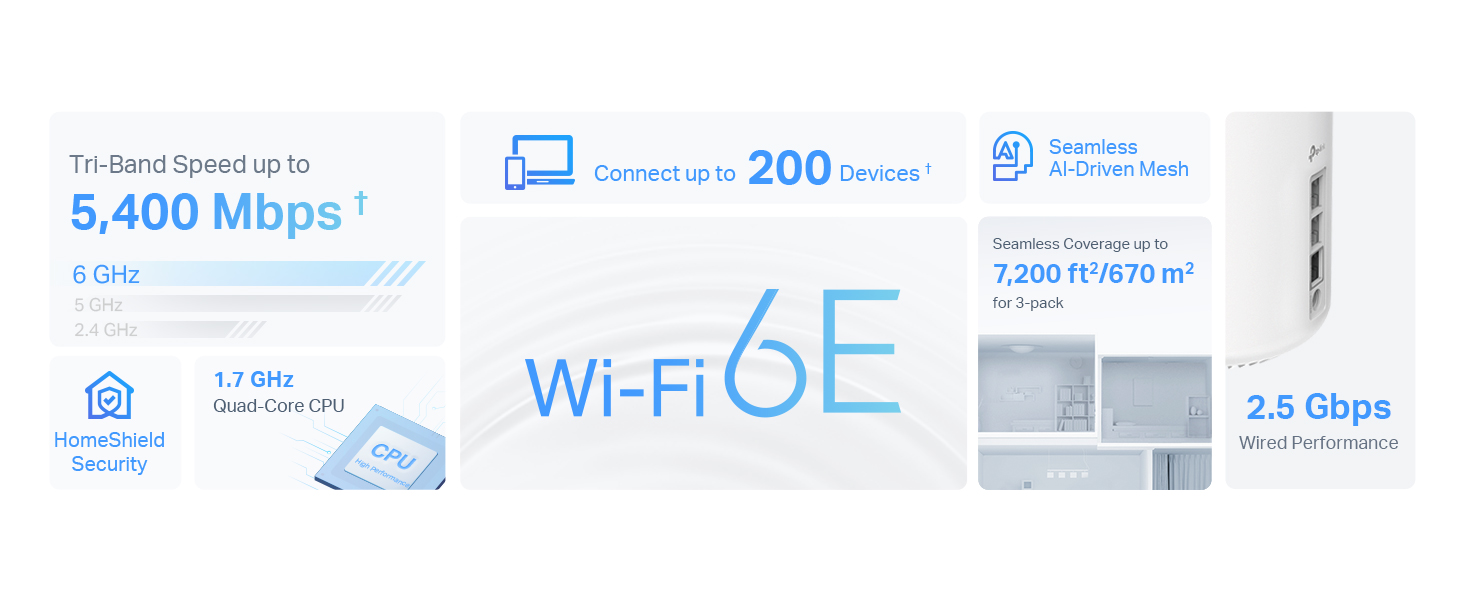
The TP-Link Deco XE75 Pro (3-pack) is a cutting-edge WiFi 6E mesh system delivering tri-band speeds up to 5400 Mbps and coverage up to 7200 ft². Featuring a 2.5 Gbps multi-gig port and AI-driven mesh technology, it ensures seamless roaming and robust connectivity for over 200 devices. With advanced security via TP-Link HomeShield and an easy-to-use app, it’s designed for professionals seeking future-proof, high-performance home networking.


| ASIN | B0BF5GK7TD |
| Antenna Location | Business, Home |
| Antenna Type | Fixed |
| Best Sellers Rank | 1,887 in Computers & Accessories ( See Top 100 in Computers & Accessories ) 8 in Whole Home & Mesh Wi-Fi Systems |
| Box Contents | Deco XE75 Pro(3-pack) |
| Brand | TP-Link |
| Brand Name | TP-Link |
| Colour | white |
| Compatible Devices | Laptop, Personal Computer, Smart Television, Tablet |
| Compatible devices | Laptop, Personal Computer, Smart Television, Tablet |
| Connectivity Technology | Ethernet, Wi-Fi |
| Control Method | App |
| Controller Type | Switch |
| Country of Origin | China |
| Coverage | 7200 square feet |
| Customer Reviews | 4.3 out of 5 stars 6,625 Reviews |
| Data Transfer Rate | 5400 Megabits Per Second |
| Frequency | 6 GHz |
| Frequency Band Class | Tri-Band |
| Frequency band class | Tri-Band |
| Is Modem Compatible | No |
| Item Dimensions L x W x H | 10.5L x 10.5W x 16.9H centimetres |
| Item height | 16.9 centimetres |
| LAN Port Bandwidth | 1000 Mbps |
| Manufacturer | TP-Link |
| Maximum Upstream Data Transfer Rate | 2402 Megabits Per Second |
| Model Name | DECO XE75 PRO |
| Model Number | DECO XE75 PRO(3-PACK) |
| Model name | DECO XE75 PRO |
| Number of Antennas | 9 |
| Number of Ports | 3 |
| Operating System | TP-Link OS |
| Other Special Features of the Product | Remote Access |
| Security Protocol | WPA3 |
| Special feature | Remote Access |
| Voltage | 5 Volts (DC) |
| Wireless Compability | 802.11ax |
| Wireless communication standard | 802.11ax |
A**S
WiFi 6E and 2.5g port at this price...
Upgraded from TPLink Deco X20 (which were also brilliant) Setup was easy, although the app doesn't contain a 'flow' for upgrading from a previous Deco system, theres simple instructions on the website. Took about 10-15 mins to replace all 3. App is intuitive, and walks you through set up with no issues. Defaults to use 6ghz for Backhaul only, so you'll need to change this if you want 6E on your devices, and then it creates another network. Coverage is amazing, 4 bed house with solid walls, and have no issues at all, and even covers the garden. If you've got 2.5g wired ethernet, the multi gig port is a welcome addition, and for the price uplift Vs non-pro option, it's giving you a little future proofing . Download / upload speeds are brilliant, and latency is decent too. I use these in AP mode, so some of the features aren't available (but I don't need them anyway! ) Web interface is awful, really locked down, so any admin has to be done on the app, which is fine .... But means you are limited to using your phone / tablet. Mesh over 6ghz Backhaul is stable, and moving between APs is seemless. Moving between 6ghz and 5 isn't - but that's more to do with the device connected being 'sticky' 6e doesn't have the same coverage so I find my phone connects to 5ghz as I get home, and then doesn't want to switch over when I get through the door. There's the option for guest network, and an IoT network, but there's no VLANs so if that's what you need, maybe look at TP Link Omada which is the prosumer range. All in all, for the price, a great bit of kit, and zero issues!
P**C
Unleash Lightning-Fast WiFi Across Your Home!
I've been a long-time user of the TP-Link Deco system, and the Deco XE75 Pro has solidified my trust in their products. It offers an outstanding balance between performance and price, making it a perfect upgrade for anyone seeking improved network performance without breaking the bank. Why I Upgraded I chose this model to enhance my internal backhaul speeds, especially for data movement to my home NAS. While I considered the newer 7G systems, this option provided a significant performance boost at a fraction of the cost. It also saved me from the hassle and expense of installing Ethernet cabling throughout my home—a win for both my budget and convenience. Performance and Coverage The improvement in speed and reliability has been remarkable. The mesh system effortlessly covers my 12+ room house, ensuring no dead spots and consistently strong connections. Internal data transfer speeds are incredibly fast, making tasks like NAS backups a breeze. The system integrates seamlessly with my existing Deco devices, creating a unified and efficient network. App and Features The TP-Link app is straightforward and functional, handling essential tasks like setup and device management with ease. However, it could benefit from more advanced controls, such as manually assigning devices to specific nodes. While this lack of customization can be mildly frustrating, it doesn’t overshadow the product’s overall reliability and bulletproof performance. Verdict The TP-Link Deco XE75 Pro delivers excellent coverage, fast internal speeds, and reliable operation, all at a price that feels more than fair. If you're looking to upgrade your home network without venturing into the premium price bracket, this is a fantastic choice. Despite some app limitations, the product excels where it matters most, making it a worthy investment for any connected household. Rating: 5/5
N**N
Great and easy to set up
Works well in a Victorian 3 bed semi (approx 110 sqm over 3 floors). I used this kit to replace the disappointing wifi signal from a fritzbox 7530AX, provided by an ISP. Like many UK households, the entry point for the cable is in the corner of the living room. The main unit is connected by to the router by a 10m cat 7 ethernet cable. The other two are positioned in the dining room (through a brick supporting wall) and in the basement. The deco system is in Access Point mode. The isp router handles lan connections, digital voice, and the incoming signal from the ont. Set-up is quite easy using the deco app. Signal strength is great throughout the house. My gaming PC in the basement is connected by cable to the deco unit in the basement and achieves full 500/500 speed. On wifi 6e the PC achieves slightly less and fluctuates more (naturally). I have about 40 devices connected, almost half of which are smart lights, alexa devices and a dishwasher. They all perform very well with no drop outs or random disconnections. I have set connection preferences for some devices so that they only connect to the deco unit in the same room. Front bedroom signal is medium, but still able to get 400/200 on an iPad 11. I have a TP-Link RE350 extender which covers to the bottom of the (100ft) garden and can achieve 100/100 on a good day from the end of the garden. The only issues I’ve had so far is that the power cables are way too short to be useful, but I bought cable extenders so I could place them higher. Sometimes some devices will connect or stay connected to a sub-optimal deco unit, but I think this is more an issue with the devices themselves. Overall these are easy to set up and work well.
C**D
Fantastic for in-home game streaming
Here's my setup: - Gaming PC with Sunshine game streaming - TP Link Deco XE75 Pro AXE5400 (the product I'm reviewing) - WiFi 6E device with Moonlight installed (in my case, the Steam Deck OLED) My home network is mostly 1 gigabit ethernet, but my gaming PC has a 2.5 gigabit ethernet socket, which I hooked up straight to the living room XE75 node. Installation was pretty straightforward. I bought a 3 pack of XE75s, which I replaced with my old Deco M4s. The replacement process was a little annoying; it kept saying it had failed to transfer my settings to a new main node, but then when I actually checked my network the new node had been registered correctly. So functionally it worked, but the user journey is pretty poor. I expect if you're buying this as a brand new mesh network you're going to have no issues, as the setup of the M4s I bought several years ago was perfect. After all the nodes were installed, I created a separate 6ghz WiFi network exclusively for game streaming devices (in this case, the Steam Deck OLED). As I mentioned above, the gaming PC's 2.5ghz ethernet was wired to the node's 2.5ghz ethernet socket so the PC had a direct connection to the WiFi node I'd be streaming from. I installed Sunshine streaming on my gaming PC (though I imagine Steam Link will also work fine - I just wanted more control over the bitrate), and Moonlight on my Steam Deck. On the Steam Deck, I can essentially max out the bitrate and get a perfect 800p stream from my gaming PC to the Deck. This is overkill, but possible. I put the Deck and my TV (that the PC is hooked up to) side by side and compared lag, and it was nonexistent. Maybe an extremely slight delay that may impact you if you're playing a lag sensitive game (like a fighting game), but for 99% of games out there you won't even notice it. In fact, you'd probably get more lag playing a game at 30fps natively on the Deck or a games console versus the full 90fps that my PC can stream to the Deck at. Image quality is like I'm playing the game natively. No compression artefacts to speak of. Crystal clear. All this while I've got my PC downloading in the background, since the game streaming connection doesn't saturate the bandwidth between my PC and the living room XE75 Deco like it did on my old setup. When I play in a different room with one of the other nodes, I'm limited by 1 gigabit ethernet backhaul, so I need to pause downloads on my PC, but the quality is otherwise just as good. If I improve my wired network switches around my home I can fix this issue, but that's not a fault with this product. As the 6ghz WiFi network is on a separate SSID to the 2.4ghz and 5ghz network, all the other network devices are separate from the streaming client so I don't share WiFi bandwidth with other devices like smartphones and laptops, which sometimes caused lag or bitrate issues on my old setup. The long and short is I can stream a PC game at full bitrate over WiFi 6E and get essentially native-looking and feeling results without any interference from other devices. If you've got a bit of a niche use-case like me, this product does exactly what I needed it to. And frankly, if it can do what I need, it can probably meet your needs to.
A**L
This Deco is Amazing
Straight out the box this was very easy to set up and user friendly. Currently using it with thee Virgin media hub set to modem and directly connected to one deco unit wired with the cable provided in the box, compatibility was no issue. This single deco unit when turned on wi fi coverage already had a huge boost to areas the hub wasn't reaching. Once set up wifi named adding the second deco unit was only a matter of plugging it in. The performance far exceeded my expectations and now upstairs where I could barely get a signal im getting my full broadband speed as if I was plugged in wired right next to the hub. The signal quality remains strong and steady. Highly recommend.
S**T
Avoid. Does Not Perform as Claimed
I am so disappointed with this product. Returned within 24 hours of arriving. Set up with the App is a simple process, however, the performance is abysmal. I live on a new build house that is on a slope so has 3 floors. Telecom access point where modem and router is located is on ground floor. It is not a particularly large building. This mesh system was intended to replace a TP-Link RE305 range extender that I bought in Tesco about 4 years ago, but which is still leaving me with wifi blackspots on the top floor of my house. I still only have EE FibrePlus which has a max wifi speed of 75mb/s, however, I have only ever really achieved a maximum of about 55mb/s whether plugged in directly to the router on the ground floor or standing near the range extender on the top floor. So long as I can get over 50mb/s then most services were covered without lag. Nevertheless, the household gamers on the top floor started complaining so the temporary solution was a long ethernet cable connecting the router on the ground floor directly to the gaming PCs on the top floor. Unsightly and a trip hazard, hence the interest in this mesh system. The XE75 satellite plugged into the same location as the RE305 on the top floor produced about 10mb/s. The second satellite on the second floor and considerably closer to the router managed about 25mb/s. Even sitting next to the XE75 cylinder that was directly attached to the modem didn't achieve anything like 55mb/s. Other complaints: 1- static client devices do not necessarily connect to the nearest satellite meaning that they will receive wifi signal from a less optimal source. 2-mobile client devices do not rapidly switch between satellite devices. If I walk from the lowest floor to the top of the house then I will remain connected to the satellite that is furthest away for a long time. 3- the claimed coverage is simply not plausible. The longest distance between the router and furthest satellite in our house is only a distance of about 10m through an open stairwell (so few physical obstacles) yet the drop off in wifi signal power was absurd. 4- The signal strength is very unstable. Drop-off and disconnections were occurring too frequently. The wifi performance in the house was diminished, not enhanced, by this system. The 4 year old £20 range extender from the same company performed better than this £430 'upgrade' As an aside, the 'Pro' version is pointless for me and probably most domestic households. The only difference with the less expensive non-pro version is the 2.5Ghz ethernet port, however, I am highly unlikely to pay for +gigabit service and it isn't available in my area anyway. Given that there is only one 2.5GHz port on each node, you will be limited to gigabit output if you choose to directly connect to the node you choose to be the router.
A**X
Worth every penny
After a decade of waiting for fibre optic broadband, I finally received a 1Gbps connection to my home. However, the initial experience was underwhelming. Despite the upgrade, I was only achieving around 70Mbps in my third-floor room, located on the opposite side of the house from the modem. Given that my PC supports Wi-Fi 7, there were clearly no limitations on the device end. The issue appeared to be the standard modem provided by Sky, which performed poorly. I began researching mesh systems and initially considered the Deco XE50, but decided against it due to its Wi-Fi 6 limitation, the same as my existing Sky modem. I instead opted for the Deco XE75 Pro, which supports Wi-Fi 6E. Although it cost approximately £120 more at the time, I deemed it a worthwhile investment given the performance gap and future-proofing The improvement was immediate and significant. In the same room that couldn't even reach 100Mbps, I now consistently receive speeds exceeding 600Mbps, occasionally peaking at 800Mbps (via Ethernet connection to the wireless hub). The range of the XE75 Pro is exceptional, especially considering the physical distance from the main pod. I purchased the three-pack version, which ensures seamless handover between pods for mobile devices and always connects to the fastest and most stable node. The accompanying Deco app is intuitive and offers a solid range of functions, including device prioritisation, firmware updates, security protocol options, guest network creation, and even VPN support (VPN is an add-on for a monthly subscription). Overall, I’m thoroughly impressed with the Deco XE75 Pro. It delivers on performance, range, stability, and features. If you’re paying for high-speed internet, it only makes sense to invest in hardware that allows you to benefit from it. In my view, this device is worth every penny.
S**E
Fantastic kit, when used with equipment outdoors (ring cameras etc) probably need the three pack
Replaced my BT router with these as I have fibre to the home, you take the smart hub 2 away and power off the little modem and connect one of your Deco units to it. Setup was surprisingly simple, set it to PPPoE and entered the default username and password ([email protected] and bt) and bosh it was connected. Hard wired two together via the 2.5gb ports to local switches one up and one downstairs and put one in the garage to cover the back garden and cameras that are at the edge of the property (4 bed house with detached garage). I had put the third one in other positions but the WiFi was so weak I had to experiment a bit. The garage one is connected via WiFi to the other hard wired ones. I kept my username and password the same and most of my devices connected straight away, though I had to forget and re learn on a number of devices to get the maximum speed of my connection. The app is very user friendly and works great, my connection (at time of writing) is strong throughout the house, my hard wired devices are running at 1gb (I have some TP link 2.5gb switches on order to replace my gigabit ones) and my internet connection is the same (FTTP). The WiFi in my sons room is around 400Mb which is perfectly adequate for any gaming or needs he will have. I only have one WiFi 6E compatible device my Amazon Fire Cube 4k (the new version) and this can see the 6GHz additional network (can't remember what speed it's running at). My 2nd old Fire Cube cannot see the 6GHz network, nor can our iphones 13 and 14. It seems that 6E isn't compatible with older WiFi 6 hardware, they cannot see it at all. I was expecting anything WiFi 6 to be able to use the higher speed band, but this doesn't seem to be the case. I have switched the 6GHz range to back haul and usable connection (there are only two options, one for back haul and one for combined). I have soooo many Philips hue lights inside and out and many BG smart sockets, the coverage for these looks good and the 2.4GHz WiFi that these use seems strong everywhere I go. This system is a bit pricey, but I feel that it is going to be great in the future as more and more devices support the newer band. I'm very glad that I chose the three piece kit as I wouldn't have got the coverage where I needed it with the two kit. If you want the coverage to extend to stuff outside your home deffo go for the three.
ترست بايلوت
منذ 5 أيام
منذ أسبوعين