

Desert Online General Trading LLC
Dubai, United Arab Emirates
Desert Online General Trading LLC
Dubai, United Arab Emirates

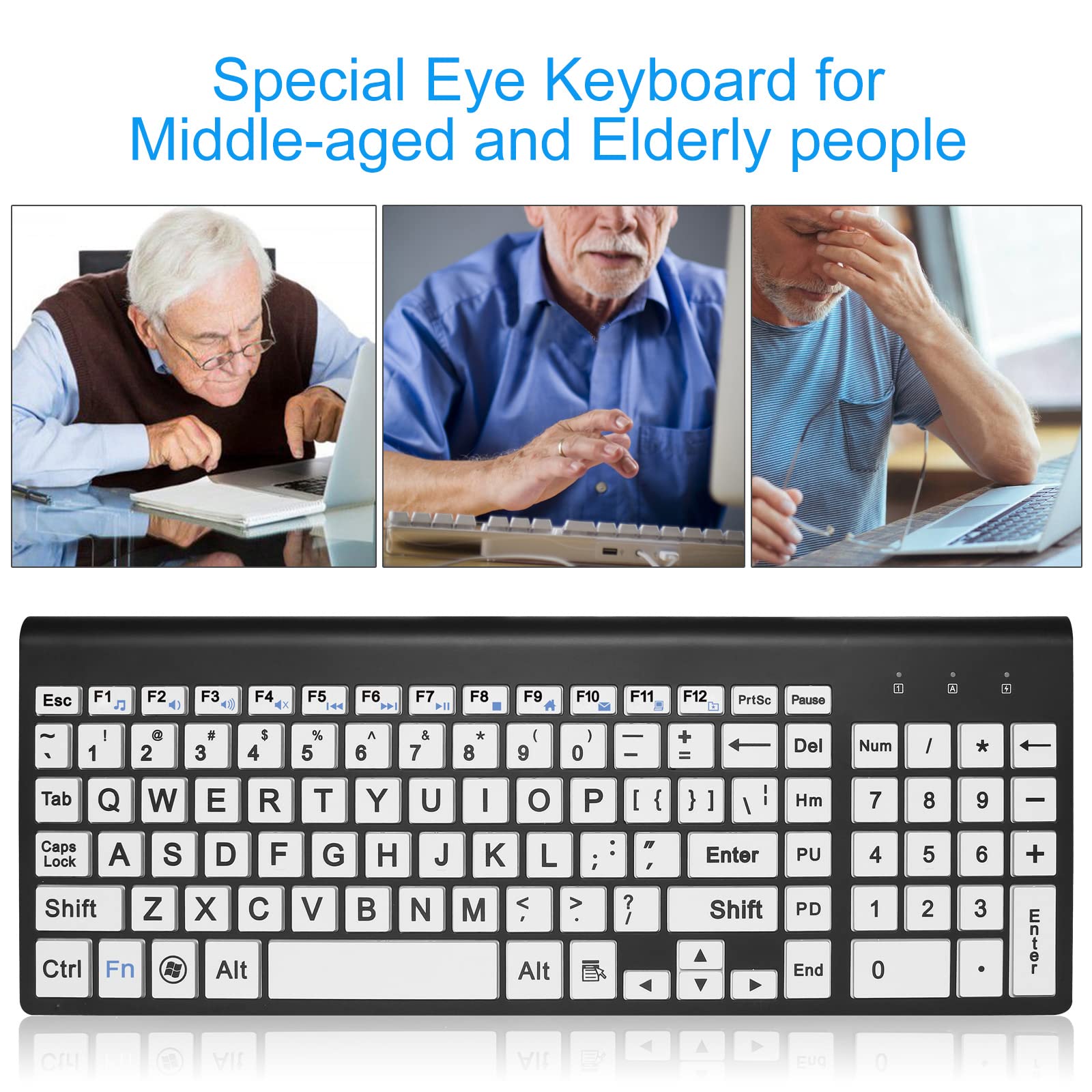

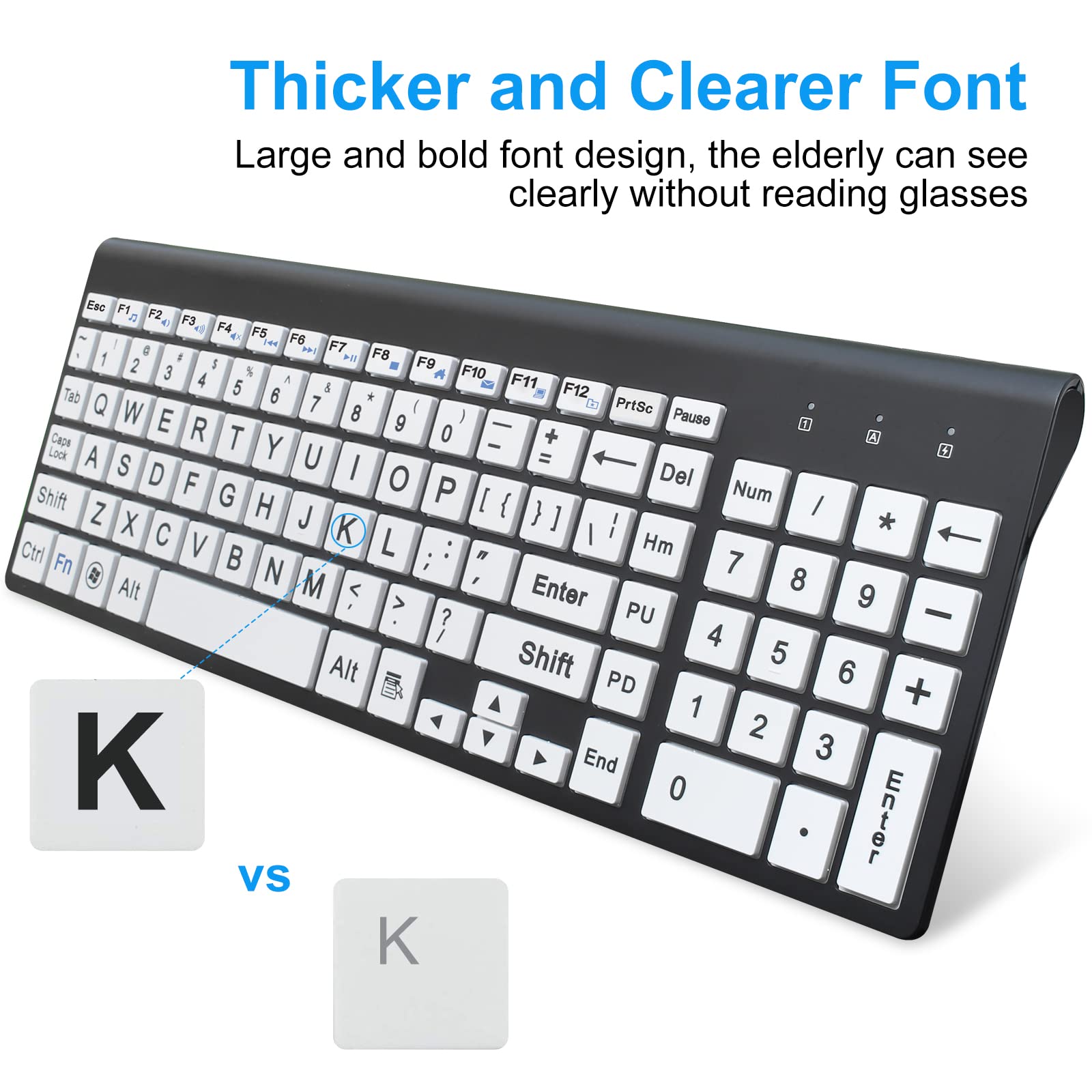
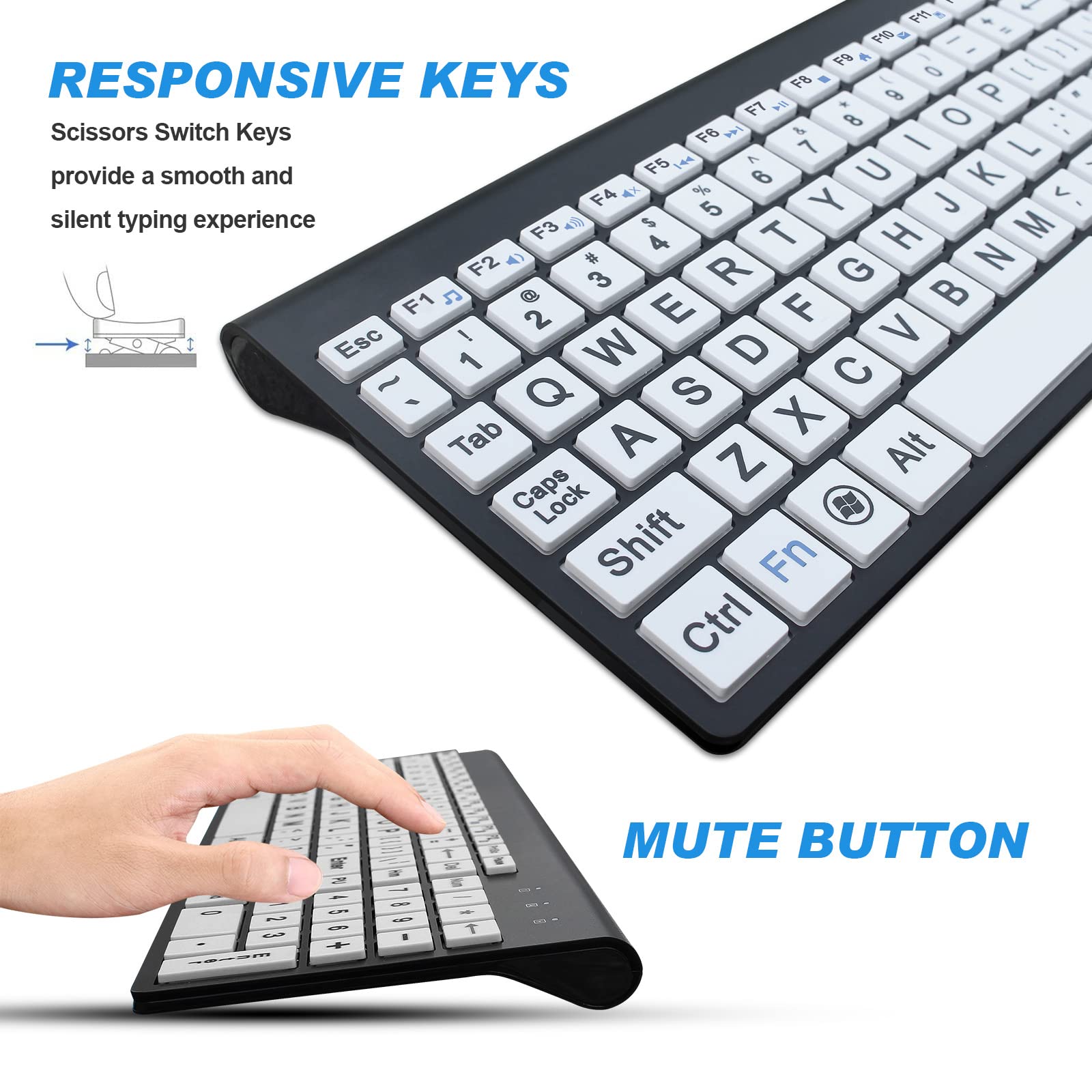

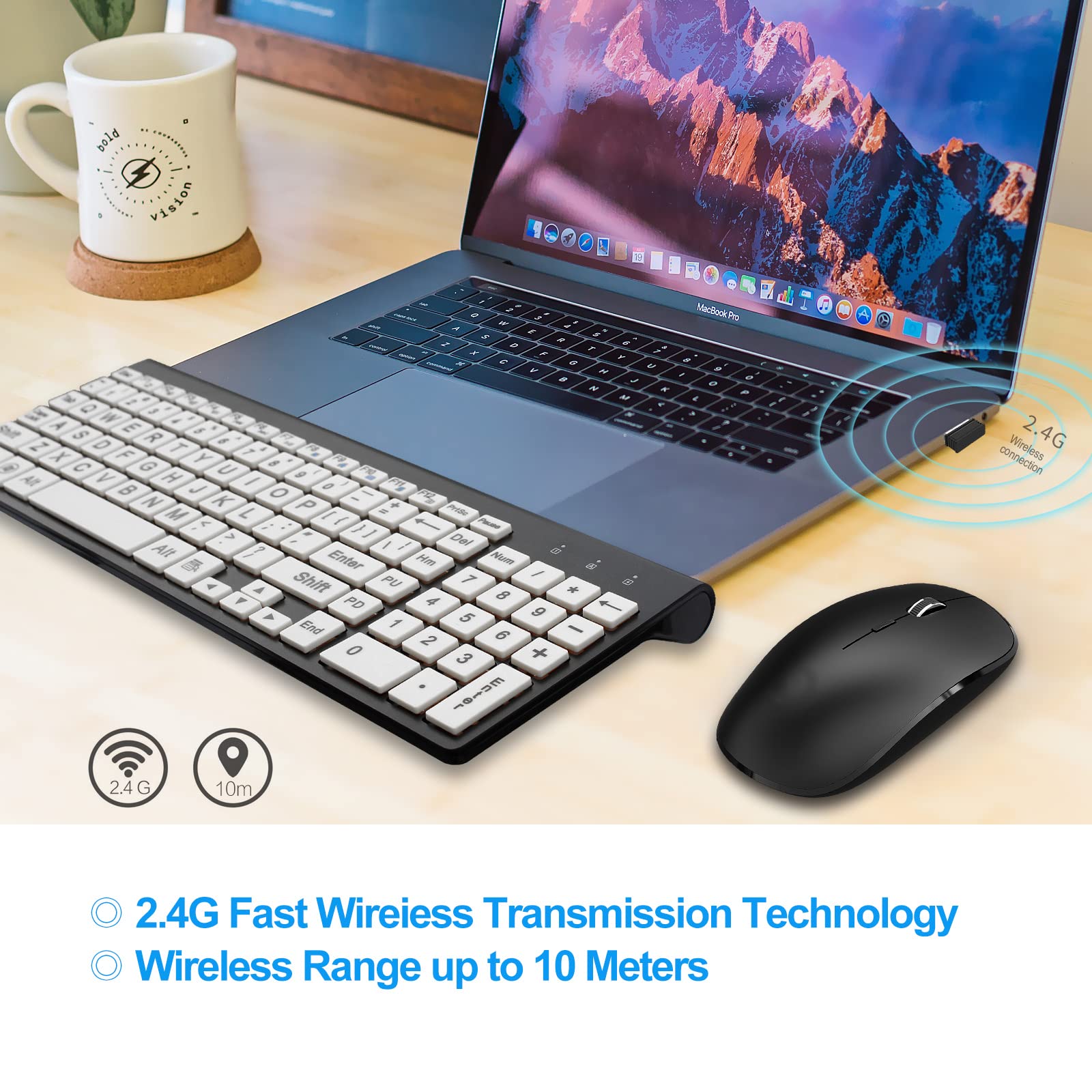
👀 See the difference with every keystroke!
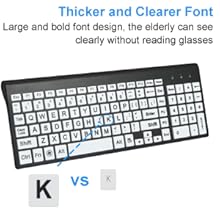
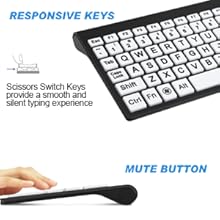
The HXMJ Wireless Large Print Keyboard and Mouse Set is designed specifically for seniors and visually impaired individuals, featuring high-contrast keys for enhanced visibility, a single USB receiver for easy connectivity, and an ergonomic design for comfortable use. Its compatibility with multiple operating systems makes it a versatile choice for home, school, or office environments.




J**N
very good quality
very well made and solid. good feel on key touch
D**E
Perfect for us older people!
I was surprised that it was not rechargeable. But it's relatively low tech so the battery's should last 6 months or so.Low tech as in NO backlit keys - but that's not needed. The black text against the yellow keys makes them really easy to see with old eyes. I am pleased with my purchase. LOL!
D**P
NOT VERY HIP BUT VERY FUNCTIONAL
Using this in front of your techie friends or grandkids will earn you a roll-of-the-eyes. Forgettabout it! If it works for you like is has for me you could care less! Gone is the frustration of playing hide and seek for the functional symbol you have been searching for and your arthritic fingers have found a home and only one key at a time! Top it off, it is ridiculously inexpensive! Go on, you know you want to try it! Do it, you will be glad you did!
1**R
It took awhile to choose this one. I'm happy now.
Getting older means that your eyesight isn't what it used to be. I think I've purchased, and returned, too many keyboards that just didn't work out for me. I even got the yellow keyed version of this keyboard and returned it because it was an issue with my keyboard drawer trying to see it in the shadow of the desktop. This keyboard, which I originally didn't want because the keys were big and white, was really what I needed and like! The keys are easy to see, bld black characters on a white background, that are easily seen even on the keyboard drawer under my desk. I tried the backlit keyboards but they were distracting since they are lit from a few leds and not under each key.2 things I would have loved on this keyboard are, 1. the control key on the right side as well as the left for page jumping. I'm used to that key to finish a URL on the adress bar, and 2. the power switch on top instead of underneath. I have to pick up the keyboard every time I start up and shut down. I can live with this until a keyboard fits all my wants comes out. A keyboard is a very personal item because you bond with it to make your computer use a smooth experience. Even 1 key missing or in a different spot slows you down when replacing an old one that you grew to know. I like this one and I'm keeping it.
5**.
Poor layout, keys fall off
I don't think I have ever found it so much fun to review a product as I am having with this one. It just keeps on getting worse...This keyboard is going to kill you if you are a touch typist or even rely on some keyboard recall being a multiple finger typist. The right-side CTRL key doesn't exist. The Home, PgUp, PgDn, End keys are vertical and cramped. The designers went to great length to shrink the foot print but at what cost? Fresh from the box, the down-arrow key had fallen off and the pgUP key fell of later. THEY CANNOT BE REATTACHED!Did you see that the DEL key is immediately next to the back-delete key? It is way too easy to hit the wrong one. Incredible frustration. The only time I have seen poor layout such as this is when there was a key, right above the Print-screen key that would shut-down the computer. Imagine that.Take a good look at the picture of this item. Focus in on the "P" key of the keyboard. Now look at the next two keys to the right of that key. They are the same on the keyboard that I purchased so it is not a photographic error nor is it a problem unique to my keyboard. The electronics of the second key is correct but the printing on the physical key is not. You have to know that the shift }] key gives you the } symbol and not the ] as the key suggestsNow look at the Num key on the right-side key pad. When active, you can use the pad as a calculator input. When it is not active, the keys perform as navigation keys as they do on all other keyboards that I have used, however, there are no symbols on the keys to tell you just which keys do what. They still work but you have to remember from other keyboards which ones to use. To be fair, I have seen this on other keyboards. I still don’t understand why the keys have function but not the symbols to let you know which key does what.And about the mouse: The right-click button is so sensitive that if you scarcely touch it, you bring up the right-click menu.One thing I can say positive is that they got rid of those useless fold-up legs that scarcely give you 1/8" of keyboard tilt and replaced it with a ridge that extends across the back of the board. (++)
S**E
e z to see and use
bought to replace my other keys you see...just fine the keyboard & mouse are great...sue
A**K
Poor quality
I bought it for large letter markings. I am 80-year old. Regretfully the first keyboard did not connect to the receiver (the mouse did), returned it and received replacement. A, and Z and ENTER keys popped up and needed to reinserted and the function keys (F keys) were marked differently that the picture and the original keyboard. Altogether a poor quality product. Do not recommend.
Q**S
As Advertised
Fast shipping, As described, Buy with confidence. Keyboard is smaller than expected, that is good more desk space. arrow keys are differrent, page up and down are on right side of keys where enter key is. However, once you are use to this it is very handy.
ترست بايلوت
منذ أسبوع
منذ 3 أيام
منذ 4 أيام
منذ يوم واحد