
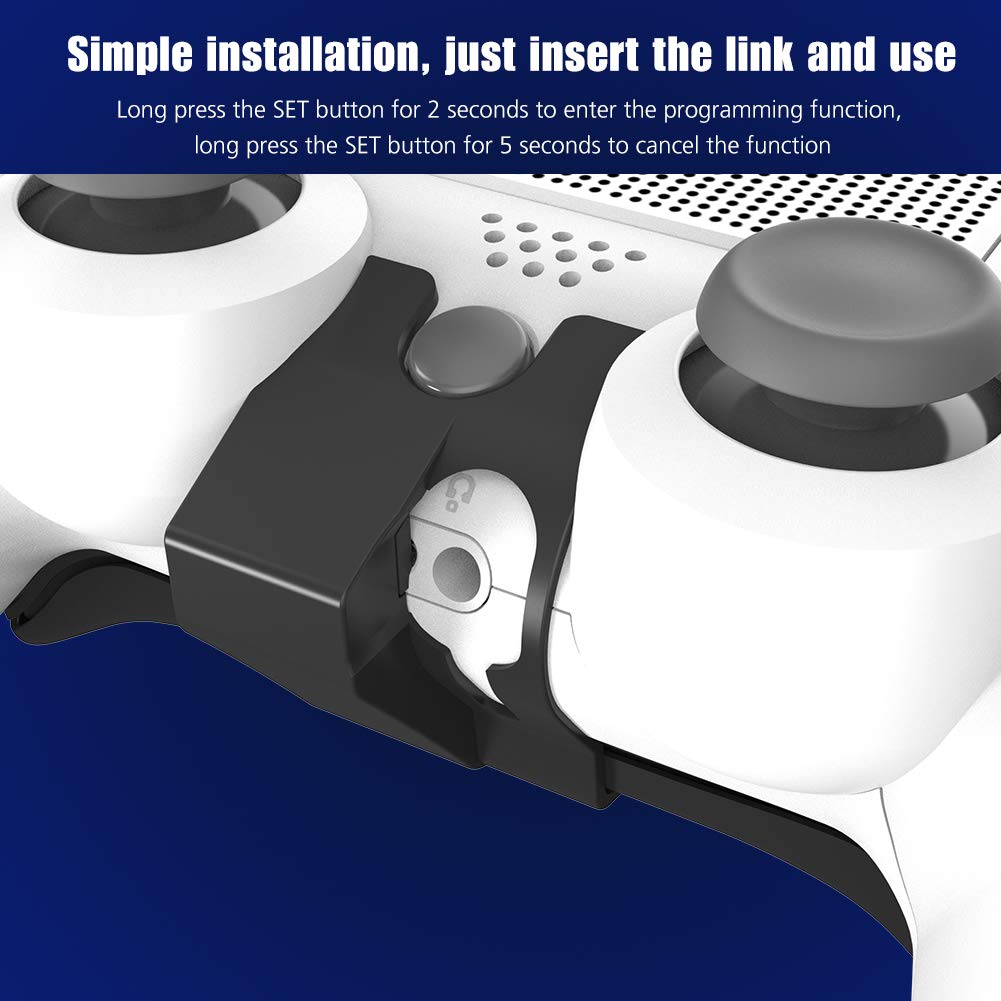
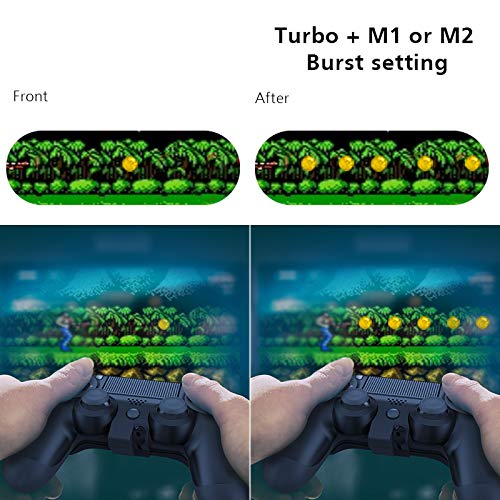


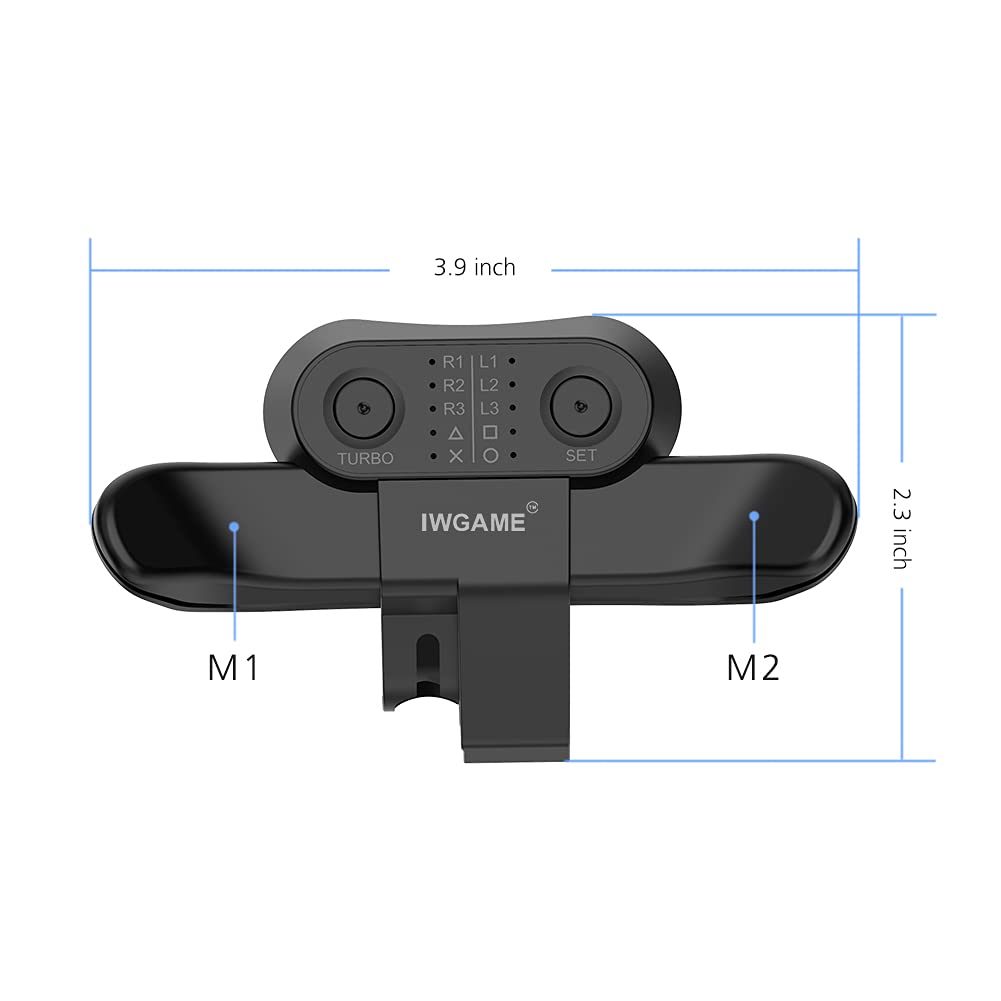
Note: Only support the Genuine ps4 solution controllerIf the original controller is not applicable (please upgrade the controller first)If you find that the product is not compatible with your Controller, please contact our customer service in time. (The new product may have a little defect, but I hope it can bring you happiness)Simple setting operation and humanized wireless design will bring you unlimited fun.Function Setting :1 . Long press the SET button for 2 seconds, ╳ light flashes quickly.2 . Press the M1 or M2 Paddles ,lights flashing slowly in sequence ( press once, switch once)( Flashing Sequence:╳→○→△→□→R3→L3→R2→L2→R1→L1 ) 3 . When the target button is flashing, press the SET button,finish setting.4 . Clear Cache : Long press the SET button for 5 seconds, the LED changes from blinking to off.5 . Turbo function :Press the target function key and Turbo key at the same time, the function key has Turbo continuous launch function .Repeat this step to cancel.WORKING CURRENT: less than 15mASLEEP CURRENT : less than 30uAPOWER SUPPLY MODE : EXT wired connectionWORKING VOLTAGE : DC3.0-3.3VOrder content1x Controller Attachment1x Manual
K**A
Randomly stop working
Set up was quite easy but paddles randomly will stop working, very annoying while In the middle of a game
H**Z
stop working after a month, edit: FIXED!
The media could not be loaded. stop working after a month and half, just the x light button blinks and the go off, not recommended if you are looking for a durable rapid fire buttons, NEW EDIT: after a long time i tried to fixed and start working pushing the "set" and "turbo" button at the same time
G**L
GREAT PRODUCT
To start off it’s a little bulky but over all in the first day of use it’s a perfect fit and it works perfect good instructions in box, if needed would edit review
F**O
Better with Turbo =)
Functions just the same as official but without digital display just small dots next to button labeled that are raised. If have to hold for 5sec to get it to start blinking then it ready to program both paddles. You can have both paddle on same button or different ones o each paddle. You can have same button on both paddle but have one of them on turbo and one regular. They are best on those R3 & L3 buttons or any game you got to mash you can try turbo. Every now and then they do slip off or you might have bumped it and they turn off but that is seldom. Paddle are light weight. Be careful inserting ie: use light to see the connectors line up. They do slip on easier and have a option to use a mic with paddle as they do not block port.I own Sony official, and another one that's all digital but I use these analog a paddle all the time and get great satisfaction. Plus they are cheaper and you can buy 2 for the price of 1 official Sony.I take paddles off to fast charge controller and store the paddle in a baggy to keep safe from dust and moisture.
D**.
They’re worth the price you pay!
When I purchased my first pair, the first thing I noticed was how it changed the grip of the controller from previous reviews but after a couple of button presses and testing out the functionality, it was safe to say they held up nicely on the performance (not to mention they kind of help with the ergonomics as well once your hands get used to it).I have played many games with these paddles and the button customization is simple yet solid; not to mention the fact that when setting up the button layout, it’s hard to miss which button is going where.The first one I purchased lasted me roughly seven months and for what it’s worth, it lasts longer than the controllers themselves. I’m looking forward to the second one and I’m very optimistic that it will hold up as far as durability is concerned.Overall a very nice piece of equipment to give you the upper hand if you’re playing on a PS4 controller.My only wish is that one day they make these specific back paddles with four buttons instead of two. I’m sure there’s a way!
ترست بايلوت
منذ شهرين
منذ شهر


