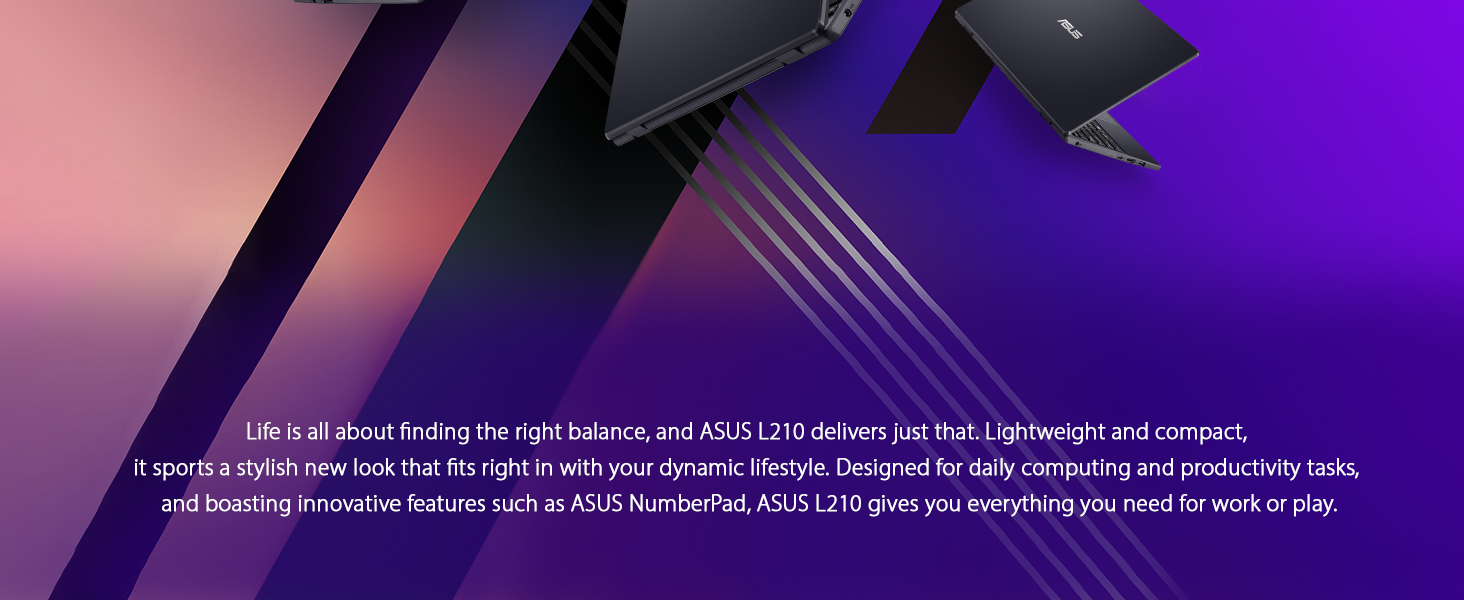
🚀 Compact power that keeps you ahead of the curve
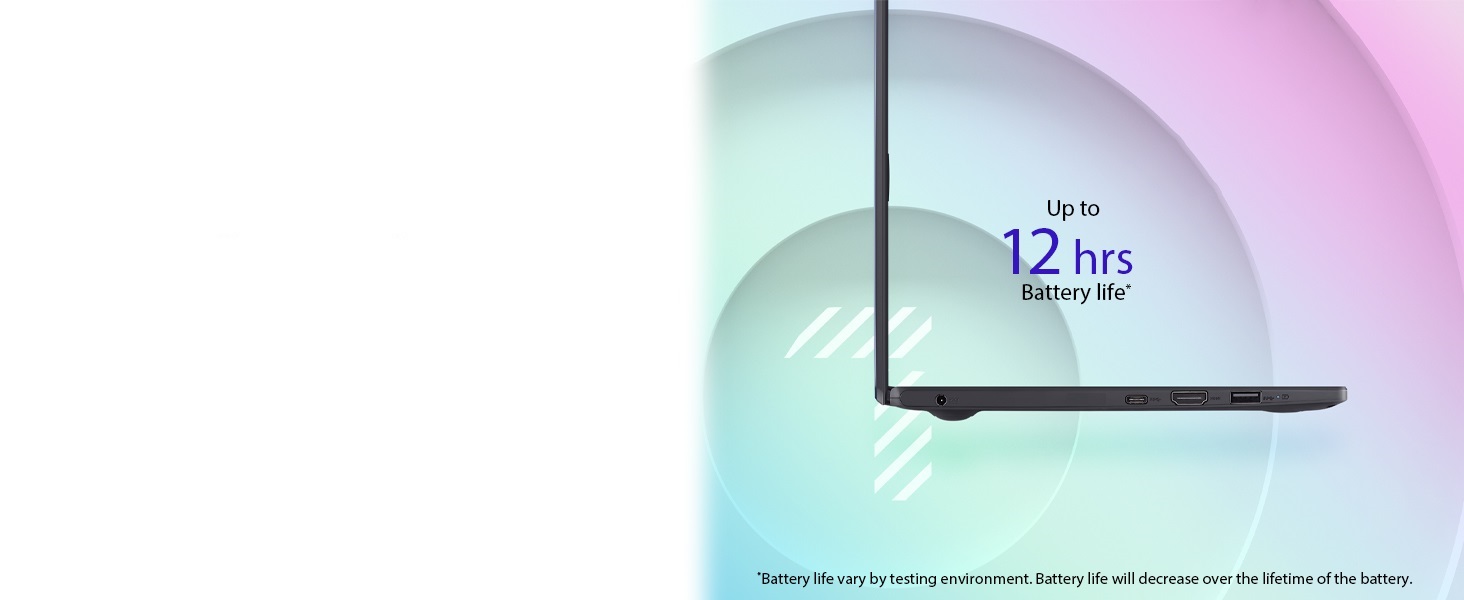
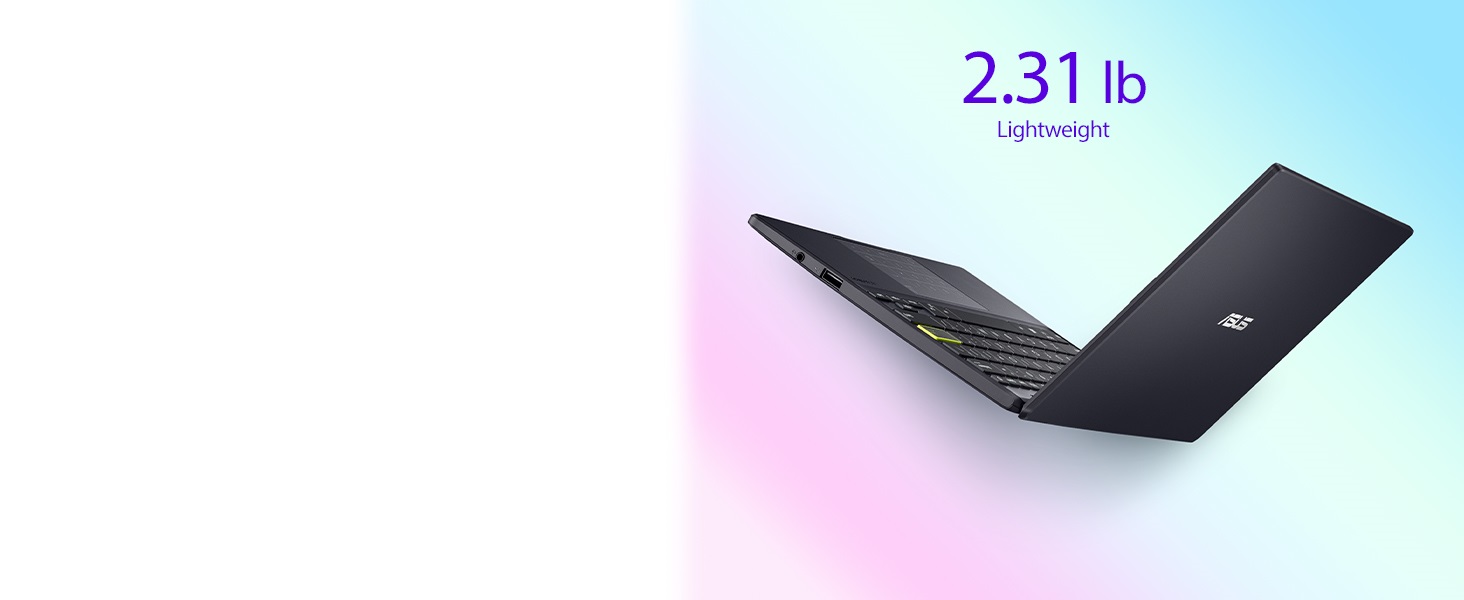
The ASUS E210 is a sleek, ultra-thin 11.6-inch notebook powered by an Intel Celeron N4020 processor, 4GB DDR4 RAM, and 64GB eMMC storage. Designed for on-the-go professionals and students, it features Windows 10 in S Mode with a one-year Office 365 subscription, a vibrant HD display, and lightweight portability at just 2.31 lbs. Perfect for everyday tasks, streaming, and productivity with reliable connectivity options.


| ASIN | B09HX29TPY |
| Audio Output Type | Headphones, Speakers |
| Audio Recording | No |
| Audio features | Laptop with built-in speakers, supports headphones and external speakers |
| Automatic Backup Software Included | Microsoft Office 365, Windows 10 Home |
| Available M2 Slot Count | 1 |
| Battery Cell Type | Lithium Ion |
| Best Sellers Rank | #4,492 in Computers & Accessories ( See Top 100 in Computers & Accessories ) #464 in Traditional Laptop Computers |
| Bluetooth Version | 4.0 |
| Bluetooth support? | Yes |
| Brand | ASUS |
| Built-In Media | L210MA-DB02, Power Adapter & Cord, User Guide, Warranty Card |
| CPU Codename | Gemini Lake-R |
| CPU L2 Cache | 2 MB |
| CPU Model Generation | 7 |
| CPU Model Number | Intel Celeron N4020 |
| CPU Model Speed Maximum | 2.8 GHz |
| Cache Memory Installed Size | 4 MB |
| Camera Description | Front |
| Chipset Type | Intel UHD Graphics 600 |
| Color | Star Black |
| Compatible Devices | Devices with 3. |
| Connectivity Technology | Bluetooth, HDMI, USB, Wi-Fi |
| Control Method | Touch |
| Customer Reviews | 4.0 4.0 out of 5 stars (998) |
| Display Resolution Maximum | 1366x768 Pixels |
| Display Technology | LED |
| Display Type | LED |
| Form Factor | Notebook |
| Global Trade Identification Number | 00195553264976 |
| Graphics Card Ram | 4 GB |
| Graphics Coprocessor | Intel UHD Graphics 600 |
| Graphics Description | Integrated |
| Graphics Ram Type | DDR4 SDRAM |
| Hard Disk Description | Emmc |
| Hard Disk Interface | USB |
| Hard-Drive Size | 64 GB |
| Hardware Interface | 3.5mm Audio, Bluetooth 4.0, HDMI, USB 3.0 |
| Has Color Screen | Yes |
| Human-Interface Input | Keyboard, Touch Pad |
| Is Electric | Yes |
| Item Dimensions L x W x Thickness | 10.98"L x 7.52"W x 0.67"Th |
| Item Weight | 2.65 Grams |
| Keyboard Description | Chiclet |
| Keyboard Layout | QWERTY |
| Lithium-Battery Energy Content | 1 Watt Hours |
| Manufacturer | ASUS |
| Maximum Display Brightness | 250 Nit |
| Memory Clock Speed | 2.8 GHz |
| Memory Slots Available | [A] |
| Memory Speed | 2400 MHz |
| Microphone Form Factor | Built-in |
| Model Name | ASUS Laptop L210 |
| Model Number | L210MA-DB02 |
| Model Year | 2021 |
| Native Resolution | 1366 x 768 pixels |
| Notebook Pointing Device Description | Mouse and Keyboard |
| Number Of Cells | 3 |
| Number of Drivers | 1 |
| Number of Ports | 3 |
| Operating System | Windows 10 Home |
| Optical Storage Device | No Drive |
| Other Special Features of the Product | Anti Glare Coating, HD Audio, Portable, Webcam, Wifi |
| Power Device | AC Adapter |
| Processor Brand | Intel |
| Processor Count | 2 |
| Processor Series | Celeron N4020 |
| Processor Speed | 2.8 GHz |
| RAM Memory Installed | 4 GB |
| RAM Memory Technology | DDR4 |
| RAM Type | DDR4 SDRAM |
| Ram Memory Maximum Size | 4 GB |
| Resolution | 768p |
| Screen Finish | smooth and glossy |
| Screen Size | 11.6 Inches |
| Speaker Description | Built-in |
| Specific Uses For Product | Business, Multimedia, Student |
| Supported Monitor Maximum Quantity | 2 |
| Total Number of HDMI Ports | 1 |
| Total PCIe Ports | 4 |
| Total Usb Ports | 3 |
| Touch Screen Type | Touchscreen |
| Touchpad Feature | True |
| UPC | 195553391351 195553264976 |
| Video Output | HDMI |
| Video Processor | Intel |
| Voltage | 19 Volts |
| Warranty Description | 1YR International*/Eligible for 1YR free Domestic ADP upon registration with 1-way free shipping/2-way FREE shipping for standard hardware warranty repair |
| Warranty Type | Limited |
| Webcam Capability | No |
| Wi-Fi Generation | Wi-Fi 5 |
| Wireless Compability | 802.11ac, Bluetooth |
| Wireless Technology | Wi-Fi |
P**Y
Great little laptop
One of the best computers you can get at the price point. Highly recommend for students on a budget, beginner content creator or business owner. This held me down for many years. Very durable, good battery life, decent boot time, good connectivity, I don't think this is touch screen, keyboard can be cheap feeling and has no backlight, but that wasn't a problem for me. After about year 4 it began to slow down, but what else could a girl ask for? I liked it so much I purchased it again! Als has pretty good internal memory in my opinion. Also super lightweight which I love.
C**T
As a music player, it’s perfect
I used to have E210A when I was in London in 2021. One drawback of that old E210A was that it only had 64GB storage. There was not much space left after Windows updates and installations of apps. This 2024 model with a larger storage of 128GB has completely resolved the problem. When I saw it on Amazon, I immediately ordered one without hesitation. Sure it is slow, not a good tool for any complicated work. However, for me it is a perfect music player. It’s very cheap in price, small in size, light in weight, fanless, and with a respectable battery life. I installed a 2TB SSD and put all my music files on it. I then connected it with my Benchmark DAC3 HGC and active speakers. Running foobar2000 I am in the music heaven. I can also use it to listen to internet radios, Spotify, Apple Classical Music, and so on. It’s just BRAVO! And, hey, it still does well on basics like internet browsing and youtube videos. By paying such a small amount of money, I am completely satisfied. PS. For web browsing, use Edge instead of Chrome. Edge is faster and less demanding on ram than Chrome in this low-end laptop.
M**S
Good travel laptop for light use or for students
This is a good budget laptop for light use or for students. I've been using it for four years and it has suited my needs well. I use it mostly for basic tasks like surfing the internet, watching you tube videos, and presenting google slides as work. Pros: Very light weight so it's easy to carry in my tote bag on a daily basis, it has an HDMI port which I use a lot for my work, and it is priced affordably. Cons: Does not have very much storage, starts to run slow after 2-3 years of use. This little laptop lasted me for four years before it stared to run too slow for my needs. I will be upgrading to a newer one but I was very satisfied with the value I got from this one.
F**K
SLOW and S-mode is horrible. 2 day old Computer locks up
Update. My 11 year old daughter used it for a couple hours and played Roblox. She said she couldn't hardly play it's so laggy and then went to YouTube on the browser. After 5 minutes the screen message sorry something went wrong popped up and the computer rebooted by itself. Save you precious time and stay away from this one. This one is being returned. I guess if you just wanted to use this to browse the internet using the default browser for Microsoft then you would be okay as a retiree who has extra time on your hands. I spent hours last night setting up parameters with I was expected on buying a new machine but for some reason this Microsoft computer came up with its own generated email which oddly related to the business I work for but had no connections with that email but it processed and was working. One of the first things I try to use the computer for was printing a document and with the Microsoft S Mode it would not allow me to download the driver for my printer. It came up with some purchasing options for drivers that might work so I attempted to turn S Mode off and the computer was freezing up while I was opening the browsers to search how to do this and then when I attempted to turn it off the screen would just flash and the dialog box that supposed to come up and say it's turned off flash on and then turn right off and you couldn't even see what it read. It would not turn the S Mode off so because of all these issues I chose to spend the time and restore the computer back to New and start all over. Doing that brought me back to reinstalling my actual email for Microsoft and was able to bring the computer up the way it should have in the first place but also I was able to manipulate my way into finding where to turn the S Mode off and this time it allowed it to turn off. It notes Once you turn estimate off you can't turn it back on. But I would assume you just restore the computer and that's how you would get it back if you really wanted that horrible program that locked you into only using Microsoft software. I downloaded Chrome and the system wasn't too happy with that at first so I had to close the program and open it back up a couple of times and then it started working fine. As you can see in the video I was attempting to go through already installed applications and you would watch the page be blank and then slowly populate. I downloaded Roblox and that took approximately 7 minutes while the screen stayed frozen and the timer showed it was barely downloading and all of a sudden it popped up saying downloaded and would you like to open the app. Overall I would send this back if I wasn't going to get charged a restocking fee but technically there's nothing wrong with the computer it's just a entry level product that knowing spending under $200 for you might be getting into. I hope this helped out if you're thinking it was going to be a faster more 2024 year-like computer but you'll end up expecting a computer that feels like the old one you got rid of that has a few viruses on it causing it to be laggy.
J**S
Just What I Needed
This laptop turned out to be exactly what I was hoping for. It showed up just as described, no surprises, and it’s been working flawlessly since day one. I mainly use it for web browsing, emails, streaming, and some light work stuff, and it handles all of that without a hitch. It’s lightweight and easy to carry around, the screen is clear, and the keyboard feels surprisingly nice to type on. Overall, I’m really happy with it. It’s not some high-end powerhouse, but for everyday use, it’s perfect. If you’re looking for something simple, reliable, and affordable, this one’s a solid choice.
R**A
Das Ladegerät von Asus hat keinen Adapter zum Einstecken in die Steckdose. Ich finde zugleich unprofessionell und unhöflich. Ebenfalls dauerte die Lieferung lange.
O**A
Para uso escolar está excelente, muy buena
L**.
I bought this NEW laptop on 2 Dec 2025. However, Asus.com says this laptop warranty ends on 7 Sep 2025. The warranty period is 1yr. Thus, this laptop was registrated with Asus on 7 Dec 2024. I suspect this is a USED laptop been sold as NEW laptop. Anyone could help me with this issue?
M**O
Excelente laptop, sólo necesita más capacidad de almacenaje
E**Z
Buena y básica
ترست بايلوت
منذ 4 أيام
منذ أسبوعين