🎥 Capture Every Victory, Stream Without Limits!
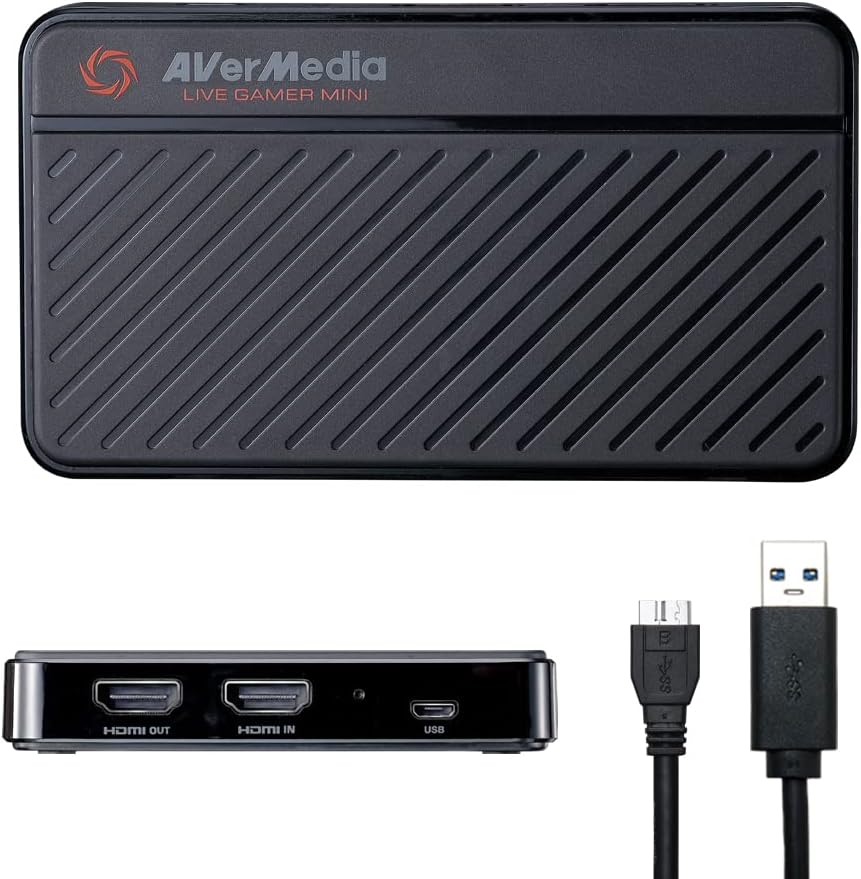
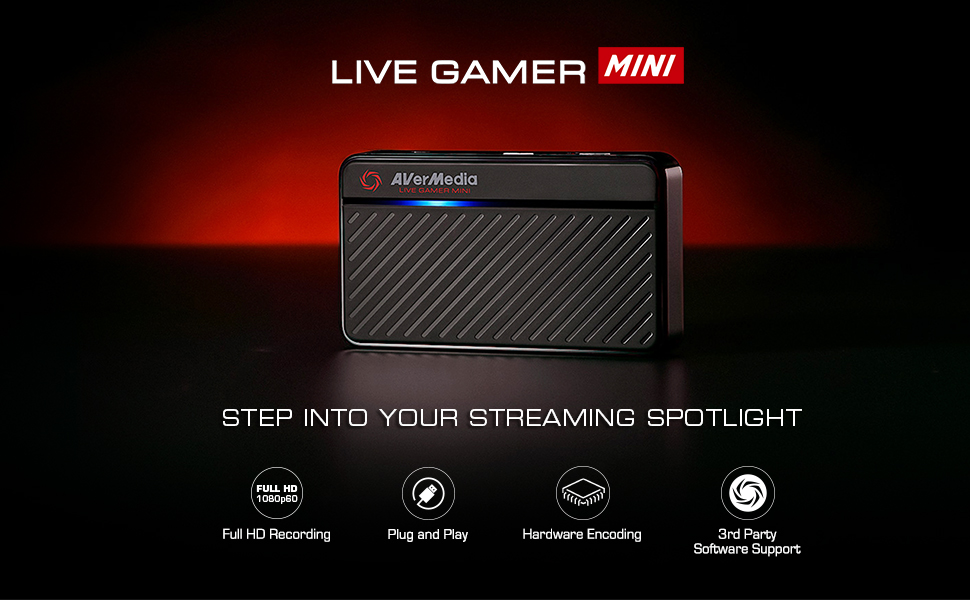
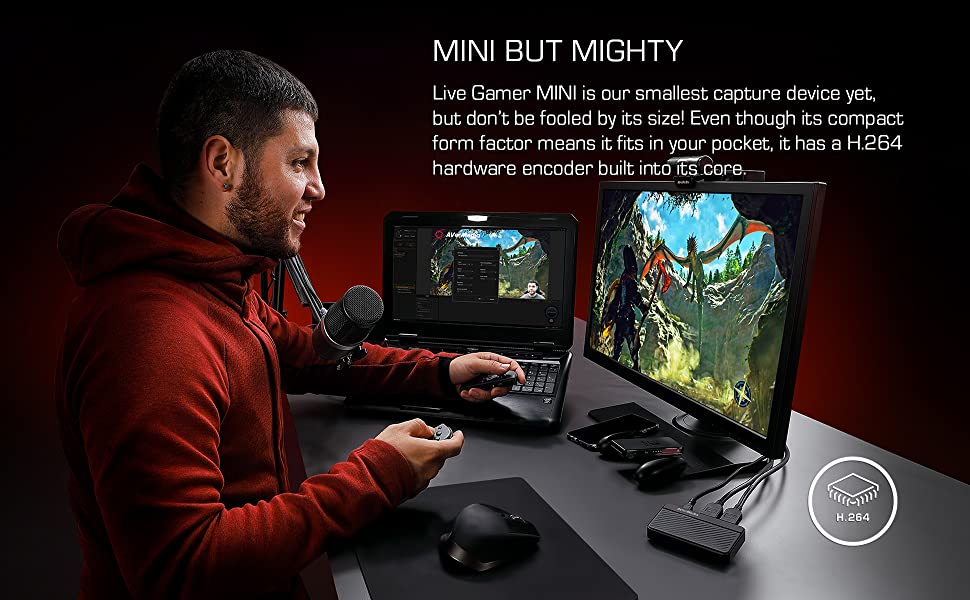
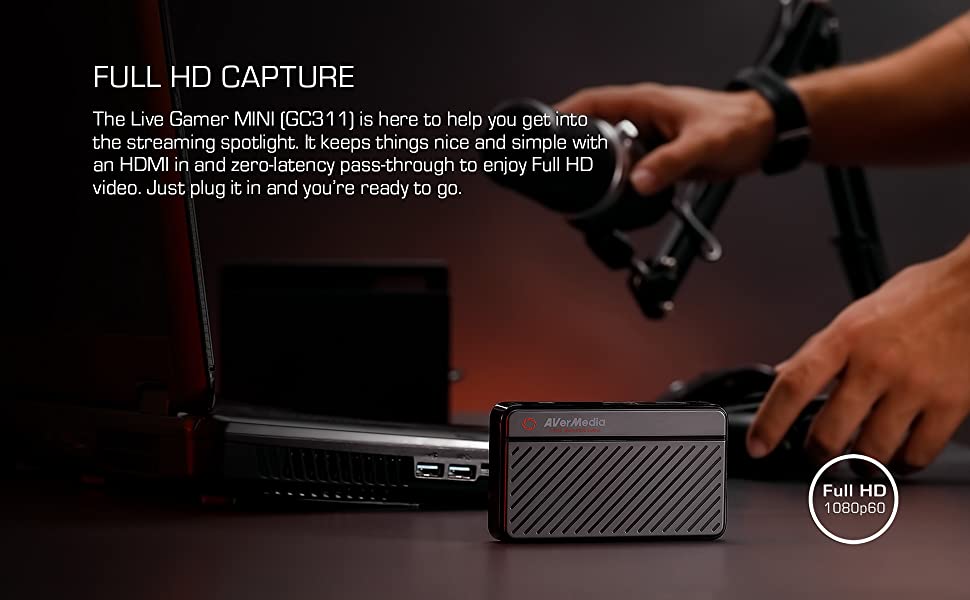
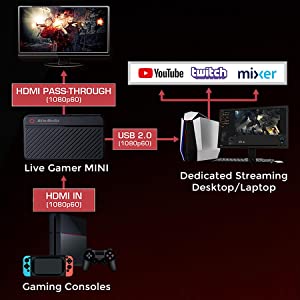
The AVerMedia Live Gamer Mini (GC311) is a compact, high-performance HDMI capture card that records gameplay at 1080p 60fps with zero latency pass-through. Featuring plug-and-play USB connectivity and a built-in H.264 hardware encoder, it ensures smooth streaming and recording without taxing your PC. Compatible with major consoles and popular streaming software, it’s the perfect tool for millennial pros who demand crisp visuals and seamless performance.


| ASIN | B07R6P2JJR |
| AV Output | HDMI |
| Antenna Location | Video Recording and Streaming |
| Best Sellers Rank | #53,098 in Computers ( See Top 100 in Computers ) #37 in External TV Tuners & Video Capture Cards |
| Brand | AVerMedia |
| Built-In Media | AVerMedia Live Gamer Mini, USB Micro to Type-A Cable, Quick Guide, HDMI cable |
| Compatible Devices | Game consoles (Nintendo Switch, PS4/PS5, Xbox One 360, Xbox Series X/S) and personal computers |
| Customer Reviews | 4.3 4.3 out of 5 stars (9,584) |
| Global Trade Identification Number | 00795522966018 |
| Hardware Interface | USB 2.0 |
| Item Dimensions | 10 x 5.7 x 1.9 centimeters |
| Item Type Name | Game Video Capture card |
| Item Weight | 2.63 Ounces |
| Manufacturer | AVerMedia Technologies Inc |
| Mfr Part Number | GC311 |
| Minimum System Requirements | A system with a USB 2.0 or USB 3.0 port, running Windows or macOS |
| Model Name | GC311 |
| Model Number | GC311 |
| Operating System | Windows 10, Windows 11, macOS 12 |
| Other Special Features of the Product | Compact |
| Platform | Nintendo Switch |
| Tuner Type | DVB-T2 |
| UPC | 795522966018 |
| Video Capture Resolution | 1080p |
H**M
Good item
Good item for streaming, but it's difficult the control the sound quality of the game. Plus, the in-game mic cannot be used
J**O
Después de mas de 8 meses de uso, nunca me ha fallado, incluso cuando la conecto a computadoras sin los requisitos mínimos para usarla, es portátil y de fácil uso, además de que tiene una estética adecuada y fácil de identificar
C**A
La razón por la cual compré esta capturadora fue porque necesitaba una que tuviera 4K Pass-through, es decir, permitirse jugar en 4K nativo de la consola y grabar a 1080p. ¡Ojo! No todas las capturadoras tienen esta función, por ejemplo, la ElGato HD60S te obliga a una de dos, sacrificas el 4K y juegas en 1080p o compras un splitter HDMI con 4K pass-through, aunque esa segunda opción lo único que significa es: gastar más dinero en un splitter 4K ($800-$1,300) y en un cable HDMI extra ($200-$600 dependiendo de la calidad del cable). Esta súper cool que puedas personalizarla, dentro del software (RECentral) en la computadora viene un programa para diseñar tus skins de la capturadora (como la de mi foto) le puedes poner la imagen que quieras, la imprimes, la recortas y listo. Te recomiendo uses papel fotográfico para que quede de mejor calidad, la que tengo ahí fue una prueba en papel normal, por eso se ve medio chafa. TIP: la capturadora tiene un candado (virtual) llamado HDCP (High Definition Content Protection) o algo así se llama, el punto de esta función es que no hagas capturas de video de apps cómo Netflix, iTunes, básicamente cualquier app que reproduzca contenido multimedia de paga. Dicho esto, sí te arroja este mensaje en el software de captura, solamente cierra (en tu consola) todas las apps de ese tipo, por eso de que luego quedan abiertas en segundo plano y la capturadora lo sabe. Si no te funciona esto, reinicia tu consola y listo. Por lo menos eso fue lo que me funcionó en Xbox, ya que en el programa hay una opción para desactivar este candado, pero al hacer esto, se va la imagen de tu pantalla y de tu capturadora, como mecanismo de protección. En pocas palabras la única forma de piratear ese rollo es comprando un splitter pero volvemos a lo mismo, es más gasto y la verdad no garantizo que funcione.
J**S
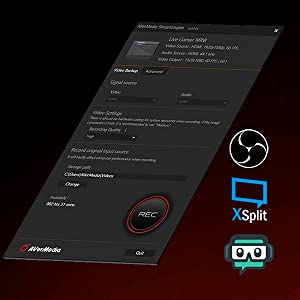
Love the versatility of this capture card once you fully update it and get LGP stream engine from their site. You can recorded and and stream gameplay with the default software Though I would recommend using LGP stream engine to use OBS (Open Broadcast Software), X Split, or some other software because the default software gives you poor quality for streaming. Plus you get the advantage of being able to stream and record at the same time by doing this. Just make sure to go to LGP Stream engine to set you record settings and record form there when streaming. There is a bug when card will not give you a feed when using Stream engine but just launching default software then closing it and opening LGP steam engine will fix it. If you just want to record the default software lets you change setting and lets you go back and start a recording if you missed a moment. You can use LGP Stream Engine to record but only works once you start broadcasting with other software. Other wise the recored funciton will be grayed out. you are able to set different profiles for record setting in this software but there is nothing for color correction. When recording with the default software you can add a mic and have it record in different file for easy editing. You can record the with out a pc with a SD card but oddly enough the to change the setting for recording is not in the default software. It installs the software but no shortcut i placed on you desktop. You MUST got to Aver-media - PC Free Utility to do this, in you programs in the start menu in Aver-media folder. Over all this Is great hardware for capturing gameplay and streaming. Just use different software or the included year of X-split for steaming because Avermeida RECenter give you bad quality for streaming. Also you MUST download LGP Stream Engine to use other recording software.
A**E
Die kleine toblerone capture card ist einfach zu benutzen und funktioniert wunderbar unter linux
A**D
Si quieres empezar a grabar tus gameplays o ya tienes algo de experiencia, esta capturadora lo cumple todo y con la mejor calidad. Es facil de aprender a usar y super práctica. La recomiendo ampliamente.
ترست بايلوت
منذ شهر
منذ 3 أسابيع