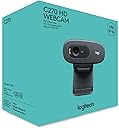
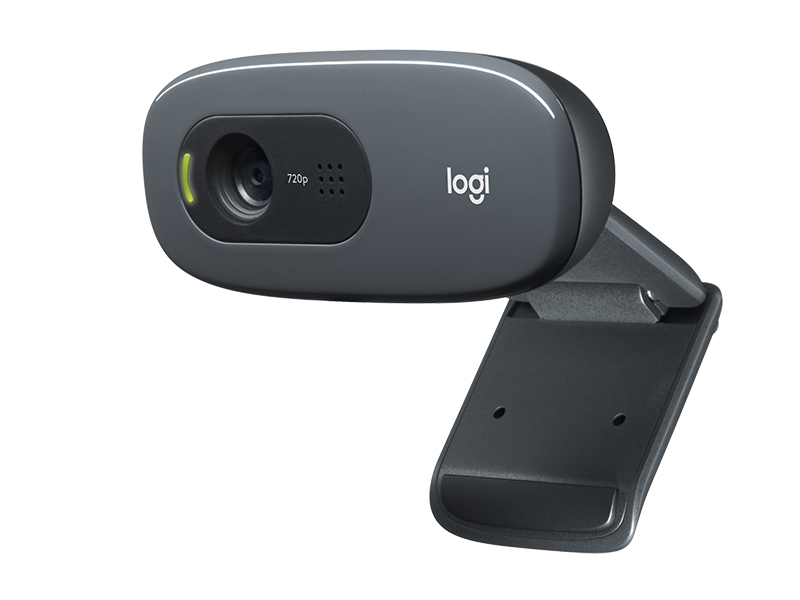
🚀 Elevate your video calls with pro-grade clarity and effortless style!
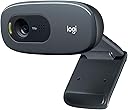
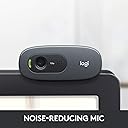
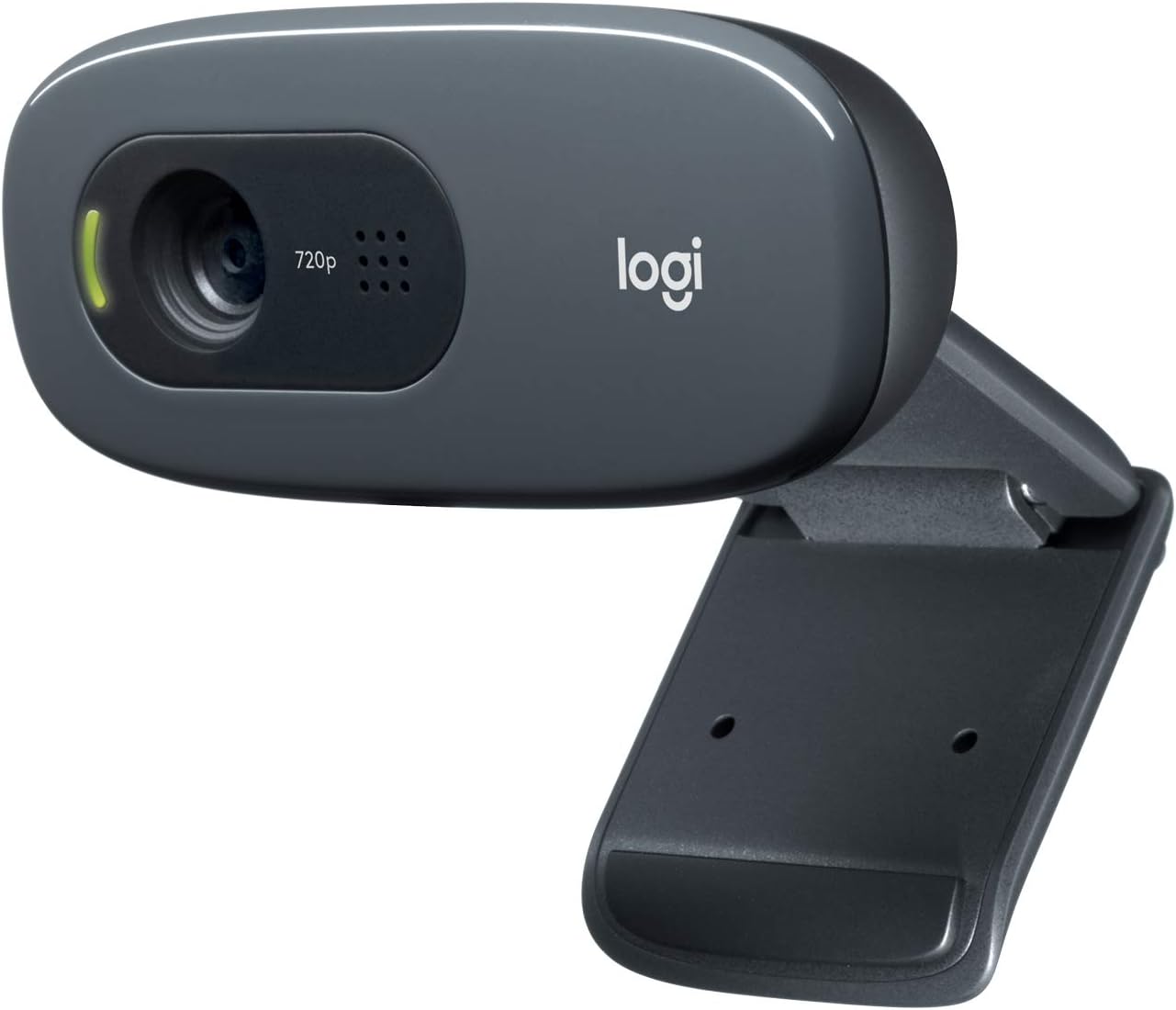
The Logitech C270 HD Webcam delivers reliable 720p widescreen video with 30fps, enhanced by RightLight 2 for optimal lighting and a noise-reducing microphone that captures clear audio up to 1.5 meters. Compatible with major platforms including Zoom and Nintendo Switch 2’s GameChat mode, it offers universal mounting options and plug-and-play ease for professionals seeking affordable, high-quality video conferencing.


| ASIN | B004FHO5Y6 |
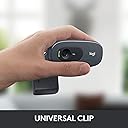
| Antenna Location | Universal mounting clip fits laptops, LCD or monitors |
| Are Batteries Included | No |
| Best Sellers Rank | #1 in Webcams |
| Brand | Logitech |
| Built-In Media | User documentation, Webcam with 5ft cable |
| Camcorder Type | Webcam |
| Color | Black |
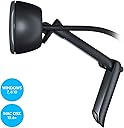
| Compatible Devices | Windows 8, Windows 10, Windows 11 or later, MacOS 10.10 or later, Chrome OS, Skype, Google Hangouts, FaceTime for Mac, and potentially other specific devices or brands |
| Compatible Processors | Intel Core2 Duo |
| Connectivity Technology | USB-A |
| Customer Reviews | 4.4 out of 5 stars 21,142 Reviews |
| Display Resolution Maximum | HD |
| Effective Still Resolution | 3 MP |
| Effective Video Resolution | 1280 Pixels |
| Exposure Control Type | Automatic |
| Features | Microphone Input |
| File Format | JPEG |
| Flash Memory Speed Class | C10 |
| Flash Memory Type | Internal flash memory |
| Flash Memory Video Speed Class | V10 |
| Focus Type | Fixed Focus |
| Form Factor | Webcam form factor |
| Global Trade Identification Number | 00097855070739 |
| Has Image Stabilization | No |
| Image Aspect Ratio | 16:9 |
| Image Capture Speed | 30 fps |
| Item Dimensions D x W x H | 9.85"D x 4.94"W x 6.45"H |
| Item Weight | 131.54 Grams |
| Lens Type | Wide Angle |
| Manufacturer | Logitech |
| Maximum Aperture | 1.8 f |
| Maximum Focal Length | 0.01 Millimeters |
| Minimum Aperture | 2.8 Millimeters |
| Minimum Focal Length | 0.01 Millimeters |
| Model Name | 960-000694 |
| Model Number | 960-000694 |
| Number of Batteries | 1 Lithium Ion batteries required. |
| Operating System | MacOS 10.10 or later, Chrome OS, with USB-A port. Works with Skype, Google Hangouts, FaceTime for Mac., Windows 8, Windows 10, Windows 11 or later |
| Photo Sensor Technology | CCD |
| Screen Size | 2.7 Inches |
| Sensor Type | CCD |
| Shooting Modes | Automatic |
| Style Name | 720p |
| Supported Audio Format | PCM |
| Supported Image Format | H.264 |
| UPC | 097855070739 |
| Unit Count | 1.0 Count |
| Video Capture Format | MJPEG |
| Video Capture Resolution | 720p |
| Video Resolution | 720p |
| Viewing Angle | 55 Degrees |
| Warranty Description | 1 Year Limited Hardware Warranty |
| Water Resistance Level | Not Water Resistant |
| White Balance Settings | Auto |
| Wireless Compability | Radio Frequency |
| Zoom | Optical |
P**S
Quality, affordable webcam that's been around for years and years
Quite simply, unless you are recording yourself and republishing your recordings someplace where you need 1080p or greater, don't waste you money on pricier webcams. The Logitech C270 webcam is more than sufficient if you are just using it for videoconferencing (Zoom, Teams, etc.). Memaw will recognize you just fine from the image this produces. I've purchased tens of these for employees over the years and one for myself to use at home. It produces a quality 720p image (which is all you need for videoconferencing), has a built-in microphone that does not sound tinny, works without the need to install additional software, is sturdy as a tank and is quite affordable. You can certainly pay a lot more for a webcam, but you probably don't need to.
V**O
Excellent value; great quality for its price point
Pros: Cost, picture quality, ease of use. Plug-and-play with excellent picture quality. Cons: Picture quality is 720p and not 1080p, but this is hardly noticeable for most users. Can't beat the quality for the price point compared to other webcams. The mount is also not particularly secure when clipped to the top of your monitor, but not much different than with other webcams. Review: For the price point, it's hard to beat this camera. It was plug-and-play right out of the box, and has functioned excellently with zero issues or disadvantages while participating extensively in numerous Zoom meetings. It has very effective auto-focus that intuitively focuses on your face. Be aware that this auto-focus will automatically focus on the face of any newcomer who walks into the room within the scope of the camera though. If you're working from home or attending class in an area where people may be coming through the room next to your or behind you, the camera will focus on them when they come in range. This camera is only 720p and not 1080p, but this is not likely going to be noticed by most users if you're using this to attend Zoom meetings and participate in work or school online. The picture quality is crisp. The camera's mounting clip doesn't seem particularly secure or stable and it's easy to move the camera around. If you're not bumping into your monitor though, this shouldn't be much of an issue. It doesn't seem particularly worse than the mounting situation associated with other webcams. This webcam provides excellent quality and is a fantastic value at this price point.
P**G
Good Value
It's cheap. It works. That's the lowdown for this webcam. It's definitely not the best mic or camera quality but it gets the job done for basics. I do wish the the build quality was a little better as I am worried about it holding up over the next couple of years. That being said, it just works and it's cheap.
S**S
Simple to Install and Easy to Use
This product is exactly as described and works great. Plugged it into the computer and worked right away. Easy to use and a great value. Highly recommend.
M**M
Good Webcam
The video quality is better than the built in webcam on my laptop. The microphone audio quality is also an improvement over the one built in to my headphones. It can be a bit tricky to get it to sit at the right angle on thinner monitors, but it is quite easy on an older monitor. Overall, very happy with this webcam, especially for how affordable it is.
C**S
Why 720p Is the Sweet Spot for Video Calls
As video conferences have become a daily norm, I’ve spent more time on screen than ever. Early on, I purchased a higher-resolution camera, only to find that the sharpness could be unforgiving. After experimenting with filters and settings, I realized that reducing the camera quality slightly was the fix I needed. The Logitech C270 HD Webcam is a great plug-and-play camera that works right out of the box. Its 720p widescreen resolution provides a clear, good-looking picture without being overly demanding on data, which can be an advantage compared to higher-resolution cameras. Overall, I’ve bought several of these cameras for my various computers, and it’s the video camera I consistently recommend to friends. Reliable, simple, and effective, this webcam delivers exactly what you need for everyday video calls.
M**E
not for youtube streaming - couldn't make it work without jump cuts
We use these at my work (law office) for zoom meetings. My IT guy loves them for the price. I have to say - great quality. I was really happy with the picture. And, this was before I downloaded the software (cause the instructions are NOT on the box, except a little link on the flap, which leads to support not software) and saw you could make adjustments. I was very happy with it BUT .... I bought for home weekly youtube streaming. No. Buy something else. Am returning it. First, tried over 3 days for likely about an hour and a half total, and never could get it to connect directly to youtube streaming program via my laptop. Always said used by another app, even after I restarted my computer 3x one day, redownloaded the software, shut everything down in the task manager - still being used elsewhere it says. Still don't know what that other app is. Except once when it connected and I hit the 'go live' button, and was still waiting to go live 5 minutes later .... with a black screen. That happened on another day and after 2 minutes I gave up this time. So, for me, I am forced to return this. If I can't connect then its useless. Disappointed. I also use an OBS encoder for some of my streams. I did get it to connect to that, easily, and got 2 episodes out of it over 2 days. BUT, every 30 seconds or minute it would freeze. Great quality, but if the visuals freeze and your face jumps here and there like an MTV video, not great. I decided to return, as I don't always use the encoder. I tried the encoder twice and was going to link directly to youtube as a deliberate trial of the webcam. I told my listeners that was what I was doing so they knew. I'd keep it just for the encoder, but by the time I get a new webcam (that says in the title made for youtube) I might miss the return window for this. So, great quality, but not for me and I'm pretty tech savvy but couldn't make it work. If you just need it for video conferencing, etc, like I said - we use it at work and have since 2020 (writing this in 2023) when we stopped bringing people to the office. Works great for this. I have a logitech headset and like that, so nothing against logitech.
J**Y
Plug n Play
I bought this because I built a desktop and didn't have a webcam. Now I do. Pros 1. The video quality is really good for a webcam. It's better than my laptop webcam by a pretty good margin. 2. You don't need spectacular lighting to get good clarity or quality. I'm in a room at dusk with one lamp on and it can still see me just fine. 3. Plug and Play. I plugged it in, it installed drivers, and after a short test on Skype and Google Hangouts (which auto-set the camera for me, no configuration needed) I can confirm that all you have to do to make it work is plug the thing in. 4. It was cheap. Cheaper than I paid for my last webcam. 5. Mic isn't great, but it is there and it works. I use a more expensive mic on my machine so I never use this mic but I did test it for posterity. It's good enough for gaming and/or video chatting for almost all normal people. 6. This thing actually fits on my monitor very well. I have a very thin, 24" ASUS monitor and just to check, I wobbled the monitor around as hard as I'm comfortable doing (which is harder than, say, my dogs are capable of moving it). Stayed in place and didn't move. I can see it being difficult on thicker monitors but if you have a laptop screen or a thinner monitor, it should fit very well. 7. You have the option of placing this thing on a table. The clip that puts it on the monitor also doubles as sort of a flat tripod that will sit perfectly well (and is adjustable) on flat surfaces. I keep my monitor elevated on a little desk table and I actually keep the webcam on the table under the monitor and have it look up at me. So you have that option too should you want it. Cons 1. It does install a Logitech Camera app (called Logitech Camera). People are reporting that it's a chat service but the only thing the app does on my computer is ask me if I want to register the webcam and tell me that the webcam is, in fact, plugged in. It's not worth uninstalling. The app is less than 5MB and it doesn't really do anything offensive. I may use it to register my webcam. Unfortunately it isn't uninstallable. Overall, I'm quite impressed with this thing. For $25 I got a webcam with surprisingly good quality and flexibility with multiple options on where I can put it and how I can use it. I mean sure there are people who are looking for GoPro quality video for whatever reason but this is more than clear enough for my uses and more than high quality enough for me to use as a webcam. In terms of computer accessories (that aren't speakers), this is a really good deal as this is far better than any normal consumer will ever need a webcam to be. The software it installs isn't uninstallable and that kind of sucks, but frankly it doesn't do anything or get in the way so I don't mind it existing. I definitely recommend it.
ترست بايلوت
منذ أسبوعين
منذ شهر