Desertcart purchases this item on your behalf and handles shipping, customs, and support to Morocco.
📁 Scan smarter, work faster, stay ahead.
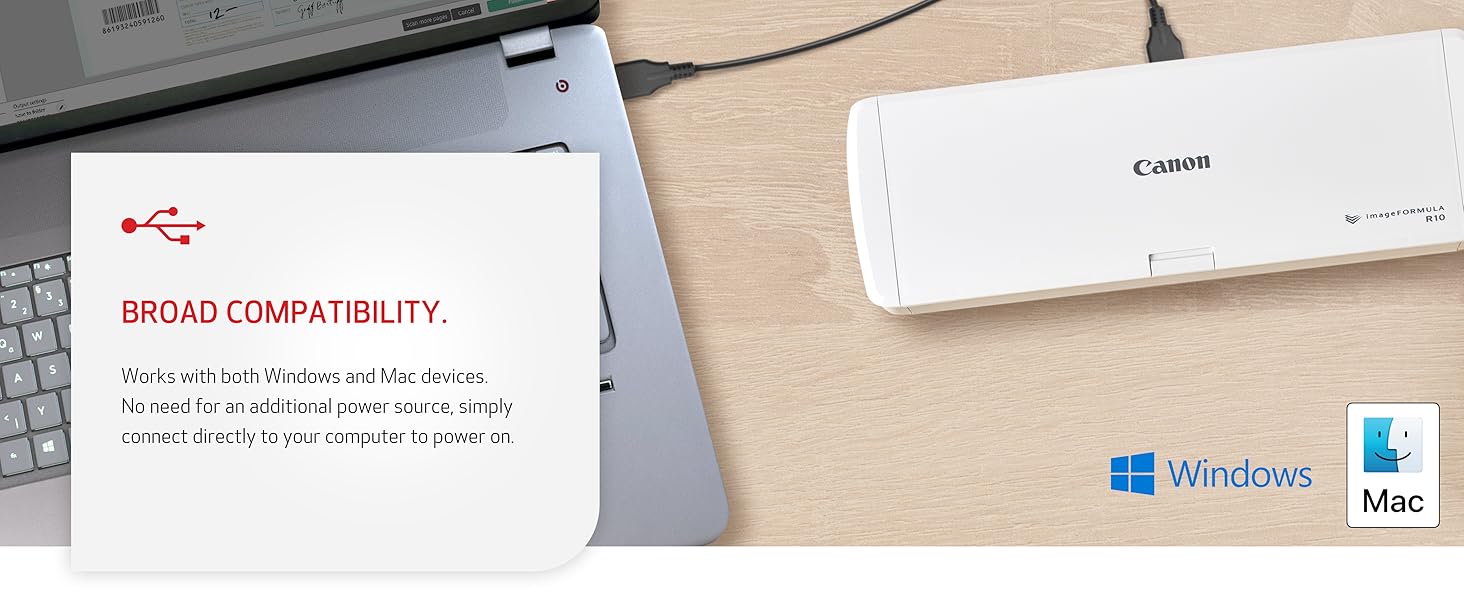
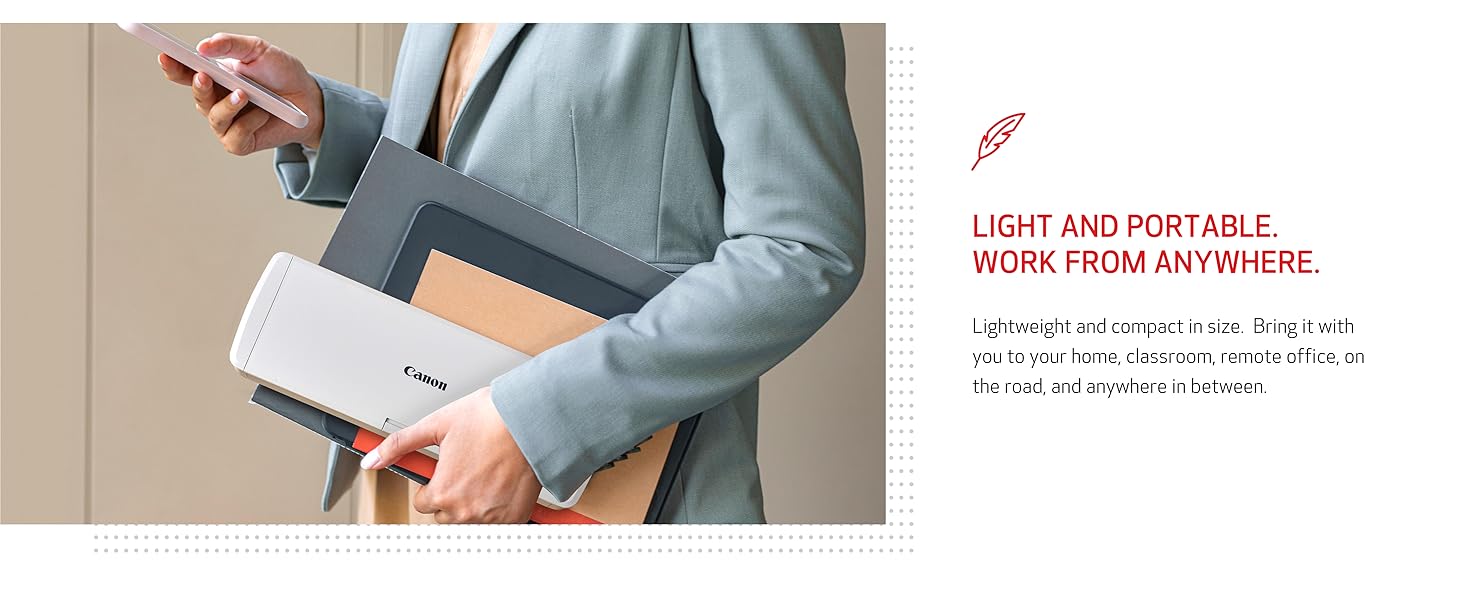
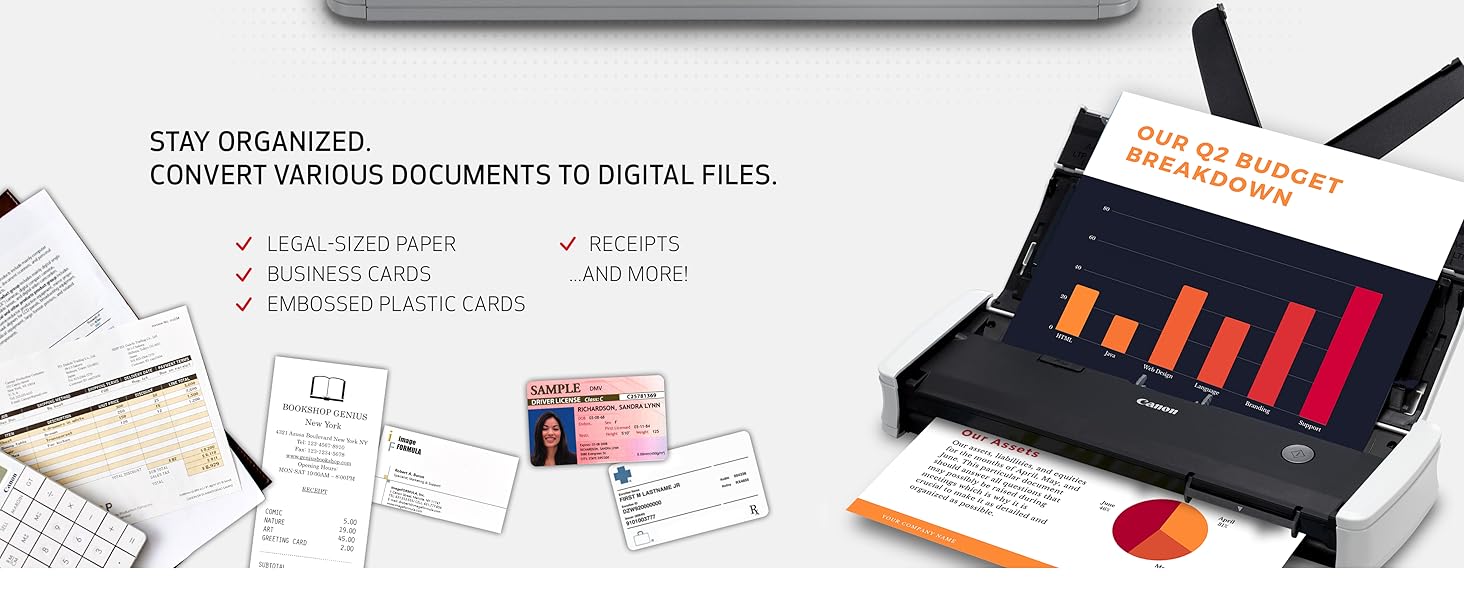
The Canon imageFORMULA R10 is a portable, USB-powered document scanner designed for professionals on the move. It offers fast duplex scanning at up to 12 pages per minute with a 20-sheet automatic feeder, supports a variety of media types, and features built-in, auto-updating software compatible with both Windows and Mac. Its compact design and energy-efficient operation make it ideal for home offices, remote work, and mobile professionals seeking reliable, high-quality digital document management.


| ASIN | B08FBHTD9B |
| Best Sellers Rank | #8,729 in Office Products ( See Top 100 in Office Products ) #7 in Document Scanners |
| Brand | Canon |
| Color Depth | 24 bits |
| Connection Type | USB |
| Connectivity Technology | USB |
| Customer Reviews | 4.1 out of 5 stars 2,359 Reviews |
| Global Trade Identification Number | 00013803338522 |
| Item Dimensions D x W x H | 3.74"D x 11.22"W x 1.57"H |
| Item Type Name | Document Scanner |
| Item Weight | 998 g |
| Light Source Type | RGB LED |
| Manufacturer | Canon USA |
| Media Type | USB |
| Minimum System Requirements | Windows 7 |
| Model Name | Canon imageFORMULA R10 Portable Document Scanner with Scanning Software |
| Optical Sensor Technology | CIS |
| Product Dimensions | 3.74"D x 11.22"W x 1.57"H |
| Resolution | 600 dpi |
| Scanner Type | Document |
| Standard Sheet Capacity | 20 |
| UPC | 013803338522 |
| Unit Count | 1 Count |
| Warranty Description | One Year Warranty – Advanced Exchange Service |
| Wattage | 2.5 |
E**T
Plays well with M1 Mac Mini - Update 8/2025 -new firmware compatible with MacOs Sequoia
Updated review 8-18-2025: Once I upgraded my Mac Mini to Sequoia, the scanner no longer worked on my Mac and I had to use my Parallels Windows 11 partition to use it (and it was quite awkward about where it’d post the scan). BUT, the good news is when I plugged the scanner in yesterday I was offered an update to the firmware of the scanner (R10_UpdateTool.app) which took 20 minutes to complete. They warn you not to allow your Mac to sleep and not to unplug the scanner during the update process (standard fare for firmware updates). (After I copied the R10_UpdateTool.app to my applications folder I noticed the date on the file was March 18, 2024 (see picture of this attached to this review) which suggests this existed last year but wasn't released until recently? - Odd.) After that it worked perfectly on my Mac again. As before when you plug it in to a USB port on your Mac (or to a powered USB hub attached to my Mac which I tried, and it worked just as well) you get the pop up with the CaptureOnTouch Lite software which appears to be the same as before - dated Mar 30, 2020. Double click on that icon and the scanning interface appears. Select Color/Black & White/Automatic, and you can edit the location where the scanned document(s) are saved. Click SCAN and you’re good to go. I ALMOST bought a new scanner from another company and was very pleased to see the updated firmware offered up. Back to quick double sided quick and good (not excellent) quality scanning. (BTW, I found no mention of this firmware update on Canon’s support website). Thanks for the update, Canon! ------ Prior Review: Once I plugged this in to my Mac Mini (M1) chip, a popup indicated an update was required to work with an M1 computer. After update was completed, there was software "CaptureOnTouch Lite" that was installed on the Mac. Then I just loaded max of 20 pages, and selected my options in the software app, then [SCAN] it quickly scanned (both sides at once) all the documents flawlessly. Then it gives you the option to [SCAN MORE PAGES] so that if you have a document more than 20 pages, it will add them to your first scan so you end up with just 1 PDF in the end. It is very small, light, and portable. At one point after my computer had entered sleep mode, and I then tried to scan additional documents it said "DRIVER NOT FOUND" - I rebooted the Mac and it was back to scanning documents again. Duplex scanning and the simplicity of the scanning interface (and high quality scans) make this a sure fire winner. Addendum: I plug the scanner into a USB A port on my Mac Mini - I have not tried it on a USB hub, but would suspect it’d be less reliable through a hub.
B**6
This Scanner Is Actually a Joy to Use!
This little scanner was well worth the extra money! It's perfect for what I needed, especially after trying another scanner from a different brand that was VERY confusing, had to download this and that, etc., before you could use it. Setup for this Canon scanner was: open box, open document feeder, plug in, load documents, scan! It has BUILT IN software - no need to go to various sites to download sketchy looking drivers, etc. I had two large documents scanned and emailed within 15 minutes of taking it out of the packing box! Power source is USB cord. The image quality is extremely good, and the instructions were, thankfully, SO easy to follow. I don't know how long this scanner will last, but hopefully it will be durable. Canon is a good name, in my opinion, and I'm very impressed with the automatic document feeder and the duplex scanning. Went through a 15 page duplex document that had been stapled for several months without even a hiccup. Thank you, Canon, for having the foresight to make your portable scanner a joy to use!
J**E
ImageFormula R10 Scanner
My real review is 3/5 stars. I’m putting 1/5 for those who, like me, pay attention to the negative reviews instead of positive ones. I bought this product and it was delivered same day. Very early the next day, since the delivery person didn’t follow the instructions to ring my doorbell upon delivery- i got to using it. First- you do not need to download anything, it is automatically installed in the scanner itself. HOWEVER- you do have to manually go into the device storage and open the software. The file is “ONTOUCHL.exe” Second- The image quality is good. DO NOT LEAVE THE SCANNER ALONE WITH A STACK OF PAPERS. Pay attention to your scans. Yes it does automatically feed paper, no it is not always accurate and and you may have to jostle the paper into the feeder and yes it does grab multiple pages at a time and will incorrectly scan. Scan your papers front page to the back and upside down. This will reduce how many pages you have to rotate. You can rotate the pages after its scanned before you save it. There is an option- not so obvious- in the top right of the window. It has some tools for basic editing. Its a little complex for non-tech people, but you can determine the name of your files and the location they save prior to scanning. The feeder made my project last all day- with a better quality scanner it would have taken me three hours- but this took from 9am until 7pm maybe longer. It was about 500 sheets of paper. It scans front and back simultaneously.
J**0
Makes my job in healthcare easier
This is one of the best scanners I have ever worked with. It is compact and lightweight, scans crisp images, can handle a decent amount of sheets along with drivers licenses/insurance cards,etc. As a mental health practitioner who needs something directly plugged into my computer for HIPAA compliance, this was an amazing solution. The software just shows up when you open the device, so there is no setup, and no power cable as it just uses your laptop. Works with my computer and with my coworkers computer (very compatible) as well. Seems to be made of decent material, although you have to make sure you remember to close the paper guides before you shut the lid, as those are just plastic. I encouraged two others to buy one of these, so I am highly satisfied with this purchase. Definitely one of the better purchases I have made.
G**.
Decent
I used this for the first time today for a trust signing. Very simple to set up and get started, a positive that it does not need its own power cord, it will draw power from laptop. Downside is that if you have more 2 or 3 pages to scan you’ll have paper jams and trouble with the feeder. The feeding tray is sensitive. It’s a little finicky and you have to play with the page sometimes to get it to scan. I think because it’s compact, there’s a trade off on the quality of the feeder. Not a deal breaker . But if you have heavy duty scanning jobs, I would recommend the scansnap, it’s bulkier and more expensive and not super easy to transport (although still possible) and it’s more expensive but you can put 40plus pages in the tray with no issues. I have both. I’m going to keep this canon for remote signings that I have with low paper volume. Image and color quality is good and it’s lightweight
J**P
Good Quality and Fair Performance for the Price
I needed something compact to store and use in a small area, but I also wanted something that wasn't overly expensive. This is one of the better scanners I've used. Depending on the paper quality, ink quality, and flatness of the paper, 20 sheets can easily scan through without issue. I found that specific types of paper and ink tend to stick together and did require me to rescan a few pages until I got into the groove of how this scanner performs. The image quality was good. It does have issues scanning colored highlighter on pages; this would not be the model to use if that's a concern. I appreciate the software being in the scanner; it allowed me to very quickly plug in and get scanning. I've used it to scan over 1200 pages of various pages/ink types in a single day. The scans are quick and clear. The double-sided scanning is a game-changer compared to the single-sided flat bed scanner I was using before.
M**R
Feed tray is unreliable to take only one page through at a time
Pros: Easy setup and scan quality is decent. Very small, lightweight, and portable when closed up. I love that it uses just one USB cord to connect to the computer which also provides power. Not having a separate power cable is a big plus. Cons: The feed tray seems utterly unreliable to handle more than one piece of paper at a time and not "double feed". Trying to scan a 20 page document is an exercise in futility if trying to do multiple pages at once in the feed tray. Would I buy again? Eh, maybe. If I could find something that was similar size and portability that had a reliable capability to put more than just a single page at a time into the tray, I would happily pay an extra chunk of change for that. But there really isn't much like that on the market and so for truly portable scanning in a very small package, it's either this or nothing right now. And this does beat out having nothing because I do have times where portable scanning is a necessity for me. p.s. The feed tray also likes to twist the paper a bit. This is a kink that can be worked out, but you need to test it a few times. Don't start with the first thing you scan being a paper that you can't end up having get creases in it. I consider this to be a non-factor in my rating because you can work this out with just a bit of practice and it's more of a warning to practice before use on an important document.
J**L
Unable to hook up, sent it back.
great scanner but I had to send it back, I could not get it hooked up to my laptop.
R**2
Fonctionnement
J'aime tout de cet appareil. Il fonctionne sur Windows et sur Mac avec très grande facilité. Les logiciels d'application sont intégrés et ne requièrent aucune installation, ils sont prêt à être utilisés. Il scanne recto/verso et en couleur et de plus on peut y insérer plusieurs documents à la fois. Ses logiciels très faciles à utiliser. Je suis simplement estomaquer des performances de cet appareil.
J**Y
Recomendado
Justo lo que necesitaba se pueden escanear hojas tamaño carta y oficio sin configuraciones complicadas, facil de utilizar
V**.
Very handle and great
As stated in the title, it's quite practical and fast, easy to store after each use.
F**O
Muy util y practico.
Al principio puede frustrar sí pones muchas hojas. Sin embargo, al despegará y colocar 5 máximo funciona de maravilla. He escaneado 600 hojas por ambos lados y no tuve problemas (salvo que un par de hojas se quedan pegadas, pero ese es error mio). Definitivamente vale cada peso invertido.
Y**R
Relación precio-calidad del producto, todo bien.
Tengo w11 22H2, todo bien, la experiencia es bastante fácil e intuitiva, normalmente Canon el proceso es tardado y suele ser tedioso hasta tenerlo bien instalado, para este escáner es todo lo contrario, excelente producto, la imagen escaneada tiene buena resolución. Esperemos que cumpla con su vida útil.
Trustpilot
1 month ago
1 week ago