We remain fully operational. Our teams are working around the clock to ensure your deliveries continue safely.

قم بتنزيل التطبيق


معلومات عنا
حقوق الطبع والنشر © 2024 Desertcart Holdings Limited
قم بتنزيل التطبيق

🎬 Elevate your video presence—because your image deserves the spotlight.
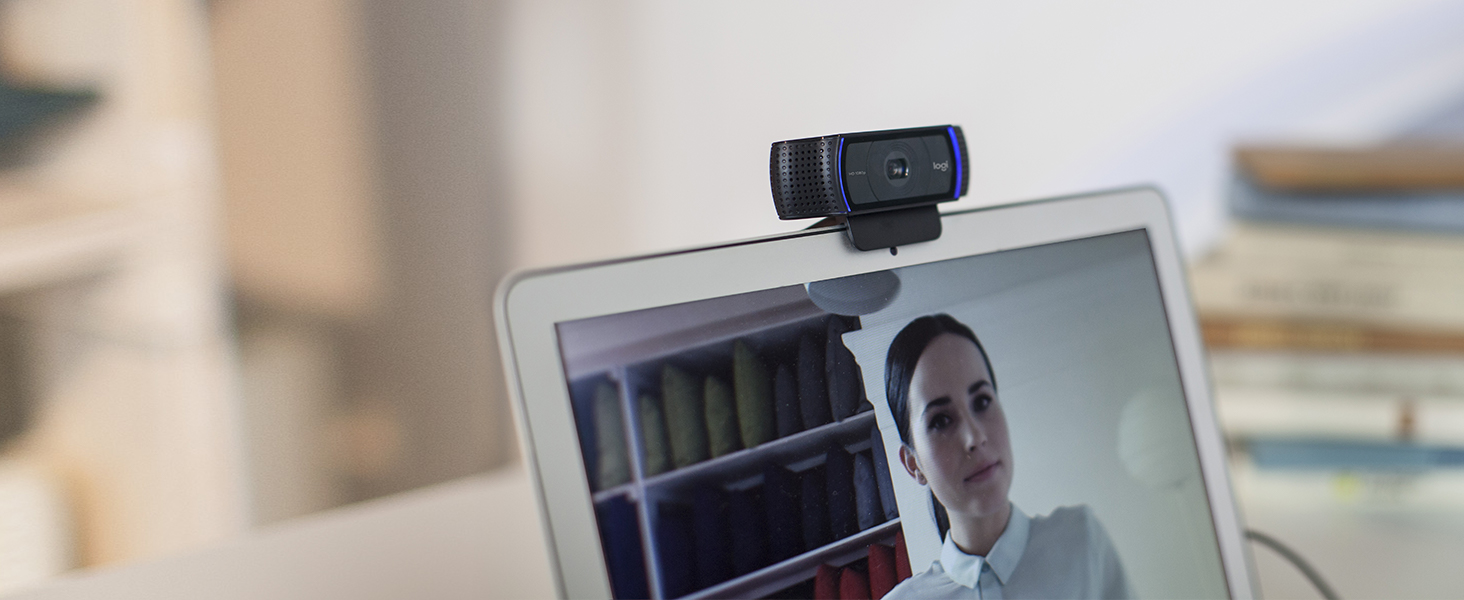
The Logitech C920x HD Pro Webcam delivers professional-grade 1080p video at 30fps with advanced autofocus and HD light correction, ensuring crystal-clear visuals in any environment. Equipped with dual stereo microphones, it captures natural, high-quality audio perfect for video conferencing, streaming, and content creation. Compatible with major platforms including Microsoft Teams, Zoom, Google Meet, Mac, Windows 11, and Nintendo Switch 2’s GameChat mode, it also includes a 3-month XSplit VCam license for effortless background customization. A top-ranked, reliable webcam designed for the modern professional.
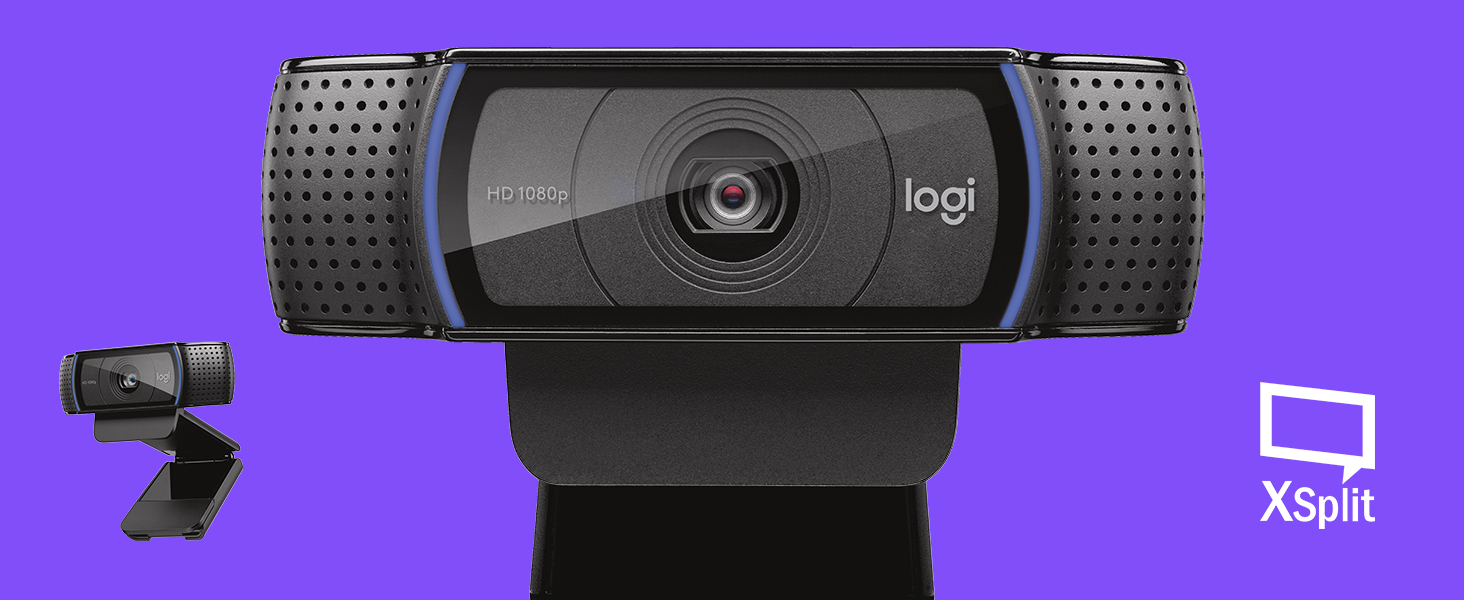
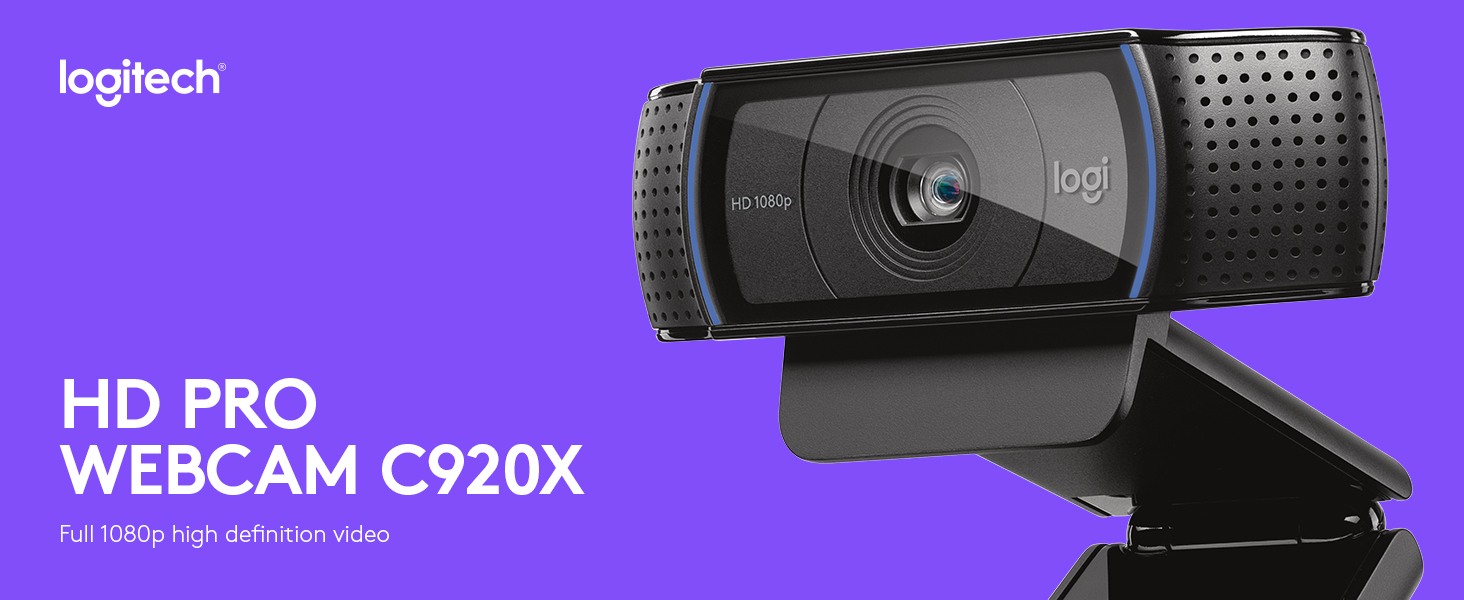

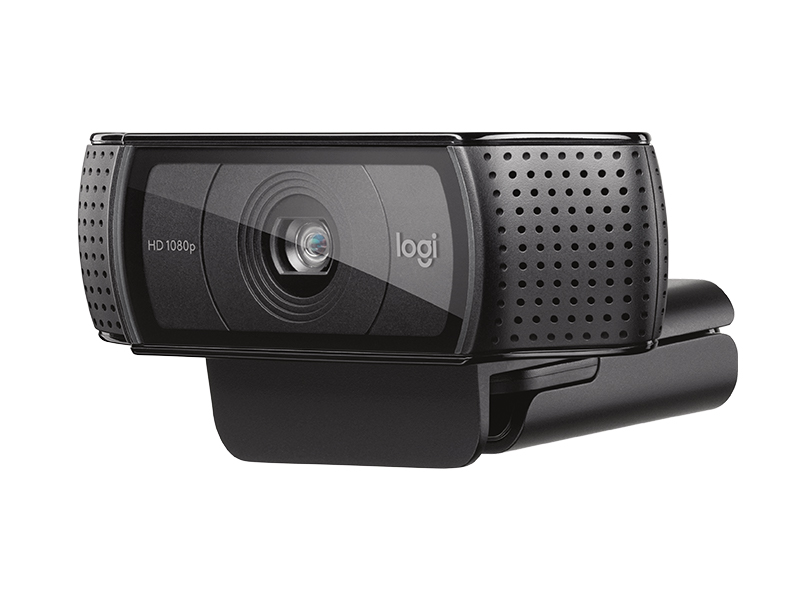



| ASIN | B085TFF7M1 |
| Batteries | 1 Nonstandard Battery batteries required. |
| Best Sellers Rank | #3 in Webcams |
| Customer Reviews | 4.6 4.6 out of 5 stars (21,493) |
| Date First Available | March 31, 2020 |
| Item Weight | 5.7 ounces |
| Item model number | 960-001335 |
| Manufacturer | Logitech |
| Product Dimensions | 2.8 x 1.7 x 3.7 inches |
S**Y
Brightness is good and best adjustability
The video quality on this webcam is fantastic. The 1080p resolution is sharp and clear, and the autofocus works seamlessly during video calls. I use it for meetings and recordings, and the image looks professional even in moderate lighting. The built-in microphones capture sound clearly without distortion. Setup was plug-and-play with no issues at all. It feels sturdy and well-built, and the adjustable clip fits securely on my monitor. Overall, this is a reliable and high-quality webcam that delivers excellent performance.
K**S
Good Product
Works well Easy install Good image and sound
C**T
A great camera that's plug-and-play
It has been a long time since I had a piece of hardware that was absolutely plug-and-play. I set the camera on top of my laptop -- no need to attach it since I frequently use the laptop without a camera. When I plugged in the camera's USB and opened a zoom meeting, the new camera showed up instantly as an option. No need to install drivers or anything. The picture was very sharp, even in a dark office that just had a lamp. I absolutely love this little camera. And, with the Logitech brand, it was well worth the price.
C**R
Solid performance, average low-light quality
The Logitech C920x is a reliable webcam that delivers solid 1080p video quality for everyday use. Image clarity is good, colors look natural, and autofocus works well for video calls, streaming, and basic recording. Setup is straightforward and it works immediately with most conferencing and streaming software. The built-in microphones are usable for casual calls and pick up voices clearly in a quiet room. One downside is that performance in low-light conditions isn’t great. Without good lighting, the image can become grainy and lose detail, and the autofocus may hunt a bit. The microphones are also average at best and won’t replace a dedicated mic. Overall, it’s a dependable webcam that does what it’s known for, but proper lighting makes a big difference.
J**L
Great little webcam
Great image quality and very functional for low cost. Colors are bright and it was easy to install on a windows PC.
R**N
Good quality, solid webcam
Fist ever desktop webcam. Use every week and works great. I take a weird pride in knowing I have the best web cam quality out of anyone. If you get the software I reccomended disabling the autofocus. It's tries it's best I find that it unfocused to often
M**A
Love and still have!
Pretty true to size and look of the picture it’s designed really nice good quality, good punctuality in fact we’ve had it for more than a few years now and it still works pictures clear easy to work nice design very lightweight and bright. I feel like I has a very clear so it streamed a very good quality video. A very compact and easy to put on top of your monitor and move around. Doesn’t take up hardly any space almost doesn’t even notice that it’s there.
D**A
Plug and play!
Quite literally plug and play on a Windows PC. Plug it into a USB connector, start the built-in Windows camera app, and installation is done. You may have to switch the app to the "rear" camera. Quality and resolution fulfills my needs perfectly.
ترست بايلوت
منذ أسبوع
منذ 3 أسابيع