We remain fully operational. Our teams are working around the clock to ensure your deliveries continue safely.

قم بتنزيل التطبيق


معلومات عنا
حقوق الطبع والنشر © 2024 Desertcart Holdings Limited
قم بتنزيل التطبيق
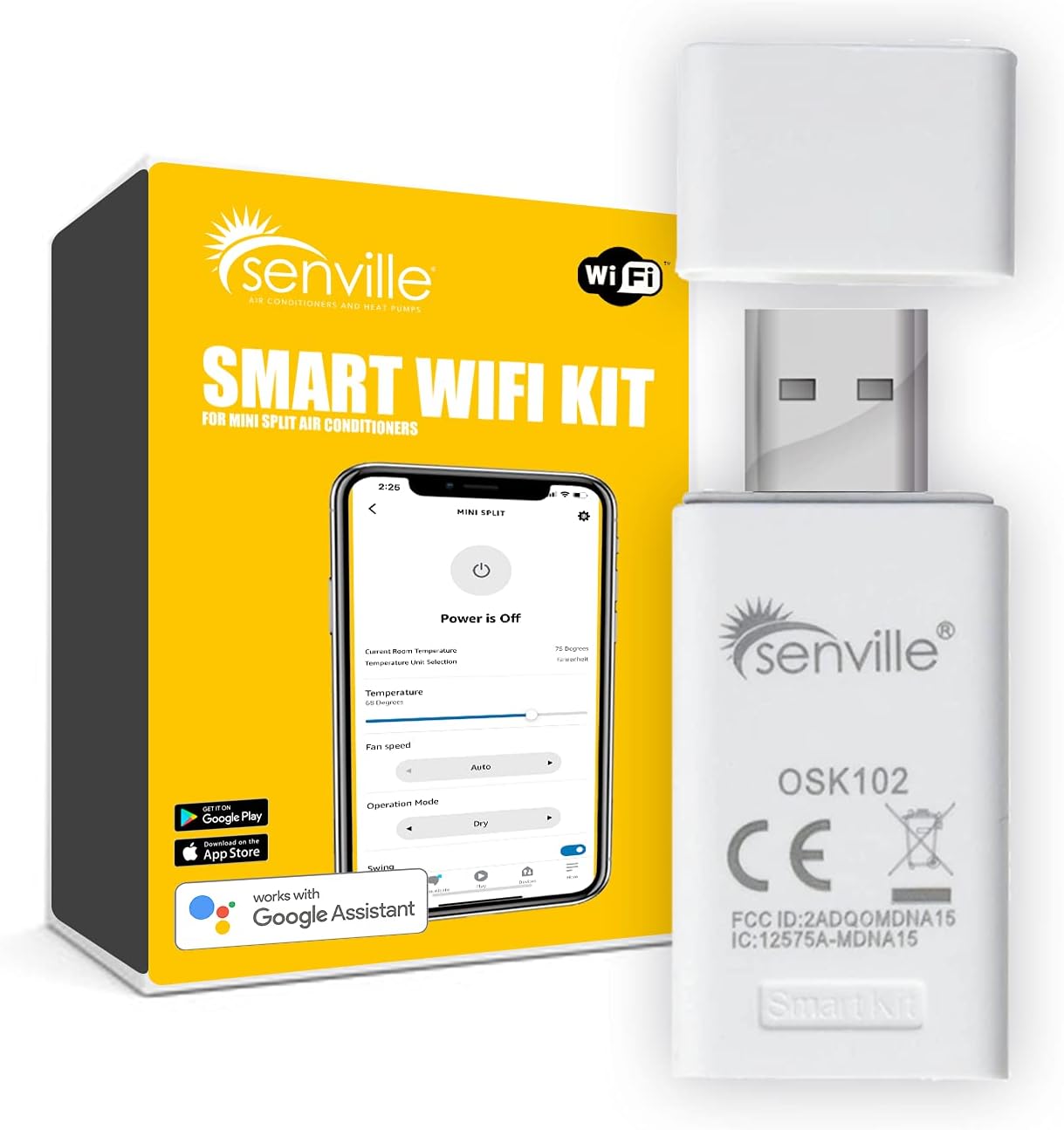
🌟 Elevate Your Comfort Game!
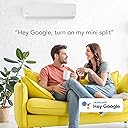
The Senville Smart WiFi Kit USB allows you to control your Senville mini split air conditioner from anywhere using your smartphone or tablet. With seamless compatibility, an easy-to-use mobile app, and advanced programming features, this device ensures optimal climate control and energy efficiency with minimal effort.
| ASIN | B07QJ6WP72 |
| Best Sellers Rank | #1,780,821 in Home & Kitchen ( See Top 100 in Home & Kitchen ) #3,952 in Accessories (Home & Kitchen) |
| Brand | Senville |
| Color | White |
| Compatible Devices | Desktop, Laptop |
| Compatible Operating System Family | Android |
| Customer Reviews | 4.2 4.2 out of 5 stars (127) |
| Data Link Protocol | USB |
| Hardware Interface | USB |
| Manufacturer | Senville |
| Minimum Required Operating System Version | Android 11.0, iOS 14 |
| Smart Home Compatibility | Smart Home Compatible |
| Unit Count | 1.0 Count |
B**T
Better than expected!
I purchased several of these ductless systems for an Addition this past year, I happen to be a licensed HVAC technician so I did wind up installing both of them myself. As far as the systems are concerned, if you’re here reading this then I’m assuming you’ve already passed the stage of installation, so to the point. I was a little hesitant based on the reviews kind of being all over the place, but for my case having plumbing running in a structure that I’m not sleeping in Led to this being a necessity for me as I didn’t want to walk in one day, pipes bursted because the heat stopped working. So I started with one. The setup couldn’t be more easier… Download the app, create your account which this is where it seems people get weird. Everyone gets so worried about safety concerns or being hacked yada yada… yeah I hear you. I hope it never happens to you but come on, this is the world we live in nowadays.. yes you have to share a couple of details about yourself, you have to connect it to your wifi…. It’s simple and if that bothers to begin with then you don’t buy it, and for the love of god don’t get on here and leave a bad review because you are personally scared, instead of the product, instead just stick with the remote that comes with the product. Anyways, once mine was connected to the app, I have had absolutely zero connectivity issues, zero glitches, it has been 100% reliable on my phone iOS 13 pro max so far, and I just ordered the second one for the upstairs unit… if it’s as perfect as this one then this is where I’ll leave it. If by chance I do wind up having issues in any form or fashion related to this USB wifi module I will surely update this review. But to end it. It would’ve been awesome if the feature was just built in to the units but hey At least they prepped for it and you have the option unlike others…. It’s worth it, great product, great app!
H**E
Great add on, adds scheduling and remote access
Worked great with my two Senville mini split 9000 BTU units I had zero issues with pairing in fact it was pretty easy. I find the app to be fairly straightforward. I wish there was some kind of compatibility with Alexa or HomeKit but it is what it is. There is a really cool feature in advance settings to see all of the diagnostics of your system and it’s pretty neat because you can actually do have checks against it which are very nice especially for new install.
B**N
Works great once installed.
So, this dohickey works great once it's installed and configured. Installing it is super easy. Configuring it is annoying. Since then, it's worked great for remote control of our mini-splits. But, it's kind of the only choice once the units are installed. Use this, or don't get the remote functionality.
J**Y
Recommend for Senville mini split
Once I found where the usb plugged into my floor mounted unit it was so simple to setup. So far no issues with the app like other people has talked about in the reviews
A**R
Not worth the trouble
Ordered this because I thought it would be neat to control my garage mini-split (also Senville) using my phone. Installation was not smooth. It appeared to hang up on the last step. Figuring I must need to start over, I backed out of the setup only to find it actually completed. I played with the options using my phone for several minutes before returning the unit to auto. Several hours later, I opened the app only to find "device offline". There doesn't appear to be an easy way to fix that; checking online, seems to be a major recurring problem with this piece of junk. I tried to "delete" the mini-split from the app and set it up again; now all of a sudden I can't connect to the wifi adapter--it's visible, but won't let me connect to complete the setup. Maybe someday they'll work out the bugs, but I'm not holding my breath.
C**S
Remote access - 5 Stars
To qualify - I have the mini split in a weekend house and wanted to remotely cool or heat it before returning on Friday and make sure it's off on Monday. My travel schedule is sporatic at best so I do not use the scheduling part of the app but access has been solid, always connects remotely and I can see what the actual interior and outside temps are. Really helped lower the usage of the appliance as well as save energy. I dig it.
M**.
Must have addition to your AC
Great addition, works perfectly. Gives you many additional options like scheduling, running health checks and of course controlling your AC from anywhere in the world. Love the features and strongly recommend it!
E**.
App needs permission for everything!
This is VERY IMPORTANT! Make sure that the application has full permission to use your phone. Otherwise it will not work. It took me two days to get the app running. Make sure this app can call your mom if it wants to because otherwise it will not work. Other then that. it was a easy plug and play. The app is the harder thing to set up.
H**S
Install was very easy. Plug into empty usb plug in house unit. Works fine with all functions and gives you wifi access from anywhere. Has more capabilities than the remote that came with it. You will need one for each unit of the mini-split. A LOT less than the supplier wanted.
M**O
I hated spending more money, and was even tempted to build my own ESP interface. But, I decided this might save me the time. Watch a video, the instructions will get you lost quickly. Once online, its pretty solid, and you will not have to program it again, even if power is dropped. So, The software gives you more options, and scheduling as well on your phone. Works pretty slick. One day, I was waiting in an office, and logged into the program, it showed me status. Oh, I had to try it, and it worked to change settings. Very cool. Its a nice setup with this wifi interface. Next time, I would buy this in a heart beat! A must have.
F**O
I followed the instructions to the letter and I was able to control my Senville ac from the Senville app, so the next step was to control it with alexa and Google home (I have both), with the first I couldn't find the "senville skill" anywhere so no luck, with Google home, the service does exist. I called senville support and they told me that this USB stick only worked with Google home, that if I wanted to use my AC with Alexa, I needed to buy a new one that had Alexa support (WTF!!). I consider myself a stuborn person and I didn't wanted to buy another device, so I did my research on the web and found that the company "Midea" is in fact the one that manufactures the Senville products and many more brands, so I downloaded the Midea app (on Google play but with Apple should either work) and I reconfigured the USB stick, It paired perfectly and I was able to control my AC with that app, then next step was to delete the Senville app from my cell and also from Google Home (unlink service) and then I added the "Midea skill" to alexa and the Midea service to Google Home, and now I am able to control my AC with voice and set smart routines. In fact it seems to me that there are more functionalities with the Midea app on my cell phone that with senville original app.
R**7
JUst installed my 12000 BTU heat pump .. in came with the Alexa /Google Home doggle . I wanted the wi-fi option .. it was easy to set up on the app ..and works awesome NOTE you need 2.4 g not 5 g internet .
A**A
Does not instal on all models as stated, be aware
ترست بايلوت
منذ 3 أيام
منذ أسبوعين